

Microsoft Entra ID
Connect Microsoft Entra ID, approve read-only access, and verify that the first sync collected evidence.
Microsoft Entra ID connects your Microsoft directory to Noru. It collects member users, groups, directory roles, authentication settings, application registrations, the third-party applications your organization uses, recent sign-ins when licensed, and Intune-managed devices.
Before you connect
- Ask your Microsoft administrator to approve Noru's read-only access for your organization. The account used to connect must also be allowed to read the directory and security data; permission to grant consent alone is not enough.
- For authentication-method reads, Microsoft lists Global Reader, Authentication Administrator, and Privileged Authentication Administrator as supported roles. Other collected data can require additional roles. See Microsoft's authentication-method permissions.
- Sign-in activity and sign-in logs require Entra ID P1 or P2. Managed devices require Intune and enrolled devices.
- Allow popups for Noru.
Use the connection dialog below. You do not need to create an app registration, client secret, redirect URI, or Azure setup script for Noru's OAuth connection.
Connect and verify
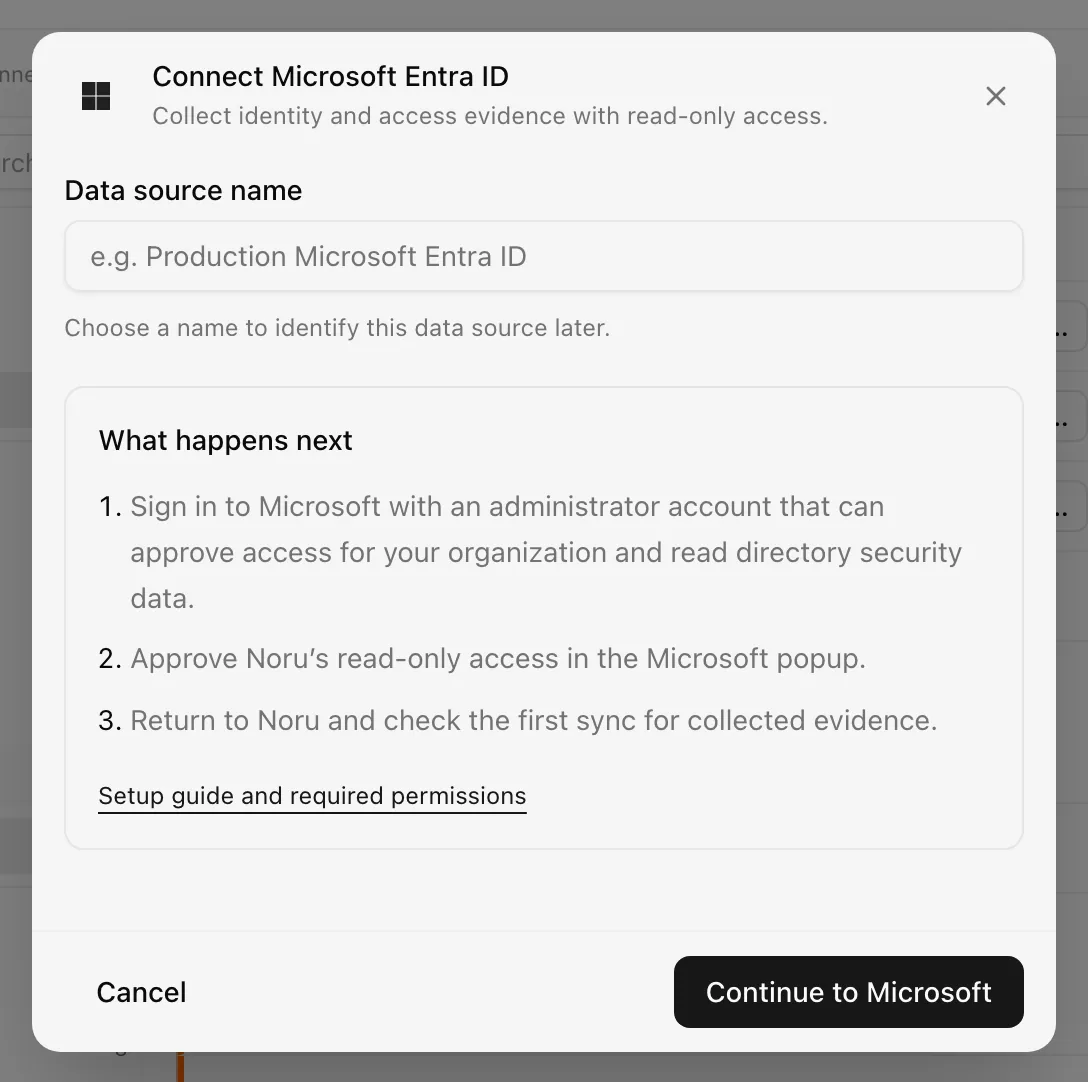
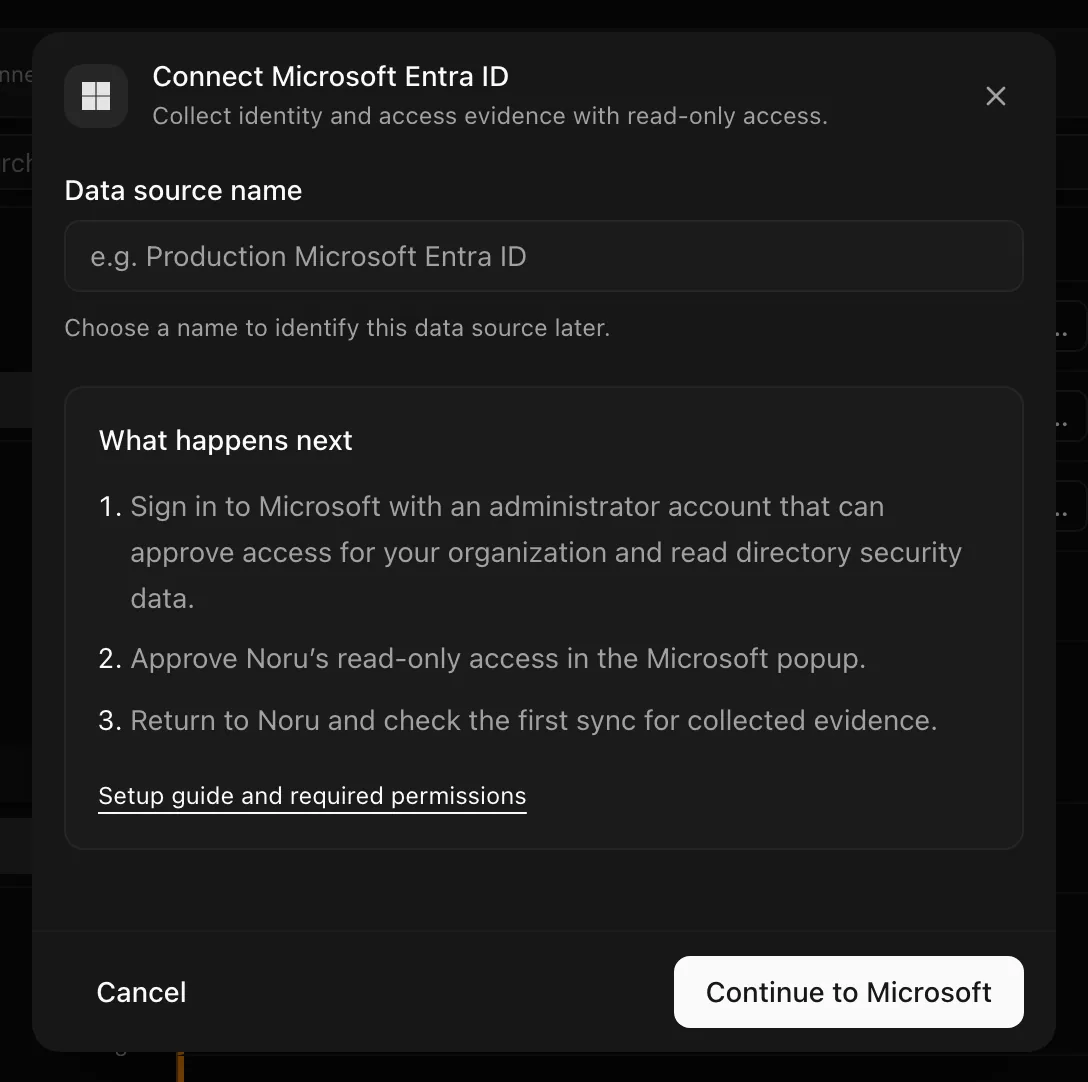
Choose your own Data source name. The example text is a placeholder, not a saved value. See Naming and using connection dialogs for naming, scrolling, and closing behavior.
Authorization is not evidence collection. Completing the popup authorizes access. Evidence is available only after a successful sync. If the source shows an error or has no evidence, check the latest sync result before reconnecting.
If evidence is missing
| What you see | What to do |
|---|---|
| First sync is queued or running | Wait for it to finish, then check its result and evidence |
| Access expired or consent was revoked | Reauthenticate the source and approve the requested access |
| Permission denied during sync | Ask your Microsoft administrator to check both tenant-wide consent and the connecting account's directory roles. Reauthenticate after access is corrected |
| Sync failed for another reason | Retry the sync. If it fails again, contact Noru support with the source name and sync time |
| Sync succeeded, but no devices appear | Check that your tenant uses Intune and has enrolled devices |
| A guest account is missing | This connector collects Member users only |
| A connected app says "Reconnect Microsoft Entra ID to see app grants" | The source was connected before Noru read app grants. Reauthenticate it and approve the requested access to see which users allowed each app |
| Microsoft popup does not open | Allow popups for Noru and try again |
A permission error does not always mean consent is missing. Account roles and Microsoft licensing can also restrict individual reads.
What appears in Noru
- People: member identities, account status, department, job title, groups, and registered MFA methods. Password-only accounts are not marked as having MFA. Registered methods do not prove that every sign-in requires MFA. If authentication methods cannot be read, Noru does not overwrite an existing MFA status with a false value.
- Evidence: identity and access management, groups, privileged access, authentication settings, application registrations, sign-in monitoring, and a tenant configuration summary, mapped to relevant controls.
- Assets: Intune-managed devices when available.
- Suppliers: each third-party enterprise application becomes a discovered supplier to accept or set aside. Its Connected apps section shows the users who allowed it, its permissions, when it was last used, and a link to revoke it in the Microsoft Entra admin center.
- Security findings: checks based on the authentication evidence collected. Missing data is not proof that a security setting is disabled.
Noru does not read mailbox, OneDrive, SharePoint, or Teams content through this connector, and never writes to Entra ID. It does not collect guest users. Microsoft's own applications are not listed as suppliers. Use the separate Microsoft Azure connector for Azure infrastructure and Microsoft SharePoint and OneDrive for files.
Requested permissions
- Authentication
- OAuth
- Categories
- Identity, Security
- Sync cadence
- Daily by default (hourly, weekly, or monthly on request)
- Requested access
https://graph.microsoft.com/User.Readhttps://graph.microsoft.com/User.Read.Allhttps://graph.microsoft.com/ProfilePhoto.Read.Allhttps://graph.microsoft.com/Group.Read.Allhttps://graph.microsoft.com/RoleManagement.Read.Directoryhttps://graph.microsoft.com/Policy.Read.Allhttps://graph.microsoft.com/Policy.Read.ConditionalAccesshttps://graph.microsoft.com/AuditLog.Read.Allhttps://graph.microsoft.com/Application.Read.Allhttps://graph.microsoft.com/DelegatedPermissionGrant.Read.Allhttps://graph.microsoft.com/UserAuthenticationMethod.Read.Allhttps://graph.microsoft.com/DeviceManagementManagedDevices.Read.Alloffline_accessopenidprofile
These delegated permissions allow read-only collection. Microsoft also checks the signed-in account's roles. The standard OpenID Connect and offline-access permissions support sign-in and token renewal.
Related
Last updated on
Microsoft Azure
Connect Microsoft Azure: the Cloud Shell setup script, federated workload identity with Reader and Security Reader, what Noru reads from ARM, and the legacy secret path.
Microsoft SharePoint and OneDrive
Connect Microsoft SharePoint and OneDrive: delegated Graph scopes, the site and library you choose, the file metadata Noru reads, and the reach of Files.Read.All.