

Vercel
Connect Vercel: the Marketplace install flow, the team, project, deployment, environment variable, and domain data Noru collects, and how domains reach certificate monitoring.
- Authentication
- OAuth
- Categories
- Infrastructure, Security
- Sync cadence
- Daily by default (hourly, weekly, or monthly on request)
- Requested access
userteamprojectdeployment
Vercel supplies deployment and infrastructure evidence. Noru installs as a Vercel Marketplace integration on a team, reads projects, recent deployments, checks, environment variable metadata, and domains, and hands the domains to certificate monitoring.
What Noru collects
All flags default to on.
| Object | Source call | What it feeds |
|---|---|---|
| User and team | Vercel user and team endpoints, team members and roles | IAM and access evidence |
| Projects | Team projects | Assets, project configuration evidence |
| Deployments | The 20 most recent per project | Change-management and release evidence |
| Deployment checks | For the 5 most recent deployments per project | Release-gate evidence |
| Environment variables | Per project: key, type, targets, created and updated. Values are not stored | Configuration evidence |
| Project and team domains | Domain endpoints | Certificate monitoring |
What Noru does not collect
- Environment variable values. The Vercel API returns the value; Noru discards it and keeps the metadata only.
- Source code, build logs, or function logs.
- Deployments beyond the 20 most recent per project.
- Noru never deploys, redeploys, or changes settings.
Before you connect
- A Vercel account that can install integrations on the team. On Hobby and Pro that is the owner; on Enterprise, an owner or a member with integration rights.
- A decision on which team and projects to expose. The Marketplace install screen lets you pick the team and either all projects or a subset.
- Popups allowed for the app domain.
Connect
/data-sources and click Connect data source.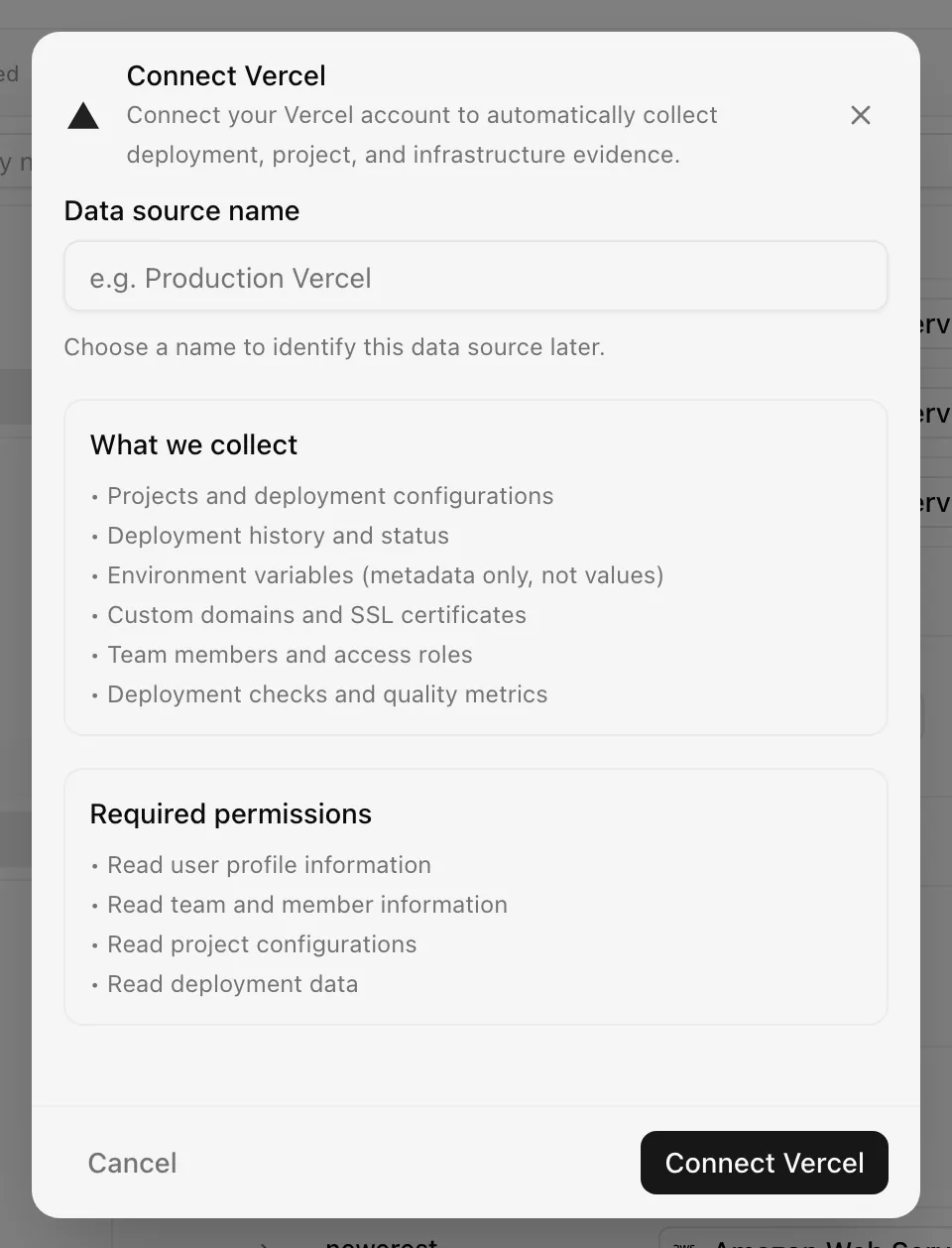
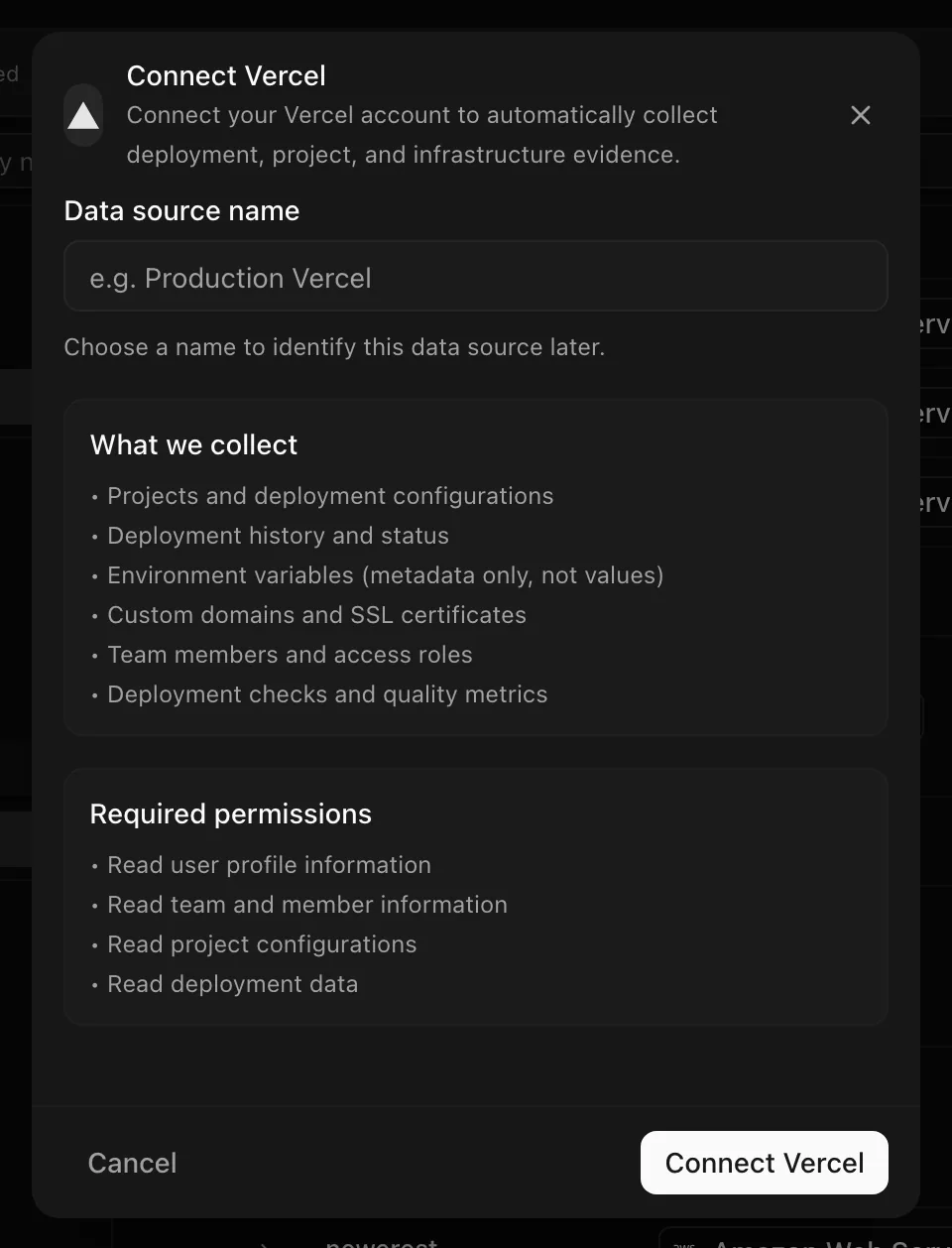
Choose your own Data source name. The example text is a placeholder, not a saved value. See Naming and using connection dialogs for naming, scrolling, and closing behavior.
Vercel integration tokens do not expire; Noru stores no expiry and does not refresh them. Access ends when you uninstall the integration in Vercel.
After connecting
- Evidence maps to IAM, asset-management, change-management, release-management, secure-development, data-management, configuration-management, network-operations, and cryptography controls.
- Domains are recorded and, after each sync, registered for certificate monitoring, so it watches every Vercel-served hostname without manual entry.
- Findings, where produced, link to assets and risks.
Permissions in detail
| Scope | Why Noru asks | What it could technically allow |
|---|---|---|
user | Identify the installing user | Read the user's profile |
team | Team, members, and roles | Read team membership |
project | Projects, environment variable metadata, project domains | Read project settings, including environment variable values on the API response |
deployment | Deployments and checks | Read deployment metadata |
The Marketplace integration is configured with the four scopes above. Deployment checks come from the checks endpoint, which returns 403 unless the integration also holds write-level checks permission; Noru does not hold it, so a 403 there is expected and logged, not an error.
The project scope returns environment variable values on the API. Noru
discards them before writing evidence, but the token itself can read them.
Scope the install to the projects you want in evidence.
Troubleshooting
| Symptom | Cause and fix |
|---|---|
| Wrong team's projects appear | The install was made on another team. Uninstall in Vercel, reconnect, and pick the right team |
| 403 on deployment checks in the sync log | Expected without checks permission. Deployments still sync |
| "Project not found" when reading environment variables | The project is outside the installed scope; Noru skips it. Extend the install to that project |
| "App ID is invalid" or "Redirect URI mismatch" | Noru-side integration configuration. Contact support |
| Domains are not in certificate monitoring | Domains are registered after the sync completes; check the sync finished without error |
| Access stopped without a token error | The integration was uninstalled in Vercel. Reconnect |
Related
Last updated on