

Confluence
Connect Confluence: authentication, permissions, what Noru collects, and troubleshooting.
- Authentication
- OAuth
- Categories
- Productivity
- Sync cadence
- Daily by default (hourly, weekly, or monthly on request)
- Requested access
read:page:confluenceread:space:confluenceread:meoffline_access
Noru connects to one Confluence Cloud site with OAuth as the authorizing user. The connector exists to index pages so you can import them as policies; it does not map evidence to controls and does not produce findings.
What Noru collects
| Evidence type | Evidence | Read from |
|---|---|---|
| Inventory | Confluence Knowledge Base | Spaces and page counts |
| Document | One row per current page, named with the title and space key | Page metadata: id, title, space, status, version, dates |
Noru also keeps the page index with the connection so the Import policy picker can list pages without another call to Confluence. The connecting user, read from the identity endpoint, becomes a personnel identity.
Page bodies are read only when you import a page: the import fetches the page in Atlassian document format, converts it into Noru's policy editor format (keeping only an allowlist of formatting), records a checksum, and reports "Policy imported from Confluence" or "Policy already in sync" on re-import.
What Noru does not collect
- Page bodies during a sync. Only metadata is indexed.
- Attachments, comments, blog posts, drafts, or archived pages.
- Page authors as personnel. Although the dialog mentions linking page authors, only the connecting user is linked today.
- Controls. Confluence evidence is not mapped to controls by design; imported policies flow through the policy workflow instead.
Page restrictions are enforced by Atlassian for the authorizing user: Noru sees what that user can open, nothing more.
Before you connect
- An Atlassian account with access to the site and spaces you want indexed.
- Popups allowed for the Noru app origin.
- Admin or editor role in Noru.
Connect
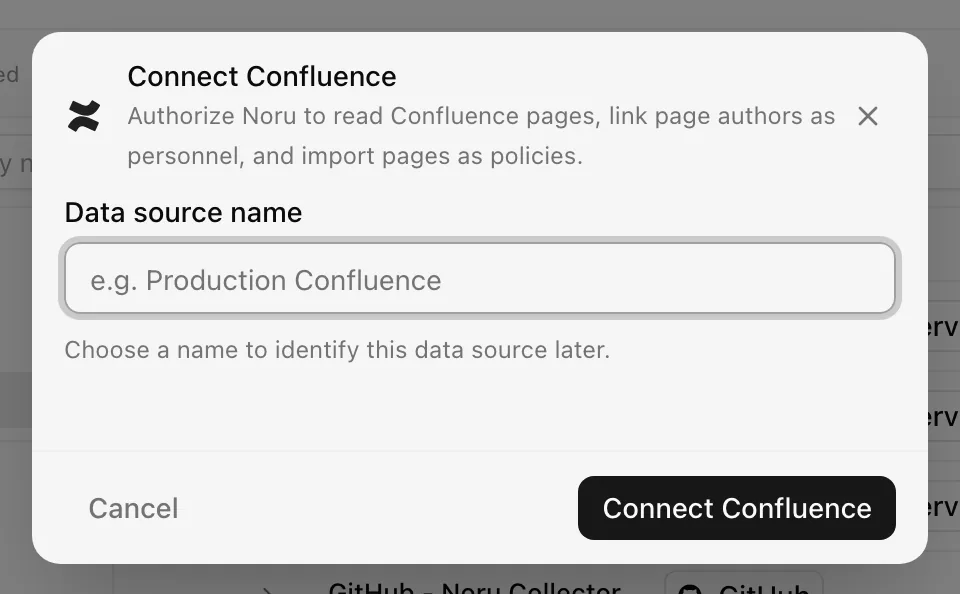
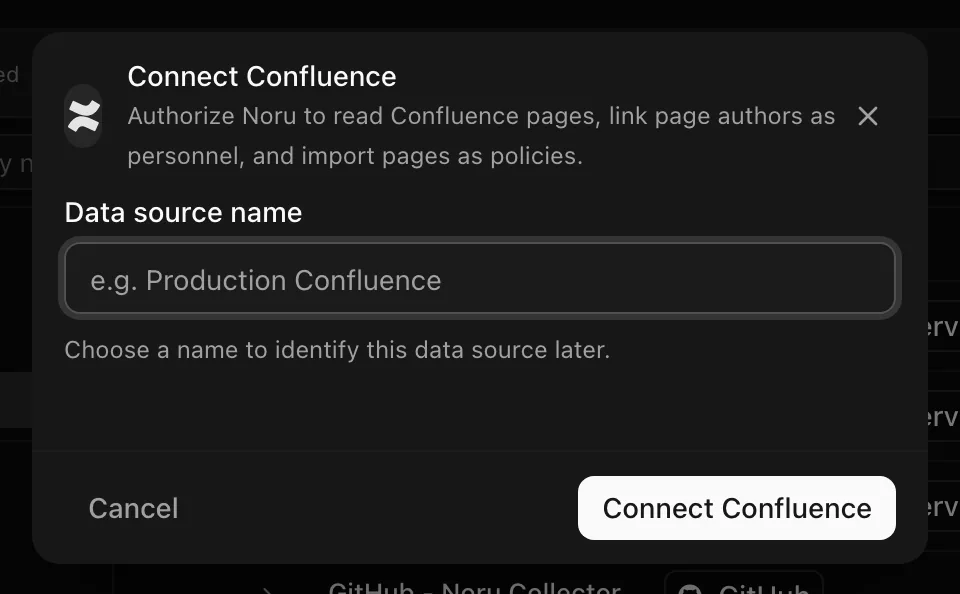
Choose your own Data source name. The example text is a placeholder, not a saved value. See Naming and using connection dialogs for naming, scrolling, and closing behavior.
The connection syncs daily; change the frequency in the detail drawer. If your account can reach several sites, only the first one is indexed; connect again from a user whose first site is the one you want.
After connecting
Open Policies, create a policy, and choose "Pick an integration and a page to import". Select the Confluence connection and a page, then click Import policy. Re-importing an unchanged page reports "Policy already in sync".
Permissions in detail
| Scope | Why Noru needs it | What it could technically allow |
|---|---|---|
read:me | Identify the connecting user | Read the user's Atlassian profile |
read:space:confluence | List spaces | Read every space the user can see |
read:page:confluence | List pages and fetch a page on import | Read the body of any page the user can open |
offline_access | Refresh token | Keep access without re-consent until revoked |
Atlassian's consent screen is forced (prompt=consent) on every connect. Noru
stores the access and refresh tokens encrypted at rest and refreshes the
access token on every sync.
Troubleshooting
- "No Confluence sites accessible with this authorization": the account has no Confluence product on any site.
- "Confluence authorization was denied": the consent screen was cancelled.
- "OAuth flow timed out. Please try again." or "Failed to open OAuth popup. Please allow popups for this site."
- "Confluence OAuth token not found for this integration": the stored token is missing; delete and reconnect.
- Revoked access shows as Error and is retried automatically; Confluence does not distinguish a revoked grant from other failures.
Related
Last updated on