

Google Workspace
Connect Google Workspace: admin-only OAuth, directory and group sync, connected-app discovery, and the scopes that are broader than read-only.
- Authentication
- OAuth
- Categories
- Identity, Security
- Sync cadence
- Daily by default (hourly, weekly, or monthly on request)
- Requested access
https://www.googleapis.com/auth/admin.directory.user.readonlyhttps://www.googleapis.com/auth/admin.directory.group.readonlyhttps://www.googleapis.com/auth/admin.directory.orgunit.readonlyhttps://www.googleapis.com/auth/admin.directory.domain.readonlyhttps://www.googleapis.com/auth/admin.directory.user.securityhttps://www.googleapis.com/auth/admin.reports.audit.readonlyhttps://www.googleapis.com/auth/admin.directory.device.chromeos.readonlyhttps://www.googleapis.com/auth/admin.directory.device.mobile.readonly
Google Workspace is Noru's identity source for Google-run organizations. It
syncs users, groups, and devices into the People directory and assets, and it
is the only connector today that populates Connected apps under
/privacy/grants.
What Noru collects
| Object | Source call | What it feeds |
|---|---|---|
| Users | Directory users.list (full projection): primary email, name, admin flag, 2-Step Verification enrolled and enforced, suspended, archived, org unit path, last login, creation time, global address list flag | People directory, MFA status, access-review evidence |
| Groups and memberships | Directory groups.list and members.list for every group | Group evidence, identity metadata |
| Installed apps | Directory tokens.list per user: client id, display text, scopes, authorizing users | Connected apps, vendor records, SSO links |
| SAML sign-in events | Reports API, applicationName: "saml" | SSO evidence |
| OAuth token events | Reports API, applicationName: "token" | Grant history |
| Domain-wide delegations | Reconstructed from admin audit events AUTHORIZE_API_CLIENT_ACCESS and REMOVE_API_CLIENT_ACCESS | Delegation evidence |
| Mobile and ChromeOS devices | Directory device endpoints | Assets |
Every object above is collected on every sync. The Include toggles shown for this connection currently have no effect.
What Noru does not collect
- Admin, login, or Drive audit logs. The Include Audit Logs option currently has no effect; these logs are not collected.
- Gmail, Drive, or Calendar content.
- Passwords or verification codes.
- Vault retention rules or the Marketplace allowlist.
- Delegations older than six months. Google keeps admin audit events for six months, so the reconstructed delegation list is partial by design.
Before you connect
- A Google Workspace Super Admin or a delegated admin who can list users. Noru checks that the account can list users before saving; if it cannot, the connection is aborted with "This Google account is not a Google Workspace administrator."
- Popups allowed for the app domain.
- If you also use HaileyHR or Microsoft Entra ID, know the precedence for department and role: manual edits win, then HaileyHR, then Entra ID, then Google Workspace.
Connect
/data-sources and click Connect data source.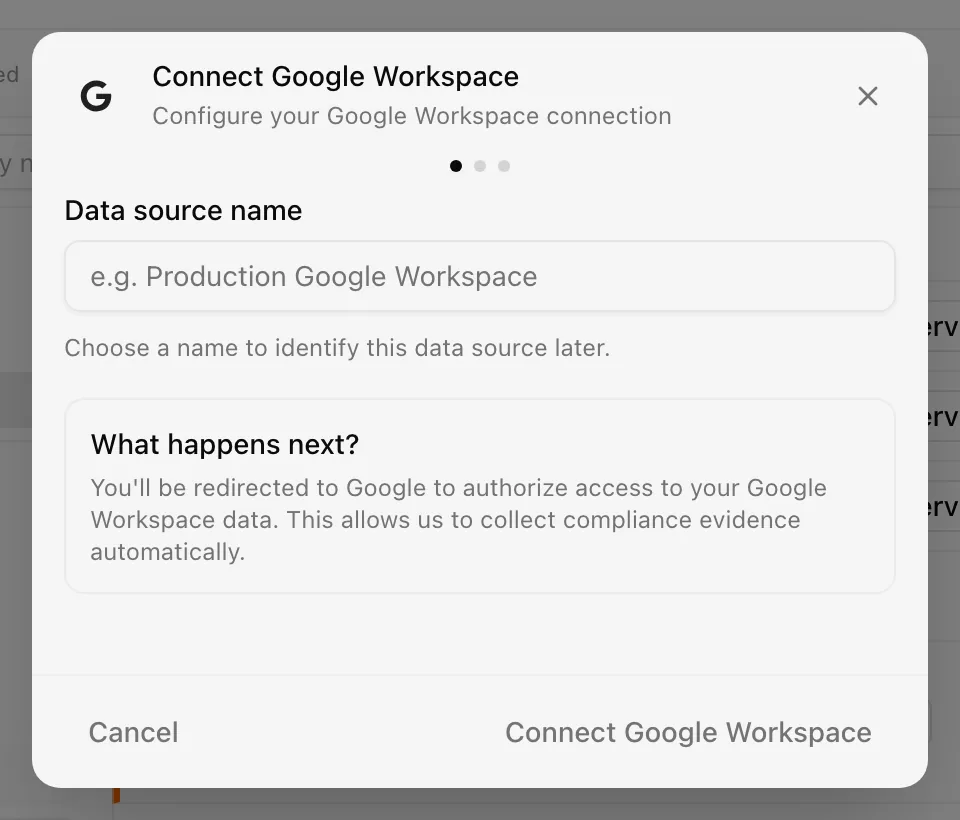
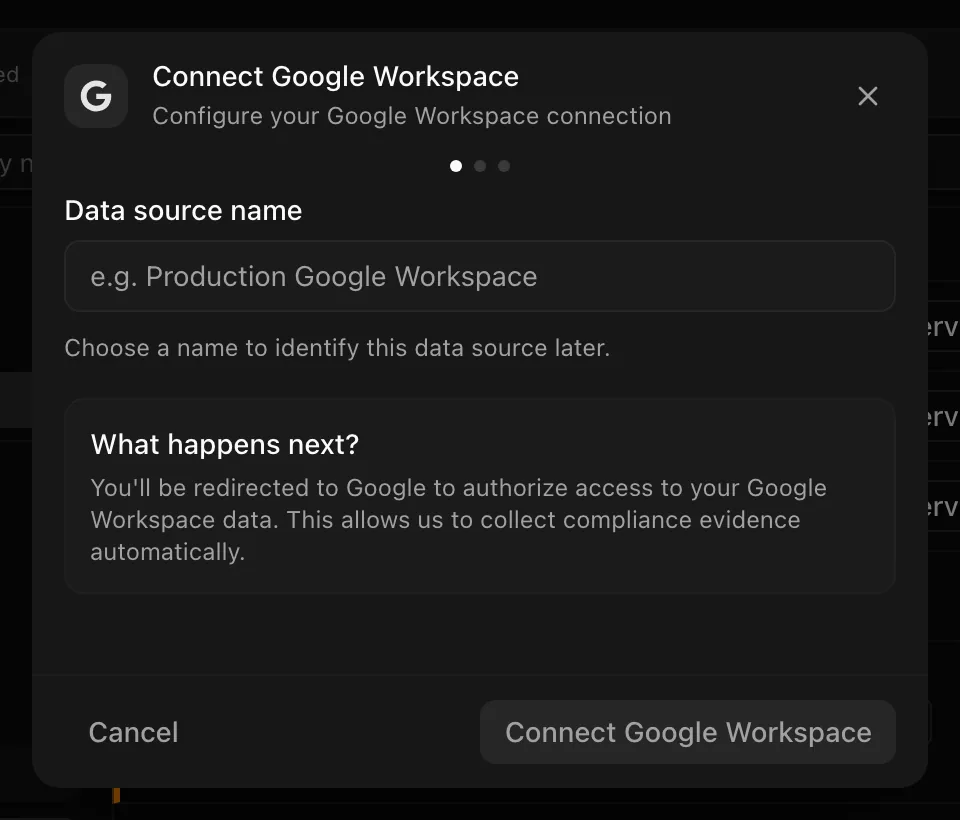
Choose your own Data source name. The example text is a placeholder, not a saved value. See Naming and using connection dialogs for naming, scrolling, and closing behavior.
Noru stores only the OAuth tokens for this connection, encrypted at rest.
After connecting
- People directory rows are created or updated: email, full name, status (suspended or archived becomes inactive), MFA from 2-Step Verification enrollment, department from a custom schema field or the last org unit segment, and identity metadata with org unit path and groups. Google Workspace is an authoritative MFA source.
- Third-party grants from installed apps flow to Connected apps.
- The privacy data map's workforce skeleton refreshes, followed by grant attribution proposals and drift detection.
- Devices become assets; detected apps create vendor records and SSO links.
- Evidence maps to security-governance, access-management, and IAM controls.
Permissions in detail
| Scope | Why Noru asks | What it could technically allow |
|---|---|---|
admin.directory.user.readonly | List users and their security flags | Read all user records |
admin.directory.group.readonly | Groups and memberships | Read all groups |
admin.directory.orgunit.readonly | Org unit paths for department derivation | Read the org unit tree |
admin.directory.domain.readonly | Domain list for the tenant | Read domains and aliases |
admin.directory.user.security | List each user's OAuth tokens (installed apps) | Not read-only. This scope can revoke tokens, app passwords, and verification codes. Noru only calls tokens.list |
admin.reports.audit.readonly | SAML, token, and admin audit events | Read every Reports API audit application. Noru reads admin, saml, and token only |
admin.directory.device.chromeos.readonly | ChromeOS device inventory | Read ChromeOS devices |
admin.directory.device.mobile.readonly | Mobile device inventory | Read mobile devices |
admin.directory.user.security is the one scope in this set that is not
read-only. Google does not offer a read-only variant for listing tokens. Noru
issues only list calls under it, but your consent screen will show "manage"
language for it.
Troubleshooting
| Symptom | Cause and fix |
|---|---|
| "This Google account is not a Google Workspace administrator" | The signed-in user cannot list users. Ask a Super Admin or delegated admin to connect |
| The source shows Disconnected after "insufficient authentication scopes" | Consent was granted for fewer scopes than requested (often the security scope). Reconnect and accept all scopes |
| Popup never appears | Popup blocker. Allow popups for the app and retry |
| A known domain-wide delegation is missing | It was created more than six months ago and is outside audit retention |
| Sync is slow on a large tenant | Every user is read with no cap, and every user also gets a tokens.list call |
Related
Last updated on
Google Drive
Connect Google Drive: file-scoped OAuth, the Picker selection step, what Noru reads about each chosen file, and what it never touches.
HaileyHR
Connect HaileyHR: API-key setup, the employee and company data Noru reads, the schema profile that feeds the privacy data map, and what stays in Hailey.