

Databricks
Connect Databricks: authentication, permissions, what Noru collects, and troubleshooting.
- Authentication
- API key
- Categories
- Infrastructure, Security
- Sync cadence
- Daily by default (hourly, weekly, or monthly on request)
Noru reads one Databricks workspace with a personal access token. Six endpoints are called: SCIM users and groups, clusters, cluster policies, jobs, and the list of secret scopes. The token can be rotated from the detail drawer without reconnecting.
What Noru collects
| Evidence type | Evidence | Read from |
|---|---|---|
| IAM | Databricks Users & Access Control | SCIM users |
| IAM | Databricks Groups (member counts only) | SCIM groups |
| Infrastructure | Databricks Clusters | Cluster list |
| Policy | Databricks Cluster Policies (definitions omitted) | Cluster policy list |
| Audit log | Databricks Jobs (first 200, with whether each has a schedule) | Jobs list |
| Scan result | Databricks Secret Scopes (names and backend type only) | Secret scope list |
SCIM users with an email become personnel identities. Findings are derived: clusters with auto-termination disabled (high), clusters with no policy applied (medium), and users not assigned to any group (low). Evidence maps to IAM controls (users), an asset-management control (clusters), a configuration-management control (policies), a vulnerability-management control (secret scopes), and a security-monitoring control (jobs).
What Noru does not collect
- Secret values or secret keys. Only scope names and their backend type are
read; no
secrets/getorsecrets/listcall is made. - Notebooks, tables, Unity Catalog objects, queries, or job run outputs.
- Cluster policy definitions and group memberships. Only counts and names.
Before you connect
- The workspace URL, over https on a public host.
- A personal access token from User Settings → Developer → Access Tokens. The dialog asks for "read access to users, clusters, jobs, and secrets"; in practice the token needs permission to read SCIM users (required), and CAN_VIEW on clusters and jobs plus permission to list secret scopes for the remaining modules. It does not need permission to read secrets.
- Admin or editor role in Noru.
Connect
dapi).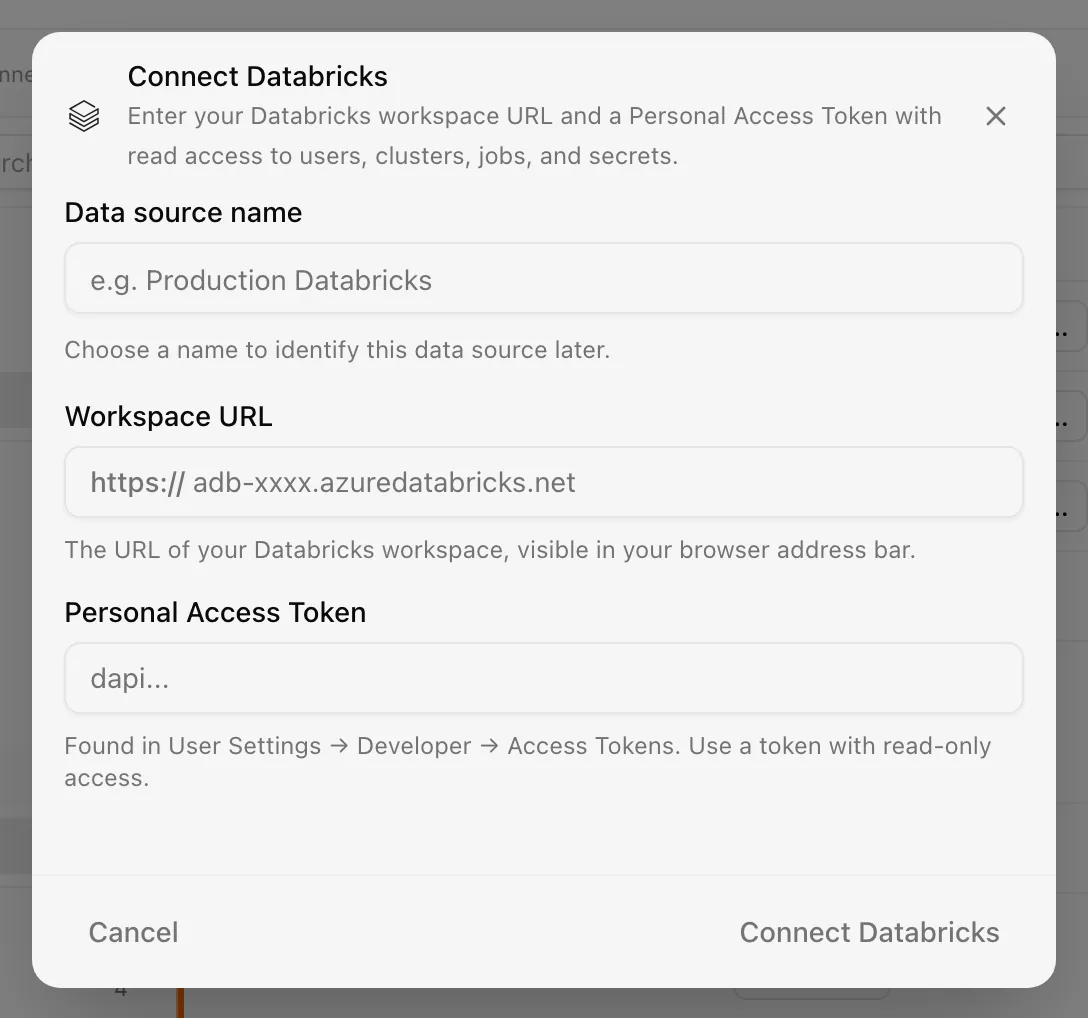
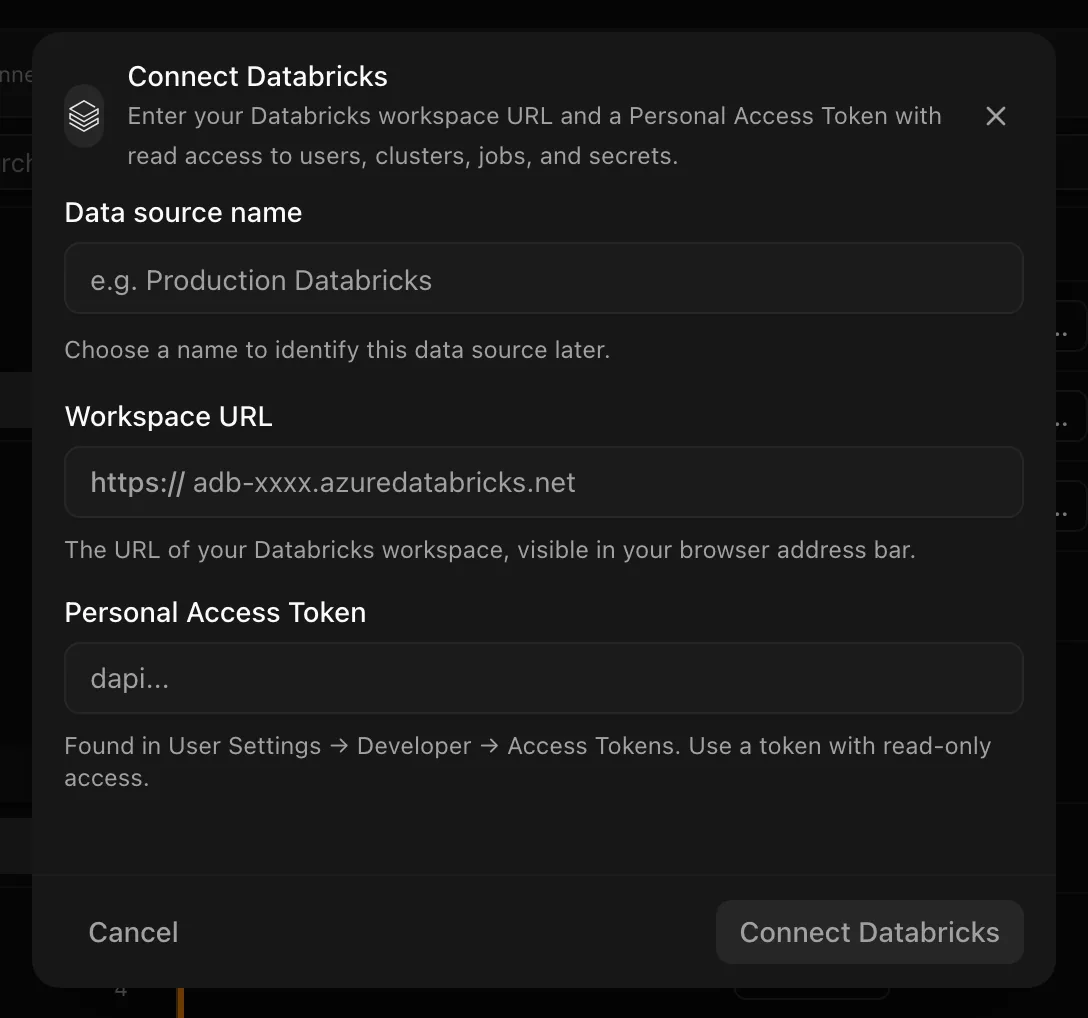
Choose your own Data source name. The example text is a placeholder, not a saved value. See Naming and using connection dialogs for naming, scrolling, and closing behavior.
The connection syncs daily; change the frequency in the detail drawer.
After connecting
To rotate the token, open the detail drawer, find the Access token row under connection settings, and click Rotate token. The Rotate Databricks token dialog validates the new token before saving; "The existing token remains active in Noru if validation fails." Only an empty user list fails a sync. Other modules that return errors are skipped with a warning to "ensure token has CAN_VIEW on clusters/jobs", so a green sync can still be partial.
Permissions in detail
| Endpoint | Why Noru needs it | What it could technically allow |
|---|---|---|
/api/2.0/preview/scim/v2/Users | Users, emails, and active status for IAM evidence and personnel | Read every workspace user profile |
/api/2.0/preview/scim/v2/Groups | Group names and member counts | Read every group and its members |
/api/2.0/clusters/list | Cluster inventory and auto-termination checks | Read cluster configuration, including Spark settings and tags |
/api/2.0/policies/clusters/list | Which clusters have a policy | Read policy definitions |
/api/2.1/jobs/list | Job inventory and schedule presence | Read job definitions, including task parameters |
/api/2.0/secrets/list-scopes | Scope names and backend type | Scope names only; not the secrets inside |
A personal access token inherits the permissions of the user who created it. Create it from a service or read-only user rather than a workspace admin where you can, so the token cannot do more than the reads above.
Troubleshooting
- "The Personal Access Token is invalid or expired. Create a new token in Databricks and try again."
- "The token does not have permission to read workspace users. Grant the required read access and try again."
- "The Databricks workspace could not be found. Check the workspace URL and try again." Also raised when the URL is not https or not a public host.
- "Noru could not connect to the Databricks workspace. Check the workspace URL and token, then try again."
- "No users collected — verify SCIM API access is granted for this token" in Sync history means the token lost SCIM read access after connecting.
- An expired token shows as Error and is retried automatically; rotate it from the drawer.
Related
Last updated on