

Datadog
Connect Datadog: authentication, permissions, what Noru collects, and troubleshooting.
- Authentication
- API key
- Categories
- Security, Infrastructure
- Sync cadence
- Daily by default (hourly, weekly, or monthly on request)
- Requested access
users_readsecurity_monitoring_signals_readsecurity_monitoring_rules_readmonitors_readinfrastructure_readaudit_logs_read
Noru reads one Datadog organization with an API key and an application key. Six endpoints are called. The dialog lists four scopes; Noru needs six, and this page uses the full list.
What Noru collects
| Evidence type | Evidence | Read from |
|---|---|---|
| IAM | Datadog Users & Access Control | Users |
| Scan result | Datadog Security Signals (up to 100, open, last 30 days) | Security signal search |
| Scan result | Datadog CSM Posture Findings (up to 100, open) | Posture management findings |
| Policy | Datadog Monitors (up to 200) | Monitors |
| Infrastructure | Datadog Host Inventory (up to 200) | Hosts |
| Audit log | Datadog Audit Events (up to 200, last 7 days) | Audit events |
Users with an email become personnel identities (disabled users inactive). No assets are created. Findings are created for critical and high security signals, critical and high CSM findings in a fail state, users without MFA (high), monitors that are alerting (medium), and monitors with no data (low). Medium and low signals never become findings. Evidence maps to IAM controls (users and audit events), vulnerability-management and incident-response controls (signals, findings, and monitors), an asset-management control (hosts), and a security-monitoring control (audit events).
What Noru does not collect
- Logs, metrics, dashboards, APM, RUM, or SLOs.
- Signal message bodies and monitor queries. Both are dropped before storage.
- Anything from a site other than the one you select.
Data residency
The Datadog site select determines which regional endpoint Noru calls. An unrecognised site value falls back to US1, so confirm the selection matches where your organization lives.
Before you connect
- An API key from Organization Settings → API Keys.
- An application key from Organization Settings → Application Keys, scoped
to
users_read,security_monitoring_signals_read,security_monitoring_rules_read,monitors_read,infrastructure_read, andaudit_logs_read. - Admin or editor role in Noru.
Connect
users_read, security_monitoring_signals_read, monitors_read, infrastructure_read; add security_monitoring_rules_read and audit_logs_read as well.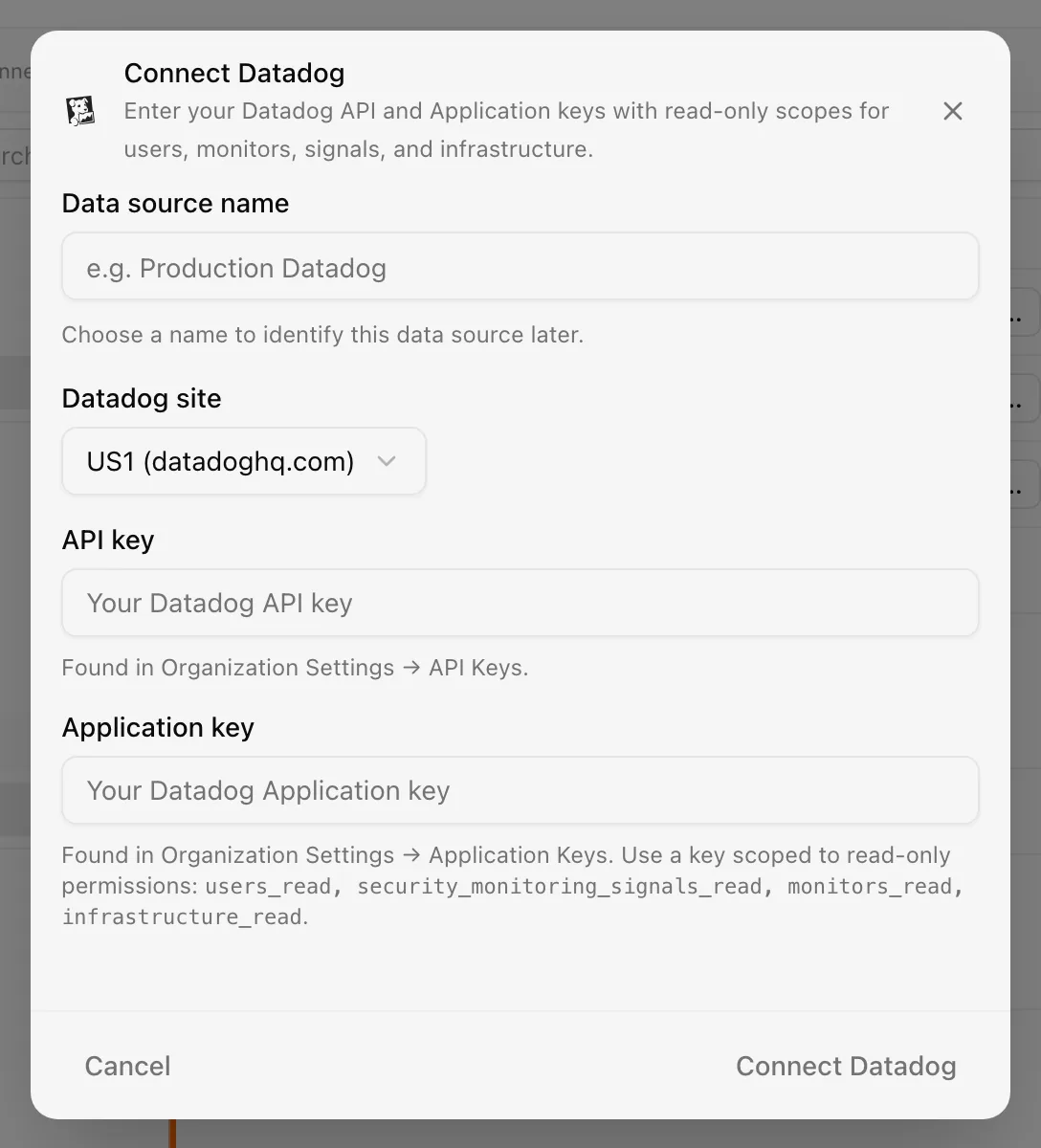
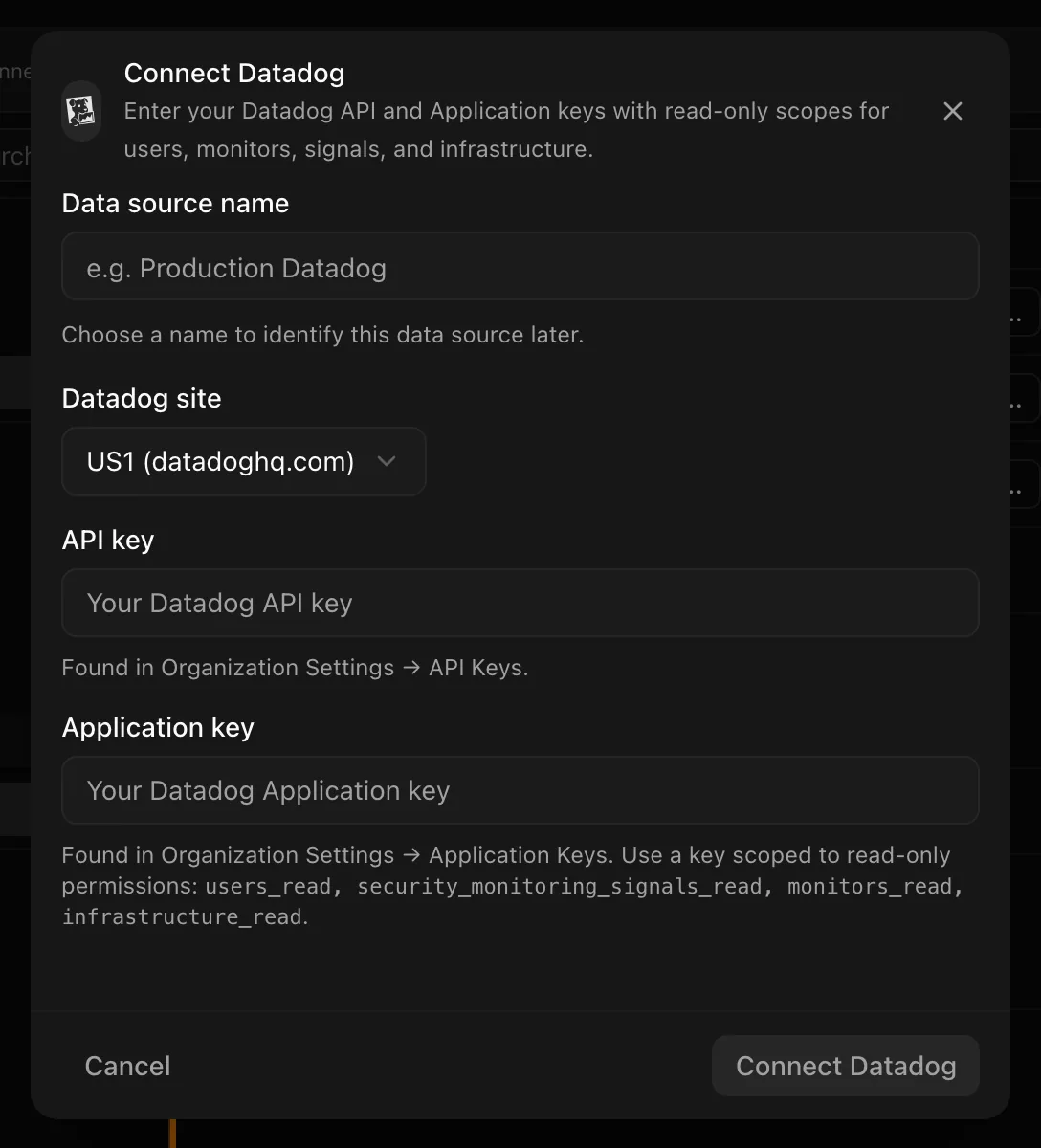
Choose your own Data source name. The example text is a placeholder, not a saved value. See Naming and using connection dialogs for naming, scrolling, and closing behavior.
The connection syncs daily; change the frequency in the detail drawer.
After connecting
Findings are deduplicated per integration and type, so a signal that stays
open is updated rather than duplicated. The users call is mandatory: a key
without users_read fails the sync. The other five calls warn and skip when
their scope is missing, so check Sync history for partial runs.
Permissions in detail
| Scope | Endpoint | Why Noru needs it | What it could technically allow |
|---|---|---|---|
users_read | GET /api/v2/users | Users, MFA, status; validation | Read every user profile and role |
security_monitoring_signals_read | POST /api/v1/security_analytics/signals/search | Open signals for findings | Read every signal, including message bodies |
security_monitoring_rules_read | GET /api/v2/posture_management/findings | CSM posture findings | Read rules and posture results |
monitors_read | GET /api/v1/monitor | Monitor state | Read monitor definitions and queries |
infrastructure_read | GET /api/v1/hosts | Host inventory | Read host metadata, tags, and agent versions |
audit_logs_read | GET /api/v2/audit/events | Audit evidence | Read who did what in Datadog |
The API key identifies the organization; the application key carries the scopes and the identity of the user who created it. Both are stored encrypted at rest.
Troubleshooting
- "Datadog API error 403" with no further hint: a scope is missing. Compare the application key's scopes with the table above. If the failing call is the users endpoint, the sync fails; otherwise the module is skipped.
- Empty signals or findings evidence: the key lacks the security monitoring scopes, or there are no open items in the window.
- Wrong region: evidence is empty and users may not validate; check the site.
- An expired or deleted key shows as Error and is retried automatically; Datadog does not distinguish a bad key from other failures. Create a new key and reconnect.
Related
Last updated on