

Detectify
Connect Detectify: authentication, permissions, what Noru collects, and troubleshooting.
- Authentication
- API key
- Categories
- Security
- Sync cadence
- Daily by default (hourly, weekly, or monthly on request)
Noru reads Detectify with a v2 API key, and optionally a v3 key for attack surface and policy breach data. Detectify feeds findings, assets, and certificate monitoring. It maps to no controls by design.
What Noru collects
| Evidence type | Evidence | Read from |
|---|---|---|
| Inventory | Detectify Asset Inventory | v2 assets, with subdomains when enabled |
| Configuration | Detectify Scan Coverage | v2 scan profiles, profile settings, scan schedules |
| Configuration | Detectify Connectors | v3 connectors |
| Infrastructure | Detectify Attack Surface | v3 IPs, technologies, ports |
| Scan result | Detectify Vulnerabilities (detail arrays for high and critical only) | v2 vulnerabilities |
| Scan result | Detectify Policy Breaches (detail arrays for high and critical only) | v3 breaches |
Each monitored asset becomes an asset with the external id detectify:asset:
followed by its token, of type domain, and seeds
certificate monitoring (wildcards
normalised). Findings are created per item: active high and critical
vulnerabilities as detectify:vulnerability: plus the id, and breaches as
detectify:breach: plus the id.
What Noru does not collect
- Raw scan reports. They are never requested.
- Medium and low vulnerability and breach details. Counts are kept; detail arrays are dropped below high.
- Anything v3 when no v3 key is given. The Include attack surface, Include policy breaches, and Include connectors switches do nothing without it.
- Controls. No evidence from Detectify changes control status; link it by hand in the evidence vault if you need it.
Scan profile settings are stored verbatim, including any authentication configuration you have entered in Detectify for crawling; review those before connecting.
Before you connect
- A Detectify v2 API key. Required for assets and vulnerabilities.
- Optionally a v3 API key for breaches, attack surface, and connectors. "If omitted, the connection still works but v3-derived data is skipped."
- Admin or editor role in Noru.
Connect
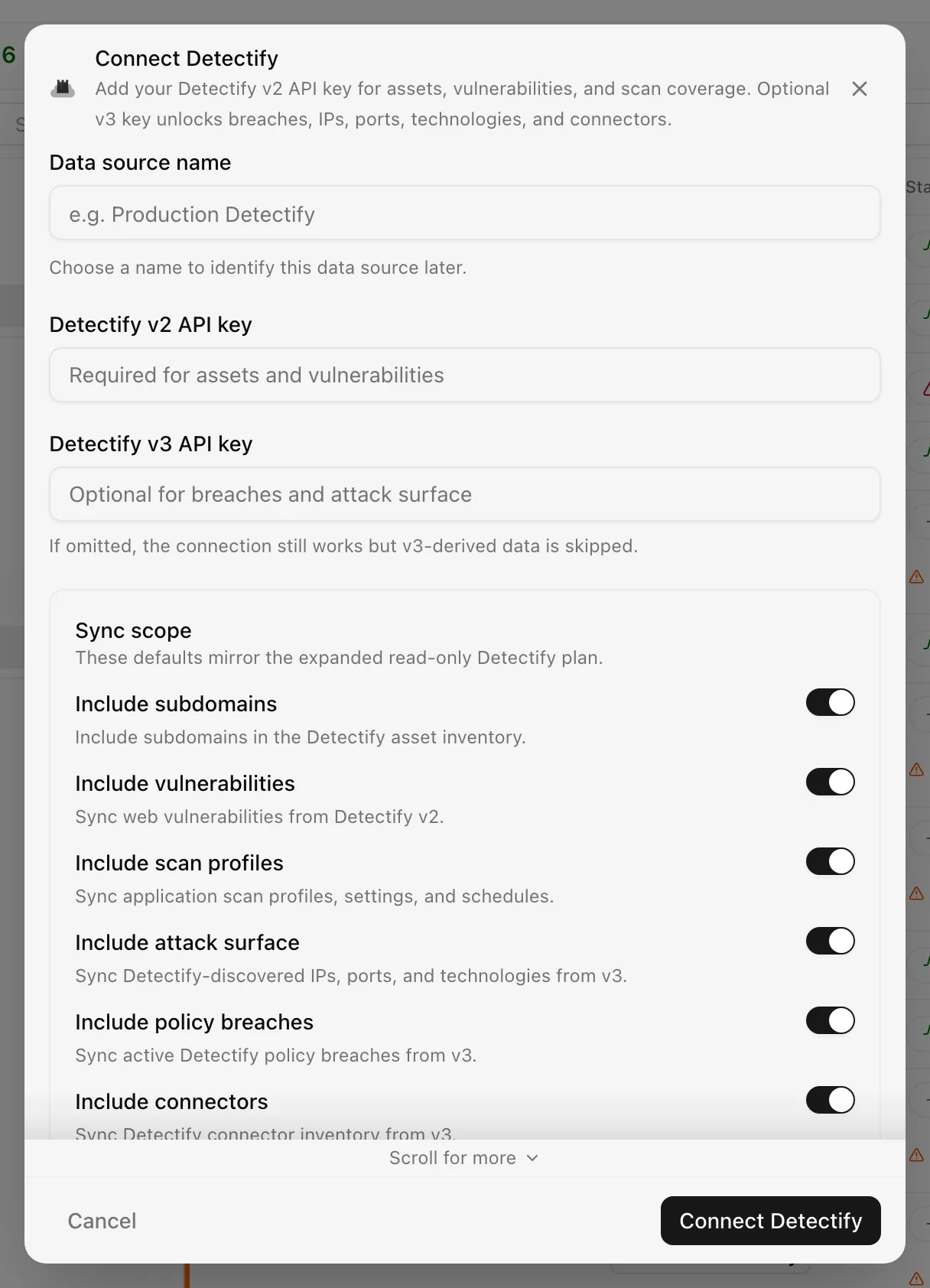
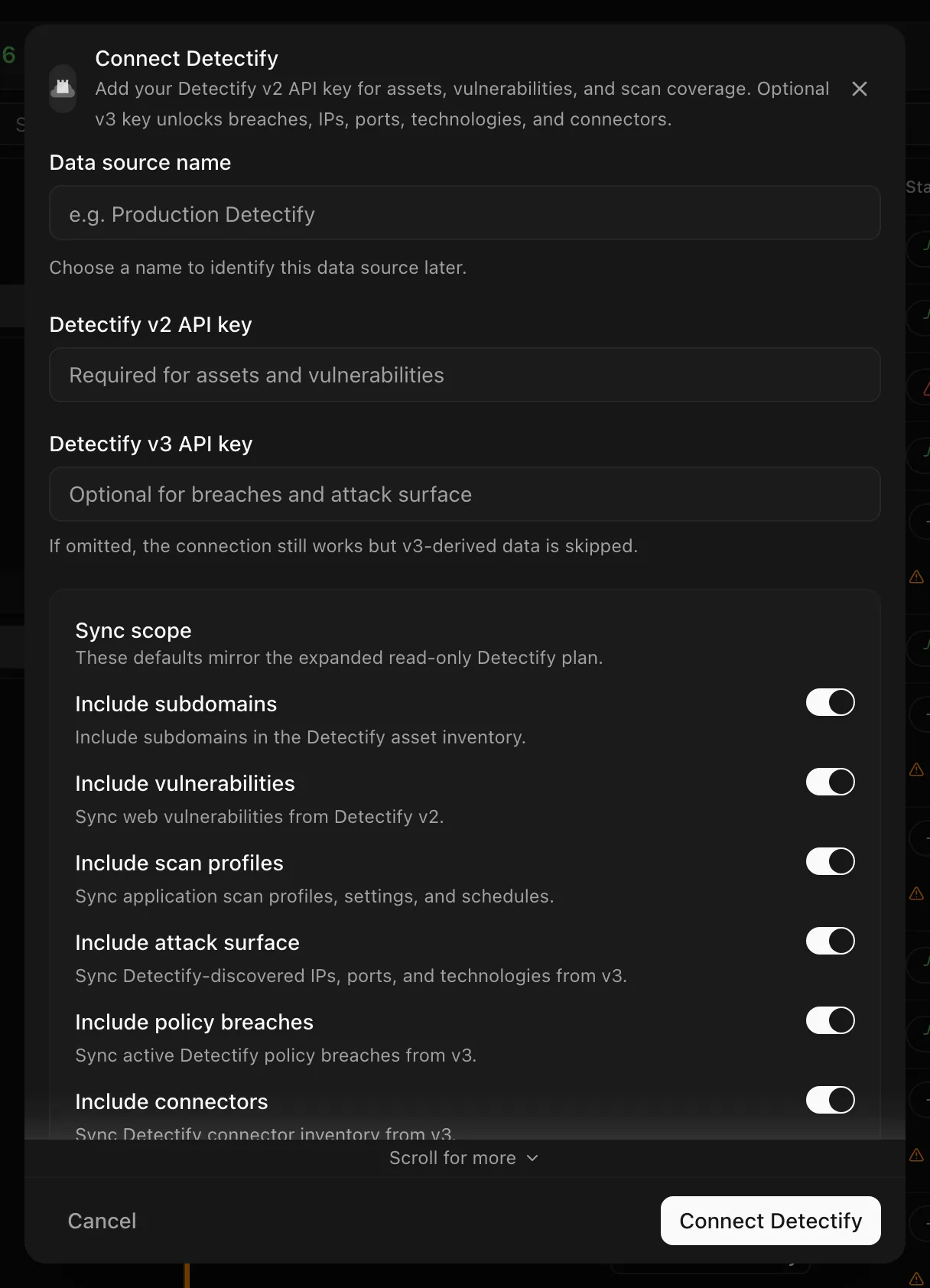
Choose your own Data source name. The example text is a placeholder, not a saved value. See Naming and using connection dialogs for naming, scrolling, and closing behavior.
The connection syncs daily; change the frequency in the detail drawer.
After connecting
The v3 key is not validated at connect time. On each sync a v3 response of 401, 403, or 404 skips the v3 modules rather than failing the run, so a sync can succeed with the attack surface and breach evidence missing. Findings appear in Findings and monitored domains in Certificates.
Permissions in detail
| Key | Header | Endpoints | What it could technically allow |
|---|---|---|---|
| v2 | X-Detectify-Key | /rest/v2/assets/, /rest/v2/vulnerabilities/, /rest/v2/profiles/[assetToken], /rest/v2/profilesettings/[token], /rest/v2/scanschedules/[token] | Read every asset, vulnerability, and scan profile on the team, and with a write-capable key start or change scans |
| v3 | Authorization with the raw key, no Bearer prefix | /rest/v3/breaches, /rest/v3/ips, /rest/v3/technologies, /rest/v3/ports, /rest/v3/connectors | Read the attack surface and policy breaches |
Detectify keys are created per team with read or write permission; use read
keys. Both are stored encrypted at rest. All calls go to
https://api.detectify.com.
Troubleshooting
- "Detectify v2 API key is required": the v2 field was left empty.
- "Detectify v2 API error 403" with no further hint: the key is invalid, revoked, or belongs to another team. Create a new key and reconnect.
- Attack surface or breach evidence missing: the v3 key was rejected or omitted; check the key and run a sync.
- An expired key shows as Error and is retried automatically; Detectify does not distinguish a bad key from other failures.
Related
Last updated on