

Neo4j Aura
Connect Neo4j Aura: Aura API client credentials, the two tenant and instance reads Noru makes, and why it never touches graph data.
- Authentication
- API key
- Categories
- Database
- Sync cadence
- Daily by default (hourly, weekly, or monthly on request)
Neo4j Aura supplies inventory and configuration evidence for your managed graph databases. Noru reads the Aura control plane, never a database: two list calls per sync, no Cypher, no connection URIs.
What Noru collects
| Object | Source call | What it feeds |
|---|---|---|
| Tenants | GET /v1/tenants at https://api.neo4j.io: id, name, instance count | Account-level inventory evidence |
| Instances | GET /v1/instances: id, name, tenant id, cloud provider, region, tier, type, status, memory, storage, disk type, database version | Assets, configuration evidence |
Evidence maps to an IAM inventory control, an asset-management control, a configuration-management control, and two cryptography controls that record Aura's platform-enforced TLS in transit and encryption at rest.
What Noru does not collect
- Graph data. No query is ever executed against an instance.
- Database usernames, passwords, or Bolt connection URIs.
- Backups, logs, or metrics.
- Noru never creates, pauses, resizes, or deletes an instance.
Before you connect
- An Aura account with access to the tenants you want in evidence.
- An Aura API credential pair. In the Aura Console, open your account menu, choose Account Details, then click Create under Aura API. Copy the secret when it is shown; the console does not display it again.
Aura API credentials are account-wide, and the Aura API itself can create
and delete instances. Noru only issues the two GET calls above, but the
credential you hand over is not read-only by construction. Rotate it in the
Aura Console to revoke Noru's access.
Connect
/data-sources and click Connect data source.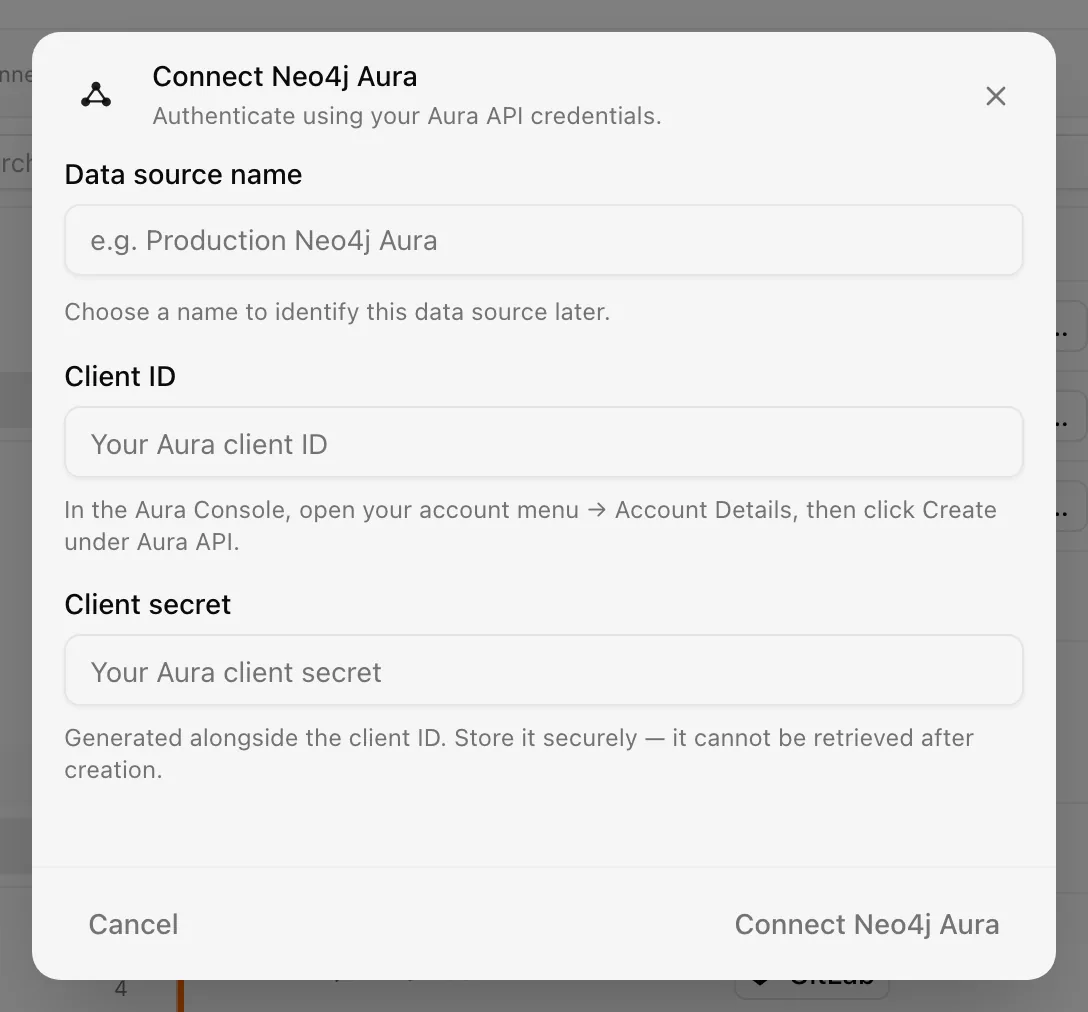
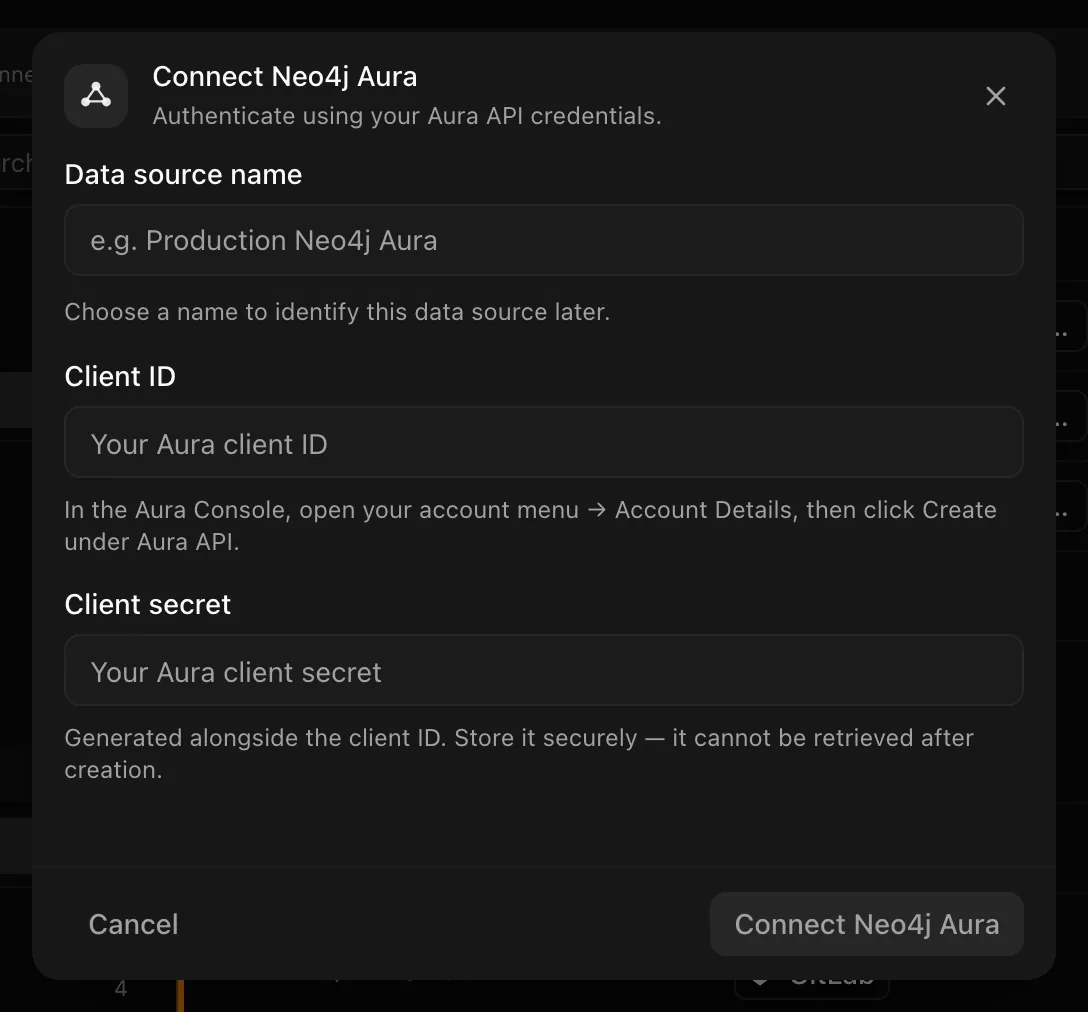
Choose your own Data source name. The example text is a placeholder, not a saved value. See Naming and using connection dialogs for naming, scrolling, and closing behavior.
The default cadence is daily. The first sync is the connection test: Noru
exchanges the credentials for a token and calls GET /v1/tenants.
After connecting
Each sync refreshes tenant and instance evidence. Instances appear as assets with region, tier, and version, and the records are mapped to controls. If the credential stops working, the source shows Error and is retried automatically; a revoked credential leaves it Disconnected until you reconnect.
Permissions in detail
Aura has no scope model. The credential pair is exchanged for a bearer token
with grant_type=client_credentials at https://api.neo4j.io/oauth/token,
using HTTP Basic authentication with the client id and secret.
| Credential | Why Noru asks | What it could technically allow |
|---|---|---|
| Aura API client id and secret | Read tenants and instances | Full Aura API for the account: list, create, pause, resume, resize, and delete instances. Noru calls only the two list endpoints |
The secret is encrypted at rest with a key held by Noru. Noru never logs it and never returns it to the browser.
If your Aura plan supports multiple credential pairs, create one dedicated to Noru and name it so it is easy to rotate independently.
Troubleshooting
| Symptom | Cause and fix |
|---|---|
| "No tenants collected — verify client credentials are valid" | The token exchange failed or the account has no tenants. Check the id and secret in the Aura Console |
| Sync fails with 401 | Noru re-authenticates automatically on a 401 before failing the sync. A revoked or rotated secret needs a reconnect |
| Lost the client secret | It cannot be retrieved. Create a new credential pair in Aura and reconnect with it |
| An instance is missing | The credential belongs to an account without access to that tenant |
| Evidence shows an old database version | Aura reports the version at sync time; wait for the next sync after an upgrade |
Related
- How syncs run
- Permissions and security
- Troubleshooting data sources
- Assets
- Supabase for the other database connector
Last updated on
Microsoft SharePoint and OneDrive
Connect Microsoft SharePoint and OneDrive: delegated Graph scopes, the site and library you choose, the file metadata Noru reads, and the reach of Files.Read.All.
Supabase
Connect Supabase: read-only Management API scopes, the organization, project, auth, and edge-function data Noru collects, and the toggles that do nothing.