

Google Cloud Platform
Connect Google Cloud Platform: authentication, permissions, what Noru collects, and troubleshooting.
- Authentication
- Workload Identity Federation
- Categories
- Infrastructure, Security
- Sync cadence
- Daily by default (hourly, weekly, or monthly on request)
- Requested access
roles/cloudasset.viewerroles/iam.securityReviewerroles/compute.viewerroles/container.viewerroles/dns.readerroles/logging.viewerroles/monitoring.viewerroles/securitycenter.adminViewerroles/storage.bucketViewerroles/cloudsql.viewerroles/cloudkms.viewerroles/secretmanager.viewerroles/bigquery.metadataViewerroles/run.viewerroles/cloudfunctions.viewerroles/pubsub.viewerroles/artifactregistry.readerroles/spanner.viewerroles/redis.viewerroles/memcache.viewer
Noru reads one Google Cloud project through Workload Identity Federation. A setup script creates a pool, an OIDC provider that trusts Noru's connector identity, and a reader service account with twenty viewer-class roles. No service account key is created or stored.
What Noru collects
| Evidence type | Evidence | Read from |
|---|---|---|
| Scan result | Security Command Center findings | SCC sources and findings |
| Policy | IAM policy and service accounts | Resource Manager getIamPolicy, IAM serviceAccounts |
| Log | Audit log entries, one row per entry | Cloud Logging entries with an audit-log filter |
| Inventory | Asset inventory, Compute, Storage, Cloud SQL instances, GKE, Cloud Run services, Functions, BigQuery datasets | Cloud Asset and per-service list calls |
| Encryption | KMS key rings and keys | Cloud KMS |
| Credential | Secret Manager in-use summary | Secret list only |
| Network and security | VPC networks, subnets, firewalls, load balancers, Cloud Armor policies | Compute |
| Messaging | Pub/Sub topics and subscriptions | Pub/Sub |
Assets are created for compute instances, storage buckets, Cloud SQL instances, VPC networks, KMS keys, GKE clusters, Cloud Run services, Functions, Cloud Armor policies, Artifact Registry repositories, Spanner instances, and Memorystore instances. Findings are active SCC findings (CVE and CVSS carried where present) plus derived checks: service accounts with user-managed keys, public buckets, buckets without uniform bucket-level access. Evidence maps to configuration, IAM, monitoring, data, cryptography, secure lifecycle, network, and vulnerability management controls.
What Noru does not collect
- Secret versions or values:
roles/secretmanager.viewerreturns metadata only. - Objects in buckets:
roles/storage.bucketViewerlists buckets, not contents. - BigQuery table data:
roles/bigquery.metadataViewerreturns schema and dataset metadata. - KMS, Secret Manager, BigQuery, GKE, Cloud Run services, Functions, VPC networks, load balancing, Cloud Armor, Pub/Sub, Artifact Registry, DNS, Spanner, and Memorystore data. For integrations created through the dialog, their include switches currently have no effect, so this data is not collected even though the roles are granted.
Audit log entries are stored verbatim
Cloud Logging audit entries are collected with their payloads, one evidence row per entry. Turn off Include Cloud Logging if your audit logs carry request data you do not want copied into Noru.
Before you connect
- A project where you hold Workload Identity Pool Admin, Service Account Admin, Project IAM Admin, and Service Usage Admin.
- The project id and project number.
- Admin or editor role in Noru.
Connect
us-central1).noru-security-pool, the provider, the reader service account, and binds the roles listed above. Option 2: Manual Setup lists the same steps for hand execution.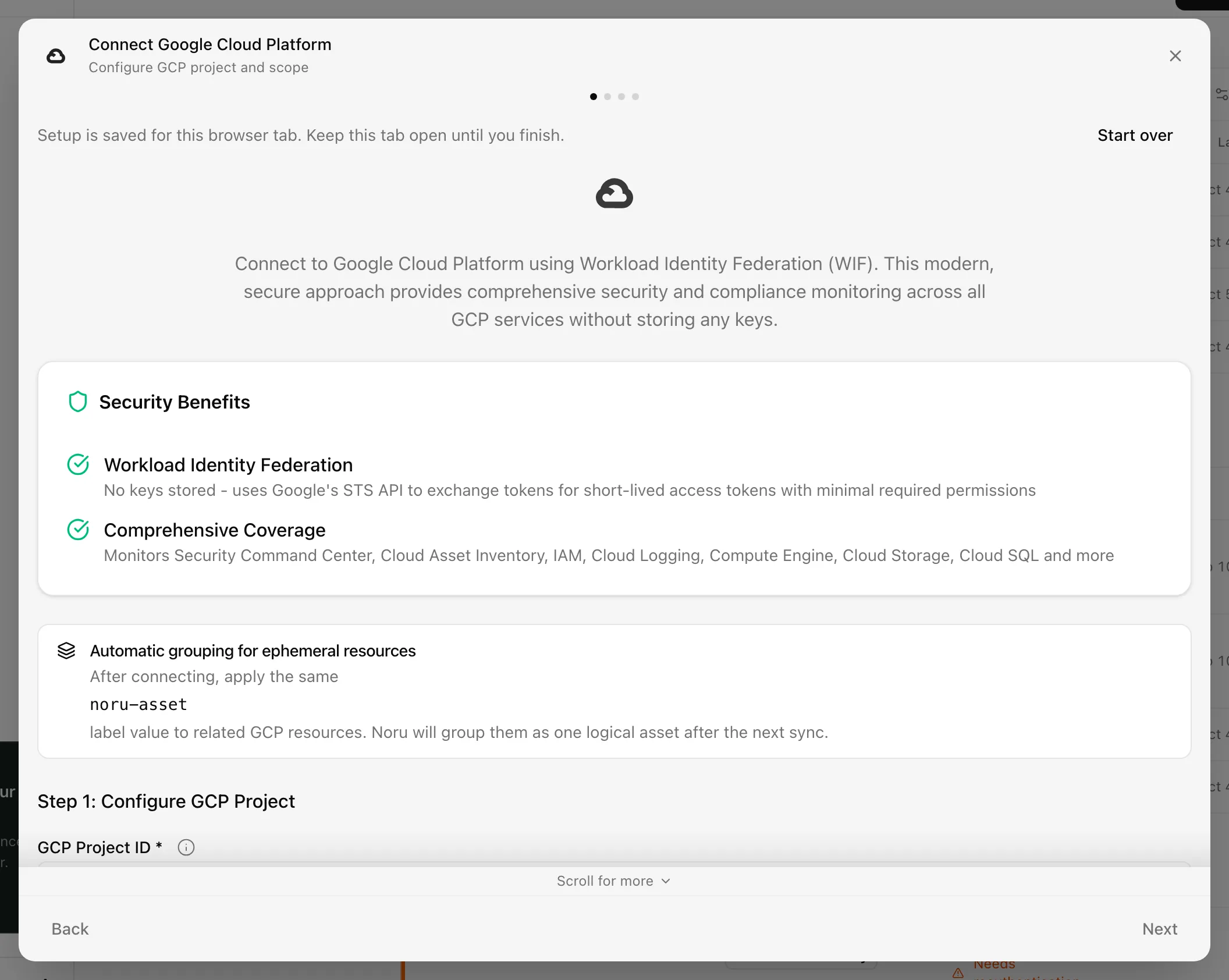
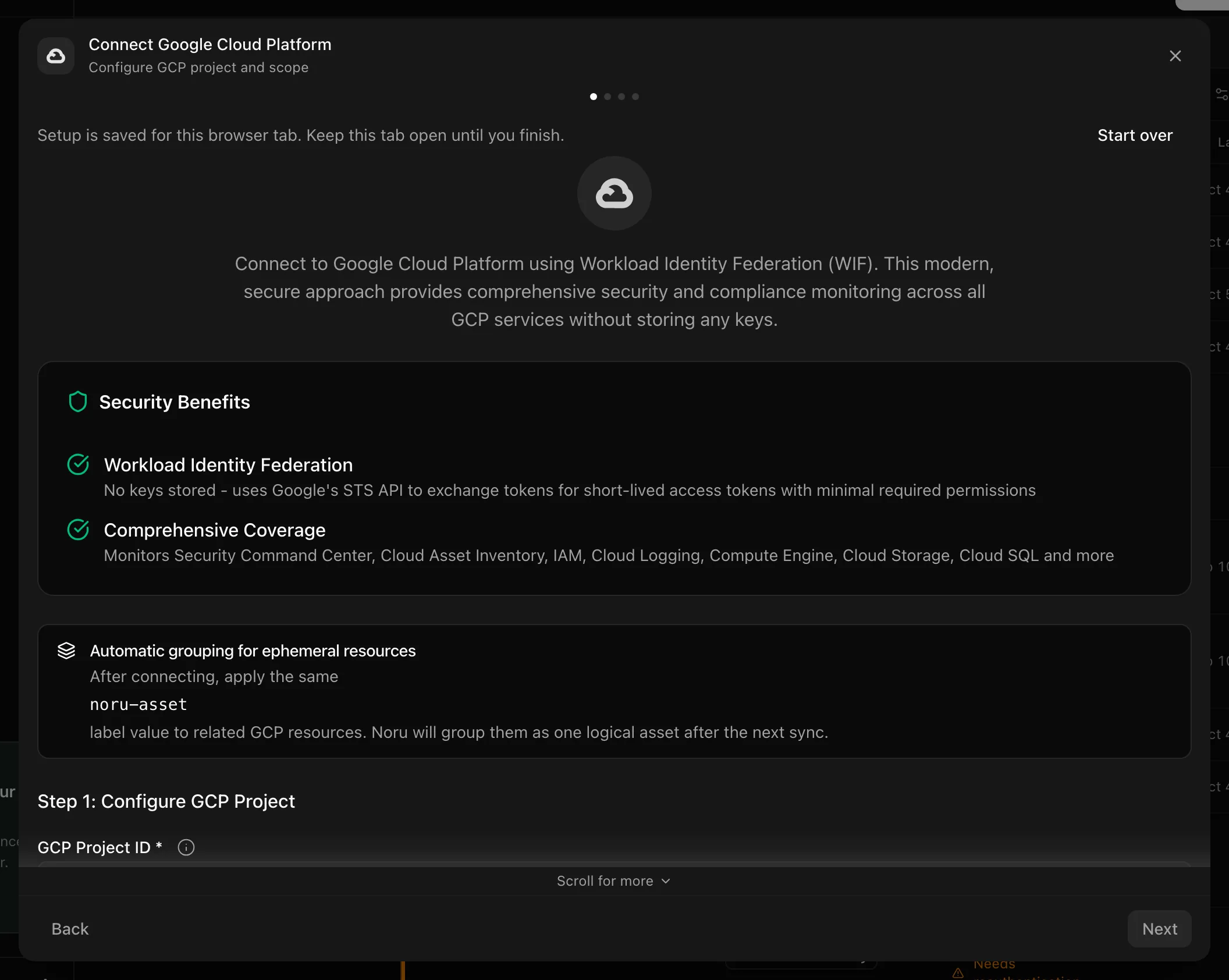
Choose your own Data source name. The example text is a placeholder, not a saved value. See Naming and using connection dialogs for naming, scrolling, and closing behavior.
After connecting
The first sync collects SCC, Cloud Asset, Cloud Logging, IAM, Compute, Storage, and SQL instance data. Max Security Findings and Finding Severity currently have no effect. The External ID shown in the dialog is for reference only; it is not a trust condition, so the OIDC provider's attribute condition is the boundary.
Permissions in detail
| Grant | Why Noru needs it | What it could technically allow |
|---|---|---|
roles/iam.serviceAccountTokenCreator on the reader service account, for the pool principal set | Lets the federated identity impersonate the reader | Minting one-hour tokens for that service account only |
roles/securitycenter.adminViewer | SCC findings | Read all SCC findings and sources in the project |
roles/cloudasset.viewer, roles/compute.viewer, roles/container.viewer, roles/run.viewer, roles/cloudfunctions.viewer, roles/cloudsql.viewer | Inventory | Read configuration of every resource of those kinds |
roles/iam.securityReviewer | IAM policy and service accounts | Read every IAM binding in the project |
roles/logging.viewer, roles/monitoring.viewer | Audit log entries | Read all log entries, not only audit logs |
roles/storage.bucketViewer | Bucket list and settings | Bucket metadata, not objects |
roles/cloudkms.viewer, roles/secretmanager.viewer, roles/bigquery.metadataViewer, roles/pubsub.viewer, roles/artifactregistry.reader, roles/dns.reader, roles/spanner.viewer, roles/redis.viewer, roles/memcache.viewer | Granted by the script; the corresponding data is not collected today for dialog-created integrations | Metadata reads for those services |
The OIDC provider accepts tokens issued by https://accounts.google.com only
when the assertion.email attribute equals Noru's connector service account.
The exchanged token has the cloud-platform scope; least privilege comes from
the roles, not the scope. No roles/viewer is granted.
Troubleshooting
- "Cross-project WIF configuration is required" means the pool or provider ids are missing. Re-run the script or fill in Option 2.
- "No data collected from GCP - check authentication and API permissions" lists the SCC, Cloud Asset Inventory, and Cloud Logging APIs; enable them.
- "<Service> API is not enabled for this project" and "Permission denied
for <Service>" name the service to fix. The SQL instance check adds a
hint about the role it needs (
roles/cloudsql.viewer). - A removed pool or service account shows as Error and is retried automatically.
- To delete, the dialog offers a teardown script (Open Google Cloud Shell) and the confirm button reads I have run teardown, delete.
Related
Last updated on