

Cloudflare
Connect Cloudflare: authentication, permissions, what Noru collects, and troubleshooting.
- Authentication
- API key
- Categories
- Infrastructure, Security
- Sync cadence
- Daily by default (hourly, weekly, or monthly on request)
Noru reads your Cloudflare accounts and zones with an API token you create. The product does not enumerate required token permissions; each include switch maps to a set of read endpoints, and the sync records which ones the token could not reach.
What Noru collects
| Evidence type | Evidence | Read from |
|---|---|---|
| Configuration | Cloudflare Sync Coverage (which modules ran or were skipped) | The sync itself |
| Inventory | Account Inventory | Accounts and zones |
| IAM | Account Members | Account members |
| Audit log | Audit Logs (first 500 events in the lookback window) | Account audit logs |
| Configuration | Account Rulesets, WAF and Rulesets, TLS and Certificates, Zero Trust Access | Rulesets, zone TLS settings, custom certificates and hostnames, Access apps, groups, and identity providers |
| Scan result | Account and Zone Security Center | Security Center insights that are not dismissed |
| Infrastructure | Zone, DNS Records, Workers, Storage and Data, Tunnels | DNS records and DNSSEC, Worker scripts list, R2 buckets, KV namespaces, D1 databases, queues, tunnels |
| Deployment | Pages Projects (20 deployments per project) | Pages projects, deployments, domains |
Assets are created for zones, DNS records, Worker scripts, Pages projects, R2 buckets, KV namespaces, D1 databases, queues, and tunnels. Account members become personnel identities (invited members inactive). Zone names, A, AAAA, and CNAME hostnames, custom hostnames, and Pages domains feed certificate monitoring. Findings come from Security Center insights plus derived checks: SSL mode off or flexible (high), minimum TLS 1.0 or 1.1 (medium), custom certificate needing attention (high), unhealthy custom hostname certificate (medium). Evidence maps to IAM, asset, network, configuration, cryptography, monitoring, vulnerability, and change management controls.
What Noru does not collect
- Worker script source code. Only the script list is read.
- KV values, R2 objects, or D1 rows. Only namespace, bucket, and database metadata.
- Anything written. Every call is a GET.
DNS records are stored in full
When DNS records is on, every record in each zone is stored as evidence, including TXT record contents such as verification strings and SPF or DKIM data. They are not redacted. Turn the switch off, or scope the token to the zones you are comfortable exposing.
Before you connect
- A Cloudflare API token with read permissions for accounts, zones, audit logs, and the products you keep switched on; pick the read variant covering each endpoint in the table below.
- Optionally, the account id and a list of zone ids to limit collection.
- Admin or editor role in Noru.
Connect
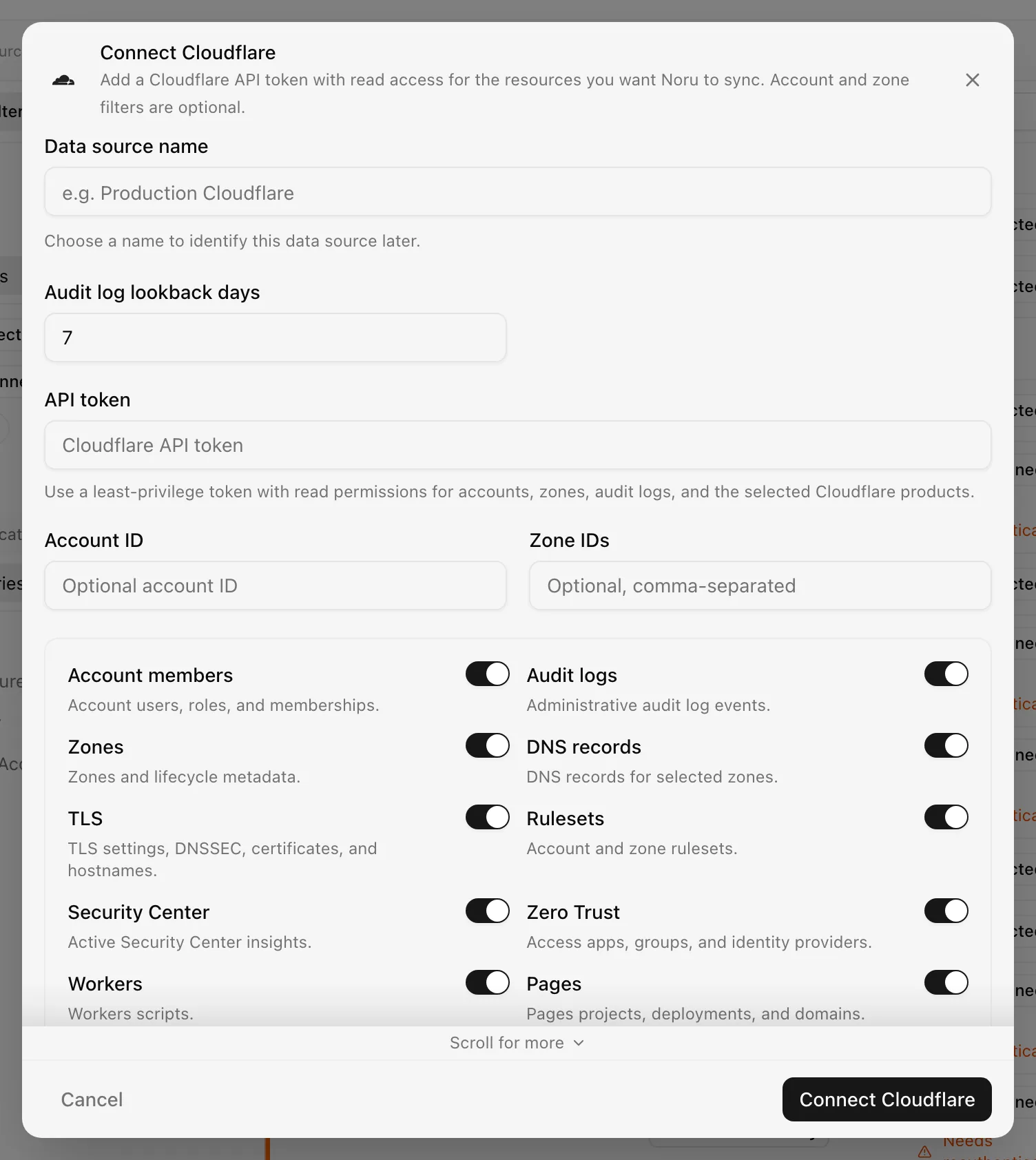
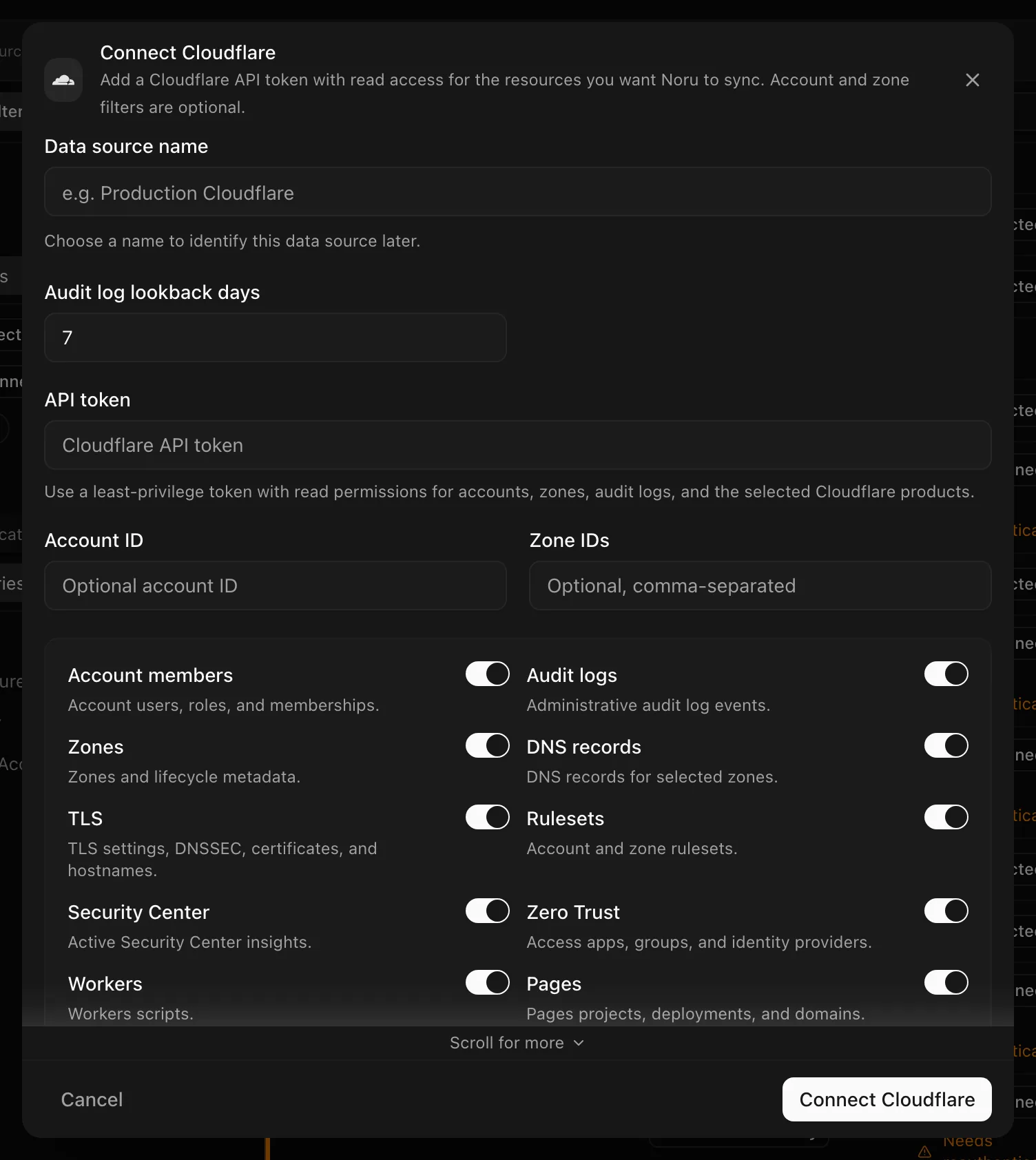
Choose your own Data source name. The example text is a placeholder, not a saved value. See Naming and using connection dialogs for naming, scrolling, and closing behavior.
After connecting
The token is verified on the first sync, not at connect time; an inactive token produces "Cloudflare API token is not active" with the status and marks the source Disconnected. Accounts are always enumerated, and turning Zones off still stores zone rows when any zone-scoped switch (DNS records, TLS, Rulesets, Security Center) is on.
Permissions in detail
| Switch | Endpoints called (all GET) | What a read token there could expose |
|---|---|---|
| Always | /user/tokens/verify, /accounts, /zones | Account and zone names and ids |
| Account members | /accounts/[id]/members | Member names, emails, roles |
| Audit logs | /accounts/[id]/logs/audit?since= | Who changed what, with actor IP and metadata |
| DNS records | /zones/[id]/dns_records, /zones/[id]/dnssec | Every record, including TXT contents |
| TLS | Zone settings for ssl, always_use_https, automatic_https_rewrites, min_tls_version, tls_1_3, tls_1_2_only, security_header; custom_certificates; custom_hostnames | TLS configuration and certificate metadata |
| Rulesets | /accounts/[id]/rulesets, /zones/[id]/rulesets | WAF and transform rules, including rule expressions |
| Security Center | /accounts/[id]/security-center/insights?dismissed=false and the zone equivalent | Open security insights |
| Zero Trust | /accounts/[id]/access/apps, access/groups, access/identity_providers | Access application URLs, group rules, IdP configuration (not secrets) |
| Workers | /accounts/[id]/workers/scripts | Script names and metadata |
| Pages | /accounts/[id]/pages/projects, deployments, domains | Project, deployment, and domain metadata |
| Storage | r2/buckets, storage/kv/namespaces, d1/database, queues | Names and metadata |
| Tunnels | /accounts/[id]/tunnels | Tunnel names, status, connections |
A module whose endpoint returns 403 is skipped and noted in the "Cloudflare Sync Coverage" evidence; the sync still succeeds.
Troubleshooting
- "Cloudflare API token is not active" followed by the status: the token was revoked, expired, or never activated. Create a new one and Reauthenticate.
- A module missing from evidence: open "Cloudflare Sync Coverage" to see which capability was skipped, then add the matching read permission to the token.
- Rate limiting: Noru retries automatically on 429 and 5xx responses and honours the retry-after header.
- Unexpected zones in evidence: Zones off is overridden by zone-scoped switches; use Zone IDs to restrict instead.
Related
Last updated on