

Google Drive
Connect Google Drive: file-scoped OAuth, the Picker selection step, what Noru reads about each chosen file, and what it never touches.
- Authentication
- OAuth
- Categories
- Productivity, Security
- Sync cadence
- Daily by default (hourly, weekly, or monthly on request)
- Requested access
https://www.googleapis.com/auth/drive.file
Google Drive is a file-scoped connector. You pick up to 100 files in the Google Picker and Noru reads metadata and sharing permissions for exactly those files. It never lists your Drive, never opens a folder, and never downloads content.
What Noru collects
| Object | Source call | What it feeds |
|---|---|---|
| Selected file metadata | files.get per picked file: id, name, MIME type, description, starred, parents, web links, created and modified time, owners, last modifying user, shared, owned by me, size, drive id, capabilities, copy and share flags, sharing user, shared-with-me time | Document-control evidence |
| Per-file permission list | permissions.list per picked file, when Include Sharing Permissions is on (the default) | Sharing and access evidence |
| Connected account | about.get (the user field) as the connection test | Nothing stored beyond the connection check |
Once a selection exists, only the selected files are read. Folder inventories, shared-drive inventory, Drive Activity, and domain security settings are not collected.
What Noru does not collect
- File contents. Noru never calls a download or export endpoint.
- Anything outside the picked files: no whole-Drive listing, no folder walks, no shared-drive inventory, even though folders are visible in the Picker.
- Drive Activity or admin audit logs.
- Domain-level sharing settings. They are not read, so this page makes no claim about your domain settings.
drive.file only grants access to files a user opened with the app, which is
what makes the above enforceable by Google rather than by Noru.
Before you connect
- A Google account that can open the files you want to sync. Shared-drive files are supported.
- If your Workspace admin restricts third-party OAuth apps, the admin may need to trust Noru before consent succeeds.
- The Drive and Picker APIs are enabled on Noru's Google project, not yours. There is nothing to enable on your side.
- Decide the file set up front. The selection is fixed after setup.
Google Drive files cannot be changed after setup. To sync a different set of files, create another Google Drive data source. The app rejects edits with "Google Drive files cannot be changed after setup."
Connect
/data-sources and click Connect data source.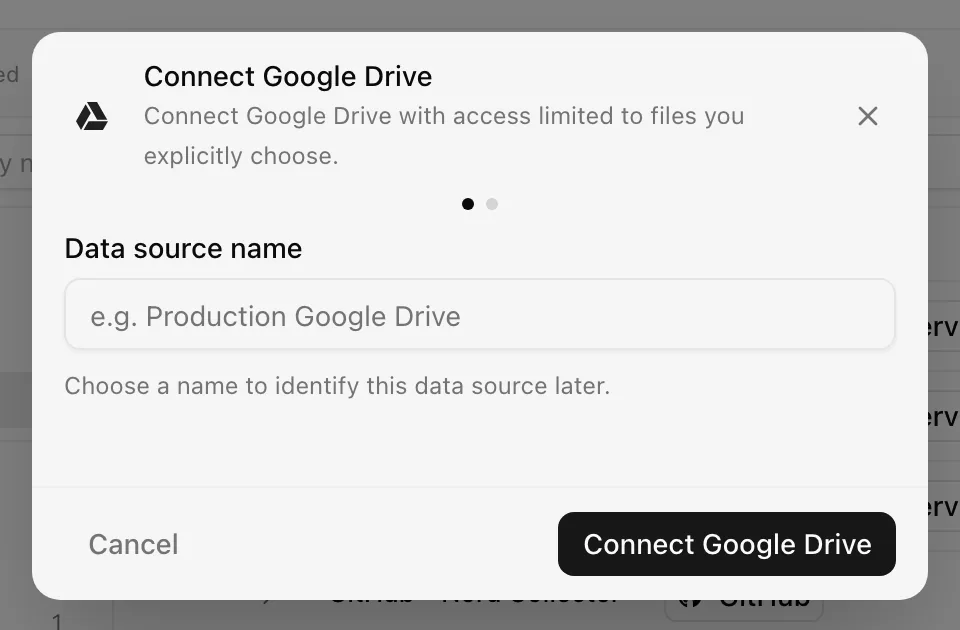
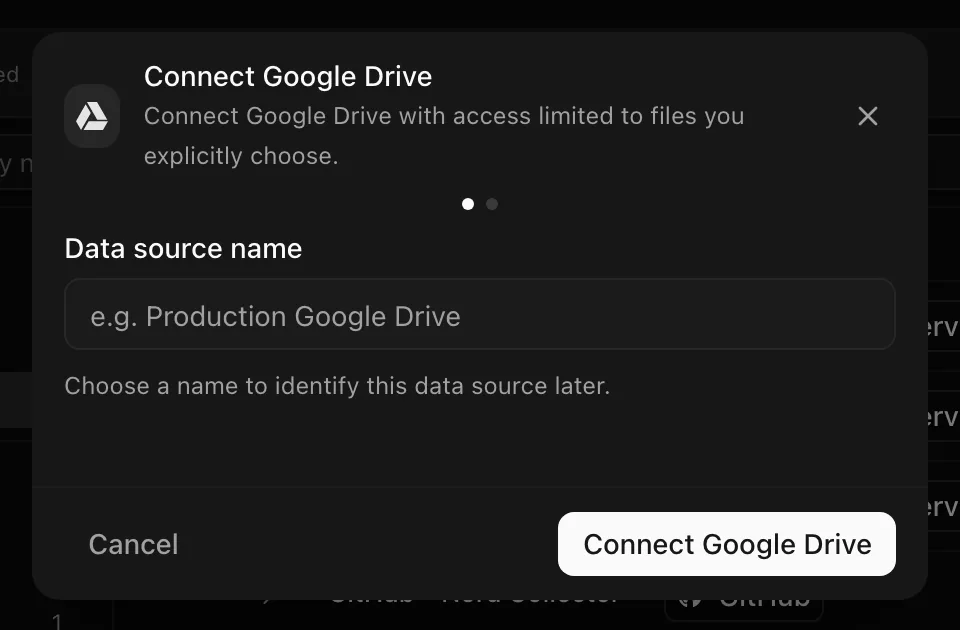
Choose your own Data source name. The example text is a placeholder, not a saved value. See Naming and using connection dialogs for naming, scrolling, and closing behavior.
Choosing more than 100 files shows "Choose no more than 100 files for this data source."
After connecting
The first sync runs immediately, then daily by default. Each sync re-reads the metadata and permission lists for the same files and produces document-control evidence mapped to document and access controls. A refreshed OAuth token replaces the stored one; nothing else about your account is kept.
Selecting files in the dialog also forces the shared-drive, file-security, and audit-log toggles to off. They are not part of the Picker flow.
Permissions in detail
| Scope | Why Noru asks | What it could technically allow |
|---|---|---|
https://www.googleapis.com/auth/drive.file | Read metadata and permissions of files you opened with Noru through the Picker | Read, create, and modify files that were opened or created with the app. Noru only issues read calls |
Tokens are stored encrypted at rest and refreshed with the offline grant. Revoke access at any time from your Google account's third-party access page; the next sync then fails with an authentication error.
Troubleshooting
| Symptom | Cause and fix |
|---|---|
| "Access was denied. Grant access to the Drive files you want Noru to sync." | Consent was cancelled or the admin blocks the app. Retry, or ask the Workspace admin to trust Noru |
| "Authentication expired. Please connect again." | The refresh token was revoked or expired. Reconnect from the data source's menu |
| "Google Drive Picker failed to load" | The Picker script or the popup was blocked by a browser extension or a popup blocker. Allow popups for the app and retry |
| Integration created before the Picker rollout shows no files | Older connections predate the selection step. Reconnect and pick files |
| A file disappeared from evidence | It was deleted or your account lost access. The selection cannot be edited; create a new data source if the set must change |
Related
- How syncs run
- Permissions and security
- Troubleshooting data sources
- Google Workspace for directory, groups, and connected apps
- Evidence vault
Last updated on