

Linear
Connect Linear: read-scope OAuth, the team, issue, project, and member data Noru collects for change management, what it leaves alone, and optional task tracking.
- Authentication
- OAuth
- Categories
- Productivity, Security
- Sync cadence
- Daily by default (hourly, weekly, or monthly on request)
- Requested access
readwrite (optional, for task tracking)
Linear supplies change-management and incident-tracking evidence. Noru reads each team's workflow, a slice of recent issues, projects, and members, and links the results to change-management and incident-response controls.
What Noru collects
| Object | Source call | What it feeds |
|---|---|---|
| Teams | Linear GraphQL teams | One evidence set per team |
| Issues | Per team, the first 100 issues ordered by creation time: id, title, priority, created, completed, cancelled, state, assignee names, labels | "Linear Issue Tracking - team" evidence |
| Projects | Per team | "Linear Project Management - team" evidence |
| Workflow states | Per team | "Linear Workflow Configuration - team" evidence |
| Members | Per team: name and display name | "Linear Team Members - team" evidence |
Issue titles and assignee names are stored in the evidence payload. If titles contain sensitive text, that text is in Noru.
What Noru does not collect
- Issue descriptions, comments, or attachments.
- Documents, cycles, or roadmaps.
- Anything past the first 100 issues per team.
- Evidence collection never writes to Linear. The only writes are tickets Noru creates if you turn on task tracking, which asks for write access separately.
Before you connect
- A Linear account in the workspace you want to connect. The
readscope is granted per user, so Noru sees what that user sees. - Popups allowed for the app domain.
- A decision about which workspace. One connection covers one Linear workspace; connect again for another.
Connect
/data-sources and click Connect data source.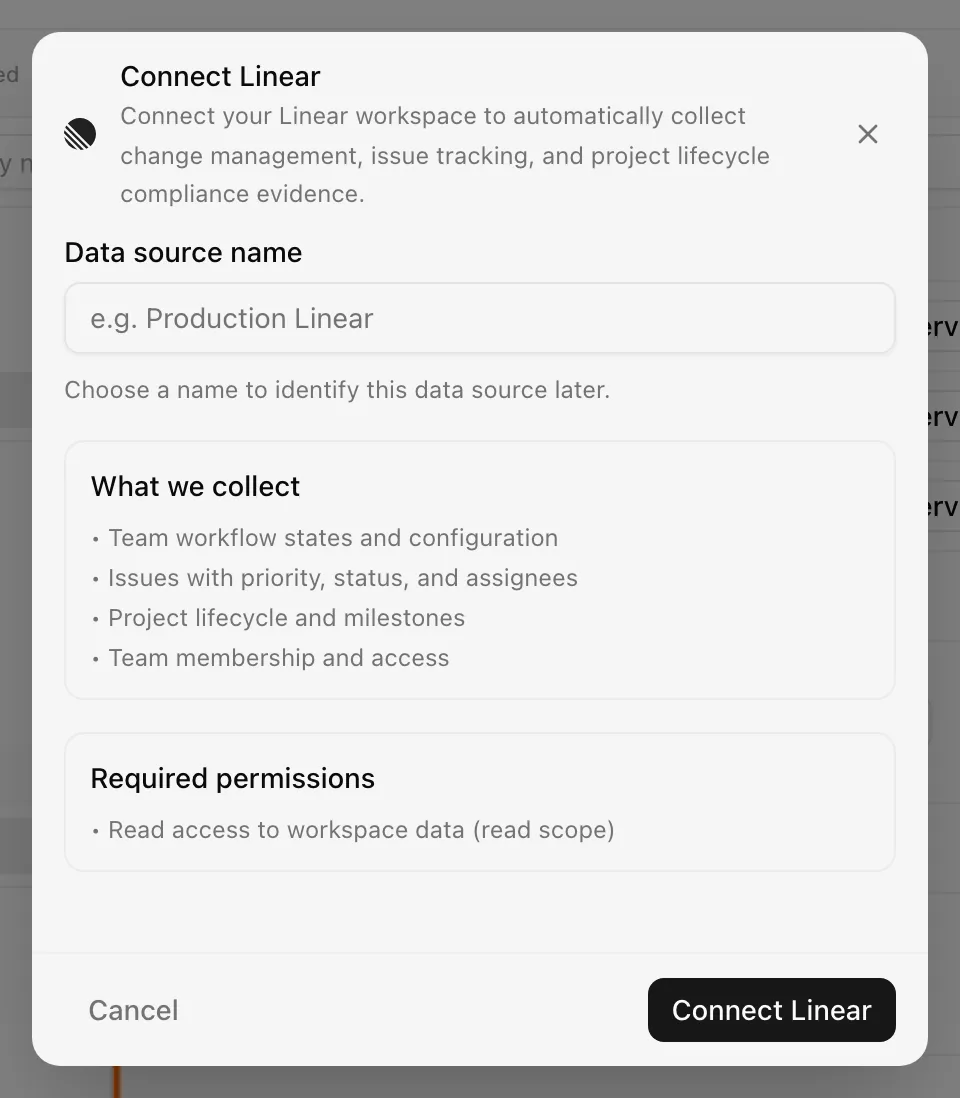
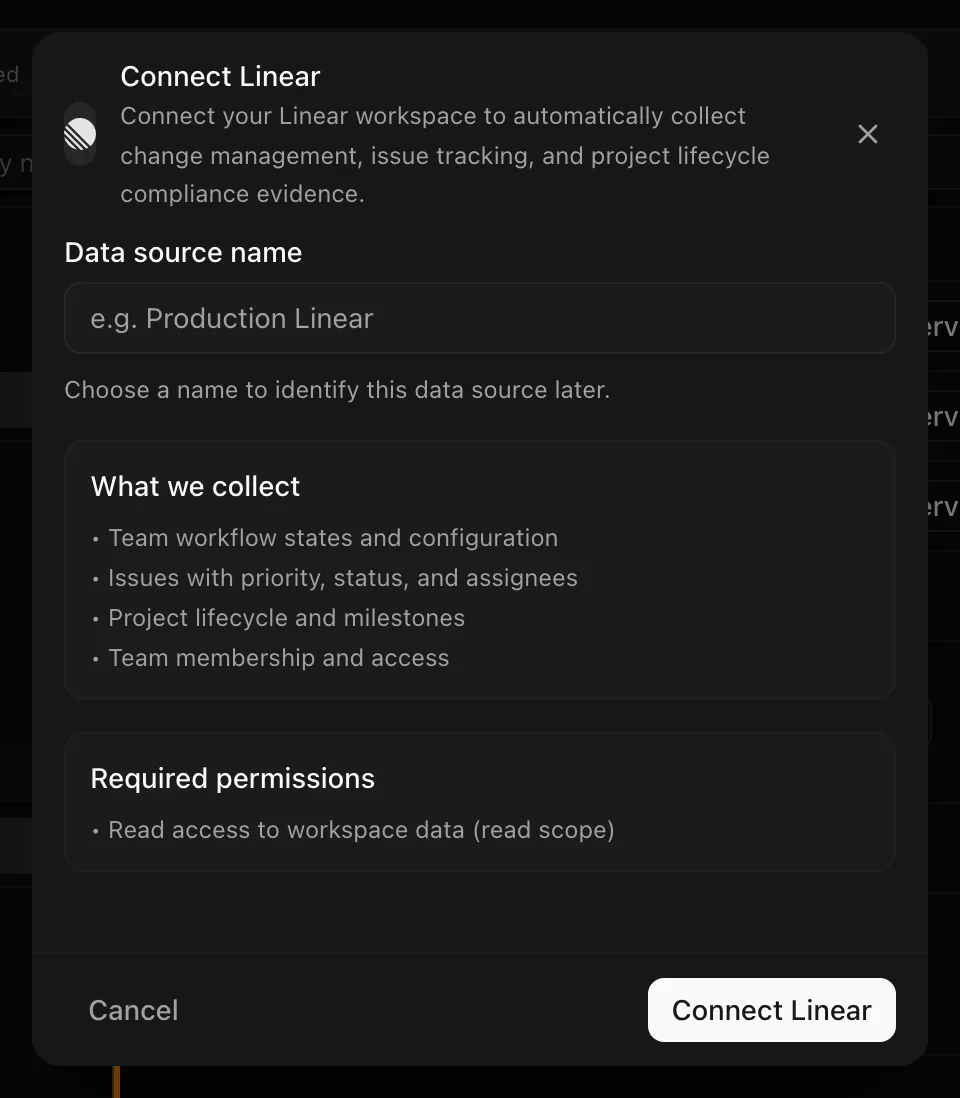
Choose your own Data source name. The example text is a placeholder, not a saved value. See Naming and using connection dialogs for naming, scrolling, and closing behavior.
After connecting
The first sync runs immediately, then daily. Four evidence records per team are created or refreshed on each run and mapped to change-management controls (change request, review, and deployment tracking) and incident-response controls (tracking and post-incident review).
The access token is stored encrypted at rest and refreshed automatically, so you should not need to reconnect on a schedule.
Permissions in detail
| Scope | Why Noru asks | What it could technically allow |
|---|---|---|
read | Query teams, issues, projects, workflow states, and members | Read all data in the workspace the user can access, including issue bodies, comments, and documents. Noru queries only the fields in the table above |
There is no narrower Linear scope for issue metadata; read is the smallest
grant that returns issues at all. Connecting Linear only ever asks for read.
Task tracking adds write to the same connection, and only when you ask for it.
Revoke Noru from Linear's authorized applications settings to cut access.
Evidence stores issue titles. If your team writes customer names or secrets into titles, they will appear in Noru's evidence detail for that team.
Task tracking (optional)
Noru can create a Linear issue for a security finding or an evidence item, comment on it when a finding's severity changes, and, if you turn it on, close issues it created. It uses this same Linear connection, so there is nothing extra to connect.
Evidence collection only reads, so creating issues needs write access, which you grant by re-authorizing this connection. Nothing is written until you do:
- Connect Linear here first, as for evidence. Then open SettingsTask tracker (you need to be an admin), which shows Linear's settings once it is connected.
- Choose Grant access. Linear opens in a popup for you to approve it.
The same connection is re-authorized with the
writescope, so its data collection continues as before. - Pick a team. Saving stays disabled until write access is granted. Then switch tickets on for Security findings and Evidence, each with its own assignee, labels, and whether tickets are created automatically.
Reconnecting Linear later keeps the write access it already has. Noru works with one task tracker at a time, so Linear is unavailable for task tracking while GitHub is the tracker. Choose Disconnect in Settings to switch. See Create tickets in Linear or GitHub.
Troubleshooting
| Symptom | Cause and fix |
|---|---|
| "No Linear teams accessible. Check that the OAuth token has read scope." | The token lacks read or the user is in no teams. Reconnect with a user who is a member of the teams you want |
| Sync fails with an authentication error | The token expired and refresh failed, or Noru was revoked in Linear. Reconnect |
| A team's issue evidence stops at 100 | By design; Noru reads the first 100 issues per team by creation time |
| A team is missing | The connecting user is not a member. Linear scopes visibility to membership |
| Popup blocked | Allow popups for the app and retry |
| "Allow Noru to create issues in Linear before saving." | The connection is still read-only. Use Grant access in Settings → Task tracker |
Related
- How syncs run
- Permissions and security
- Troubleshooting data sources
- Control detail for how change-management evidence lands on a control
- Evidence vault
Last updated on
JungleMap
Connect JungleMap (NanoLearning): credential setup, how activity plans become training campaigns, and which completion data Noru writes.
Microsoft Azure
Connect Microsoft Azure: the Cloud Shell setup script, federated workload identity with Reader and Security Reader, what Noru reads from ARM, and the legacy secret path.