

Connected apps
Review third-party OAuth grants observed in your identity provider and map them to vendors.
What it is
Connected apps is the list of every application grant your identity provider has observed: the OAuth consents your people gave, the delegations an administrator granted domain-wide, and the applications reached through SSO. Each is ranked by how much personal data it can reach, so you can tell which third parties are actually touching data and whether the vendor register and records of processing say so. It is observed evidence; the decisions it feeds are made in the inbox and on the records.
Where to find it
PrivacyInboxApplicationsThe segmented control at the top of the inbox switches between To decide
and Applications. The old /privacy/grants address redirects here and
keeps every query parameter, so saved links still work.
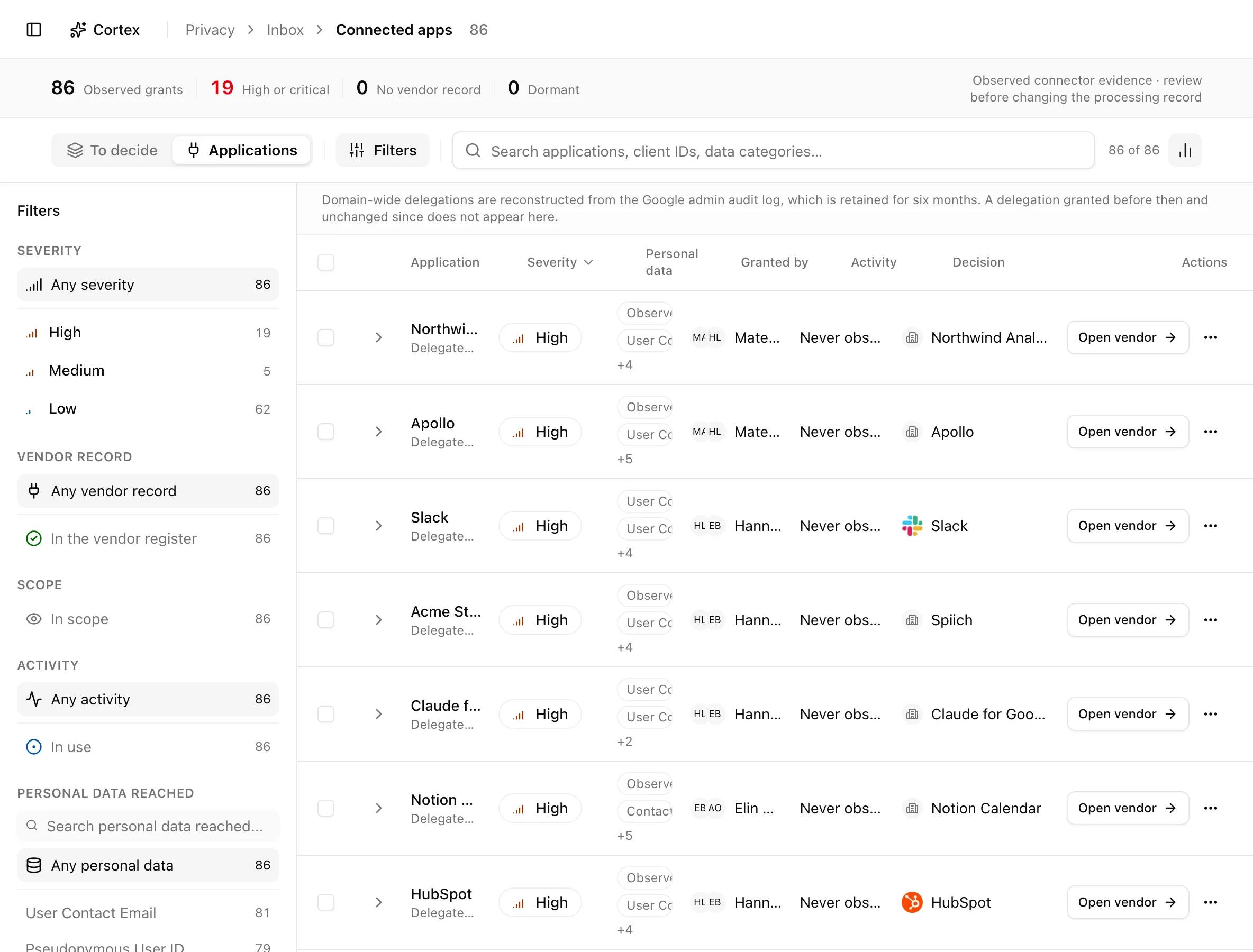
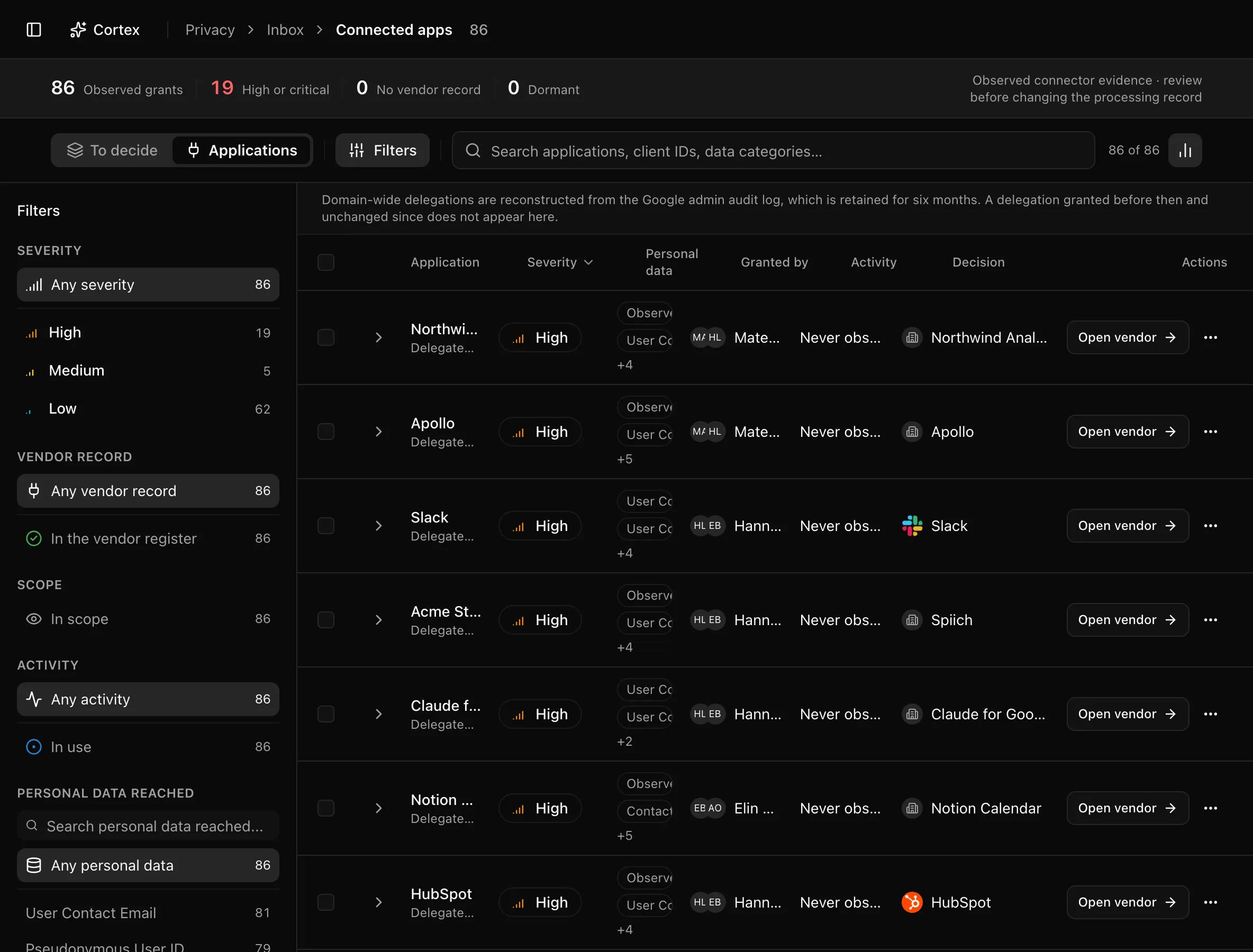
The insight strip counts Observed grants, High or critical, No vendor record, and Dormant, followed by the reminder that this is observed connector evidence to review before changing the processing record. Search matches display name, client ID, and data category. Sidebar filters combine with AND across sections and OR within one:
| Section | Options |
|---|---|
| Severity | Any severity or one level |
| Vendor record | Any vendor record, In the vendor register, No vendor record |
| Scope | In scope, Marked out of scope (out of scope is hidden by default) |
| Activity | Any activity, In use, Dormant |
| Personal data reached | Any personal data or a category; special categories carry a shield icon |
The URL carries ?grant= (an expanded row, used by inbox deep links),
?severity=, ?record=, ?activity=, ?category=, and ?scope=.
Key actions
Row actions need the editor or admin role.
Read a grant
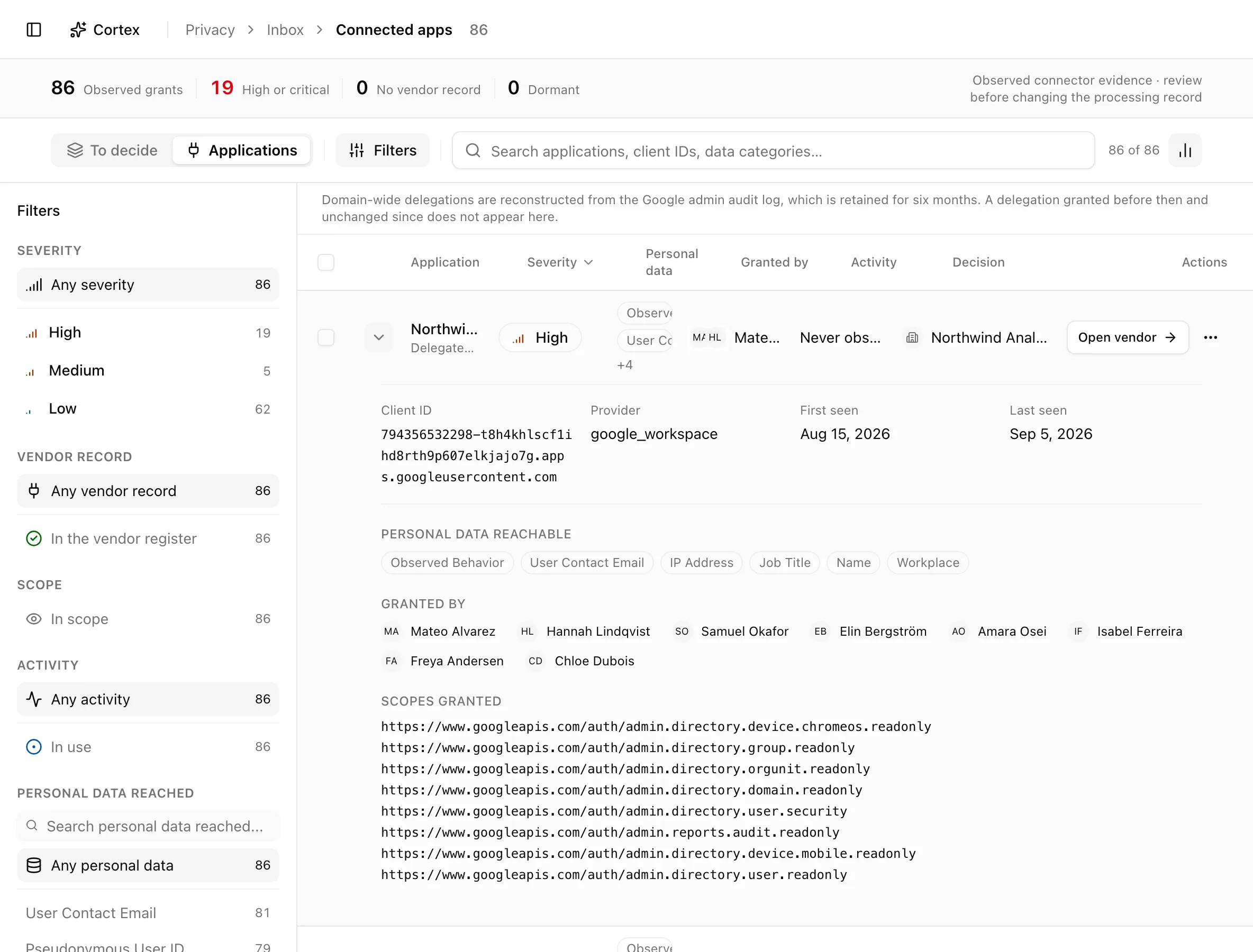
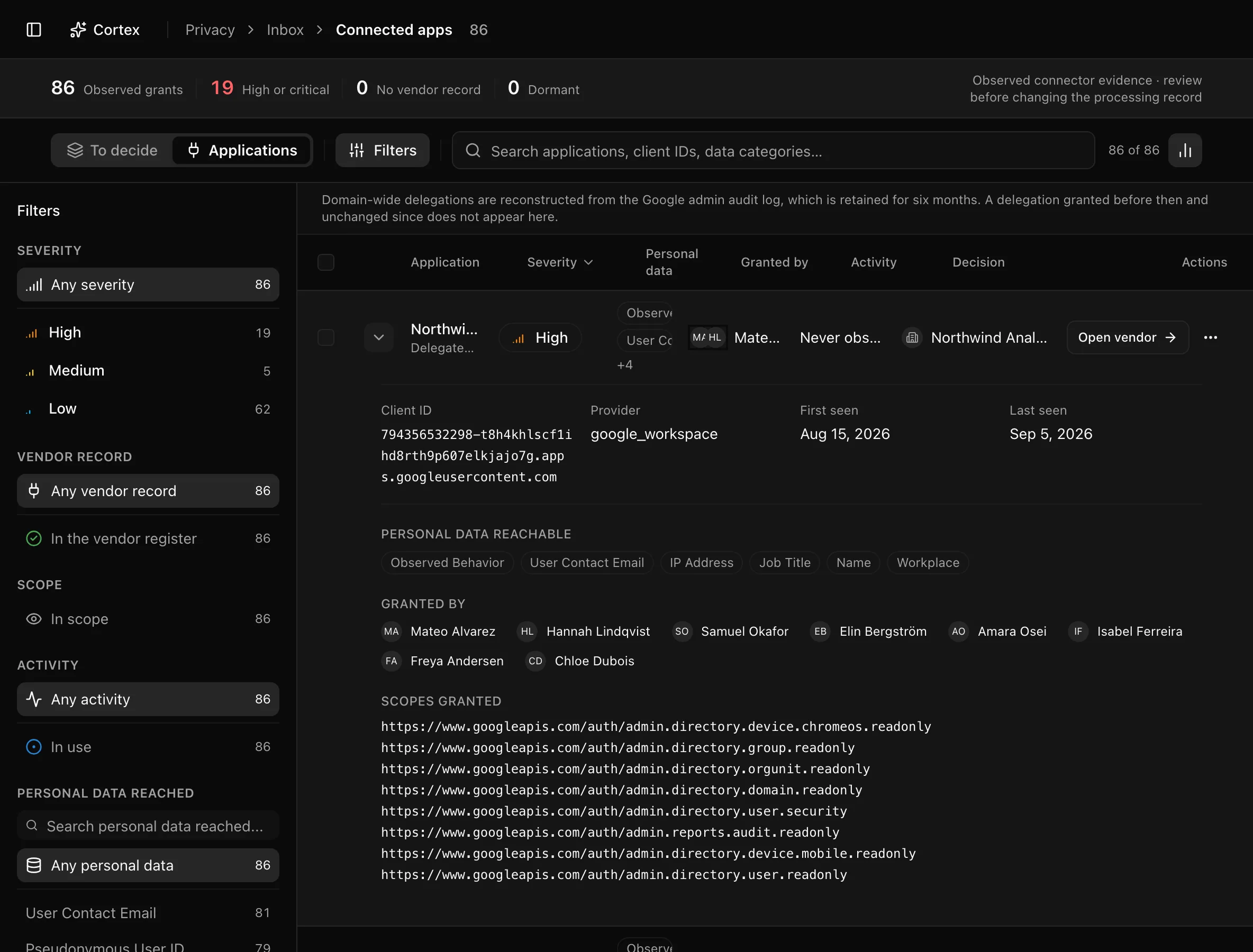
Click a row. The expanded view shows Client ID, Provider, First seen, Last seen, then Personal data reachable (or "No data categories derived."), Granted by, and Scopes granted. Two lines deserve attention: "N scopes not yet classified, so this severity may understate the real access" means the ranking is a floor, not a ceiling; "None — this application is reached through SSO, which carries no OAuth scope" means the app was seen but its data reach is unknown.
Add an application to the vendor register
/vendors/register/[id].This creates only the vendor record. Linking the application as a recipient on a record of processing still arrives as a proposal in the inbox.
Mark an application out of scope
Use the overflow menu and choose Mark out of scope. The dialog explains that the application stops being raised as drift and stops being proposed onto a record, while the observation itself is kept; a reason is required. Filter to Marked out of scope later and choose Bring back in scope to undo it. The row records when and why it was excluded.
Work in bulk
Select rows and use Add N to register or Mark N out of scope; the latter asks one reason for the whole batch. Copy client ID is in each row's overflow when you need to look an app up in the provider's console.
Statuses and fields
| Column | What it shows |
|---|---|
| Application | Name, then "Delegated" or "Application — no user context", and "Admin consent" or "User consent" |
| Severity | Derived from the personal data the granted scopes can reach |
| Personal data | Categories derived from the scopes |
| Granted by | The person, or a note that it was domain-wide or matched no personnel record |
| Activity | Grant date (or "Granted — date unknown") and last use, or "Never observed" |
| Decision | Needs a decision, In vendor register, or Out of scope |
Sort by severity (default), name, people, or activity.
Tips and gotchas
Google Workspace reconstructs domain-wide delegations from the admin audit log, which Google keeps for six months. A delegation granted earlier and never changed since does not appear here; the page shows a banner saying so.
Start with No vendor record at high or critical severity. Those are the applications that reach the most data with the least paperwork.
What Noru does not do
This page is not an access-control plane. Noru does not revoke a grant, restrict a scope, or change anything in Google or Entra; do that in the provider and the next sync will show it. Dormant means no use was observed, not that the application cannot use its access. Applications in an identity provider you have not connected are invisible here, as are grants the provider does not expose.
Related
Last updated on