

Data sources page
Connect, sync, reauthenticate, inspect, and disconnect integrations from the app.
What it is
Data sources are the integrations that collect facts for you on a schedule: identities from your IdP, repositories and access from your code host, configuration from your cloud, records from HR and ticketing, and privacy signals. This page is where you connect one, watch it sync, fix it when it breaks, and see what it feeds. What each provider collects and asks for is on its own page under Data sources; this guide covers the page itself.
Where to find it
Data Sources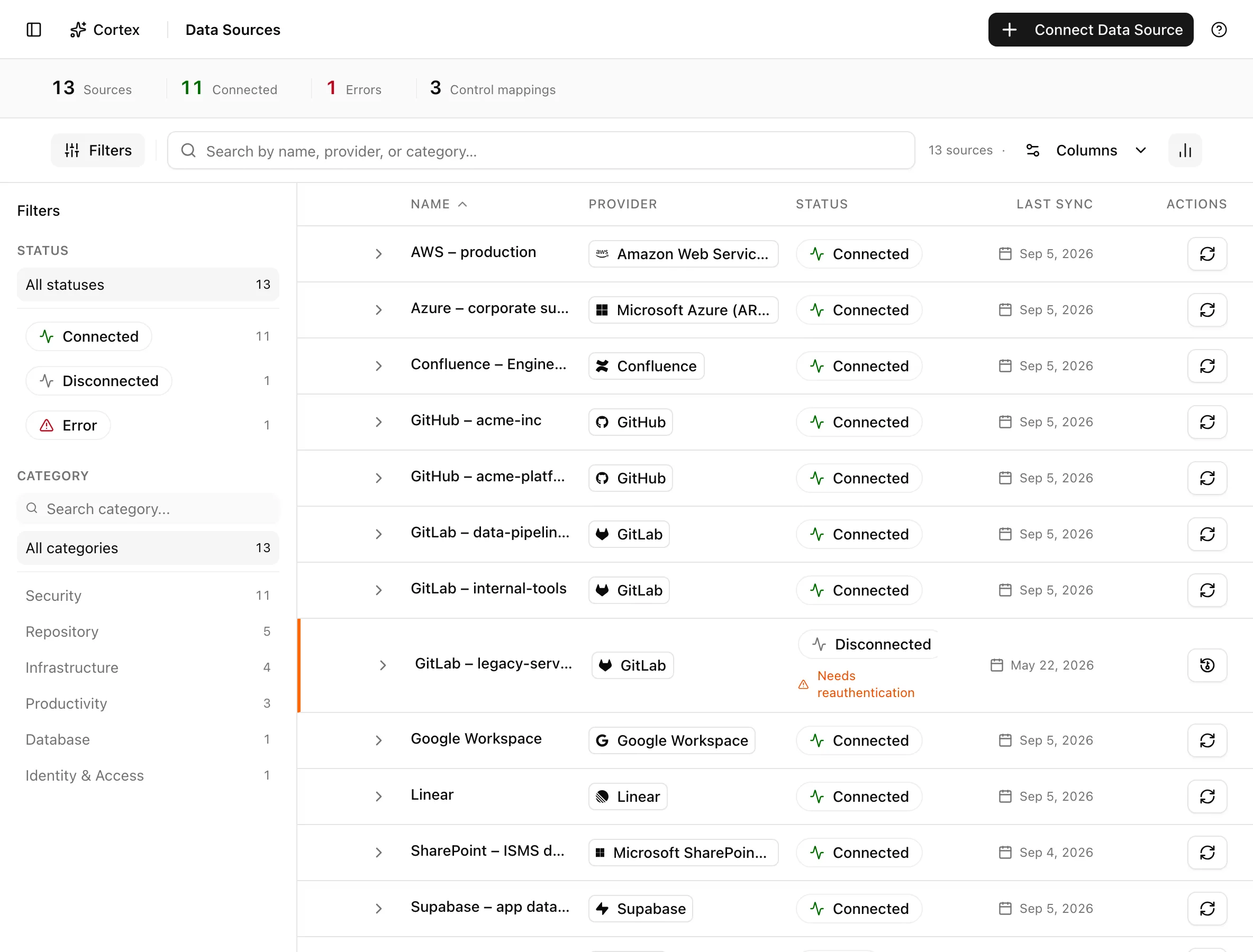
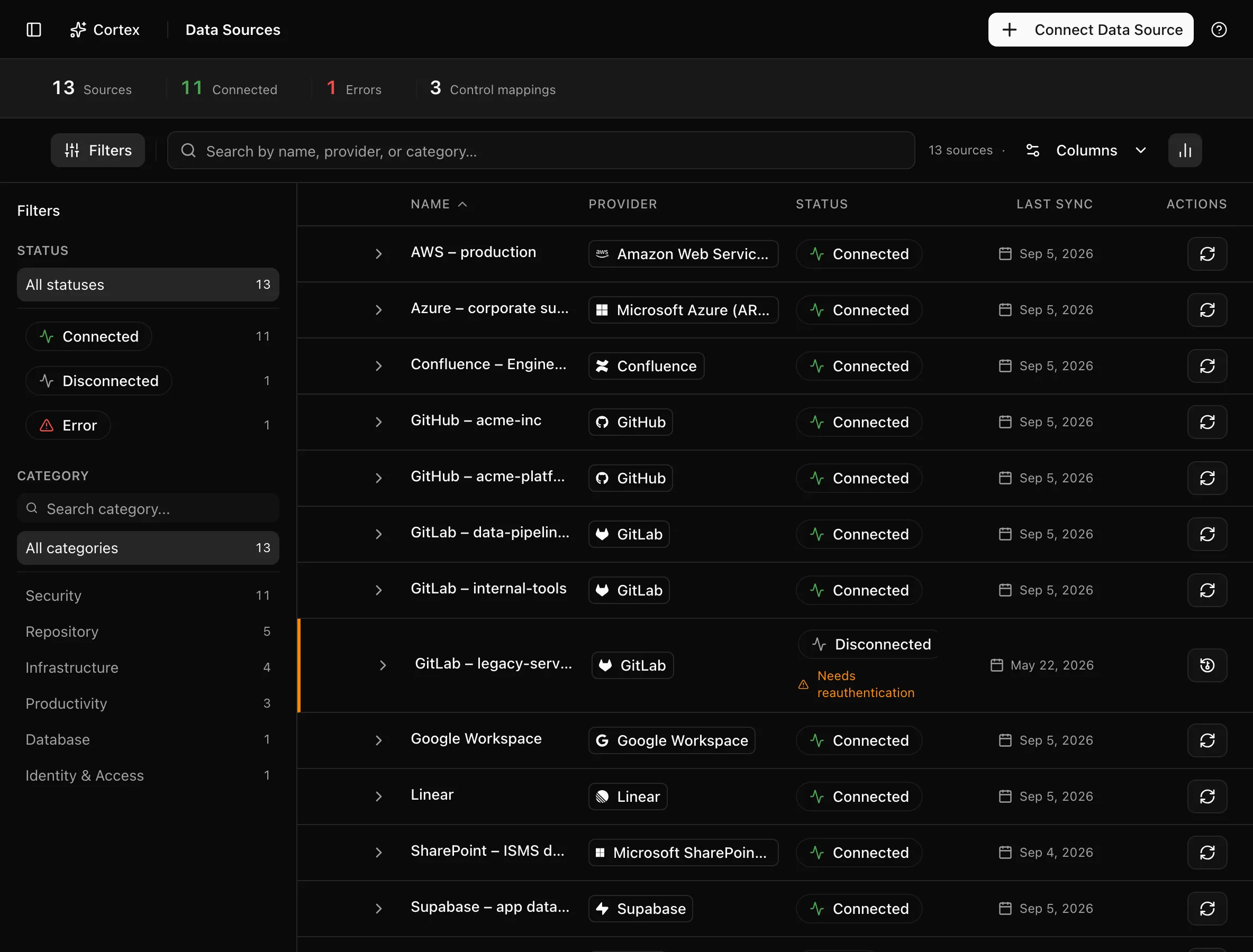
The insight strip counts Sources, Connected, Errors, and Control
mappings. The sidebar filters by Status and Category. Columns are
Name, Provider, Status, and Last sync; an expanded row shows
Integration, Provider, Categories, Connection, a Sync
section with the last sync time, and an Open data source button.
/data-sources?connect=true opens the connect dialog straight away, which is
how the getting-started checklist links here.
Key actions
Connecting, syncing, reauthenticating, and deleting need the editor or admin role.
Connect a data source
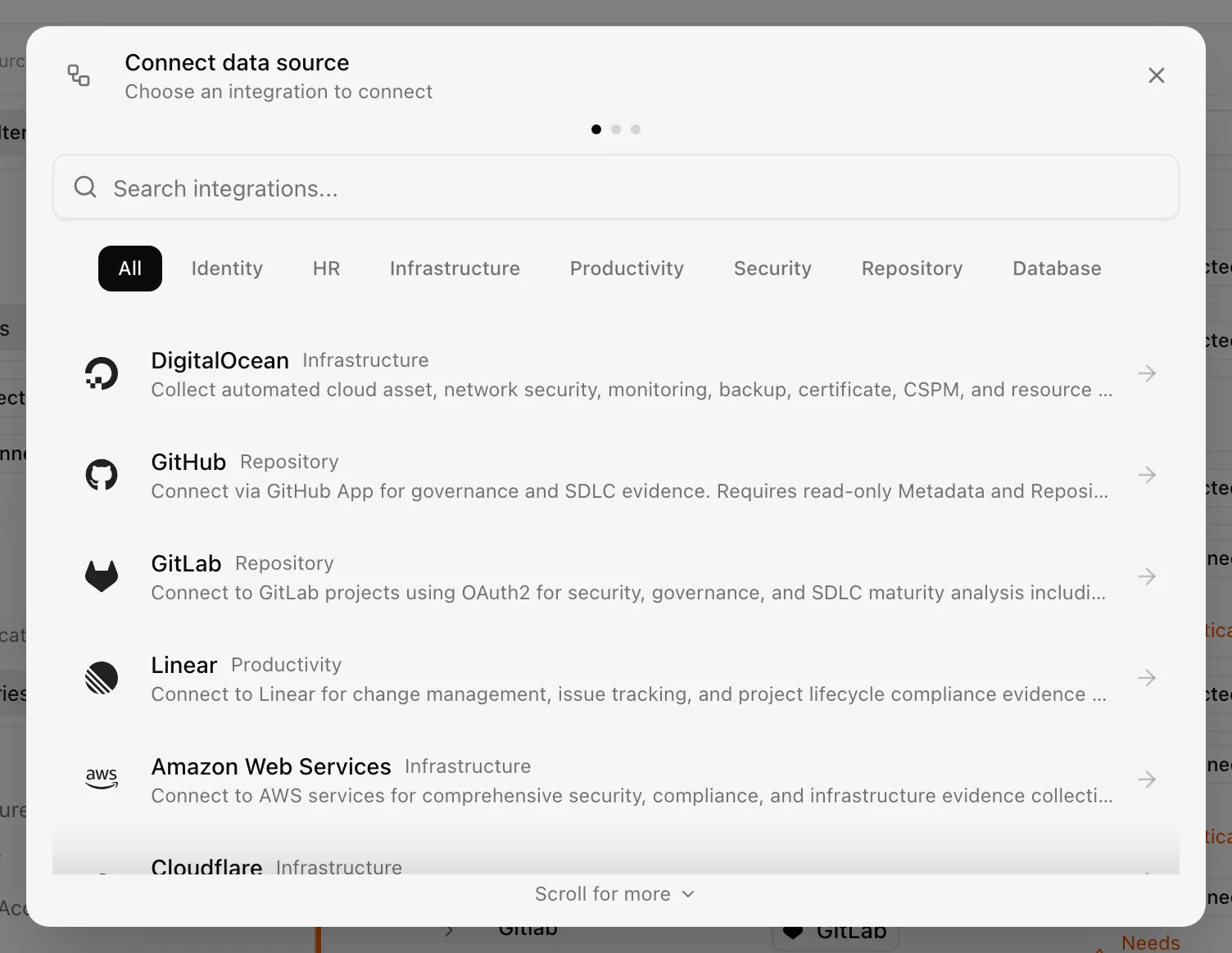
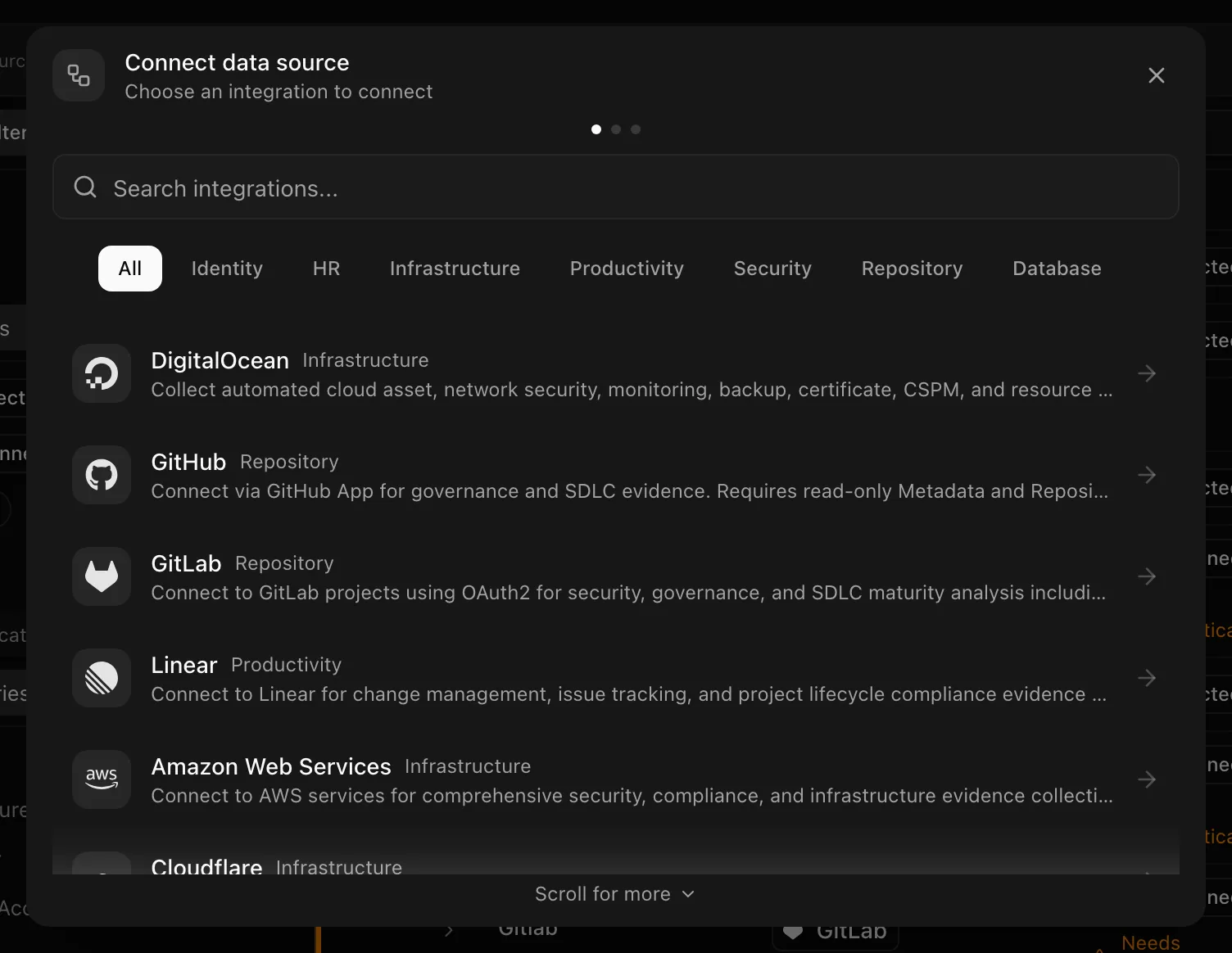
The provider guides describe the exact setup for each provider. For example, AWS uses a cloud setup flow while GitHub opens its App installation popup.
Scroll for more appears when a dialog has content below the visible area. Clicking outside leaves your entries intact. Cancel or the close button exits the connection flow; successful completion also closes it. See Naming and using connection dialogs.
Sync now
Each row has a refresh icon button at its right edge. Click it to queue a sync outside the schedule; the icon spins while the job runs, and hovering the running job reveals a cancel button in its place. The row's status text follows the job ("Starting sync…", then progress, then "Sync failed" or the new last-sync time).
Reauthenticate
When a token expires or a permission is withdrawn, the row shows "Needs reauthentication" and a Reauthenticate icon. Click it; the dialog is provider-specific (a fresh OAuth consent, a new API key, a new token) and ends with "Reauthentication completed successfully!". Syncs resume on the next schedule.
Inspect a data source
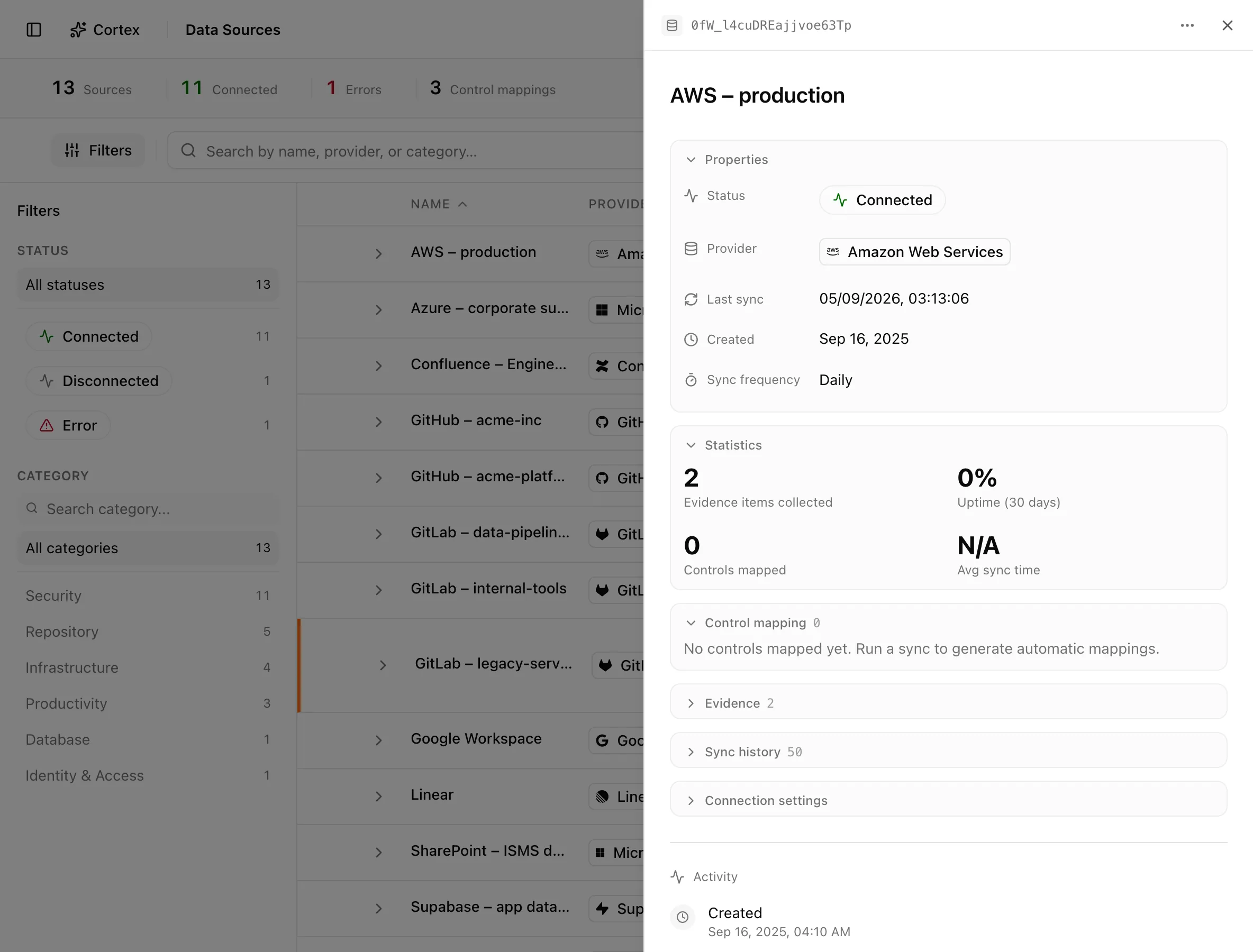
Click a row and then Open data source, or go to /data-sources/[id]. The
page renders with the detail drawer open:
| Section | Contents |
|---|---|
| Properties | Status, Provider, Last sync, Created, Sync frequency (change it inline) |
| Statistics | What the last syncs collected |
| Control mapping | Controls this source produces evidence for |
| Evidence | Evidence items it has written |
| Sync history | Recent jobs and their outcomes |
| Connection settings | Connection type, Authentication, Access token, GCP project, Permissions, as relevant |
Provider-specific upgrades appear here when they apply: AWS security upgrade and Review security upgrade, Rotate Databricks token, and Migrate GCP access.
Delete a data source
The overflow holds Copy ID and Delete. Deleting asks "Delete data source" and removes the integration with all associated data and configurations; it cannot be undone. Evidence already linked to controls is part of that data.
Statuses and fields
| Status | Meaning | Set by |
|---|---|---|
Connectedconnected | The last sync succeeded and credentials are valid. | Sync |
Syncingsyncing | A sync job is running now. | Sync |
Errorerror | The last sync failed; open the row for the reason. | Sync |
Disconnecteddisconnected | Credentials were revoked or the source was disabled. | Provider or you |
Monitoringmonitoring | Fallback for a status the app does not recognise. | Sync |
Tips and gotchas
Set the frequency to match how often the source changes. Identity providers rarely need more than daily; a cloud account you are actively changing benefits from hourly.
Deleting a source deletes the evidence it collected. If an auditor needs history, export it first or disconnect by revoking credentials at the provider instead.
What Noru does not do
Syncs read; they do not change anything in the connected system. The only writes happen during setup, where a provider's own flow asks you to deploy something (the AWS stack, for example), and the provider page says so. Noru does not backfill history from before the first sync, and it does not retry indefinitely: a source in Error stays there until the next scheduled run or a manual sync. Evidence from a sync proves what the provider reported, not that a control is operating; see Under the hood: Evidence lifecycle.
Related
Last updated on