

Connect your first data source
Connect GitHub, AWS, or your identity provider so evidence starts collecting automatically.
What it is
A data source is a read-only connection to a system you already run. Once connected, Noru syncs it on a schedule and turns what it finds into evidence, assets, identities, and findings, each mapped to the controls it supports. That is where most control coverage comes from, so the first connector is the step that changes the dashboard most. The wizard requires one before Finish; this page helps you choose it and shows where its output lands.
Anyone can open the Data Sources page; connecting, syncing, and disconnecting need an editor or admin.
Where to find it
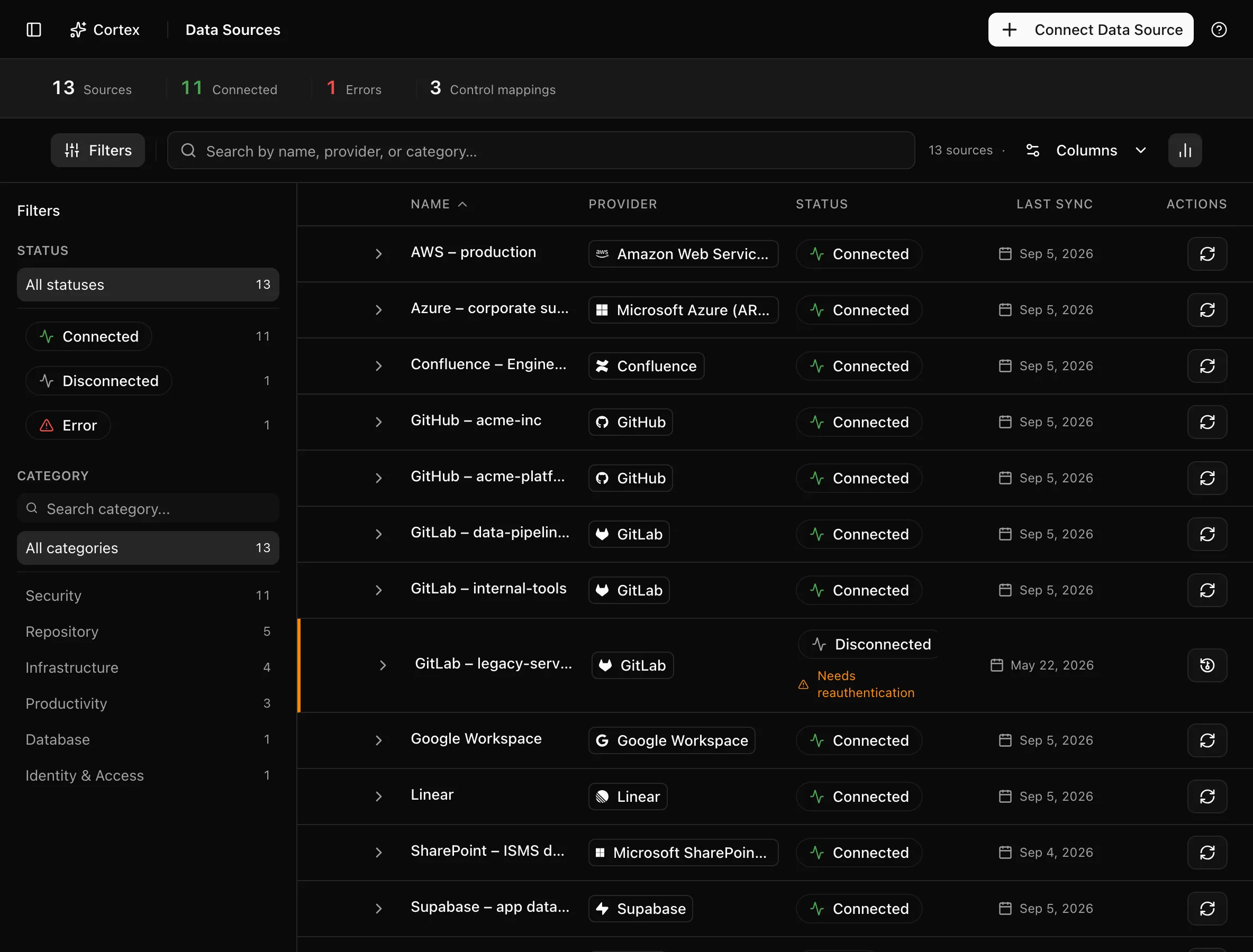
Data Sources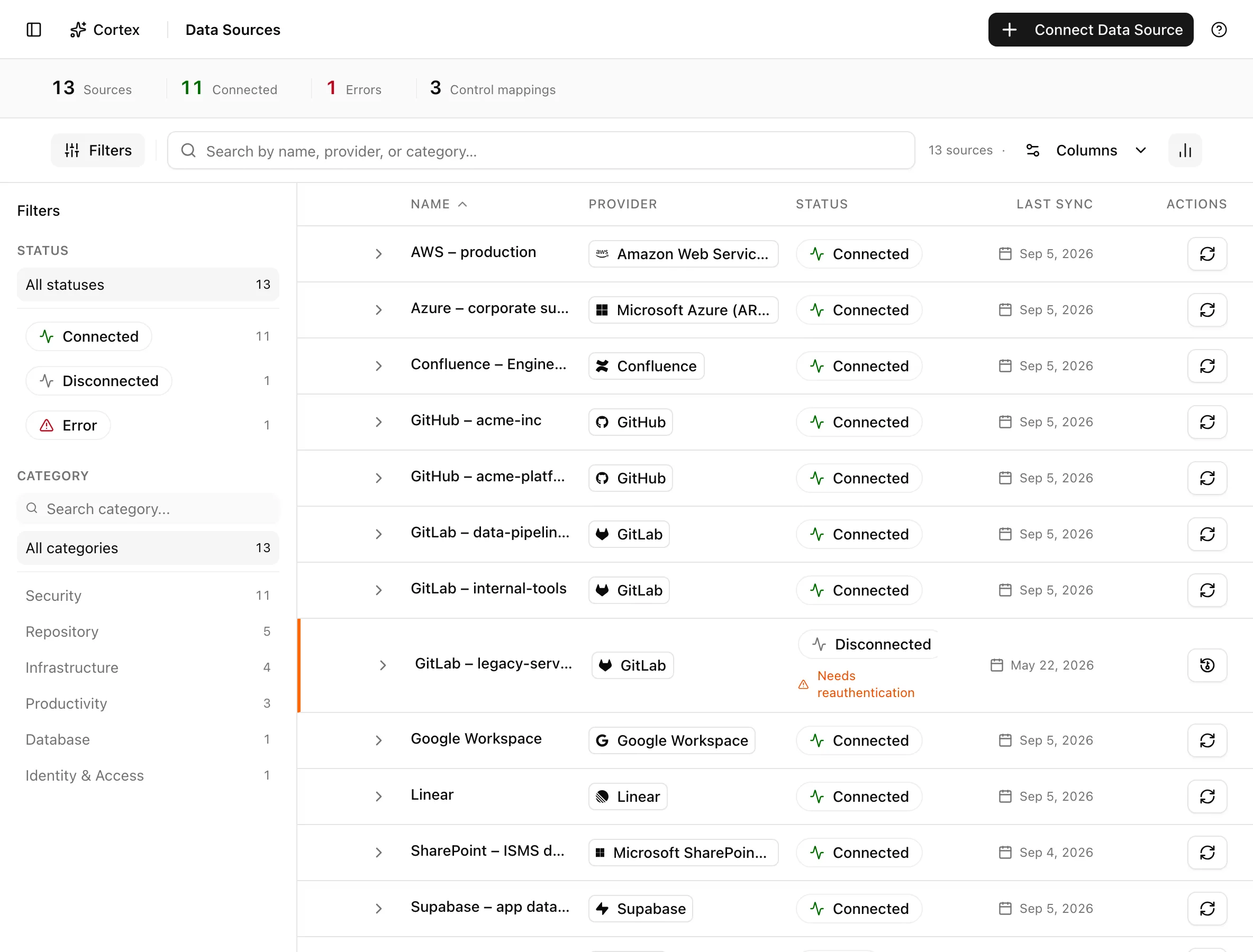
Key actions
Pick the first connector
| Connector | Best first choice when | What arrives | Guide |
|---|---|---|---|
| GitHub | Engineering runs on GitHub | Repository settings, branch protection, access, review evidence | GitHub |
| Amazon Web Services | Production runs on AWS | Assets, account and security configuration, findings | AWS |
| Google Workspace | Google is your identity provider | Personnel identities, MFA status, admin settings | Google Workspace |
| Microsoft Entra ID (Azure AD) | Microsoft is your identity provider | Personnel identities, MFA status, directory configuration | Microsoft Entra ID |
If you can only do one this week, connect the identity provider: it feeds the Personnel step of the readiness plan, which most frameworks weight heavily. Engineering teams often start with GitHub because it takes a minute and produces evidence on the first sync.
Connect a source
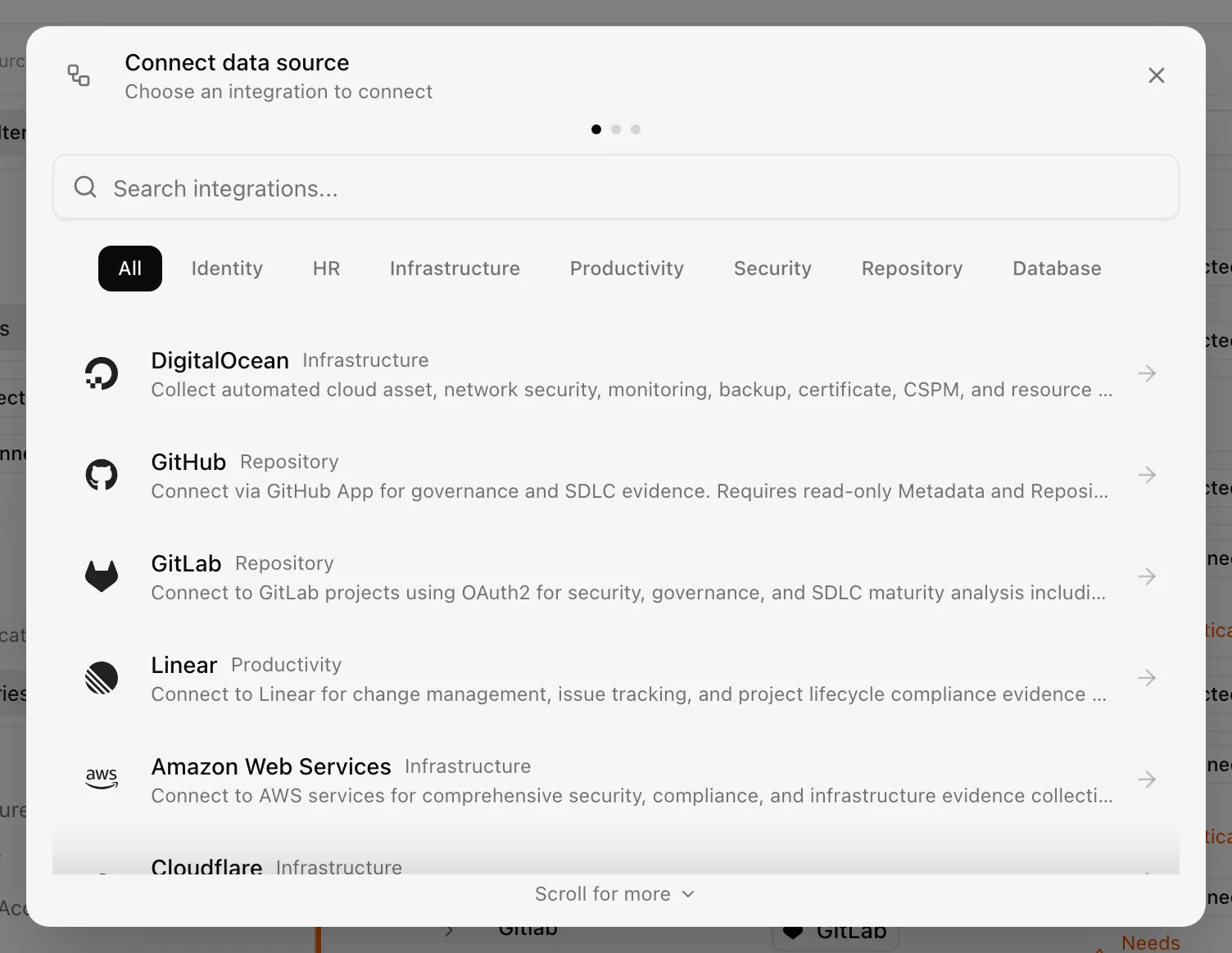
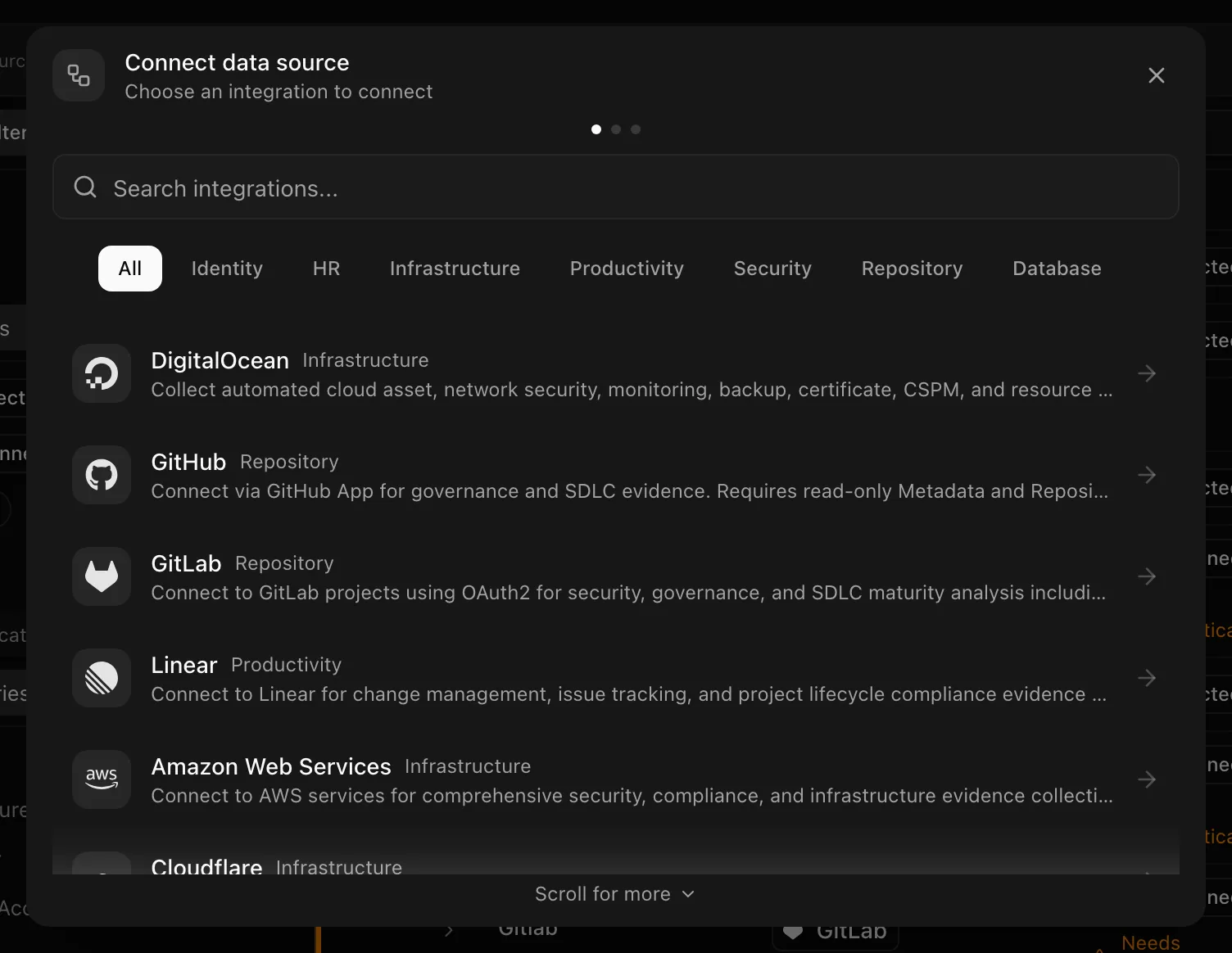
Scroll for more means there are additional providers or fields below. Clicking outside leaves the connection dialog open. Cancel or the close button exits the flow.
The provider pages under Data sources describe what each connector asks for, what it collects, and what it never reads.
Find what the sync produced
| Output | Where it lands | How to spot it |
|---|---|---|
| Evidence | Evidence vault | The Integration column and the Source filter |
| Assets | Assets | The Source column and filter; discovered assets carry an External ID |
| Identities | Personnel directory | Rows synced from the identity provider |
| Findings | Security findings | Findings from cloud and scanning providers |
| Control coverage | Controls | The Coverage column rises as evidence qualifies |
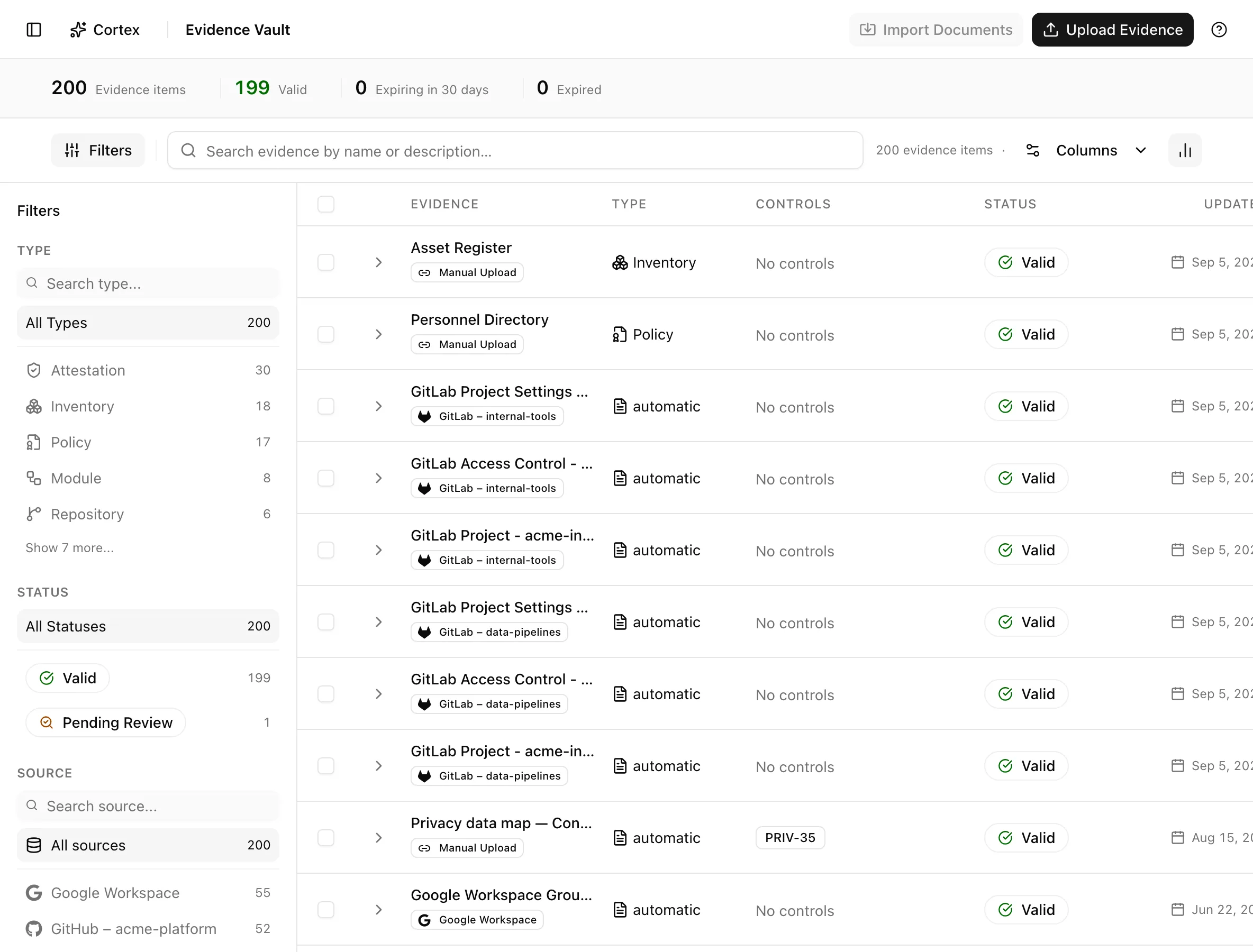
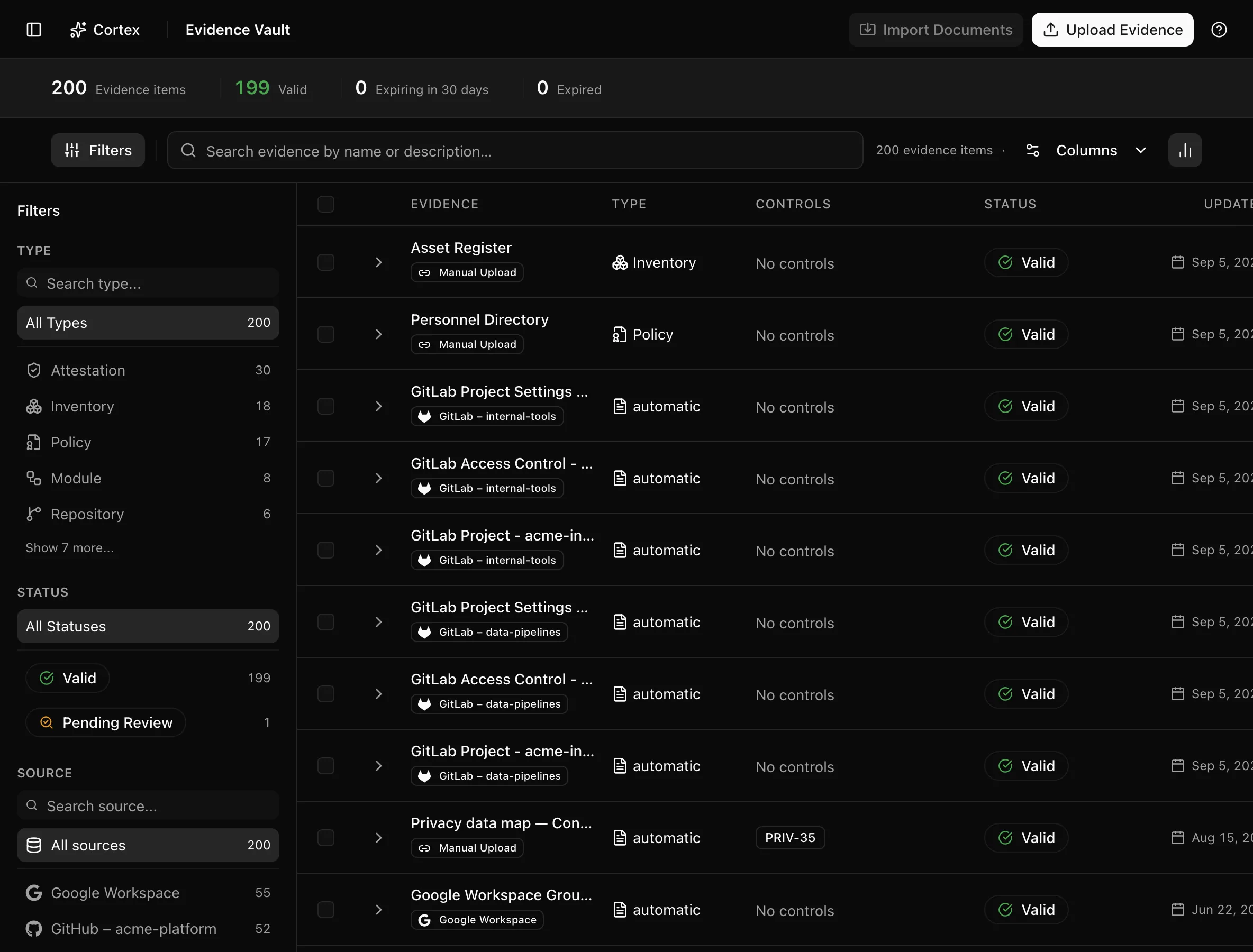
The dashboard's 1. Critical Systems Scan Findings step reads the same data; Rescan Systems there triggers a fresh pass.
Statuses and fields
| Sync frequency | Use it for |
|---|---|
| Hourly | Systems that change all day, such as cloud accounts during a migration |
| Daily | The default choice for repositories and identity providers |
| Weekly | Stable systems where a week's lag is acceptable |
| Monthly | Sources you connect for an annual snapshot |
Tips and gotchas
Connect with a service account or a dedicated admin identity, not a personal login. When that person leaves, the connection would break with them.
Coverage lags the sync
Evidence appears in the vault as soon as the sync finishes, but control coverage is recomputed afterwards. If a control still shows old coverage a few minutes after a sync, refresh; see Control status and coverage.
Disconnecting a source stops new syncs, so the automatic evidence it produced stops refreshing and will eventually expire, dropping coverage on the controls it fed. Read the provider page before disconnecting a source that feeds implemented controls.
What Noru does not do
Noru reads; it does not change settings in the connected system, create resources, or remediate findings. Connecting a system does not make it compliant, and evidence from a sync is a snapshot of configuration, not a judgement about whether that configuration is right for you. Noru also does not collect anything a provider page lists as not collected, and it does not sync outside the frequency you set except when you trigger a sync by hand.
Related
Last updated on