

Choose frameworks
Pick the standards and regulations in scope and understand what enabling a framework loads.
What it is
Frameworks are the requirement sets your program is measured against: ISO 27001, SOC 2, GDPR, the EU AI Act, and so on. Enabling one links its controls and requirements to the organization, adds a plan tab to the dashboard, and offers to generate the policies it expects. You choose the first framework in the organization wizard; everything after that happens under Settings → Frameworks, which is admin-only.
Where to find it
SettingsFrameworksThe card is titled Frameworks and lists every framework Noru ships, each with a switch.
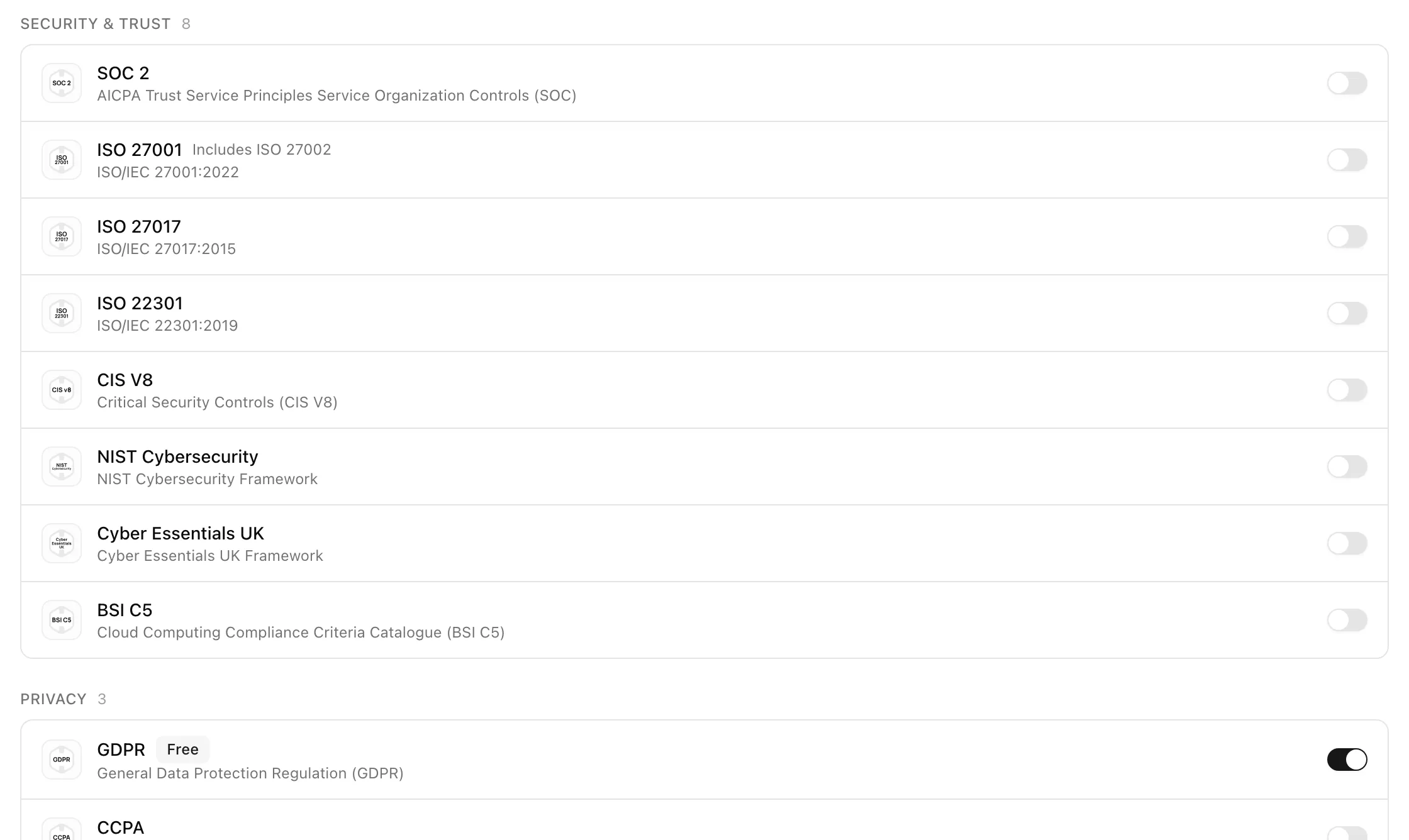
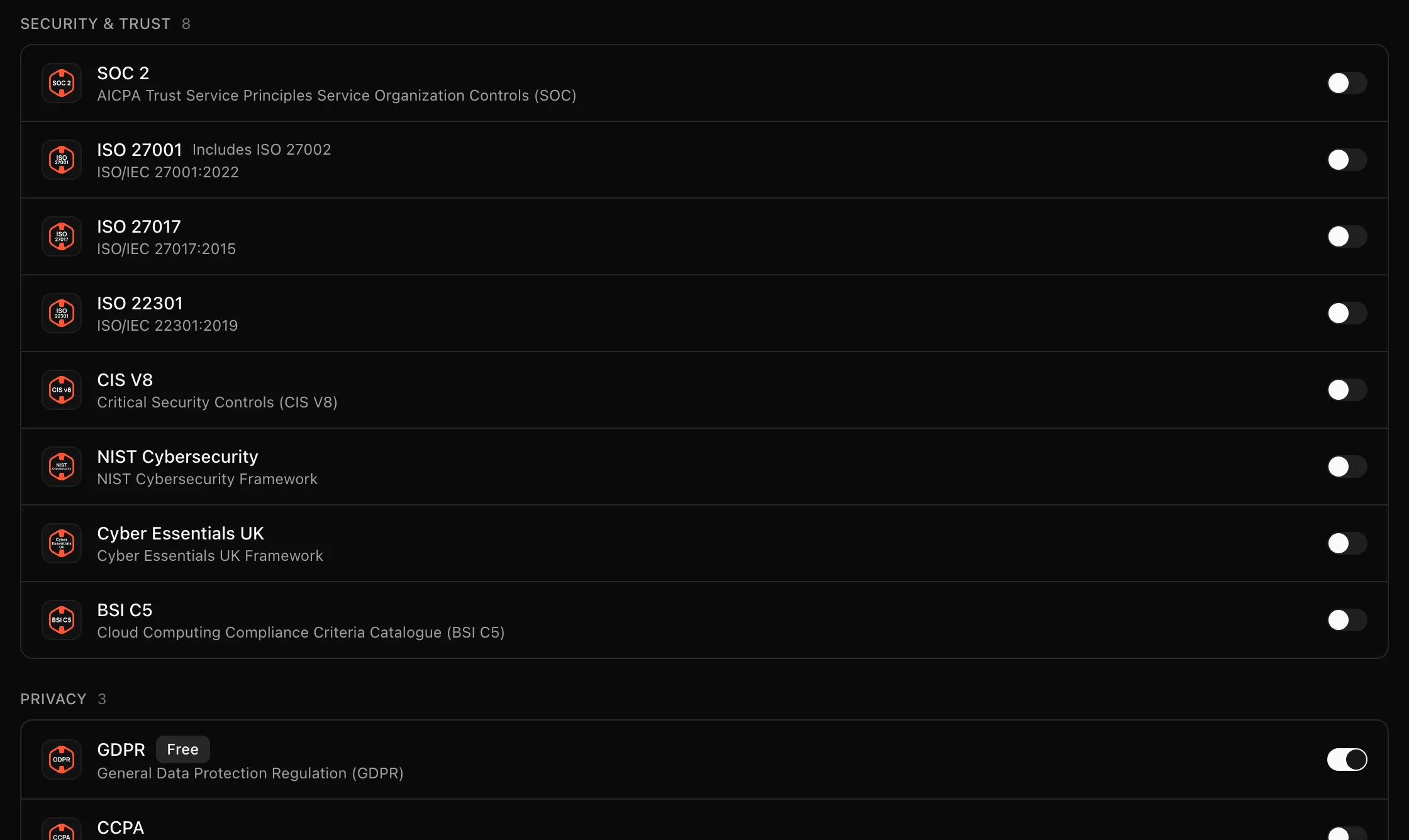
Frameworks appear in six groups: Security & Trust, Privacy, AI Governance, Financial & Industry, Government & Regional, and Other. Each row shows the logo, name, an optional Free badge, a description, and a switch. ISO 27001's row notes "Includes ISO 27002".
Key actions
Pick the first framework in the wizard
Step 1 of Create your organization asks for one starting framework. If you are unsure, take the one an auditor or customer has already asked you about. ISO 27001 is the usual starting point for security programs; GDPR is the usual one for privacy programs.
Enable a framework in Settings
The toast "Policy regeneration has been queued successfully" confirms the job. Generated policies appear under Policies as drafts; the framework's controls appear at once under Controls.
Disable a framework
Turn the switch off and confirm. Controls and requirements leave scope; policies and evidence stay. For ISO 27001 the dialog adds "ISO 27002 will also be disabled." The full dialog text is on the Settings → Frameworks page.
Statuses and fields
Regulatory and auditable frameworks
| Kind | Frameworks | Dashboard difference |
|---|---|---|
| Regulatory | GDPR, CCPA, EU AI Act | No Phase 03 Verification; readiness is the Implementation phase alone |
| Auditable | Everything else | Three phases, plus a Certification row on the getting-started tab |
CIS v8 is treated as auditable but also skips the Verification phase.
Tips and gotchas
ISO 27001 and 27002 travel together
ISO 27002 is never listed on its own. Enabling ISO 27001 links it; disabling ISO 27001 disables it too, and the disable dialog says so.
Enable one framework, finish its policies, and connect data sources before adding the next. Controls from a second framework map to much of the same evidence, so a second framework is far less work once the first is running.
What Noru does not do
Enabling a framework does not make you compliant with it and does not certify anything. Evidence is mapped to the new controls as data sources sync, not at the moment you flip the switch. Disabling a framework deletes nothing.
Related
ISO 27001 Statement of Applicability
See Statement of Applicability (SoA) for the 93-row Annex A export, how applicability and justification are derived, MCP access, and retaining a reviewed snapshot against RM-10.
Last updated on