

Controls
Search, filter, bulk-update, and export the control directory.
What it is
Controls are the individual requirements your enabled frameworks expect you to meet. Each control has a status, an owner, and a coverage percentage that says how much of its required evidence is in place. The controls page is the directory: search and filter it, change statuses for many controls at once, export it as a spreadsheet or a Statement of Applicability, and open any control for the detail work described in Control detail.
Where to find it
Controls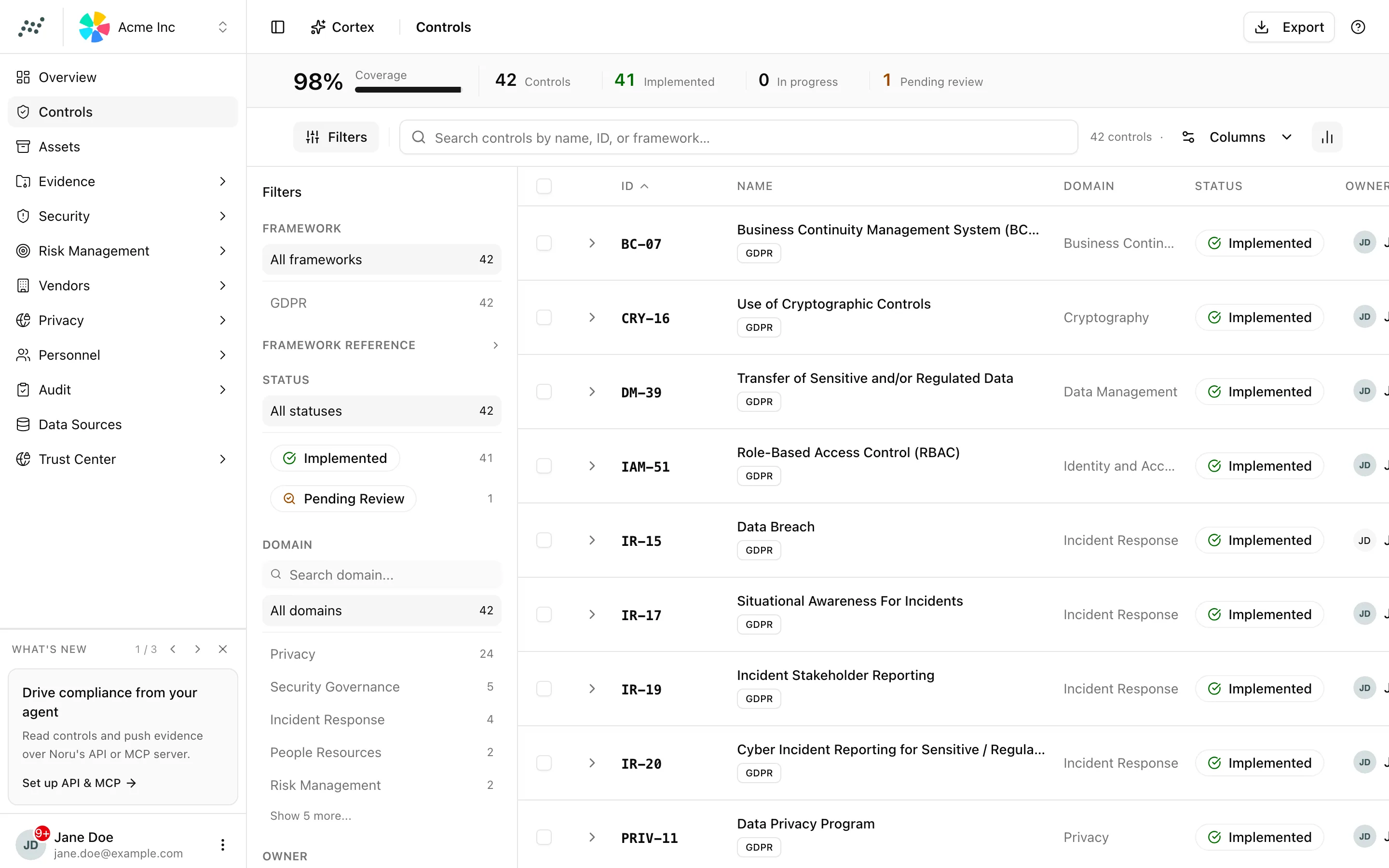
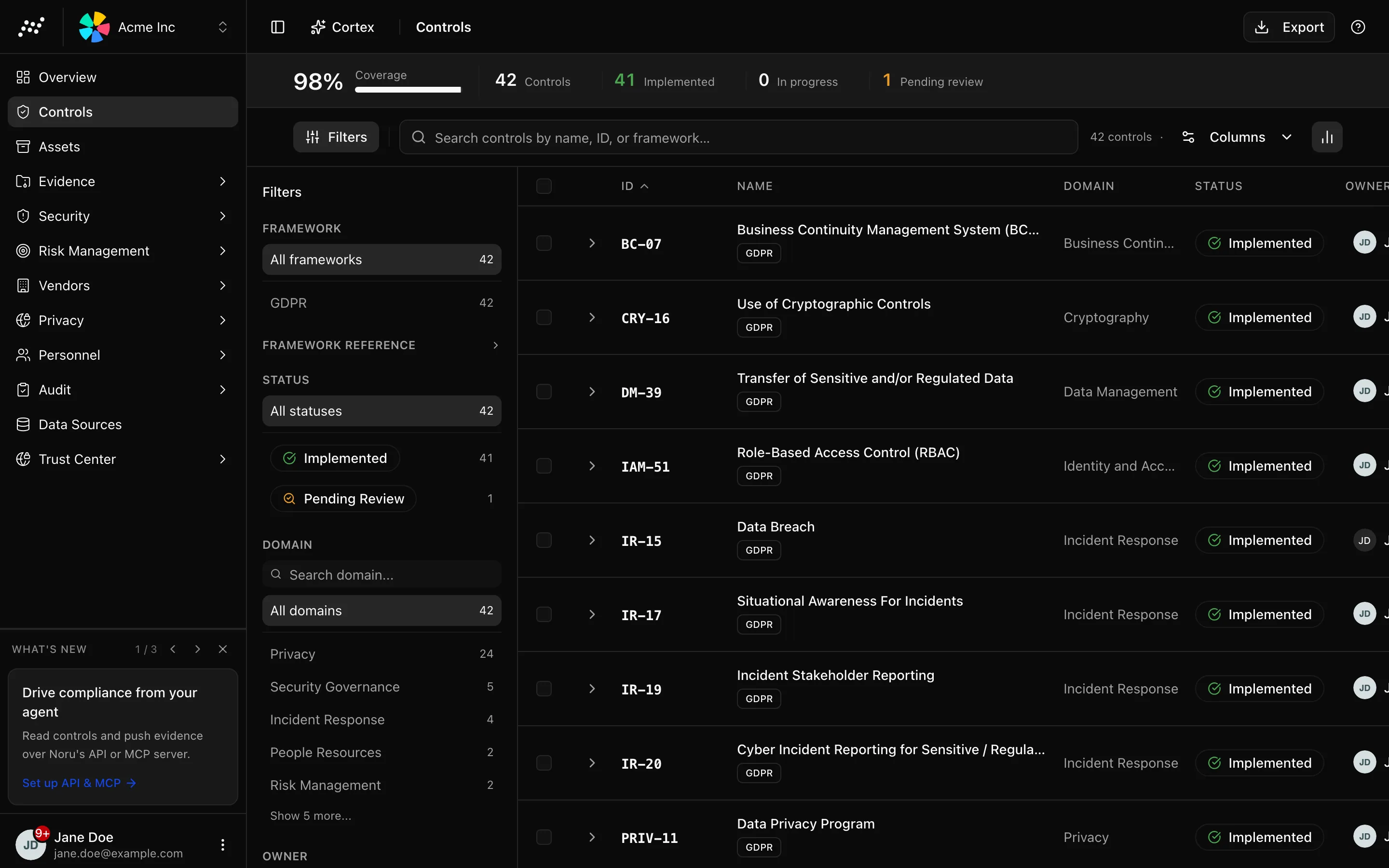
The insight strip shows a Coverage meter and counts for Controls, Implemented, In progress, and Pending review.
Key actions
Search and filter
The search box reads "Search controls by name, ID, or framework…". The filter sidebar has sections for Framework, Framework Reference, Status, Domain, and Owner. Filters live in the URL, so the browser's back button restores them and a filtered view can be shared as a link.
Choose columns
Open the Columns menu ("Toggle columns") to show or hide Control ID, Name, Domain, Framework References, Status, Owner, Coverage, and Last Updated.
Change status in bulk
Two guards apply. A control can only be set to implemented when its coverage
is 100%; the inline Implemented button on a row explains "Control must
have 100% coverage to be implemented". Archived controls cannot be changed in
bulk. Viewers see the text Read-only access instead of the buttons.
Export controls or the SoA
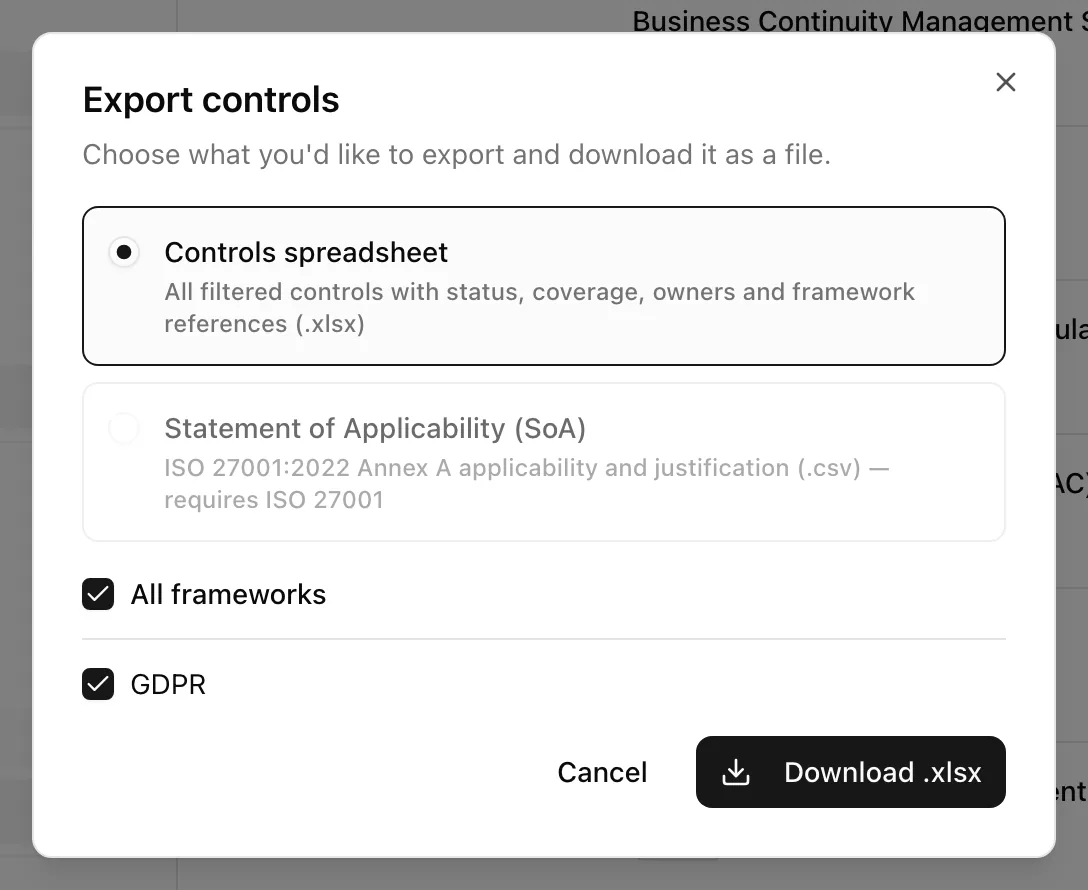
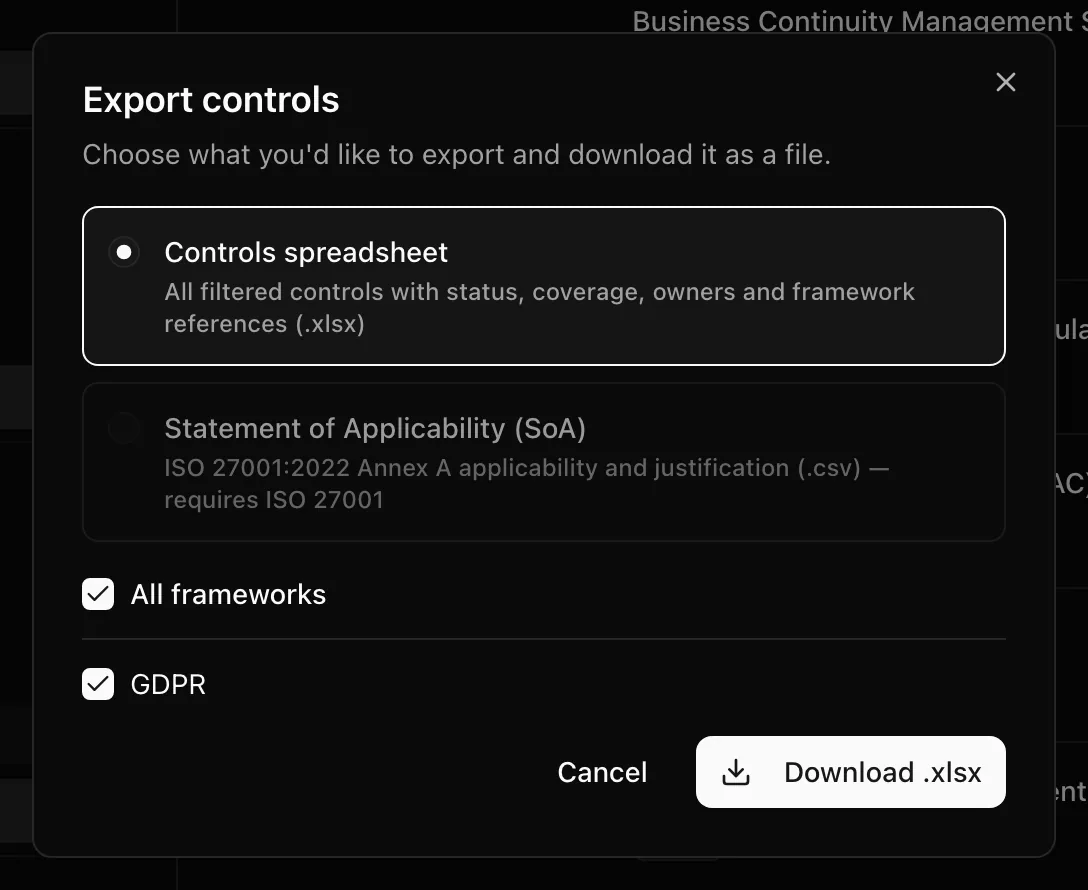
Open a control
Click a row to open /controls/[id], where you set status and owner, link
evidence, write notes, and read guidance and history. See
Control detail.
Statuses and fields
| Status | Meaning | Set by |
|---|---|---|
Not Implementednot_implemented | Nothing is in place yet | Default, or you |
In Progressin_progress | Someone is working on it | You |
Implementedimplemented | The control operates and all required evidence is linked | You at 100% coverage, or the coverage engine |
Pending Reviewpending_review | Coverage dropped below 100% on an implemented control, or you asked for a review | Coverage engine, or you |
Not Applicablenot_applicable | Excluded from scope with a justification; the SoA records it | You |
Archived controls exist but cannot be bulk-updated and are never changed by the coverage engine.
| Column | Meaning |
|---|---|
| Control ID | Noru's identifier for the control |
| Framework References | The clause or criterion in each framework that maps to it |
| Coverage | Share of required evidence items that are satisfied |
| Owner | The member accountable for it |
Tips and gotchas
Coverage decides Implemented
When coverage reaches 100% the control becomes implemented on its own, and when it later drops the control moves to pending review. Setting a status by hand does not exempt a control from this rule; only archived and not applicable are left alone. See Control status and coverage.
Filter by Status pending review after each sync. Those are the controls whose evidence expired or whose source changed.
N/A in bulk applies to every selected control. Use it for a filtered set you have reviewed, not for a whole framework.
With no framework enabled the page shows No controls found, "Controls are added when you enable a compliance framework…", and Add a framework, which opens Settings → Frameworks.
What Noru does not do
Noru does not decide applicability for you; Not Applicable is your statement and the SoA repeats it. Bulk Implemented does not link evidence, and an export is a snapshot with no link back to the live records.
Related
- Control detail
- Under the hood: Control status and coverage
- Reference: Statuses
- Evidence vault
- Choose frameworks
ISO 27001 Statement of Applicability
See Statement of Applicability (SoA) for the 93-row Annex A export, how applicability and justification are derived, MCP access, and retaining a reviewed snapshot against RM-10.
For Not Applicable controls, the list shows “Not applicable” instead of an evidence percentage. The detail view does not ask for missing evidence; existing links and the exclusion notes remain available.
See User access reviews (UARs) for the supported logical access review workflow.
Last updated on