

Cortex
Ask Noru's AI assistant about your program, draft policies, and review generated work.
What it is
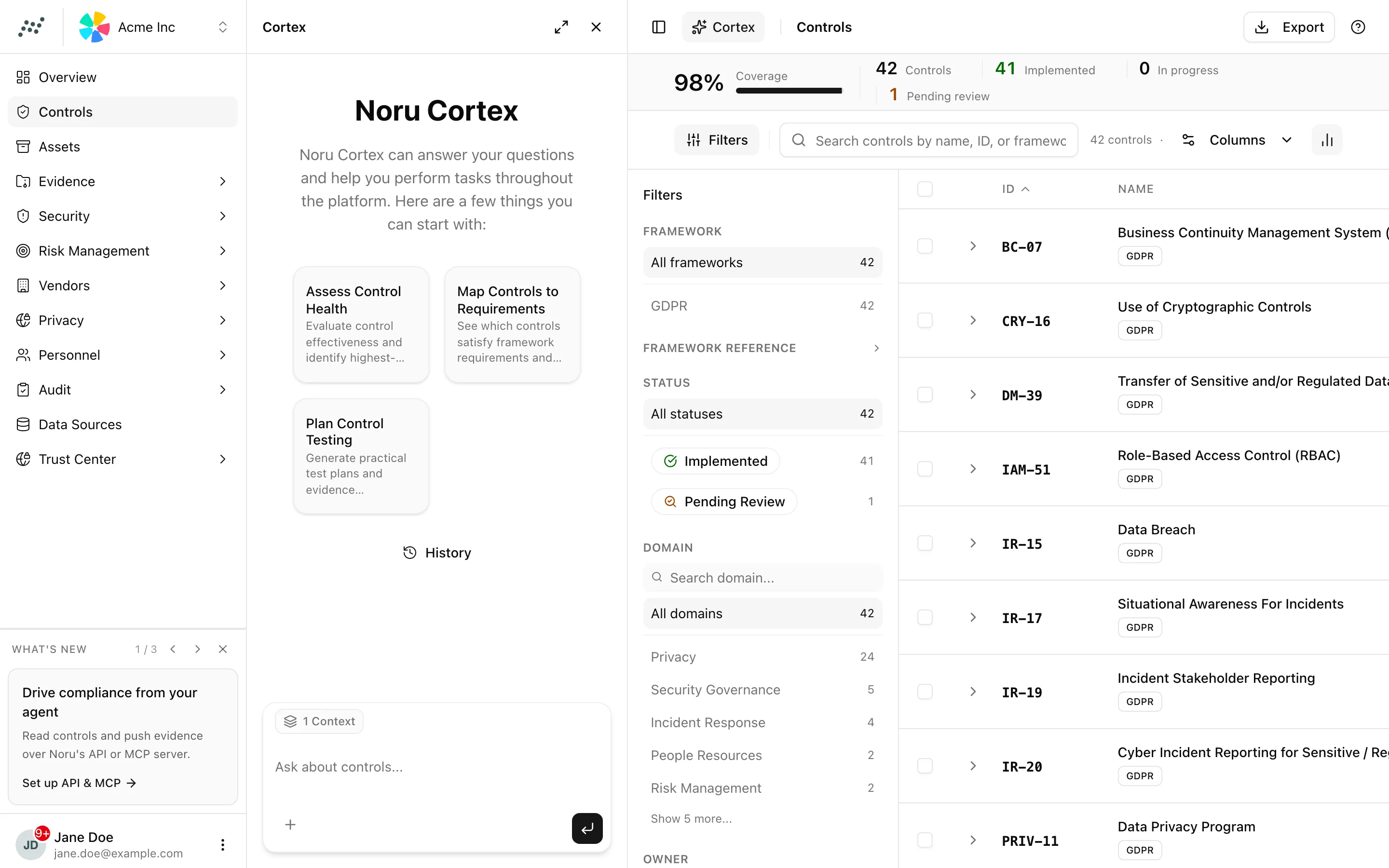
Cortex is the assistant built into Noru. It answers questions about your
controls, policies, risks, evidence, vendors, and assets by calling the same
tools the MCP server exposes, and it can draft or propose changes when your
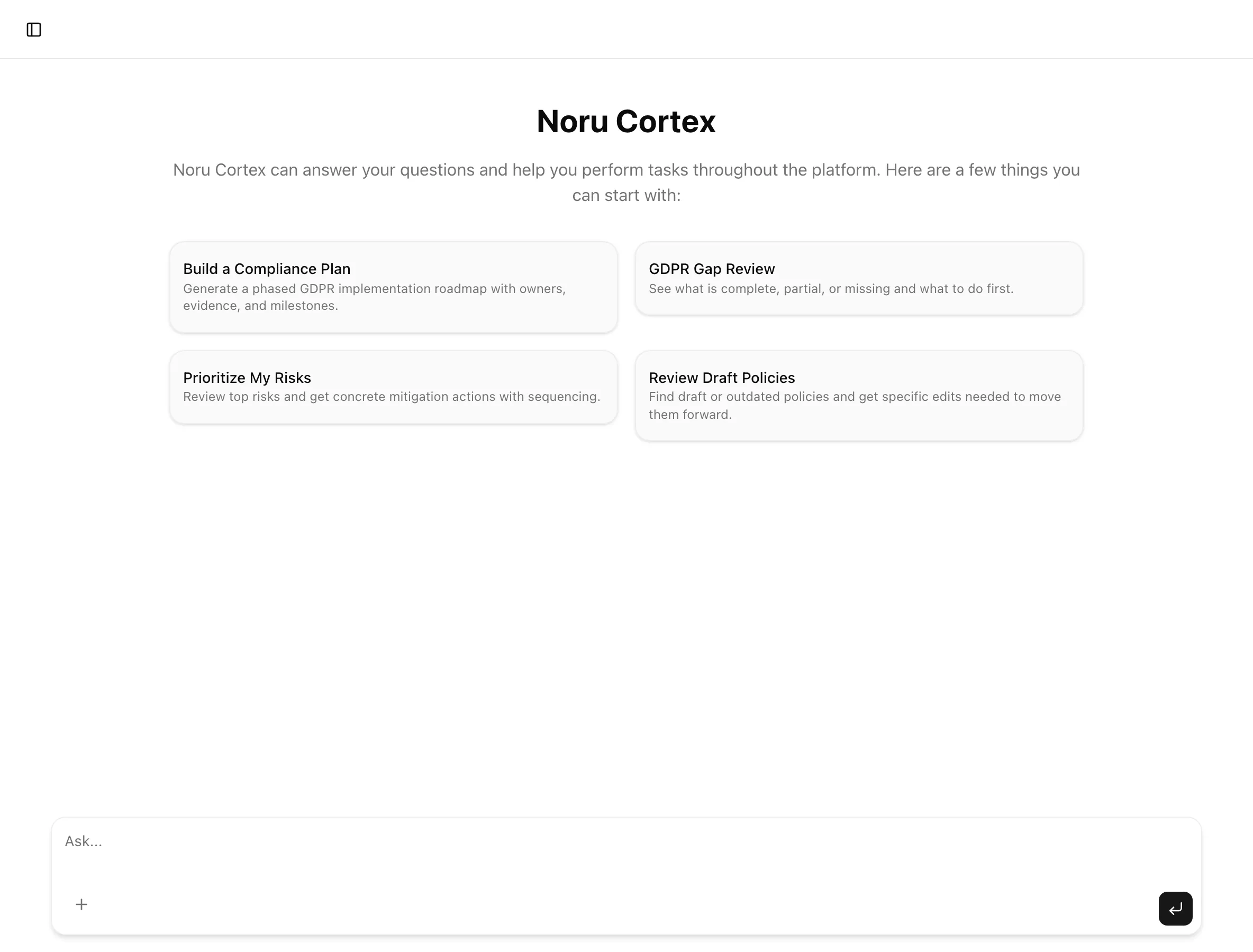
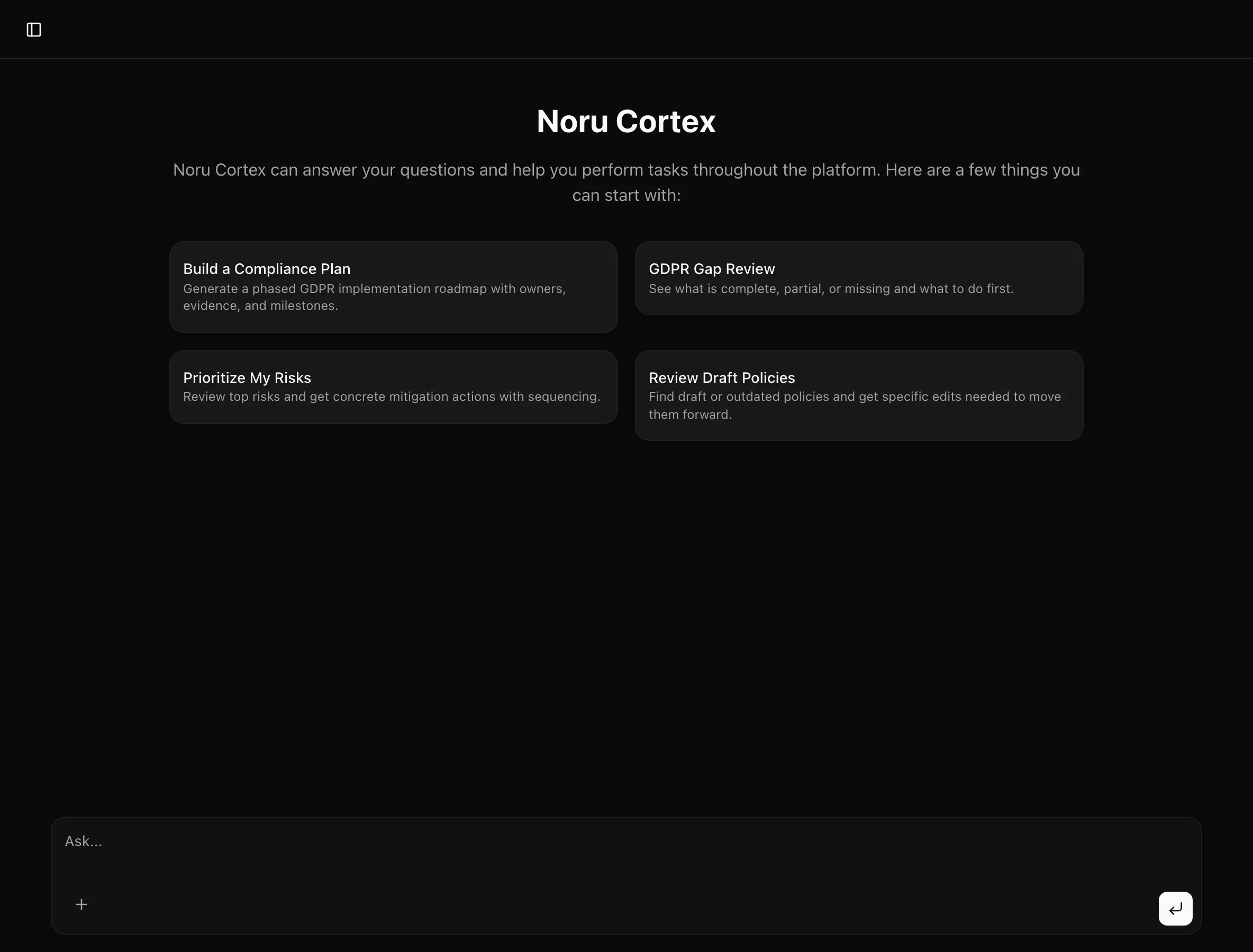
role allows writes. It runs in two places: a side pane you can open on any
page, and a full page at /cortex with saved conversations. The organization
context you filled in under Settings → Context
is part of every conversation.
Where to find it
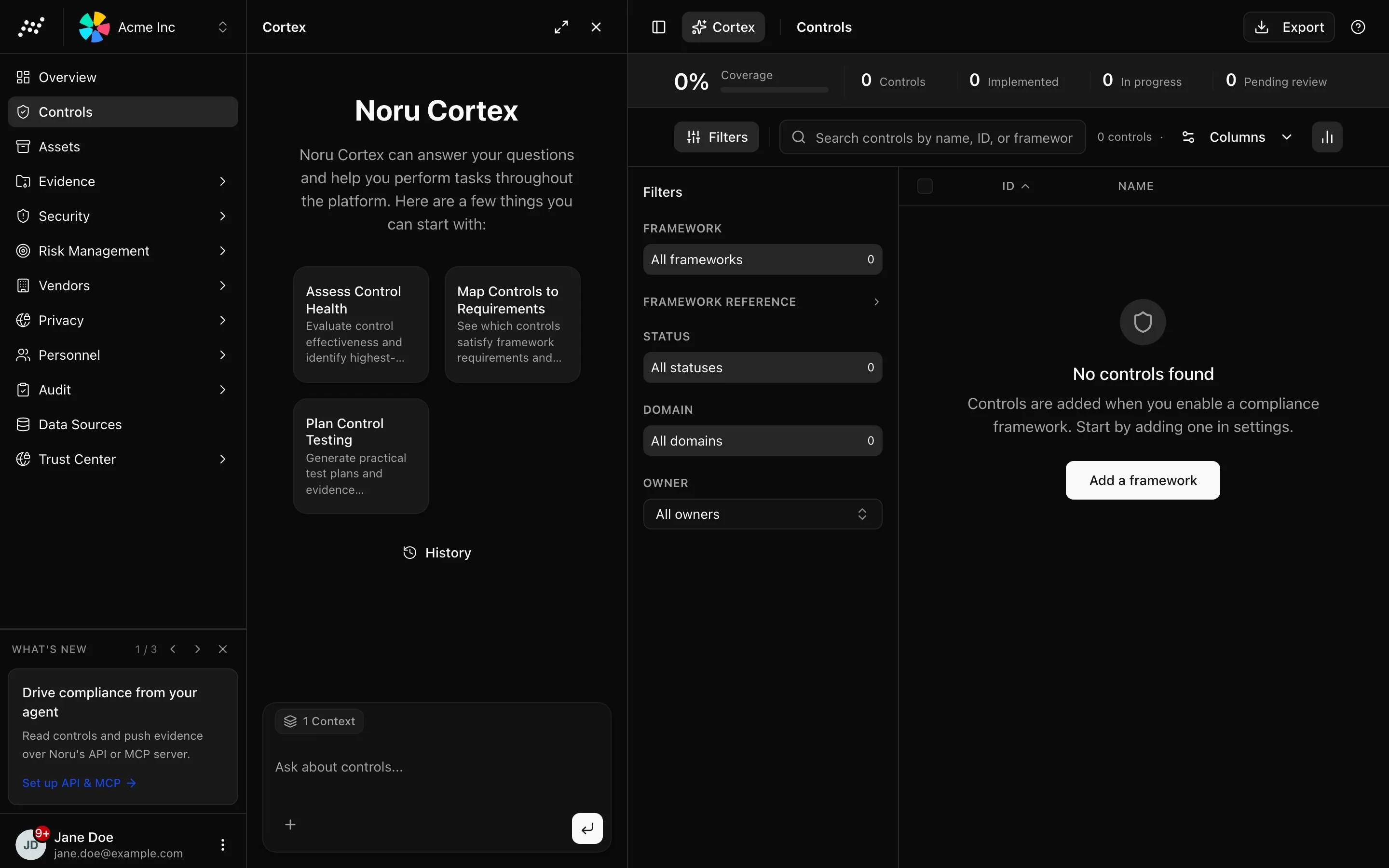
HeaderCortexThe header button opens the pane. It is hidden while you are on /cortex,
where the same assistant fills the page. Saved chats live at /cortex/[id].
Key actions
Ask a question
/cortex.Use page context
In the pane, the prompt tells you what is included. On /policies/[id],
/risk/register/[id], or /controls/[id] it says "Only this policy context
is included." (or risk, or control). On the list pages it says "Page-level
context is included." Elsewhere Cortex works from the organization as a whole.
Attach a questionnaire
Click the paperclip, labelled "Attach questionnaire file", and choose a PDF, XLSX, XLS, XLSM, DOCX, or DOC. Cortex reads it and drafts answers from your program. A file that does not look like a questionnaire is refused with "This file doesn't appear to be a questionnaire".
Review a policy change proposal
When you ask Cortex to change a policy, it does not edit the document. It returns a Policy change proposal card with each proposed edit shown as before and after. Use Include and Exclude per item, then click Apply if you are already in the policy editor, or Review and apply in policy editor to open it. Discard proposal drops it. A section named "Unverified proposal outcomes" lists edits whose anchor text Cortex could not find.
Reopen a conversation
In the pane, click History to see your last 20 chats under "Chat history". The full page has no history control; open a saved chat from the pane or by its URL. Titles come from your first message, trimmed to 60 characters, until the server assigns one.
Statuses and fields
| Tool row state | Meaning |
|---|---|
| Spinner | The tool is running |
| Check | It returned; the answer uses its output |
| Confirmation prompt | A write tool such as draft policy or create compliance plan is waiting for you to approve it |
| Error | The tool failed; Cortex says so in the answer |
Silent tools such as looking up your user, organization, or the framework list render as one-line rows.
Tips and gotchas
Roles
Read tools are available to every role, so anyone can ask questions. Write tools such as updating a risk, drafting a policy, or bulk-updating assets need the editor or admin role, so viewers never see them offered.
After Cortex runs a tool that changes data, the pane refreshes the page behind it. If a number looks stale on the full page, reload.
Cortex quotes your data, but it is a model. Check control statuses and policy wording it produces against the record before you act on them, and never treat a generated compliance plan as an audit opinion.
What Noru does not do
Cortex cannot apply a policy proposal on its own, approve a policy, delete records, or change settings. It does not browse the internet. It does not remember anything outside the saved conversation and the organization context, and it does not train on your data; see AI and Cortex for how prompts and data are handled.
Related
Last updated on