

Policies
Create policies by hand, from a template, with AI, or from Confluence; approve, review, and download the master list.
What it is
Policies are the governing documents your frameworks expect: the information security policy, access control policy, incident response plan, and so on. The policies page lists them with status, version, type, owner, review date, and the controls and frameworks each one covers. From here you create new policies, approve or delete them in bulk, and download the master document list an auditor asks for. Editing happens in the policy editor.
Where to find it
EvidencePolicies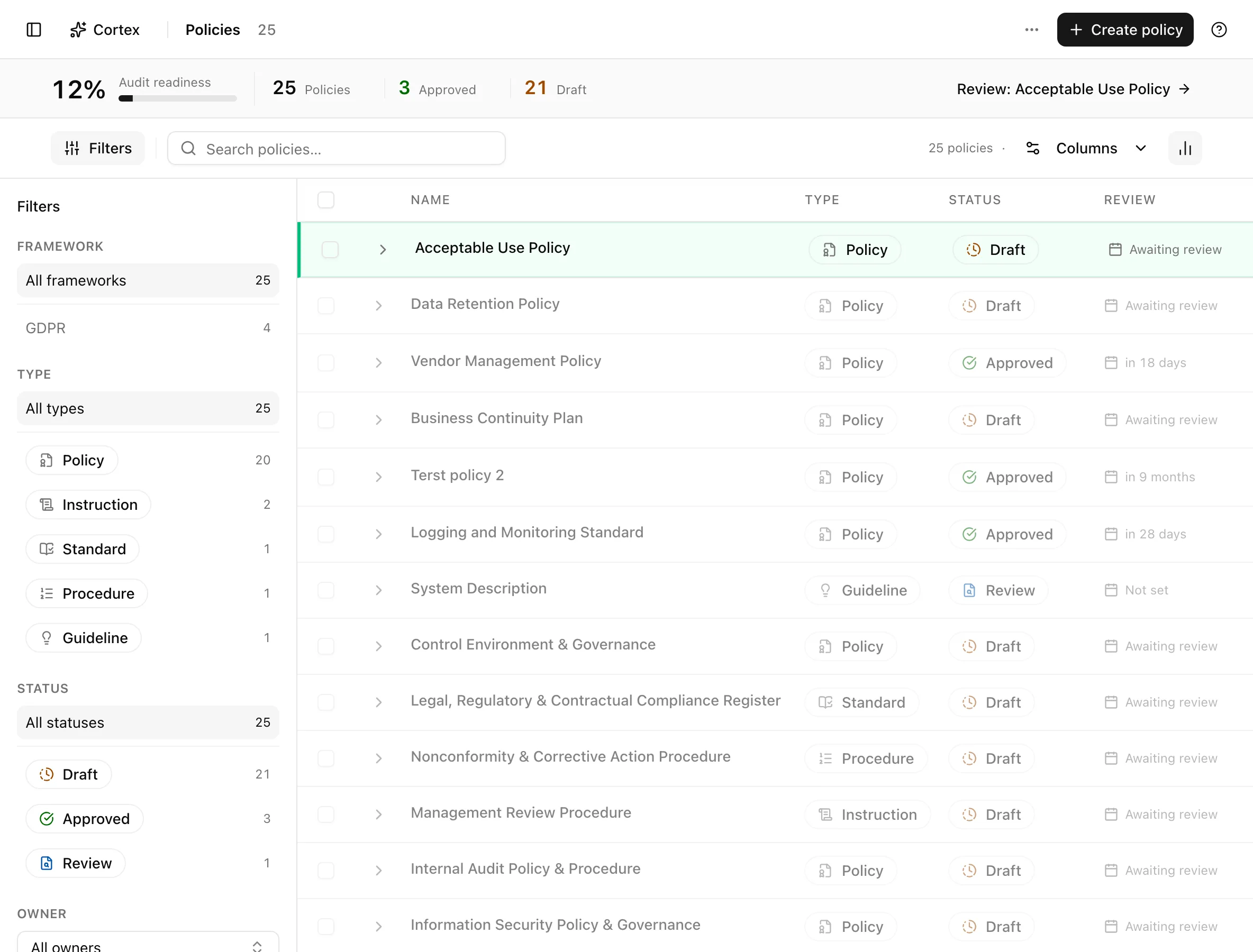
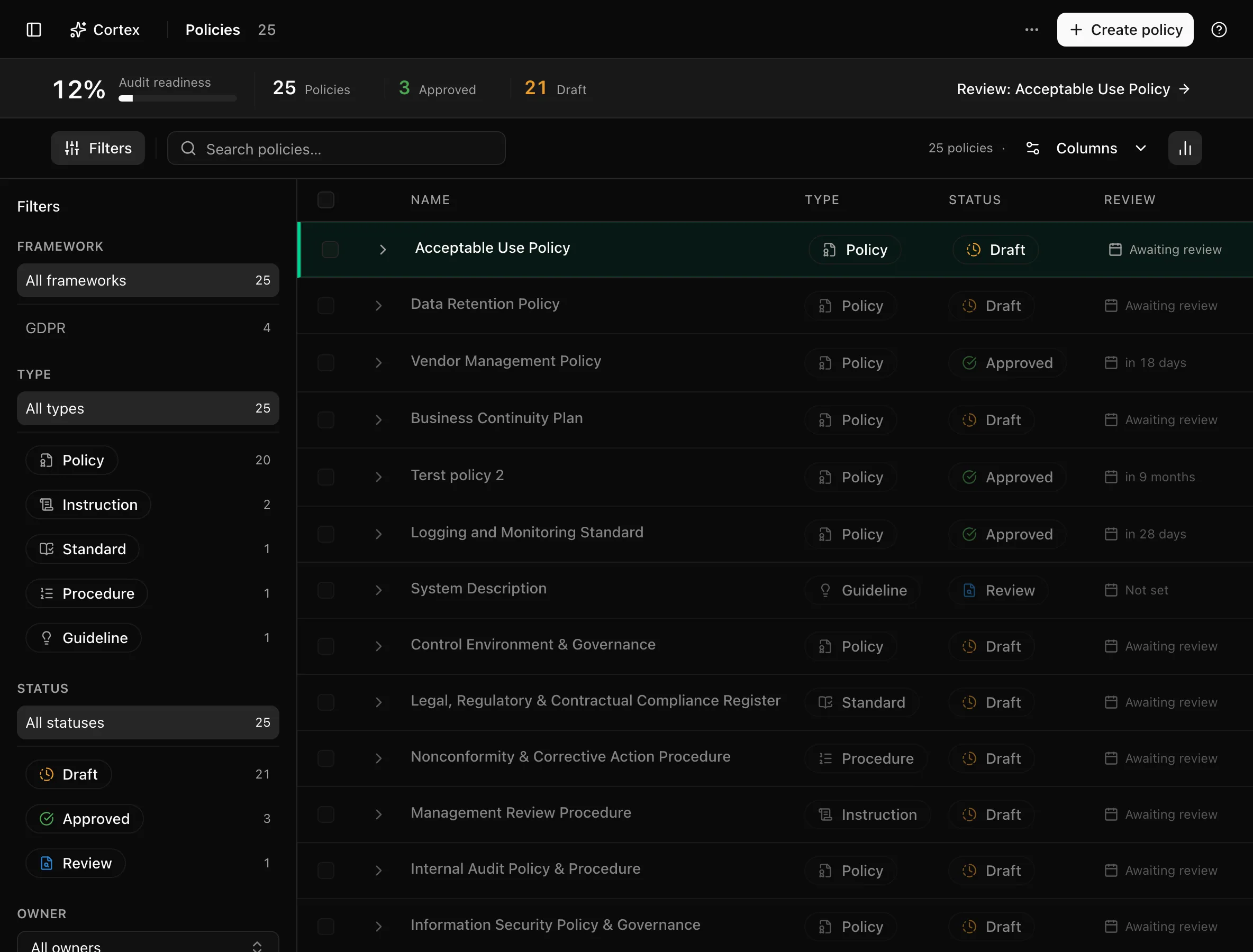
The insight strip shows Audit readiness, Policies, Approved, and Draft.
Key actions
Create a policy
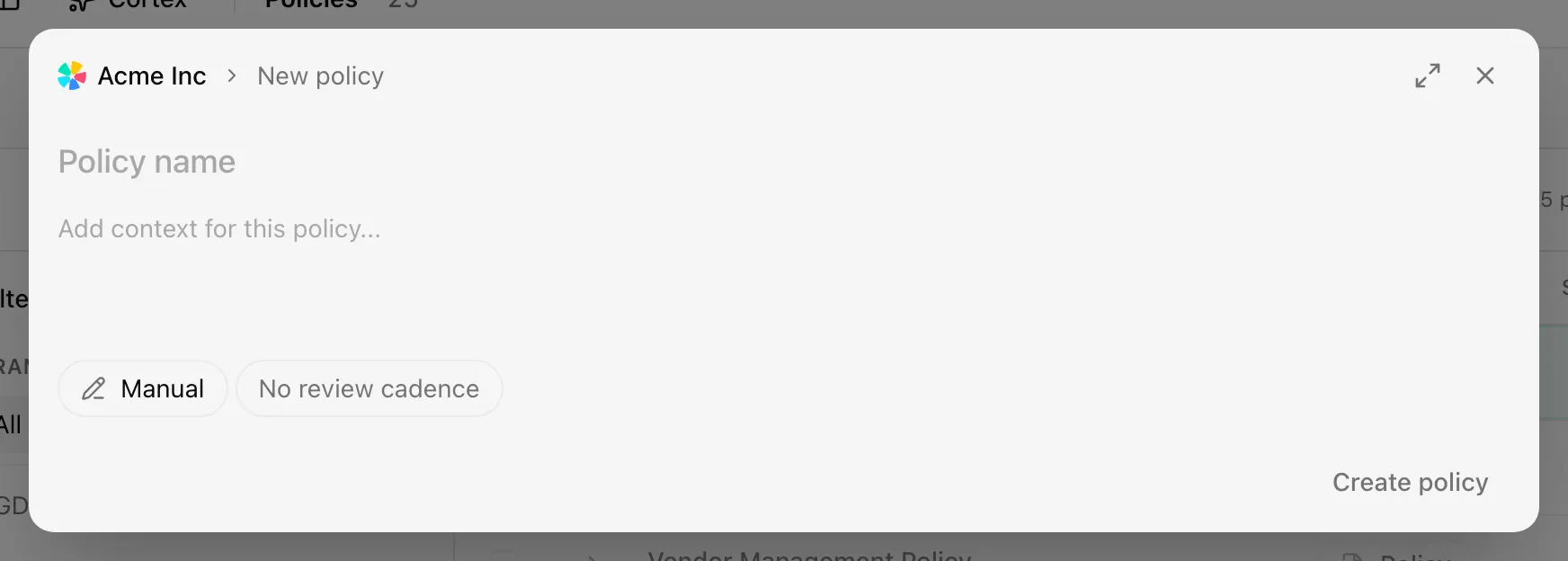
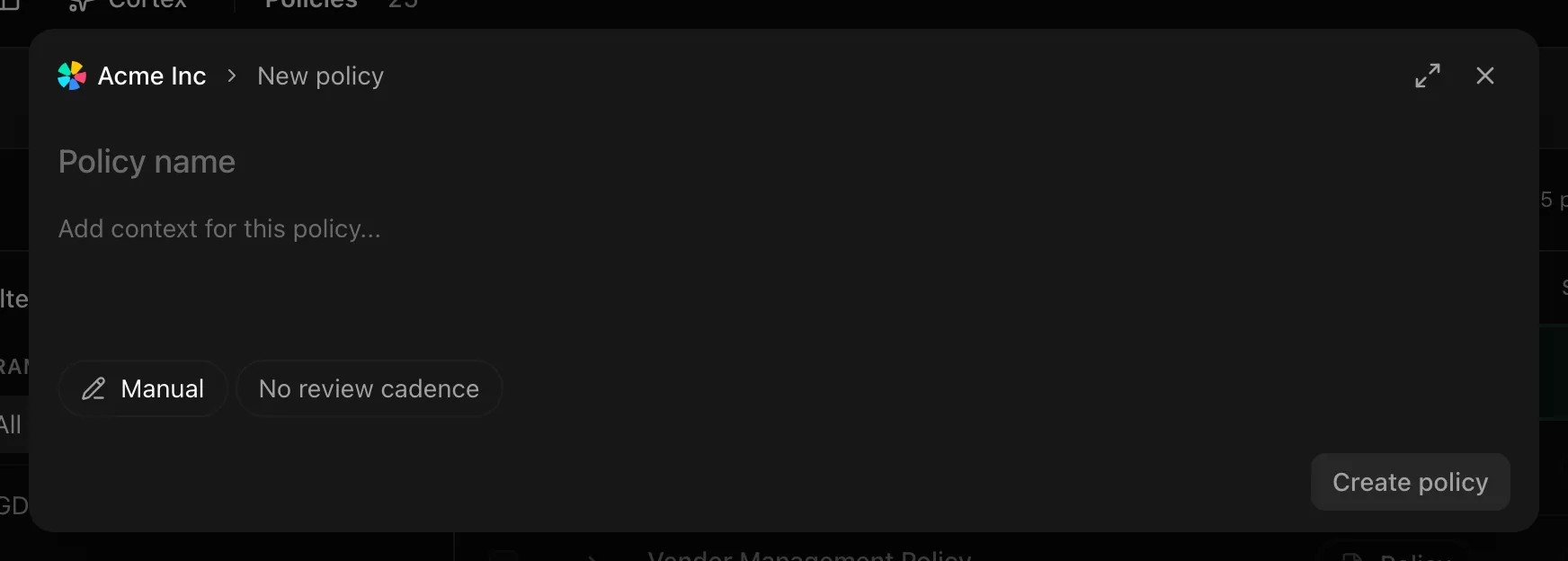
| Source | What happens | Submit button |
|---|---|---|
| Manual | An empty policy opens in the editor | Create policy |
| Template | Pick from Choose a template; the template body is copied into a new draft | Create policy |
| AI generated | Describe the policy ("Describe the policy you want to generate. Noru will use your organization context, frameworks, evidence, risks and controls as input.") and a draft is written for you | Generate policy |
| From integration | Pick a Confluence integration and page; the page is imported as a draft noted "Policy imported from Confluence" | Import policy |
New policies open as Draft.
Search and filter
Search reads "Search policies…". Filters are Framework, Status, Type, and Owner. Columns are Policy ID, Version, Name, Type, Description, Status, Controls, Frameworks, Review Date, Owner, and Last Updated.
Approve in bulk
Select rows and click Approve. The Approve Policies dialog confirms; policies that are already approved or archived are skipped. Approving from the list applies to the current content, so read the draft in the editor first when it was generated or imported.
Delete in bulk
Select rows and use the delete action. The Delete Policies dialog confirms. Deleting removes the policy from every control it was linked to.
Download the master document list
Open the more menu and choose Download master document list. It exports a CSV of every policy with its version, status, owner, and review date, the usual format an auditor requests as the document register.
Open a policy
Click a row to open /policies/[id] in the
policy editor.
Statuses and fields
| Status | Meaning | Set by |
|---|---|---|
Draftdraft | Being written or revised; not yet counted as approved | Creation, generation, import, or Create New Draft |
Reviewreview | Content is complete and waiting for an approver | You |
Approvedapproved | In force; satisfies Required policy slots on linked controls and counts toward audit readiness | You, or bulk Approve |
Archivedarchived | Retired; kept for history and skipped by bulk actions | You |
| Column | Meaning |
|---|---|
| Version | Current version in the form year dot number, for example 2026.3 |
| Type | The kind of document, used by templates and filters |
| Controls | How many controls link to this policy |
| Frameworks | Which frameworks those controls belong to |
| Review Date | Next review, computed from the last approval and the Frequency |
With no policies the page shows No policies found and Create First Policy.
Tips and gotchas
Generate first, then edit. AI generated and the framework regeneration dialog produce drafts that already reference your context answers; editing a draft is faster than writing from a blank Manual policy.
Bulk Approve does not read the policy
Approval is a compliance statement. Bulk Approve is for policies someone has already reviewed in the editor, not for clearing the Draft count.
Approving a policy does not bump its version. Versions change only when content changes; see the policy editor.
What Noru does not do
A generated or imported policy is a draft written from your context and the framework's expectations. Noru does not know whether your organization does what the draft says, does not send it for legal review, and does not notify staff when it is approved; acknowledgement campaigns are run separately under Training and acknowledgement.
Related
- Policy editor
- Under the hood: Policy versioning and acknowledgements
- Choose frameworks
- Confluence
- Training and acknowledgement
Readable policy content through the API
Use GET /v1/policies/{id}?contentFormat=text or call MCP
getPolicyDetails with contentFormat: "text" to read the policy body as text.
The response keeps paragraph boundaries, list numbering, link destinations and
placeholders. It does not truncate the body. Images are represented by their
alternative text when available.
Omit contentFormat (or use json) when editing a policy: the default returns
the original editor document. The text format is a reading view, not an editor
round-trip format; it does not preserve visual styling.
Last updated on