

Training and acknowledgement
Create training plans and campaigns, send reminders, and record policy acknowledgements.
What it is
This page runs two kinds of recurring obligation: security awareness training and policy acknowledgement. You describe what people must do in a plan, launch it as a campaign, and Noru assigns it to each person, emails them a link, tracks who completed it, and reminds the rest.
| Concept | What it is |
|---|---|
| Plan | Reusable definition: type, steps, audience, frequency, start date |
| Campaign | One run of a plan; upcoming, active, paused, completed, or archived |
| Assignment | One person's obligation within a campaign |
| Delivery | One email (invite, reminder, overdue) to one assignment; queued, sent, or failed |
Where to find it
PersonnelTraining & Acknowledgement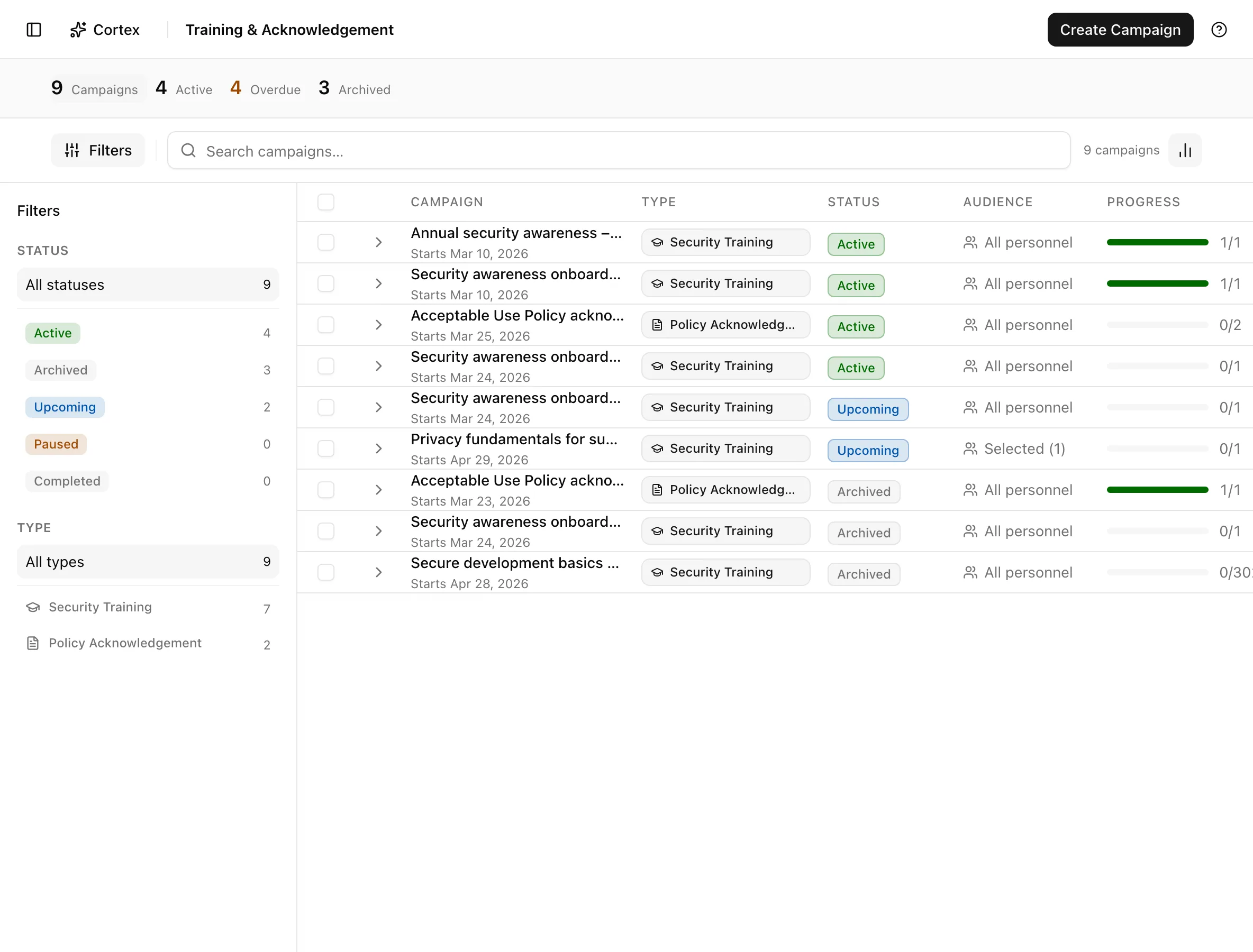
Key actions
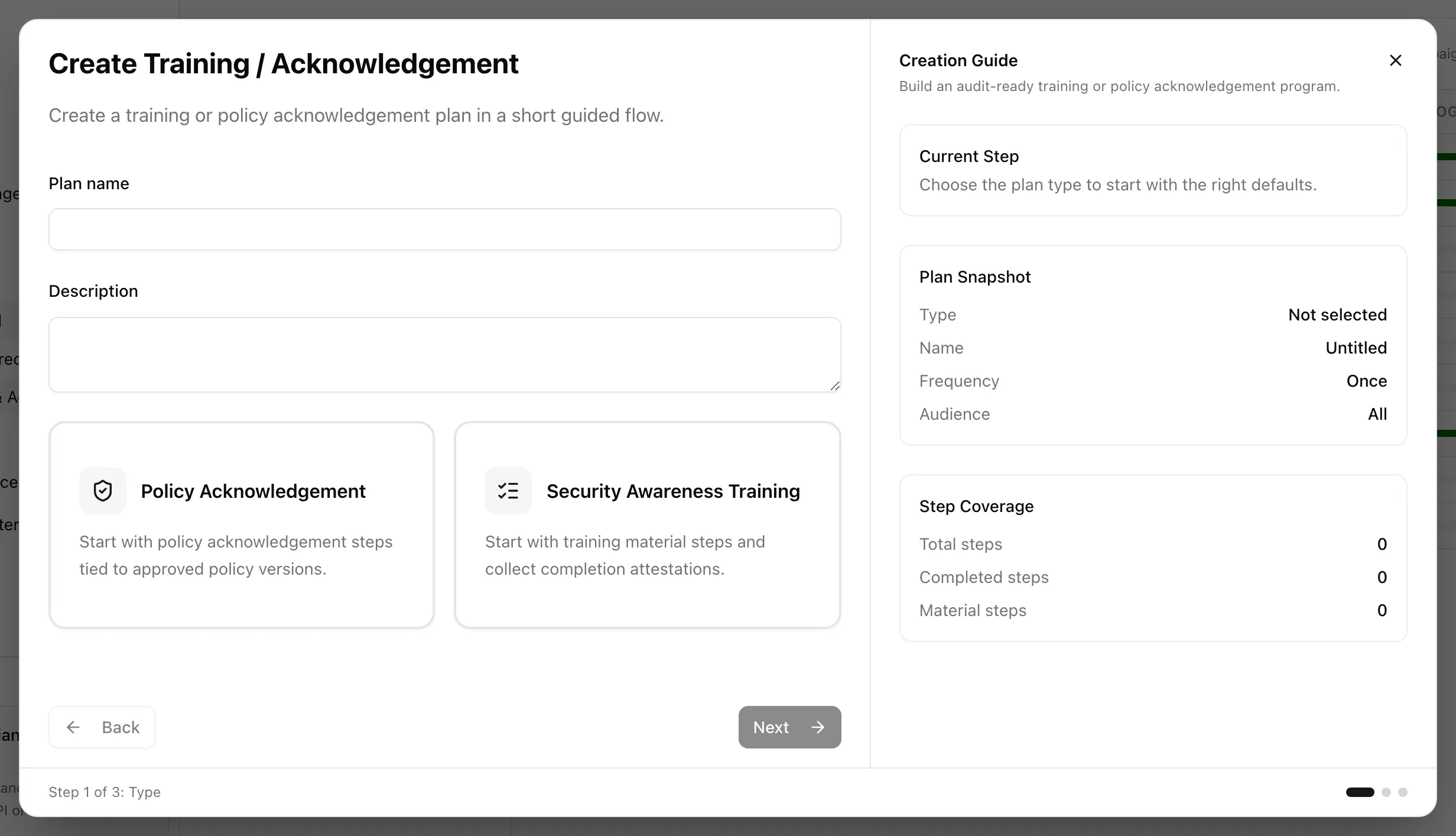
Create a policy acknowledgement plan
Create a security awareness plan
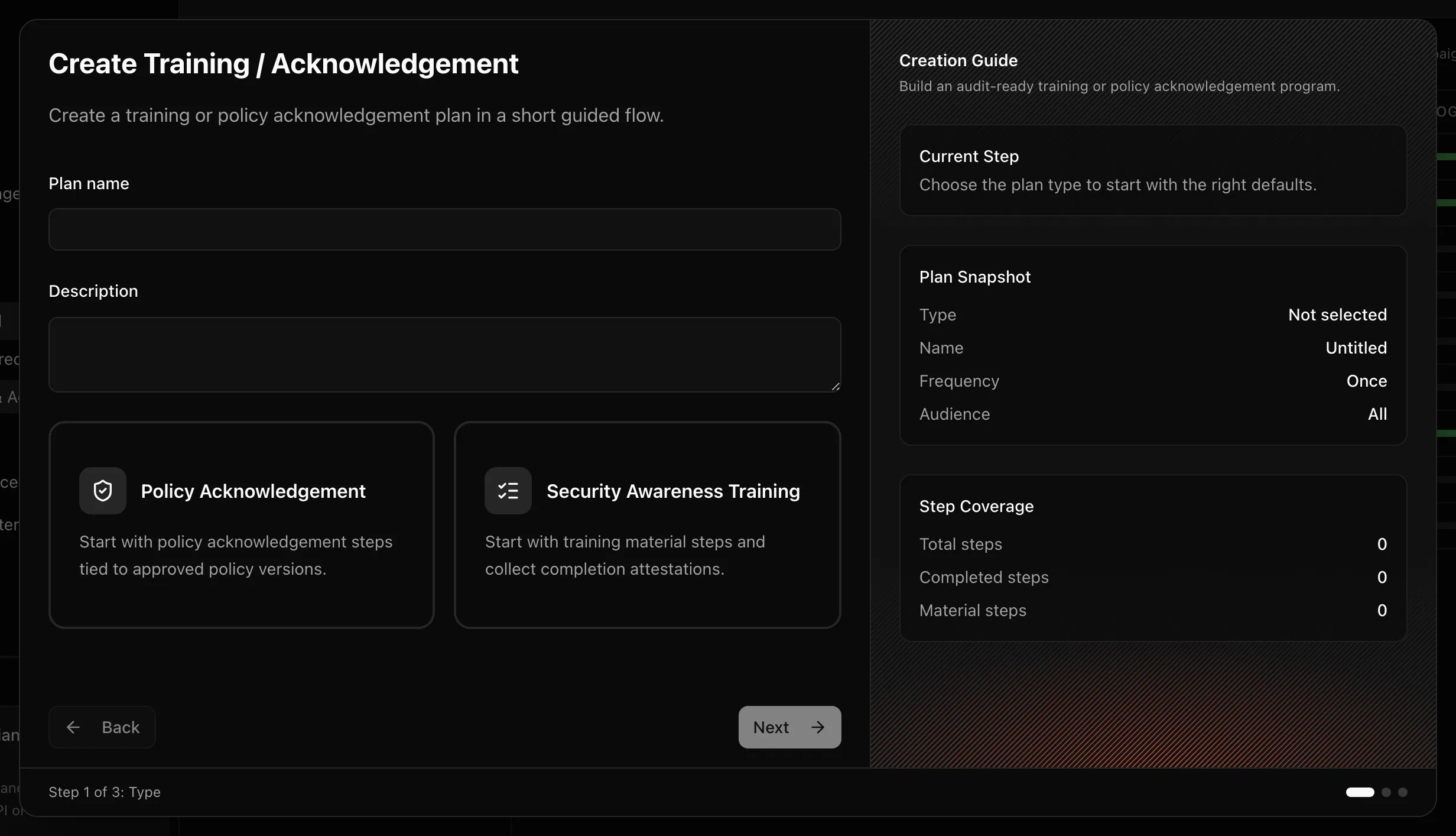
Same dialog, choose Security awareness training on Type. Each step uses Step type Material + acknowledgement with a Step title and a URL ("Enter a valid URL, including https://") pointing at the training material. Closing the dialog with unsaved changes asks "Discard unsaved plan?".
Start, pause, resume
The row menu offers Start campaign for an upcoming campaign, Pause campaign for an active one, and Resume campaign for a paused one. Pausing keeps every assignment in place; resume when you are ready to continue.
Send reminders
Send reminders in the row menu emails everyone whose assignment is not complete. For one person, use Send reminder in the People directory drawer.
Inspect a campaign
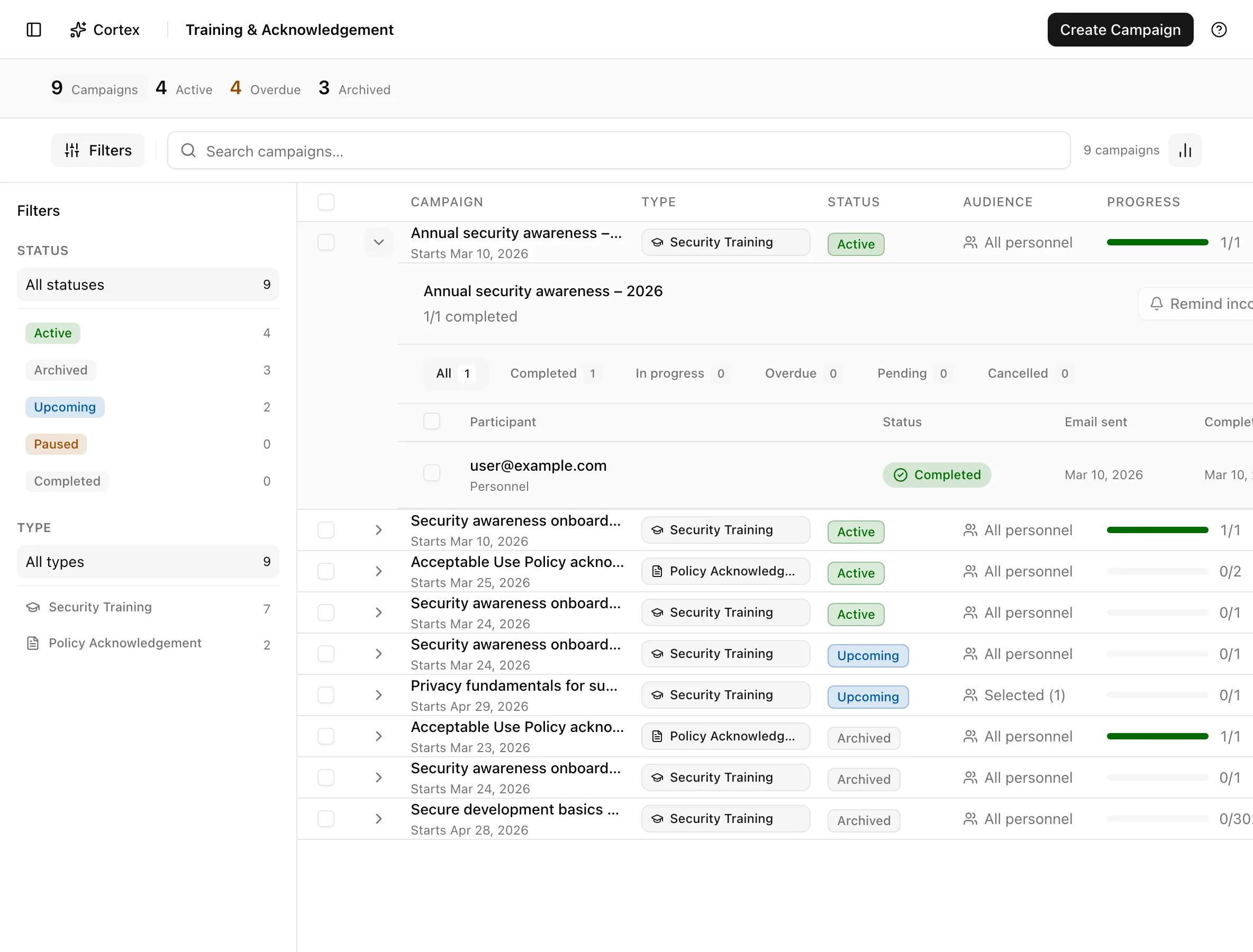
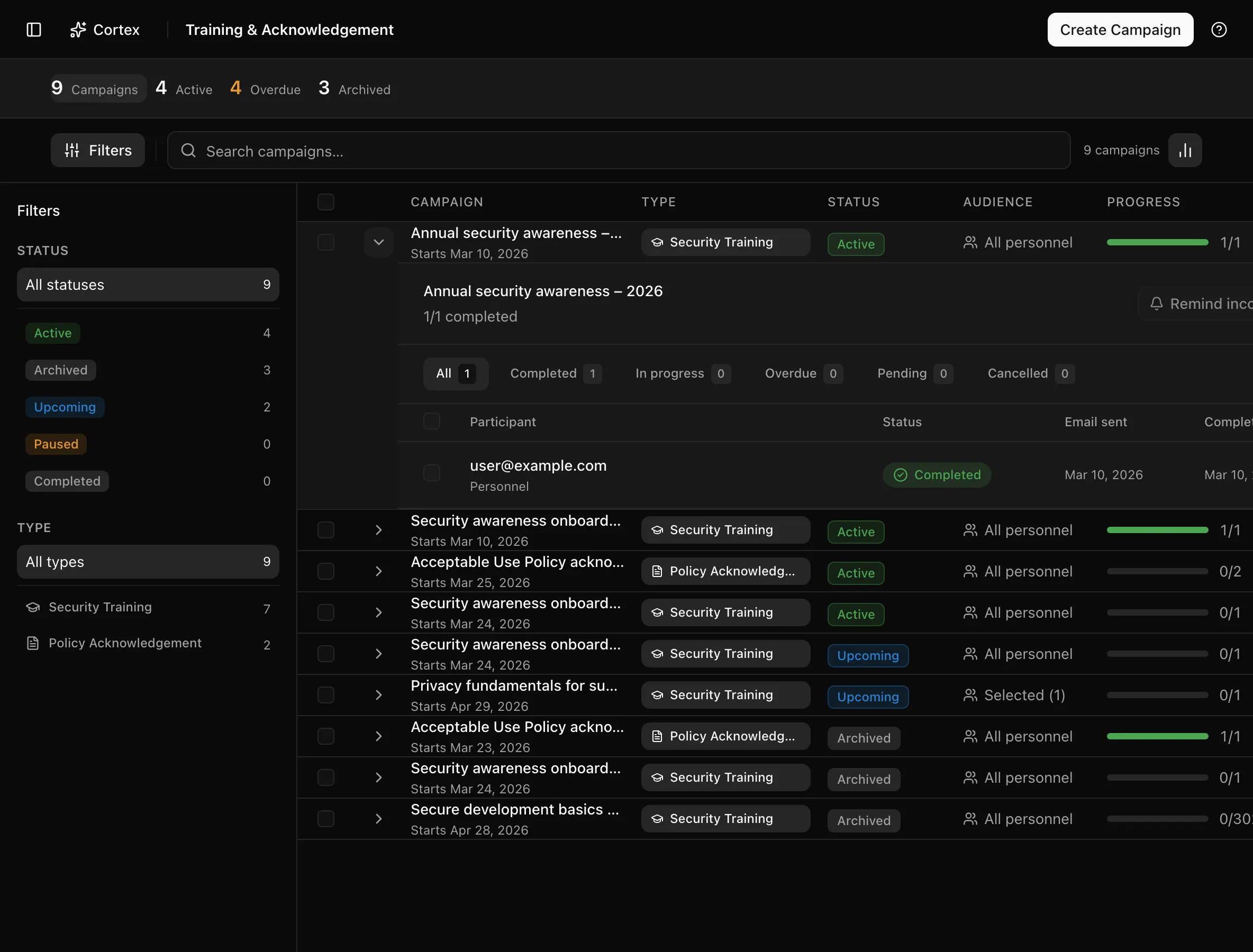
Click a row to open the campaign details dialog. The recipients table lists Participant, Status, Email sent, and Completed; per participant you can send the invitation again or Cancel assignment. The dialog also has Archive.
Edit a plan
Edit campaign opens the Edit training plan dialog: Plan name, Description, Steps, Audience (All personnel or Personnel only), Frequency (Once, Monthly, Quarterly, Biannual, Annual), and Start date. If the plan has an active campaign, only the name and description are editable.
Duplicate, archive, delete
Duplicate copies the plan so you can change the audience or material without touching a running campaign. Archive (row, bulk bar, or details dialog) closes the campaign and keeps its record. Delete campaign removes it; only upcoming, active, and paused campaigns can be deleted.
Statuses and fields
Campaigns:
| Status | Meaning | Set by |
|---|---|---|
Upcomingupcoming | Created; start date not reached or not yet started. | Create |
Activeactive | Assignments exist and emails are being sent. | Start campaign or schedule |
Pausedpaused | On hold; assignments kept. | Pause campaign |
Completedcompleted | The run is finished. | Noru, when the run finishes |
Archivedarchived | Closed and kept for the record. | Archive |
Assignments:
| Status | Meaning | Set by |
|---|---|---|
Pendingpending | Invited, not opened. | Campaign start |
In progressin_progress | Opened, not all steps done. | Attestation page |
Completedcompleted | All steps acknowledged, or a manual completion recorded. | Attestation page or you |
Overdueoverdue | Past the deadline and not complete. | Daily deadline check |
Cancelledcancelled | Removed from the campaign. | Cancel assignment |
| Step type | What the person does |
|---|---|
| Material + acknowledgement | Opens the URL, then clicks Mark as completed |
| Policy acknowledgement | Reads the named policy version, then clicks Mark as completed |
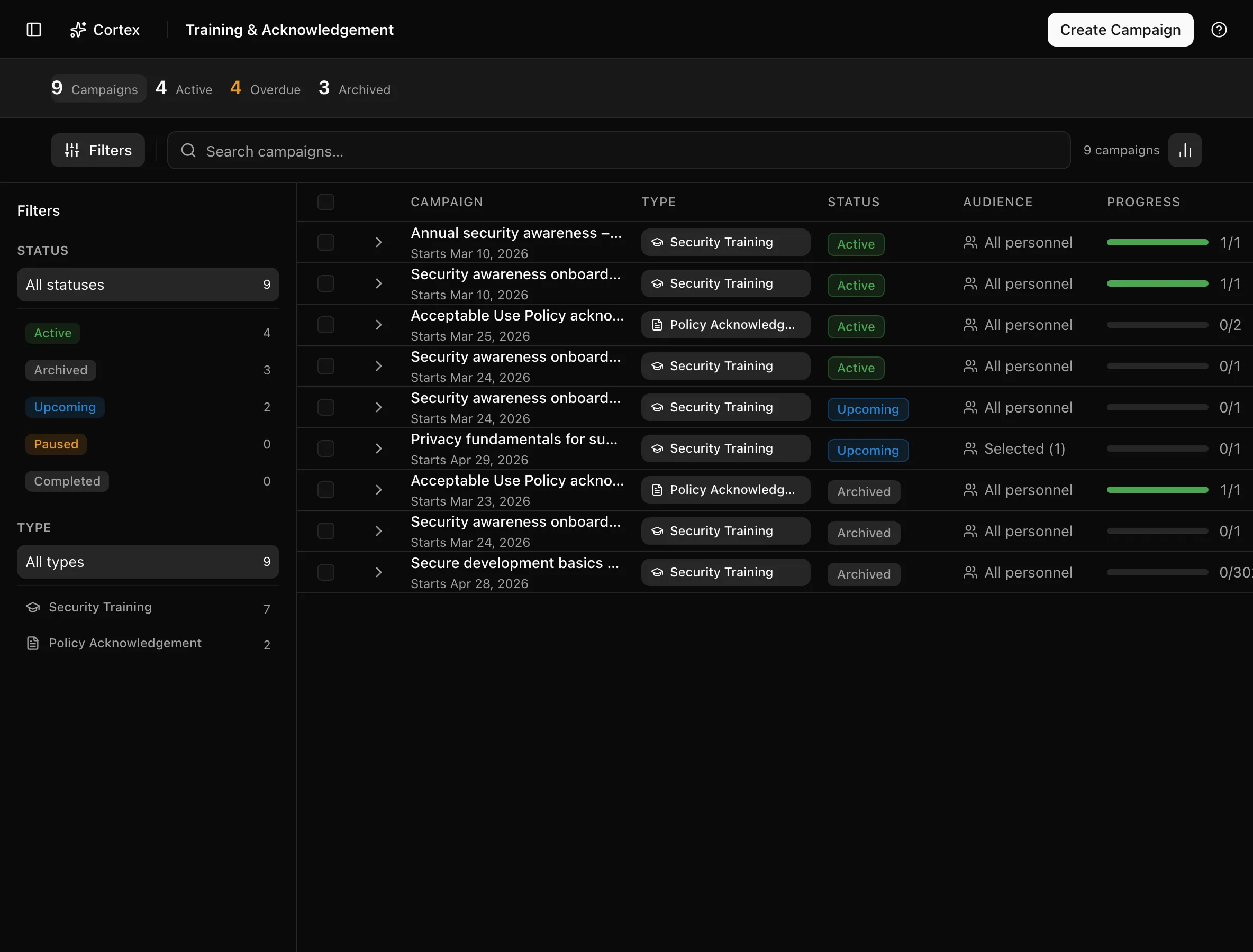
The table shows Campaign, Type, Status, Audience, Progress, and Deadline; the summary cards count Campaigns, Active, Overdue, and Archived; filters are Status and Type (Policy Acknowledgement or Security Training). Audience reads All personnel, Selected (n), Groups (n), Email domain, Rule based, or Targeted audience depending on how the plan was saved.
Tips and gotchas
A campaign can be started for the All personnel, Personnel only, Selected, and Rule based audiences. Groups, Email domain, and Targeted audience can remain on older plans but cannot be assigned; if a campaign refuses to start with an "Audience type … is not supported" error, edit the plan and reselect the audience.
Pin the Policy version deliberately. An acknowledgement is of a specific version; when you publish a new version, create a new campaign rather than editing the old plan, so the record shows who acknowledged which text.
The attestation link is a magic link. It is exchanged for a cookie on first use and marks completion only when the person clicks Mark as completed, never on open, but anyone holding the link can complete on the person's behalf. Keep the deadline short and send a fresh invitation rather than forward.
What Noru does not do
Completion means the person clicked Mark as completed; Noru does not test comprehension, host the training material, or check that the URL was opened. Schedules are date-based only: a new hire is not enrolled until the next campaign starts. Noru does not escalate overdue assignments to managers; the Overdue count and reminders are what you have.
Related
- People directory
- Policies
- Under the hood: Policy versioning and acknowledgements
- Under the hood: Notifications and email
Continuing through a campaign
Each training step shows its position, completed count and remaining count. After recording completion, choose Next to open the next unfinished step in that assignment. Completed steps are skipped. When all steps are complete, the page confirms that the campaign assignment is finished. This works from both an emailed training link and My training.
In the plan creation dialog, Configured steps counts steps whose setup is complete, not participant completions.
Last updated on