

First week checklist
The order of work that gets an organization from empty to audit-ready, mapped to the dashboard readiness plan.
What it is
The dashboard already contains a plan: one tab per framework, four phases, and a step list whose items complete themselves as you work. This checklist is that plan written out in the order that works best in practice, with the rule that marks each step done. Follow it and the Progress banner on the dashboard will climb without anyone ticking boxes.
Where to find it
Overviewframework tab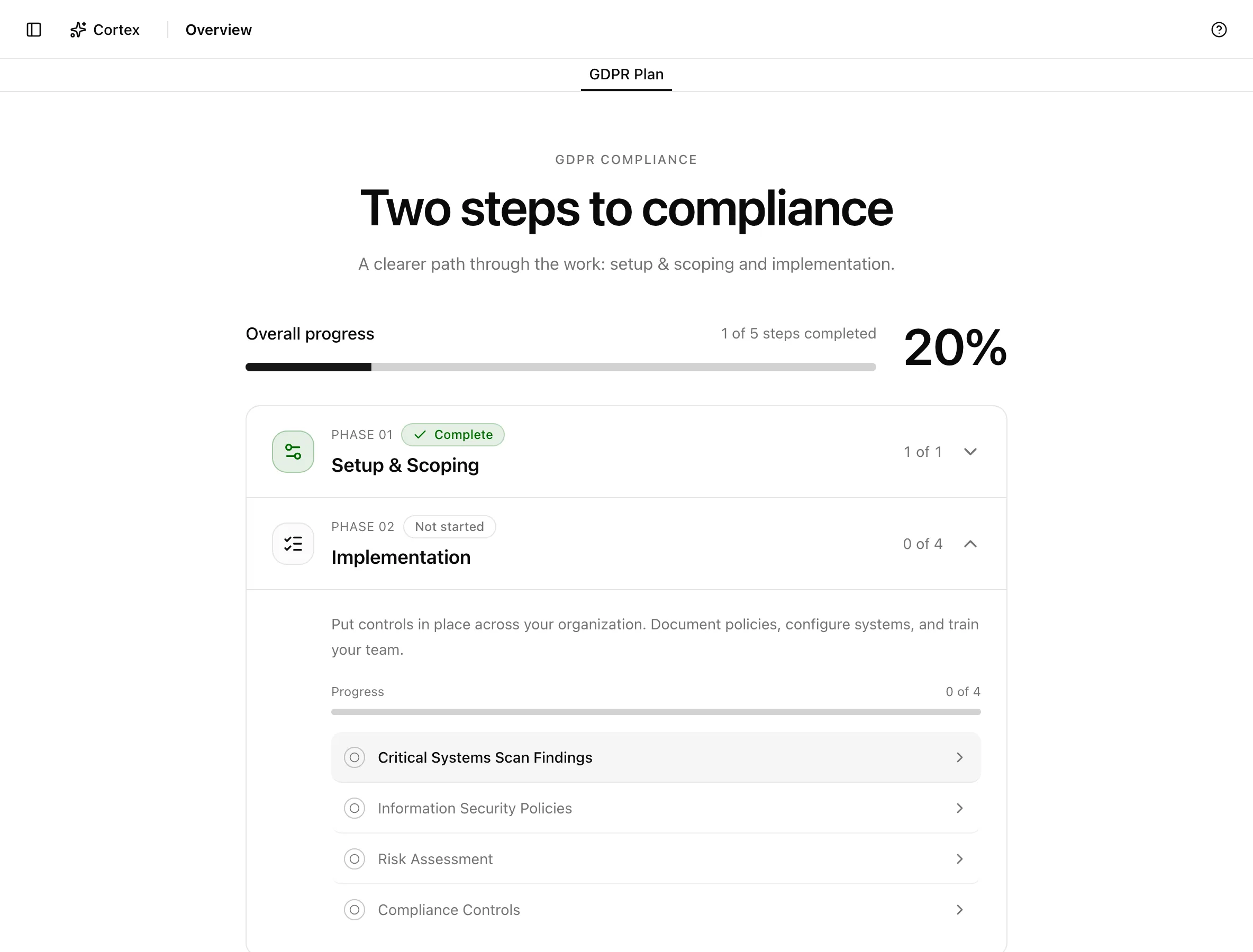
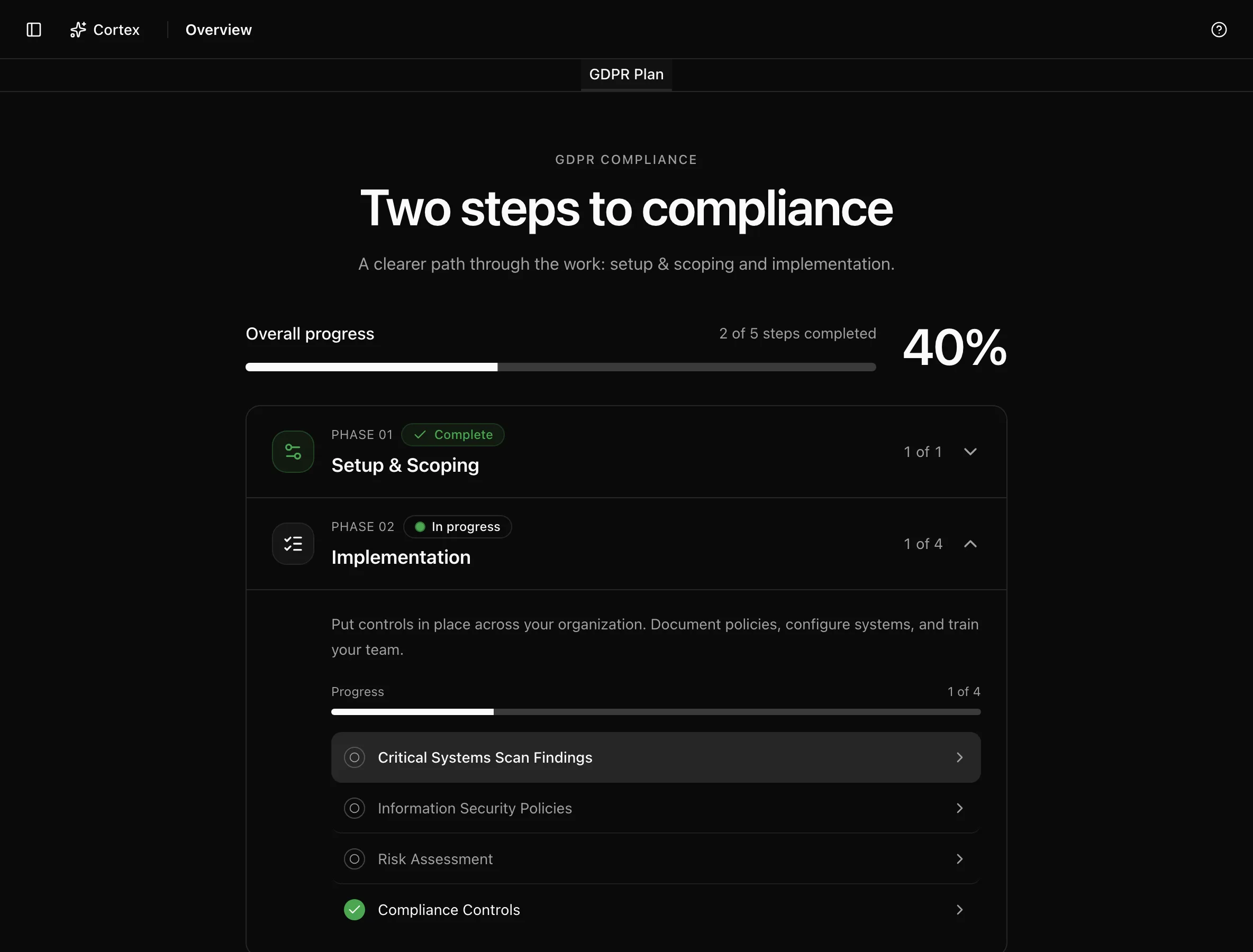
Key actions
Phase 01: setup and scoping
| Step | Done when | Do it |
|---|---|---|
| Company setup | Seeded as done by the wizard; links to Settings | Review Settings → Context and fix anything you rushed in the wizard |
| Frameworks | The right frameworks are enabled | Choose frameworks |
| Team | Owners and reviewers can sign in | Invite your team |
Phase 02: implementation
These are the accordion steps on the dashboard, in dashboard order. The completion rule is what the metric under each step measures.
| Step | Complete when | Where the work happens |
|---|---|---|
| 1. Critical Systems Scan Findings | Findings from connected systems are resolved; Rescan Systems runs a new pass | Security findings |
| 2. Information Security Policies | "Policies approved" reaches 100% | Policies and the policy editor |
| 3. Compliance Controls | "Framework controls completed" reaches 100% | Controls |
| 4. Assets | "Assets with owner" reaches 100% | Assets |
| 5. Personnel | MFA, signatures, and training coverage each reach 100% | Personnel and Training and acknowledgement |
| 6. Risk Assessment | "Risks reviewed" reaches 100%, meaning every risk has a treatment plan | Risk register |
Regulatory frameworks (GDPR, CCPA, EU AI Act) keep only steps 1, 2, 3, and 6.
A practical order for the week:
Phase 03: verification
| Step | Complete when |
|---|---|
| Run an internal audit | At least one internal audit exists under Audit |
This phase is omitted for regulatory frameworks and CIS v8.
Phase 4: certification
| Step | Complete when |
|---|---|
| Publish a trust page | A trust page is published from the Trust center |
When Phase 2 completes, the dashboard shows a Phase 2 complete card with Set up Trust Center and Contact Support buttons.
Statuses and fields
| Element | Meaning |
|---|---|
| "Progress: N%" | Readiness for the framework in the active tab |
| Mark as done / Undo | Manual override for a step; stored in your browser only |
| "View all …" links | Open the listing page behind a step |
Readiness for an auditable framework starts at 35% once the wizard finishes and adds up to 60 points from Phase 2; a regulatory framework's readiness is Phase 2 alone, out of 100.
Tips and gotchas
Manual marks are per browser
Mark as done is stored in your browser only, so a teammate on another machine does not see it. Use it for steps you have handled outside Noru, and let the metrics do the rest.
Do the sync-driven steps first. A day of waiting for syncs while you edit policies is cheaper than uploading evidence by hand that a connector would have collected anyway.
Personnel coverage counts the people in the directory. If shared or automation accounts are synced in, set their type to Service Account in the directory; service accounts are excluded from MFA requirements and compliance calculations.
What Noru does not do
The readiness percentage is a progress measure, not an audit opinion. Noru does not verify that an approved policy is followed, that an asset owner is the right person, or that a treatment plan is adequate. An auditor will.
Related
Last updated on