

Risk register
Work the risk register in table and matrix views and keep inherent and residual scores current.
What it is
The risk register is the list of things that could go wrong, each scored on likelihood and impact, owned by someone, and tracked through treatment to a residual score. It feeds the risk reports, links to security findings, assets, controls, and policies, and shows up in privacy assessments. This page covers the register itself; Create and edit risks covers the full form.
Where to find it
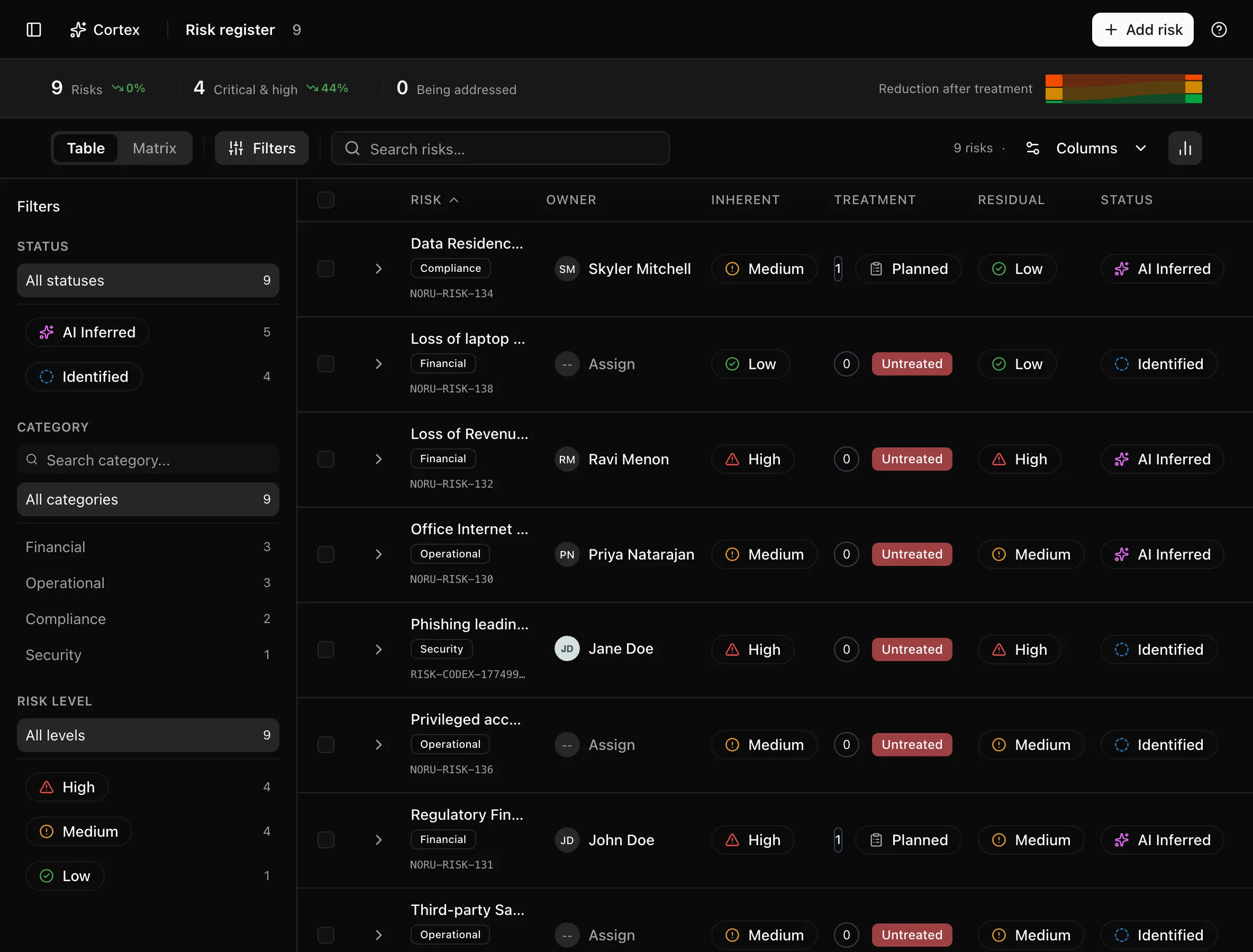
Risk ManagementRisk Register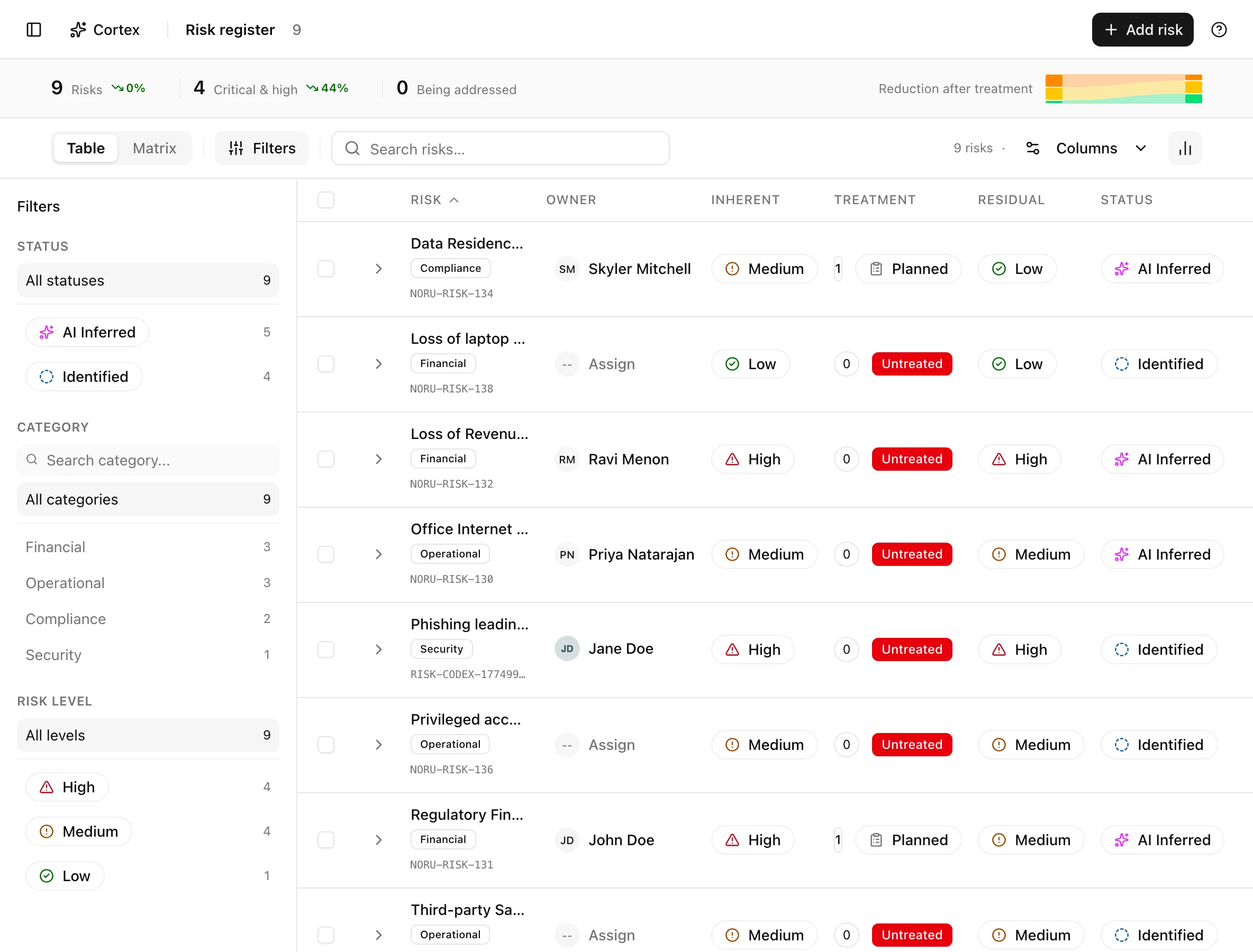
Key actions
Add a risk quickly
Switch to the matrix
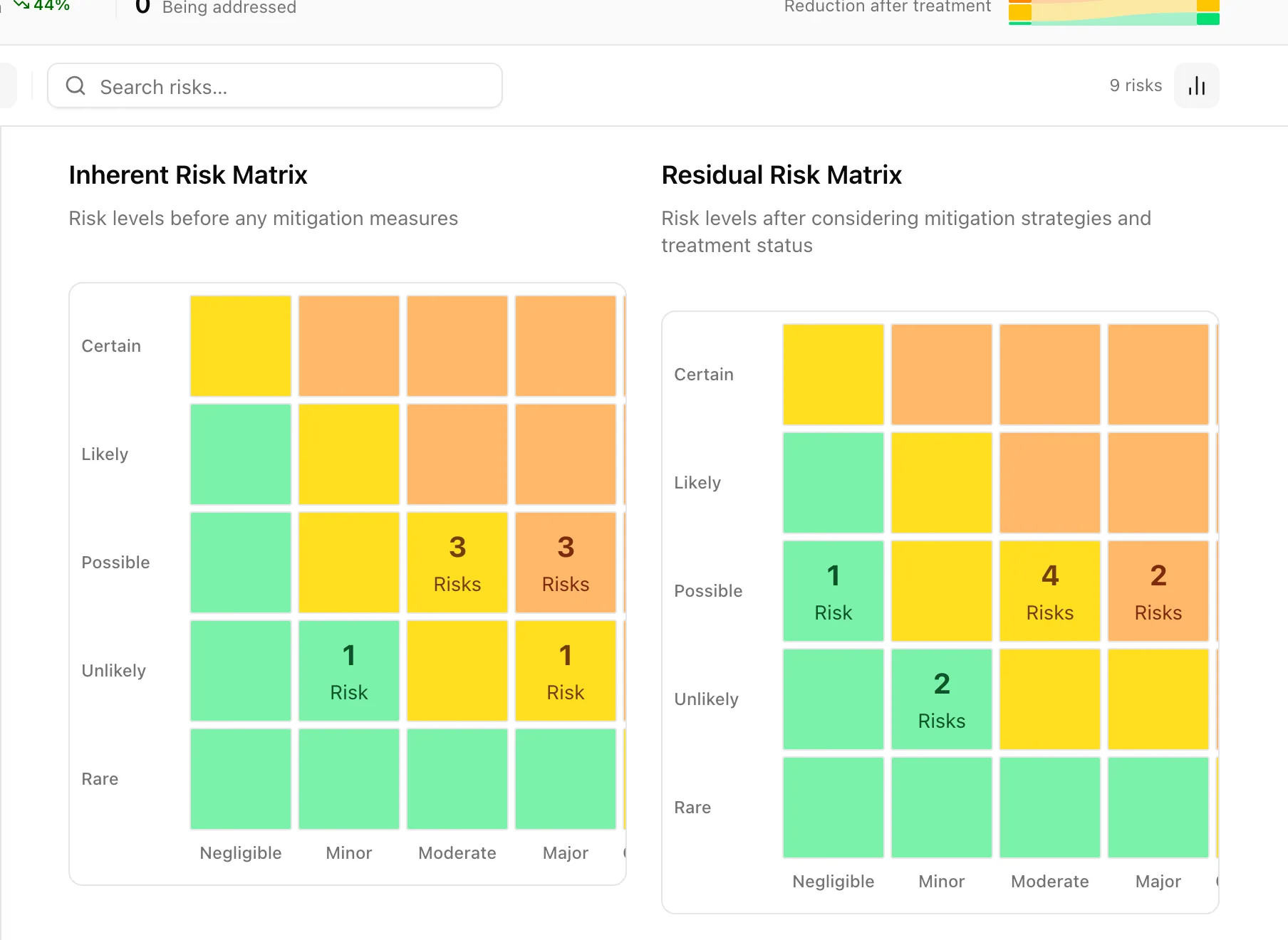
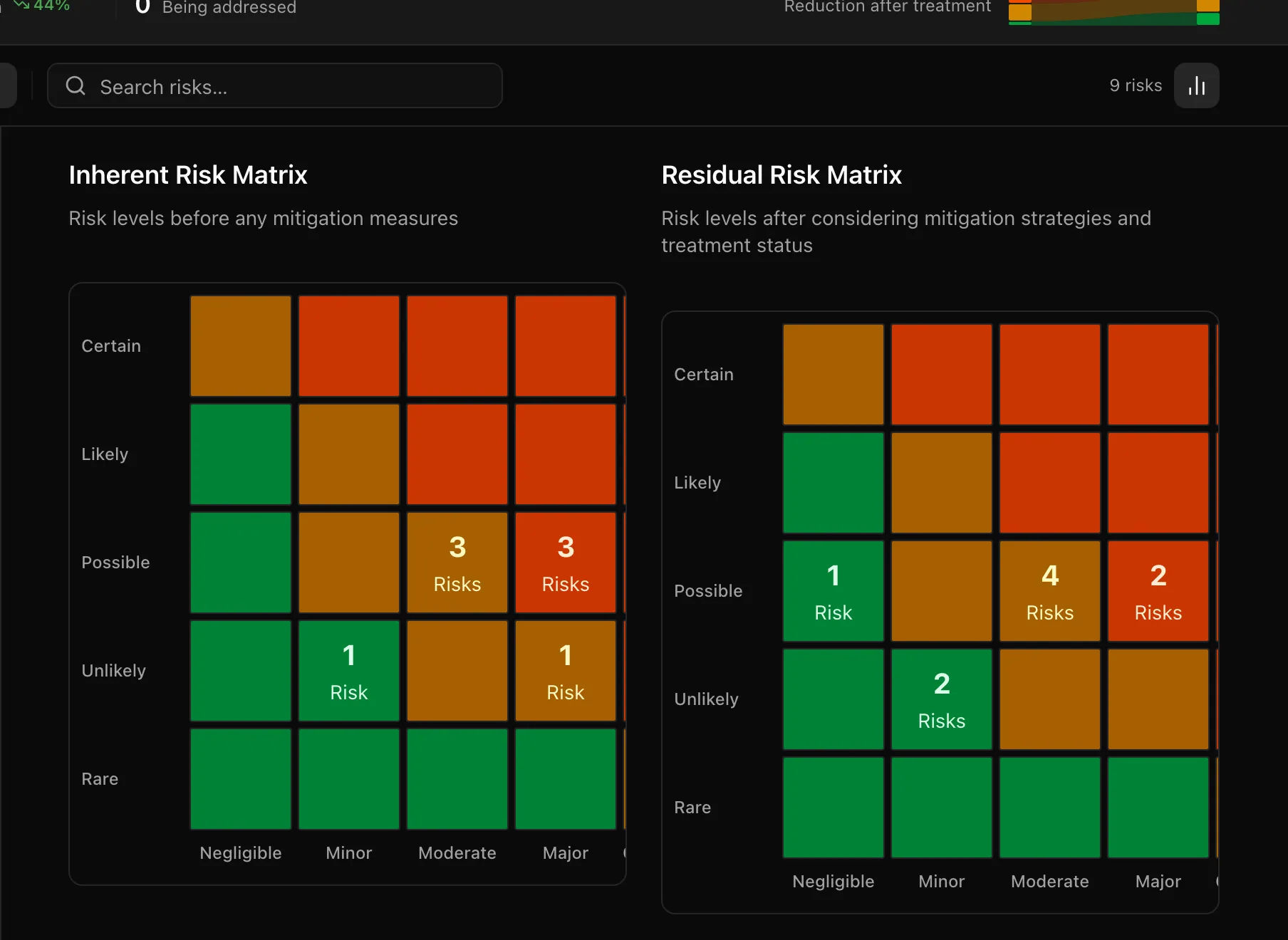
The segmented control at the top toggles Table and Matrix. The matrix view draws two 5×5 grids: Inherent Risk Matrix ("Risk levels before any mitigation measures") and Residual Risk Matrix ("Risk levels after considering mitigation strategies and treatment status"). Hover or click a cell to list the risks in it.
Filter and search
Filter by Status, Category, and Risk level in the sidebar, or type in "Search risks…". The insight strip counts Risks, Critical & high, and Being addressed (risks in the Mitigating status).
Change the owner inline
Click the Owner cell in the table and pick a member. This needs editor or admin; viewers see the name but no picker.
Delete risks
Select rows and click Delete Risks in the bulk bar and confirm. Linked findings, controls, and assets are not deleted with the risk.
Statuses and fields
| Status | Meaning | Set by |
|---|---|---|
Identifiedidentified | Logged, not yet assessed. | You |
Assessingassessing | Likelihood and impact are being worked out. | You |
Mitigatingmitigating | Treatments are in progress. Counted as Being addressed. | You |
Monitoringmonitoring | Treated; watching for change. | You |
Resolvedresolved | No longer a live risk. | You |
Acceptedaccepted | Consciously tolerated at its current level. | You |
AI Inferredai_inferred | Proposed by an AI job (for example vendor risk regeneration) and awaiting a human decision. | AI job |
Categories are Operational, Financial, Strategic, Compliance, Technical, Security, Reputational, Legal, Environmental, and Privacy.
| Likelihood | Score | Impact | Score |
|---|---|---|---|
| Rare | 1 | Negligible | 1 |
| Unlikely | 2 | Minor | 2 |
| Possible | 3 | Moderate | 3 |
| Likely | 4 | Major | 4 |
| Certain | 5 | Catastrophic | 5 |
The score is likelihood × impact (1–25). Two scales read that score:
| Where | Low | Medium | High | Critical |
|---|---|---|---|---|
| Level badge in the table and matrix | 1–4 | 5–9 | 10–25 | — |
| Insight strip "Critical & high" count | 1–4 | 5–9 | 10–16 | 17–25 |
Columns: Risk ID, Source, External ID, Finding ID, Asset ID, Title & Description, Category, Owner, Inherent Risk, Treatment, Residual Risk, and Status. Use the column menu to hide the ones you do not need. A row with a Finding ID links to that finding.
Tips and gotchas
Use the matrix to spot concentration rather than to rank. A cluster in the top-right of the inherent grid that does not move in the residual grid is the list of risks whose treatments are not recorded or not working.
AI Inferred is a status, not a score. AI jobs can propose a risk, but the likelihood and impact you see are whatever the job or a person set; Noru does not re-score risks on its own. Review inferred rows and move them to Identified or Assessing once a person owns them.
Residual risk is computed from the treatments you record. A treatment with no post-treatment likelihood and impact still reduces the score by a fixed 3 points, so an empty-looking treatment can make a risk look better than it is.
What Noru does not do
Noru does not decide your risk appetite, calibrate the 1–5 scales to your organization, or normalise scores across teams. Two people scoring the same scenario can produce different numbers, and the register will show both. It does not treat, transfer, or accept risks; it records that you did.
Related
Last updated on