

Internal audit
Plan, perform, document, finalise, and export an internal audit.
What it is
Internal audit is where you run the audits your frameworks require you to run on yourself. Each audit has a framework, a type, an auditor, a date, and a report. Noru drafts the report from your current controls, evidence, and policies for that framework; you edit it, record findings, finalise it, and export the PDF for management review and for the external auditor.
Where to find it
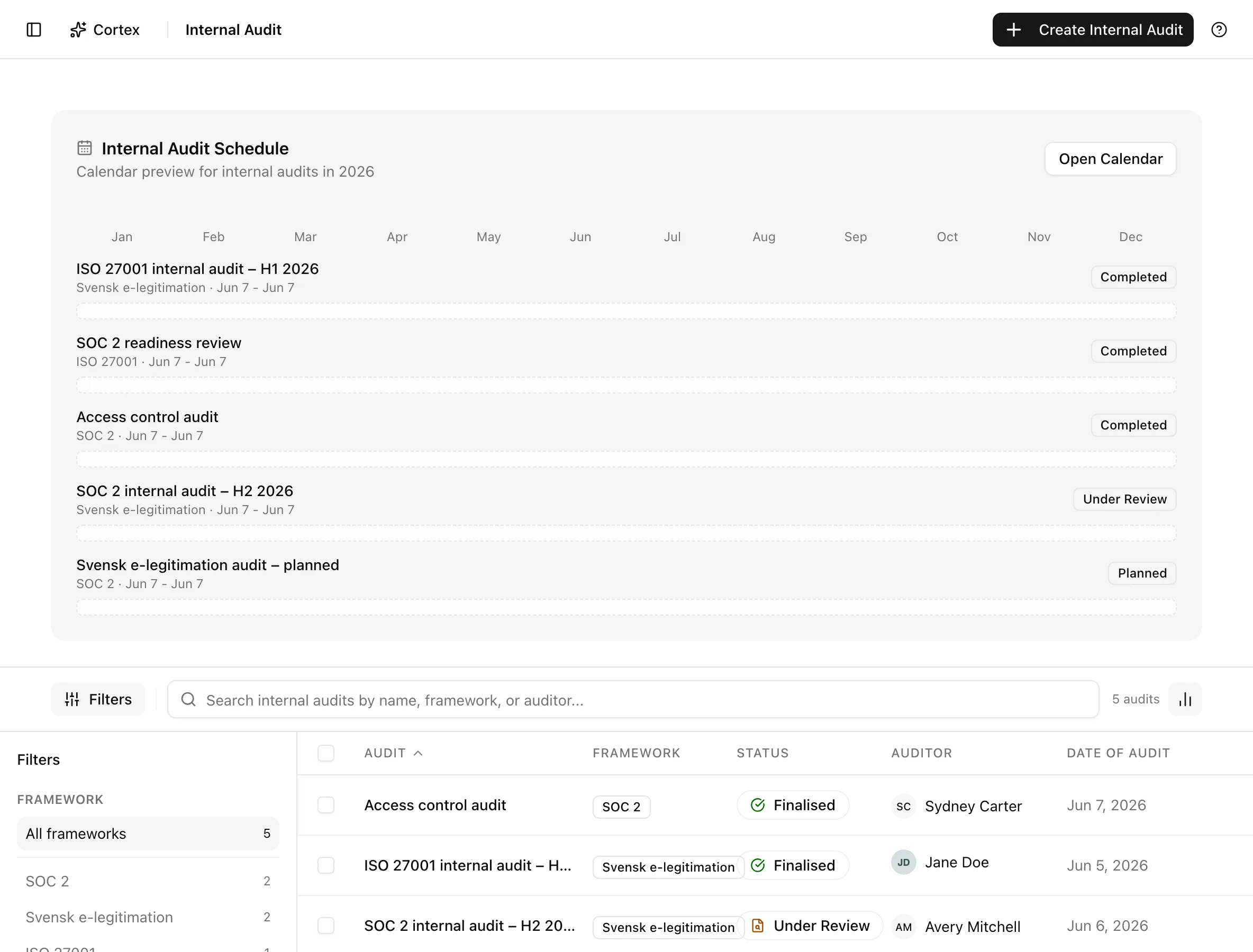
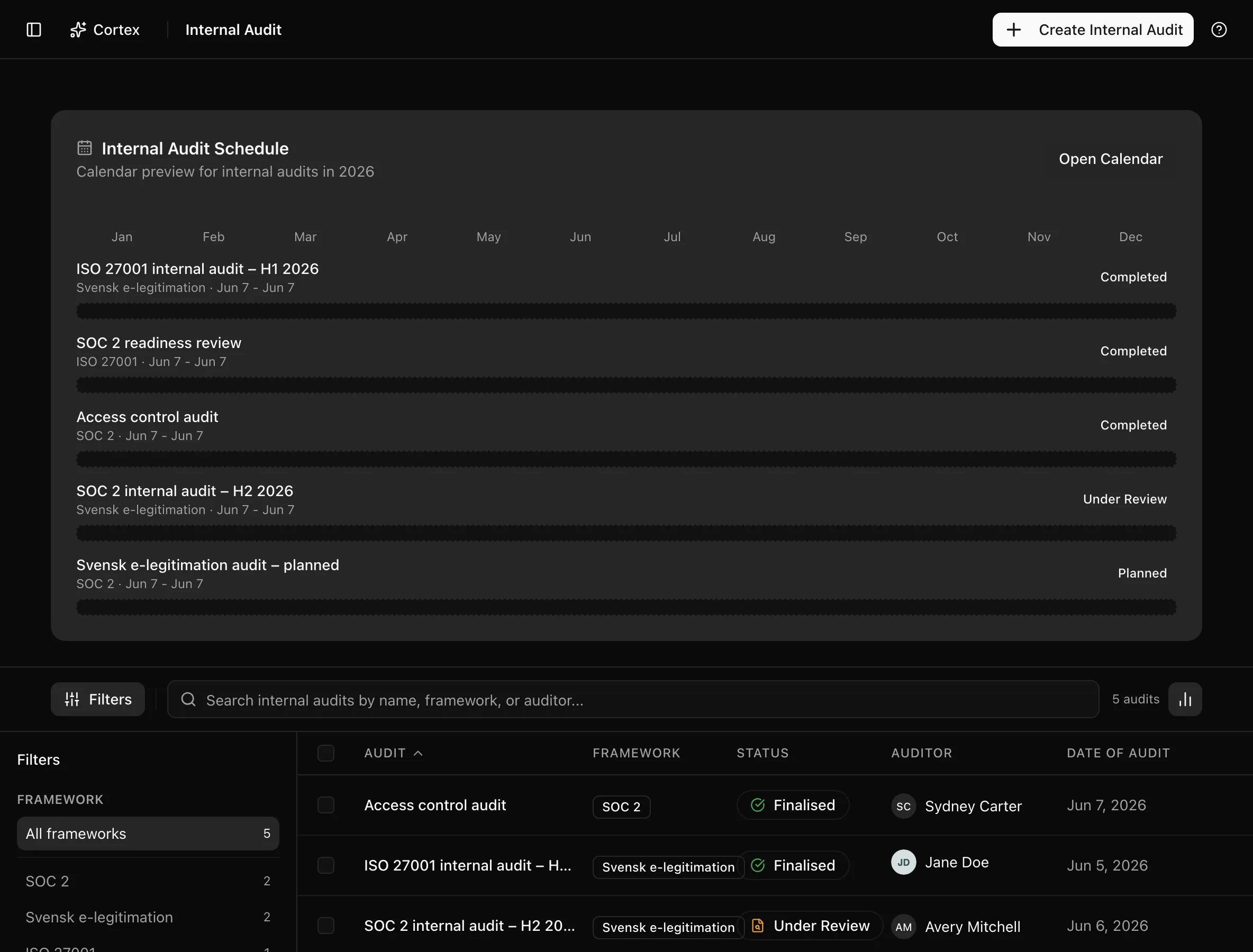
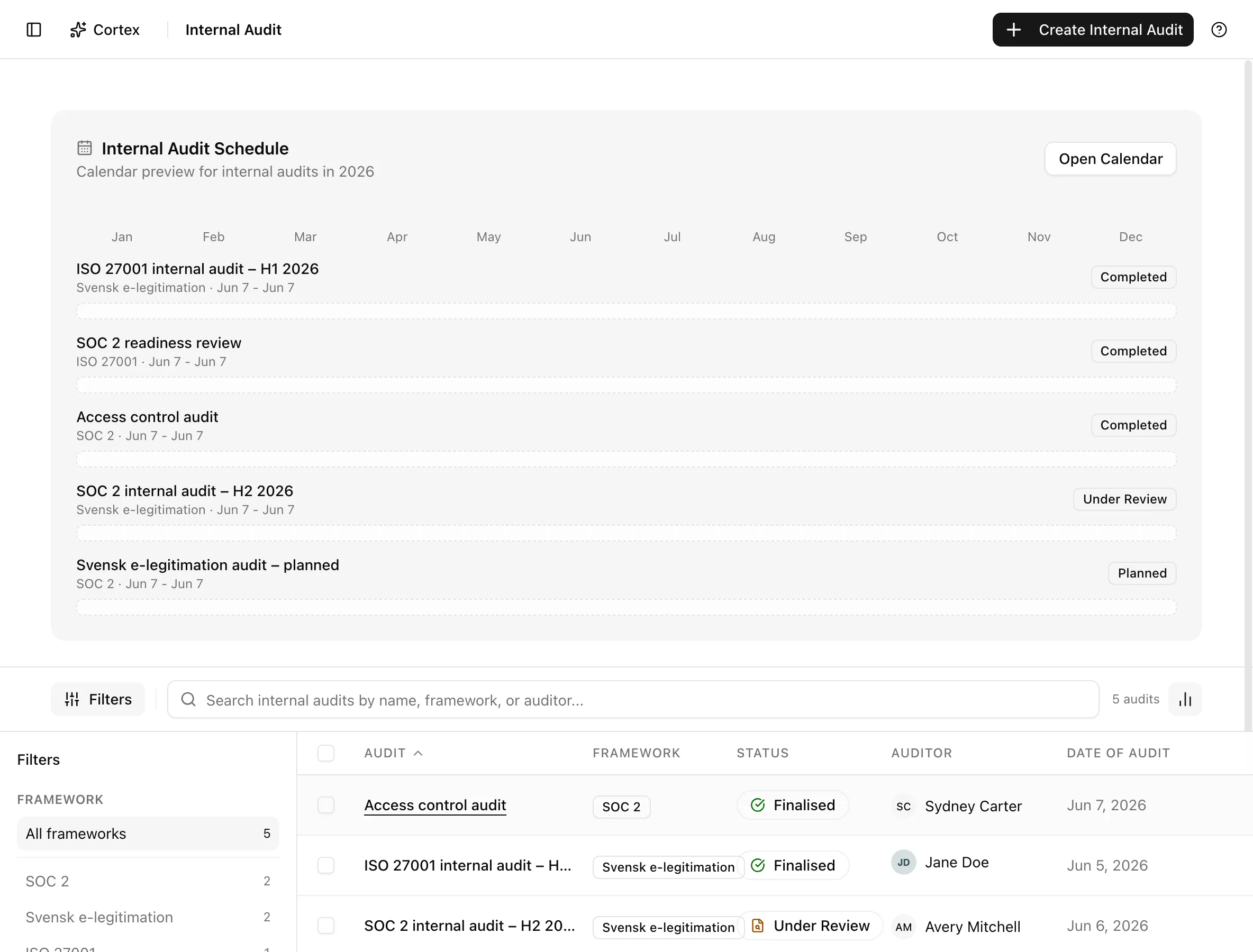
AuditInternal Audit/audit redirects here. The list shows Audit, Framework, Status, Auditor,
and Date of Audit, with filters for Framework and Status and the search
"Search internal audits by name, framework, or auditor...".
Key actions
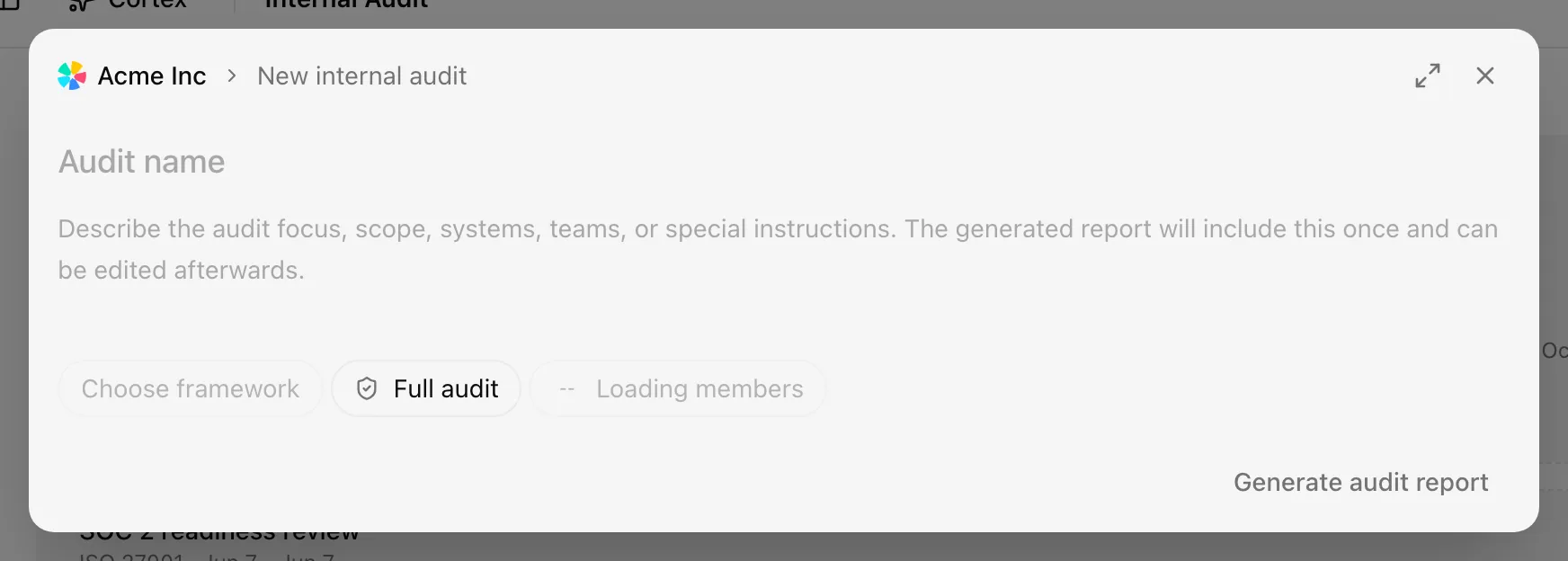
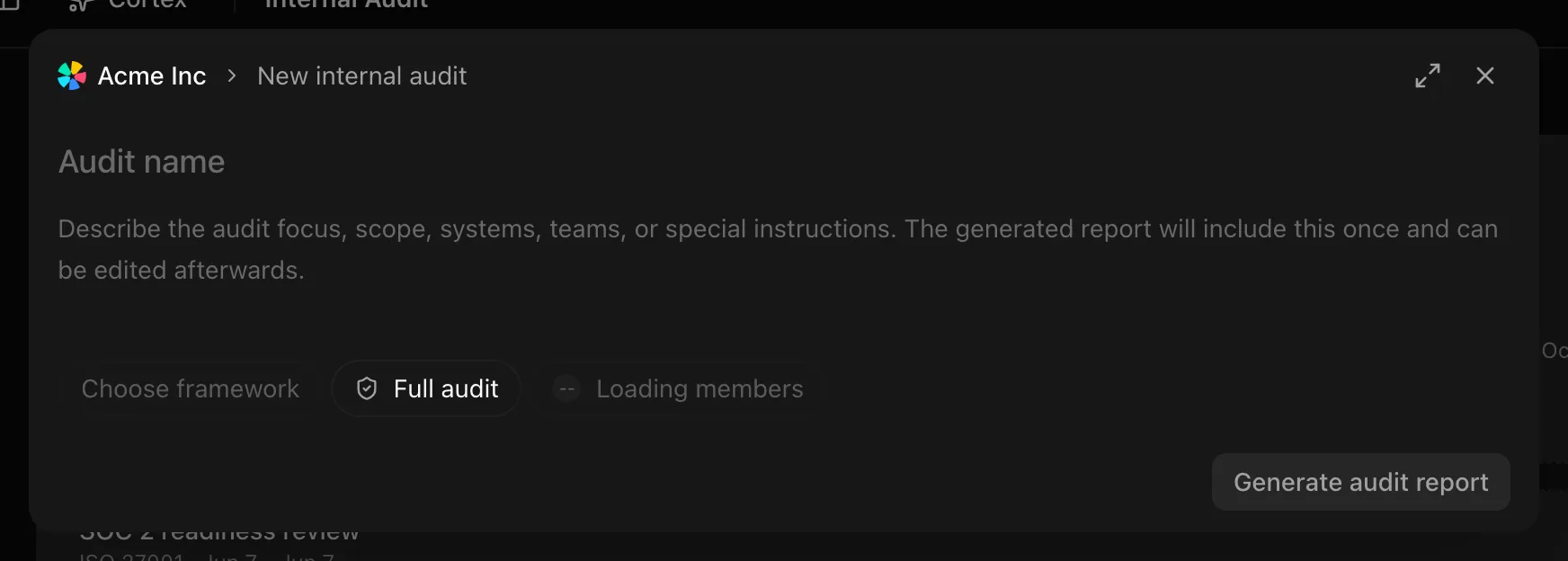
Create an audit and generate the draft report
Edit and save the report
Record findings
Findings have a type (non-conformity, observation, or opportunity), a severity (critical, major, or minor), and a status (open, in remediation, closed, or verified). They are recorded through the MCP server or the API rather than from the report panel, and the report templates count major and minor non-conformities when the report is generated.
Export the PDF
Download PDF in the report options menu renders the current saved text. Finalise first if the PDF is going to an auditor.
Finalise
Finalise audit asks for confirmation, then makes the report read-only and sets the audit to Completed; the toast reads "Report finalized and audit completed" and the panel shows an "Audit finalised" notice.
Reopen
Reopen to edit unlocks a finalised report. Use it for corrections, and finalise again when done.
Delete
Delete Audit on the audit page, or the row action on the list, opens Delete Internal Audit. The report goes with it.
Statuses and fields
| Status | Meaning | Set by |
|---|---|---|
Plannedplanned | Created; the list filter calls this Draft. | Create |
In Progressin_progress | Fieldwork and report editing underway. | You |
Under Reviewreview | Report drafted, awaiting sign-off. | You |
Completedcompleted | Report finalised; the list filter calls this Finalised. | Finalise audit |
Cancelledcancelled | Abandoned; not drawn on the calendar. | You |
| Audit type | Use it for |
|---|---|
| Full audit | The whole framework in scope |
| Focused audit | One domain, system, or team |
| Follow-up | Checking remediation of earlier findings |
| Finding field | API values |
|---|---|
| Type | non_conformity, observation, opportunity |
| Severity | critical, major, minor |
| Status | open, in_remediation, closed, verified |
The report itself is draft or finalized.
Tips and gotchas
Finalising is a governance act. The PDF you export after finalising is what a certification auditor will compare against your management review minutes. Reopening is possible but leaves a trail; do not finalise to "lock in" a draft you have not read.
Pick an auditor who does not own the controls being audited. The Custom option exists so an external consultant or a colleague from another team can be named without a Noru seat.
The instructions you type at creation are inserted into the draft once. Changing them later means editing the report text.
What Noru does not do
The generated report is a draft assembled from your control statuses, evidence, and policies. It has not observed your operations, interviewed anyone, or tested a control, and it does not know what you left out of scope. Noru does not judge whether a finding is a non-conformity; you record that. It does not schedule the next audit or remind you that one is due.
Related
Last updated on