

External audit
Track engagements and build controlled evidence packages for auditors.
What it is
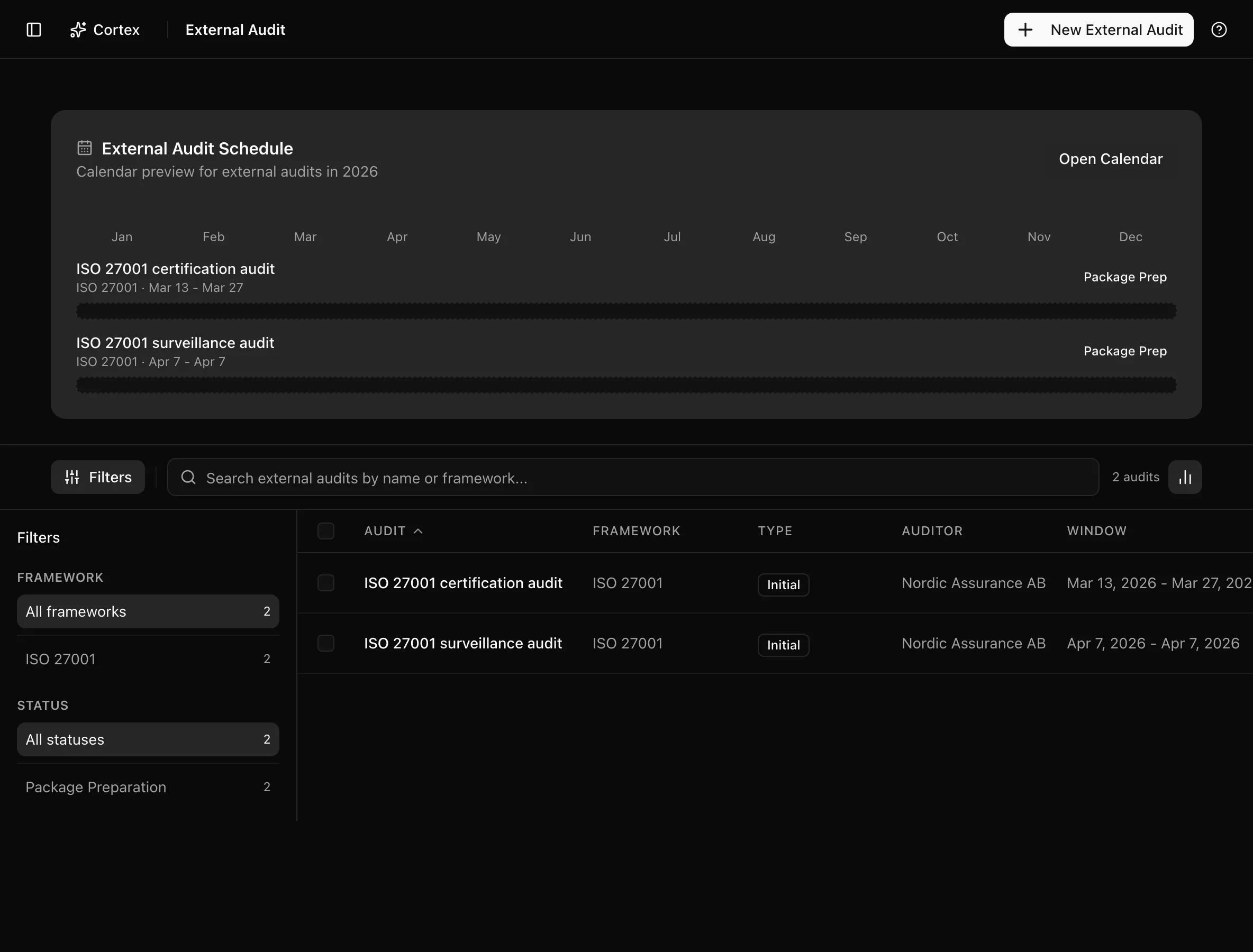
External audit tracks each engagement with a certification body or assessor: who the auditor is, which framework, what kind of audit, and when. Each engagement owns an audit package, a bundle of the controls, evidence, policies, and risk reports you chose to share, built in one guided flow and downloaded as a single archive. The list and its milestones feed the audit calendar.
Where to find it
AuditExternal Audit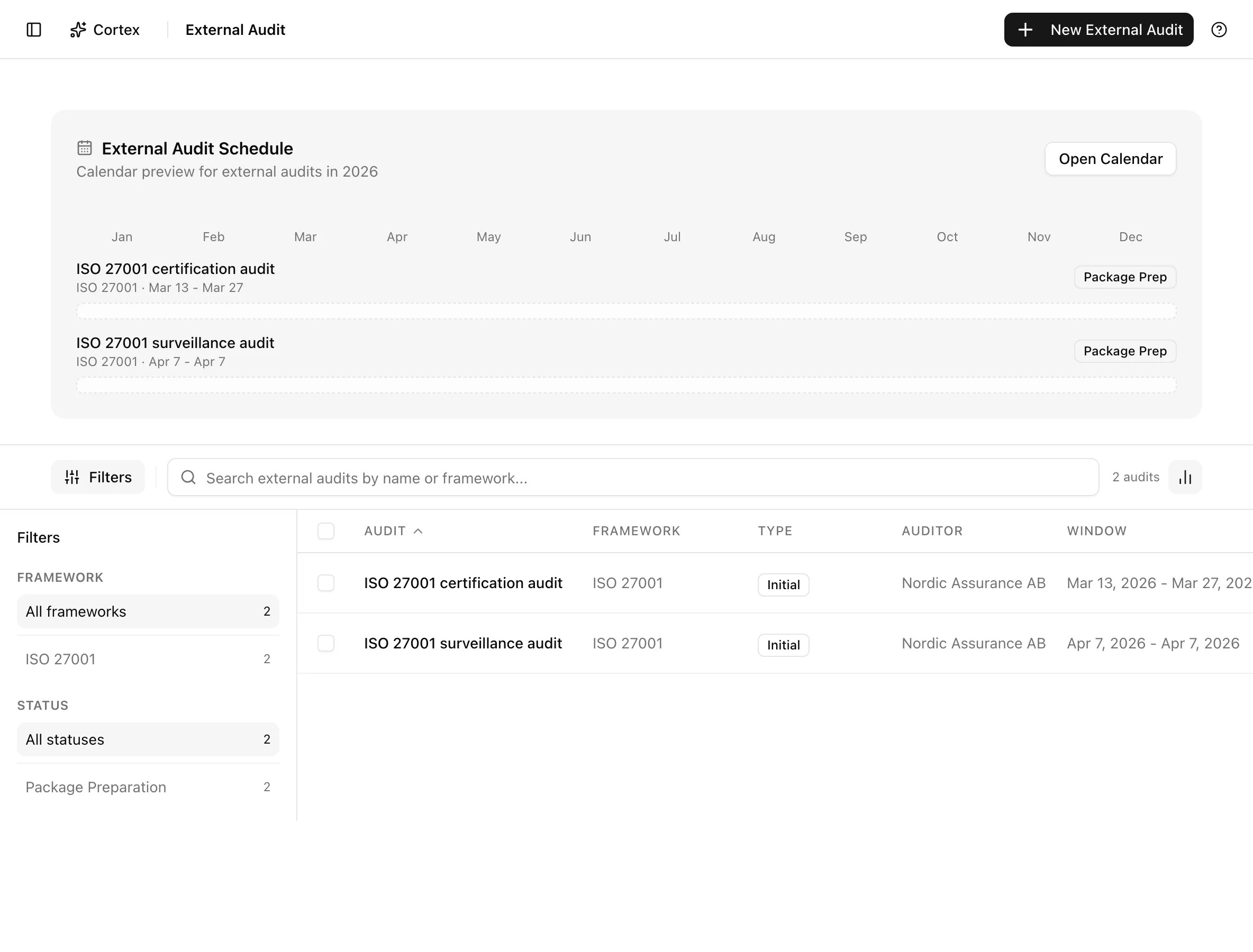
Key actions
Create an engagement and its package
Click New external audit. The builder ("Create a new external audit and its package in one workflow.") walks through six steps.
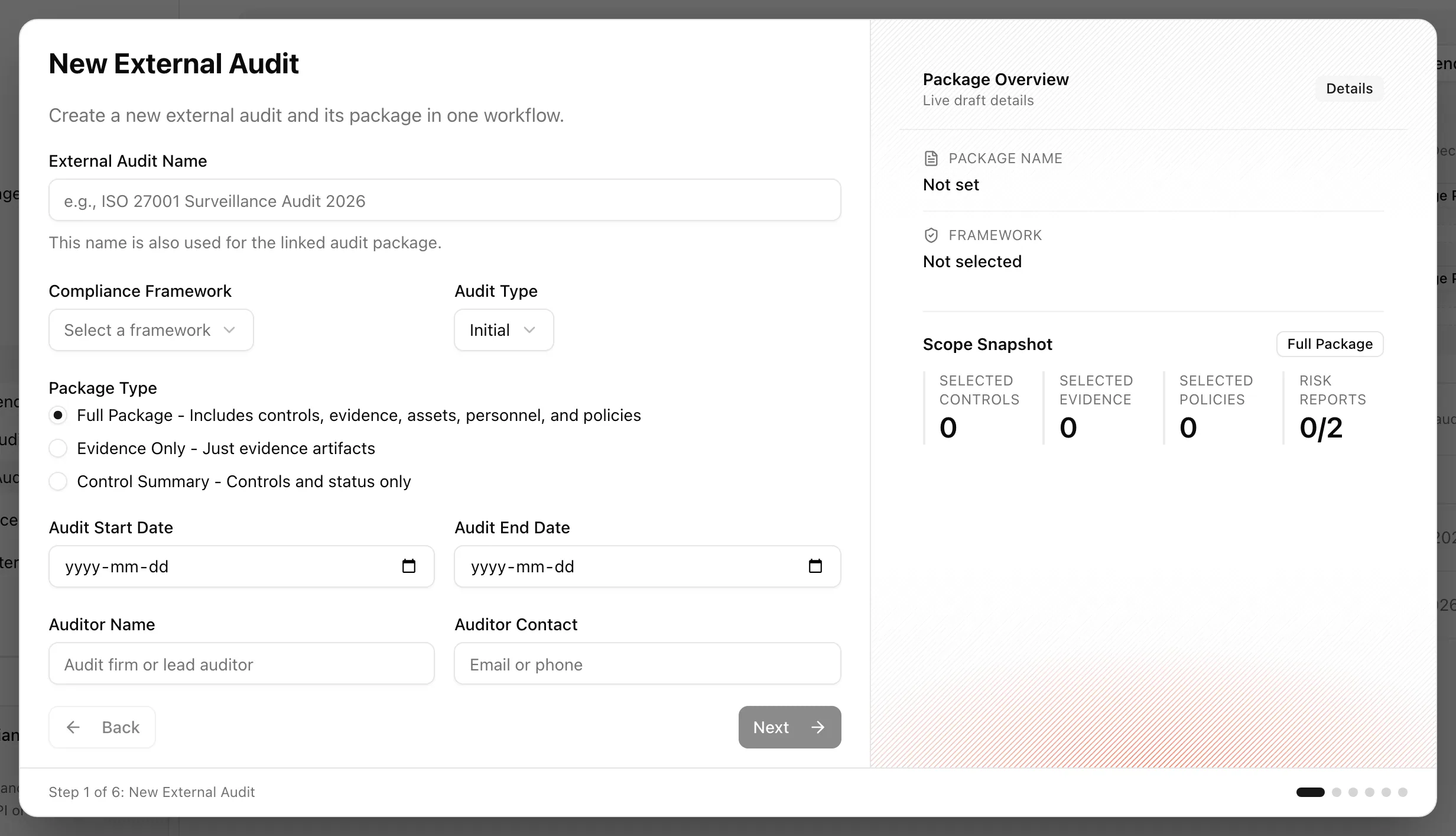
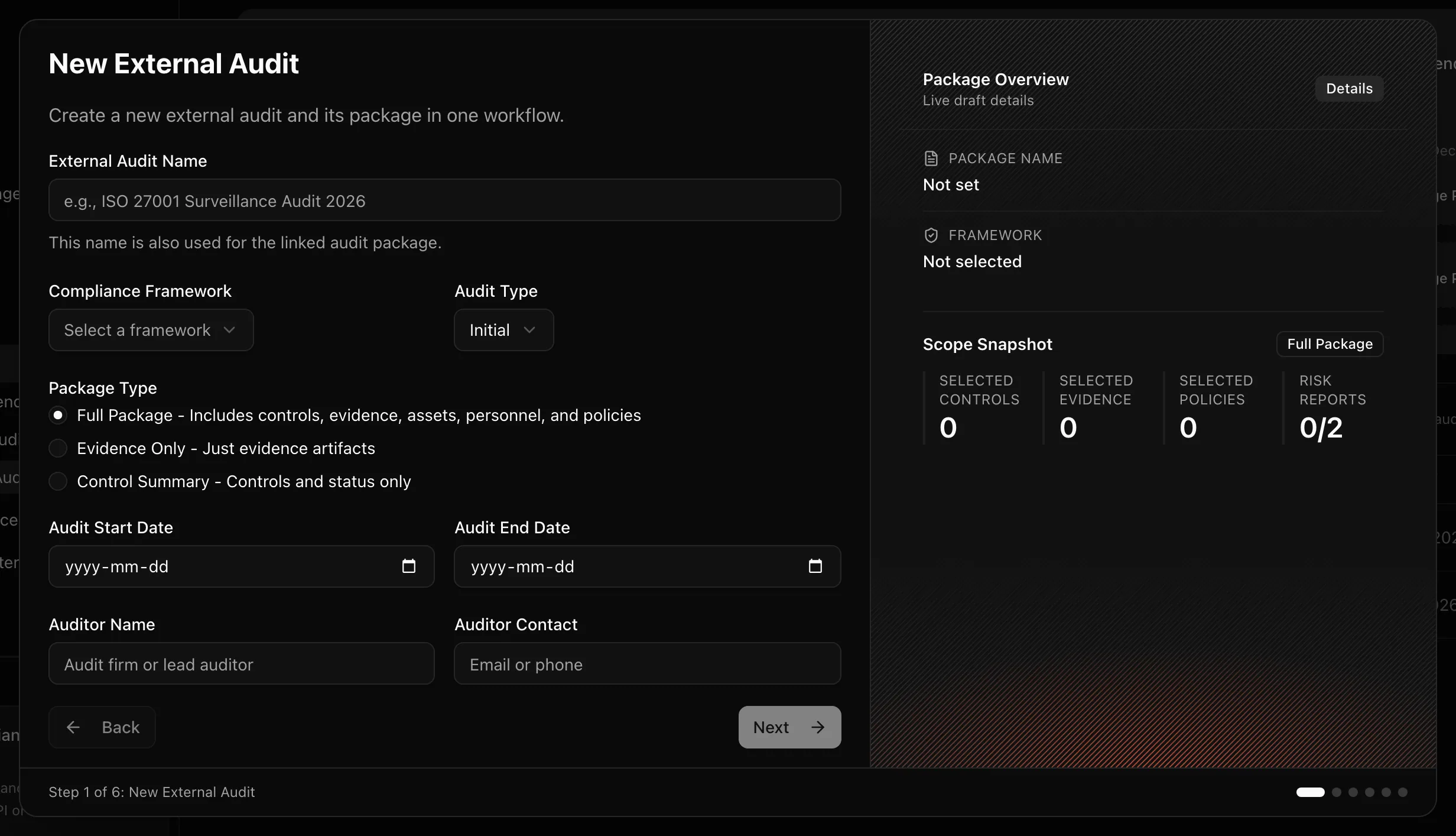
Leaving the builder with changes asks whether to discard; Keep editing returns you to the step.
Download the package
Click Download Audit Package on the engagement. The button reads "Preparing Download..." while the archive is assembled, then the file downloads.
Track status and milestones
Move the engagement through its statuses as the audit proceeds. Milestones (upcoming, completed, overdue) are what the calendar draws as markers.
Delete an engagement
Delete External Audit removes the engagement and its package. Download first if the package was shared.
Statuses and fields
| Status | Meaning | Set by |
|---|---|---|
Plannedplanned | Engagement recorded; package not started. | Create |
Package Preparationpackage_preparation | Package being assembled or revised. | You |
In Progressin_progress | Fieldwork underway. | You |
Report Reviewreport_review | Auditor's report received and being reviewed. | You |
Completedcompleted | Engagement closed. Result recorded as passed, failed, conditional, or pending. | You |
Cancelledcancelled | Engagement did not proceed. | You |
| Audit type | Meaning |
|---|---|
| Initial | First certification audit |
| Surveillance | Periodic check during the certificate's life |
| Recertification | Full audit at the end of the cycle |
| Package type | Contents |
|---|---|
| Full Package - Includes controls, evidence, assets, personnel, and policies | Everything the framework touches |
| Control Summary - Controls and status only | Status table without artifacts |
| Evidence Only - Just evidence artifacts | The files, selected directly |
A package moves from draft to exported when it is downloaded, and can be archived afterwards. The list columns are Audit, Framework, Type, Auditor, and Window.
Tips and gotchas
Review every step before Create External Audit. The package is what leaves the building: personnel lists and evidence files may contain personal data or secrets that belong in scope for your auditor but not for anyone the archive is forwarded to.
Generate the risk reports before you start the builder. The Risk Reports step can generate in place, but doing it from Risk reports first lets you read the preview and pick the version deliberately.
Policy versions are pinned at package creation. If you publish a new version during the audit, the package still holds the one you selected; build a new package if the auditor needs the newer text.
What Noru does not do
Noru does not communicate with the auditor, host a portal for them, or record their findings. The package is a snapshot: evidence collected after you create it is not added. Noru does not judge whether your selection is sufficient for the audit type, and it does not decide the result; you record passed, failed, conditional, or pending after the auditor tells you.
Related
Last updated on