

Audit calendar
See internal and external audits on one timeline.
What it is
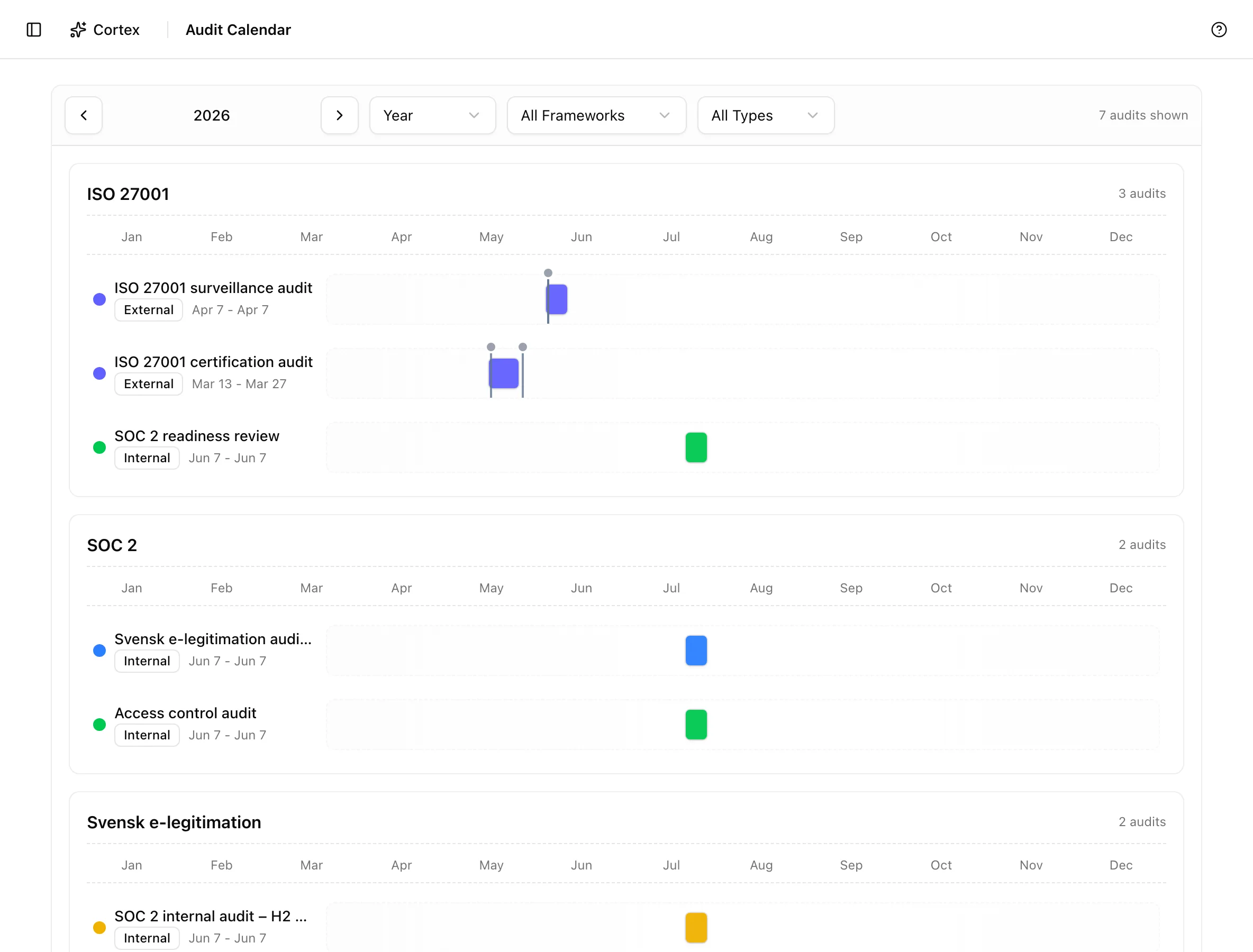
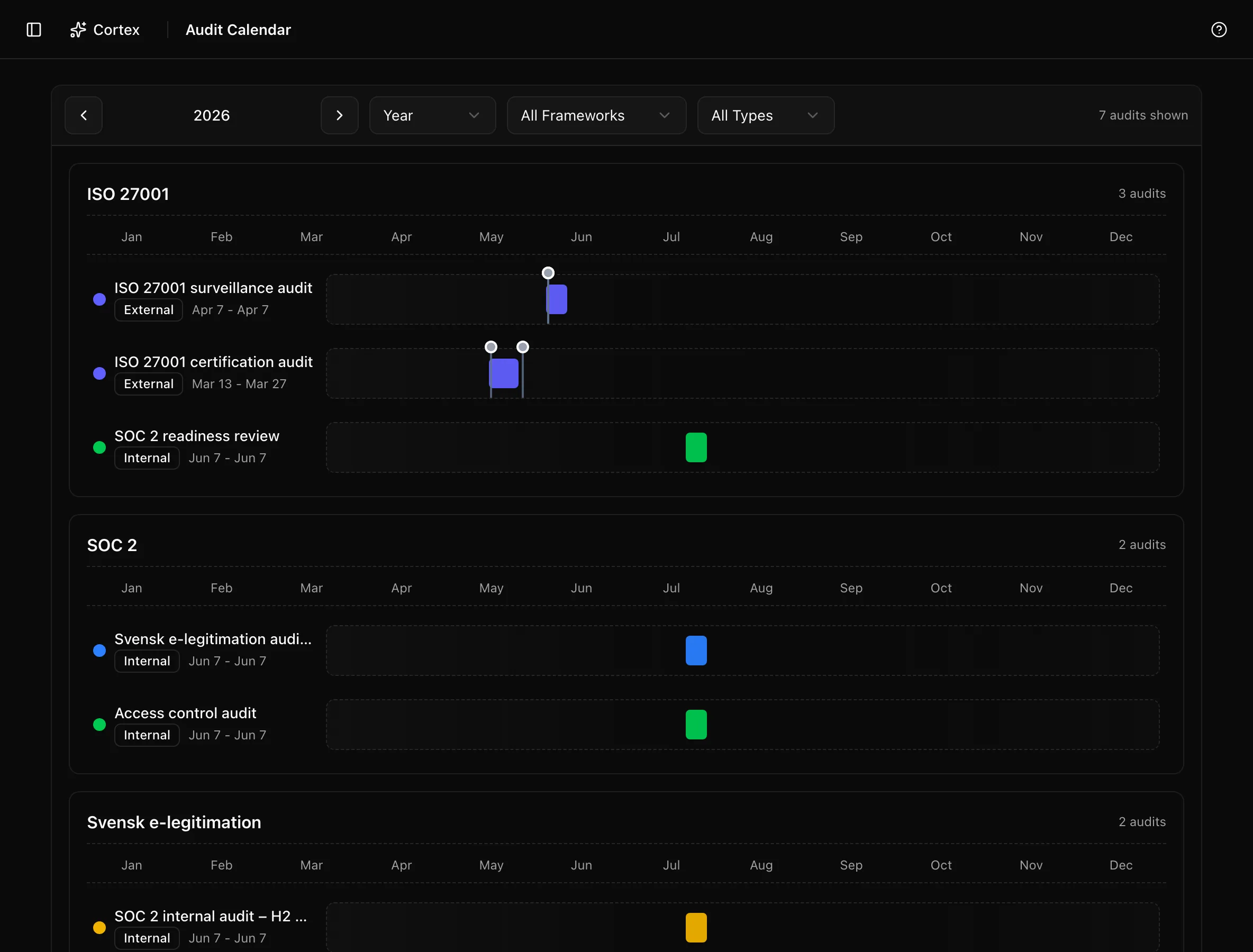
The audit calendar draws every internal and external audit as a bar on a timeline, with external audit milestones marked along it. It is a view over the audit records, not a separate schedule: an audit appears here as soon as it has dates, and moving it means editing the audit.
Where to find it
AuditAudit CalendarThe stat cards on the Internal audit and External audit lists also link here with Open Calendar, pre-filtered to that type.
Key actions
Change the range
Pick Month, Quarter, or Year in the view select. Year is the default and is the one to use for planning a certification cycle.
Filter by type or framework
All Frameworks narrows to audits against one framework. All Types switches between Internal and External. Arriving from a stat card sets the type filter for you.
Open an audit
Click a bar to go to that audit's page. Hovering shows the title and duration ("… - N days").
What appears
| Element | Source |
|---|---|
| Internal audit bar | Internal audit date of audit and status |
| External audit bar | External audit start and end dates |
| Milestone marker | An upcoming external audit milestone |
| Completed milestone | A milestone marked done |
| Overdue milestone | A milestone past its date and not done |
The legend maps colours to status: Planned, In Progress, Under Review, and Completed for internal audits; Planned, Package Preparation, In Progress, and Completed for external audits.
Tips and gotchas
Put the surveillance audit on the calendar as soon as the certificate is issued, even with rough dates. The year view then shows the window in which internal audits and management reviews must land.
Bars follow the audit records. To move one, change the date of audit on the internal audit or the start and end dates on the external audit; the calendar has no drag-to-reschedule.
What Noru does not do
The calendar does not create audits, set milestones, or send date reminders. It does not sync with your calendar application.
Related
Last updated on