

Frameworks
Enable and disable the frameworks in scope for your organization.
What it is
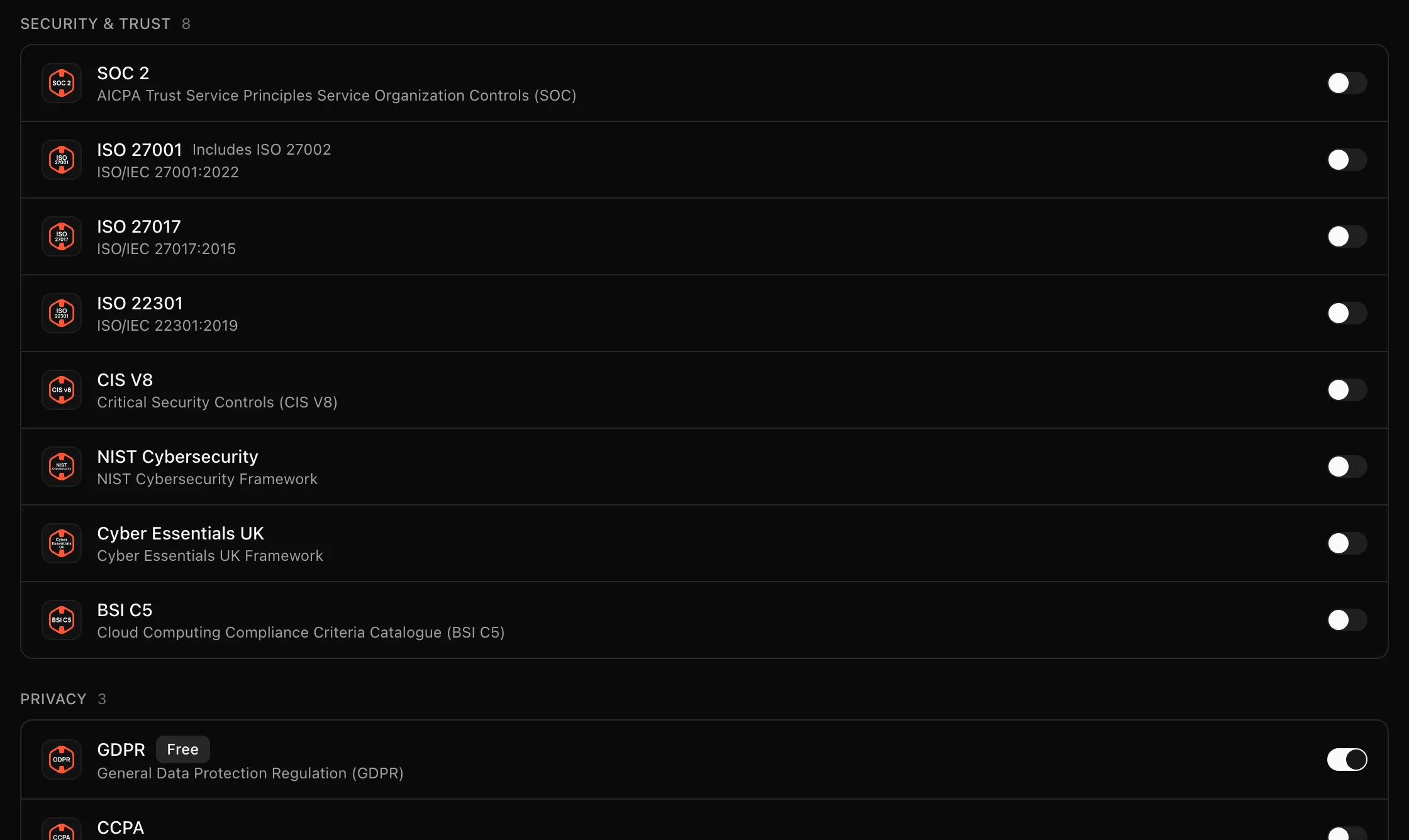
The Frameworks tab decides which requirement sets are in scope. Turning a framework on links its controls and requirements to the organization so they are tracked, and offers to generate the policies it expects. Turning one off removes it from scope but keeps the policies and evidence you already have.
Where to find it
SettingsFrameworks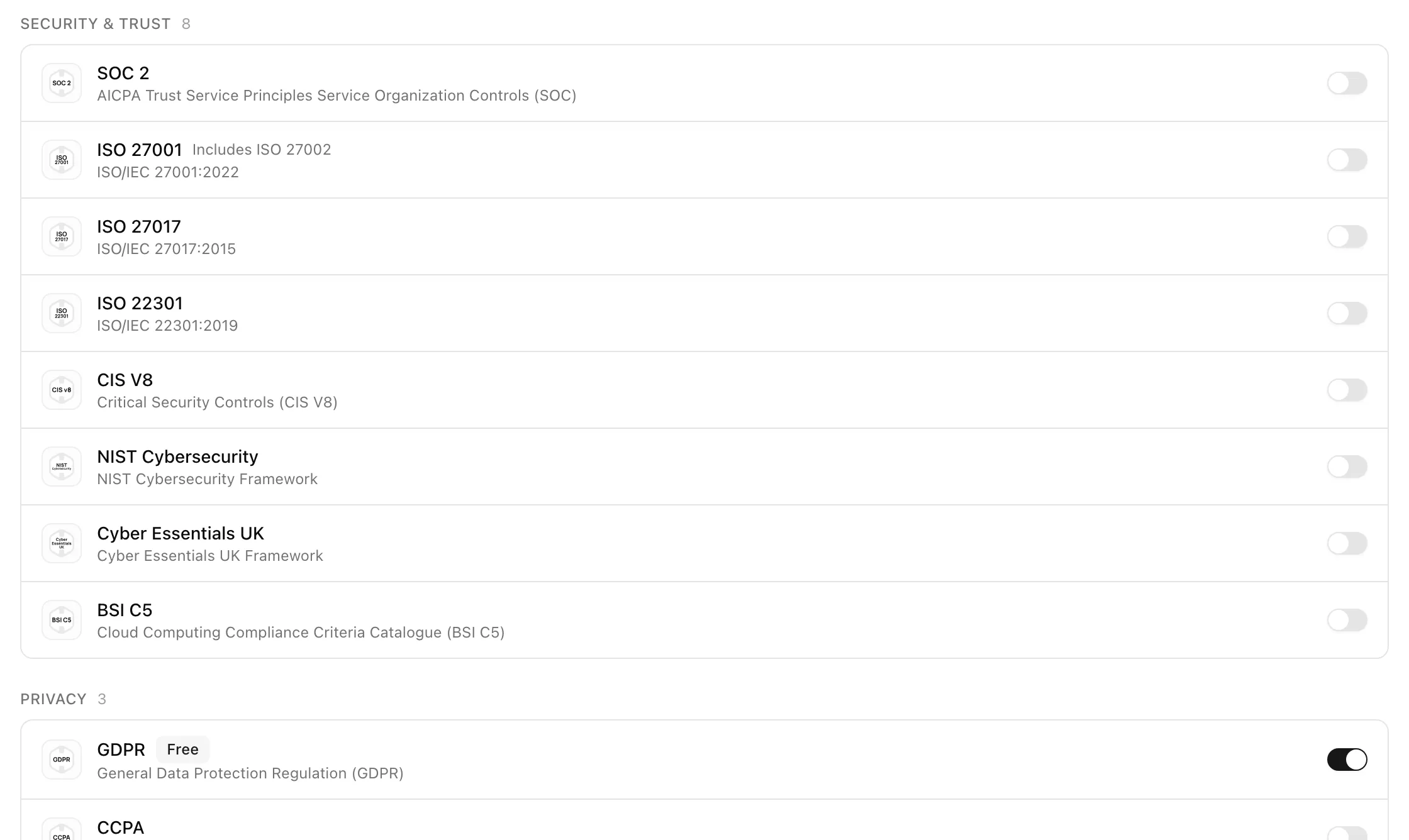
Key actions
Enable a framework
Generation runs in the background; the toast "Policy regeneration has been queued successfully" confirms it, and the result appears under Policies. If you skip, the toast says the framework is enabled and "You can generate policies later."
Disable a framework
Statuses and fields
| Element | Meaning |
|---|---|
| "Includes ISO 27002" | ISO 27001 and ISO 27002 are enabled and disabled together |
| Generate Policies for dialog | Offered after enabling; lists the policies the framework expects |
When enabling updates existing policies, the dialog is titled Update Policies for the framework and notes that "Approved policies will have a new draft version created." Its confirm button reads Regenerate Policies.
Tips and gotchas
Regenerating policies never overwrites an approved policy in place. Approved policies get a new draft version, so you can diff and reject it in the policy editor.
Disabling and re-enabling is cheap. Controls come back into scope with their previous status, and existing policies are matched rather than duplicated.
What Noru does not do
Enabling a framework does not make you compliant with it and does not map existing evidence to the new controls by itself; automatic mapping happens as data sources sync. Noru also does not delete anything when you disable a framework.
Related
Last updated on