

General settings
Company details, logo, and organization deletion.
What it is
The General tab holds the organization's basic profile: name, website, industry, country, headcount band, and logo. These values appear in the organization switcher and in generated documents. The tab also contains the Danger Zone, where an admin can delete the organization outright.
Where to find it
SettingsGeneral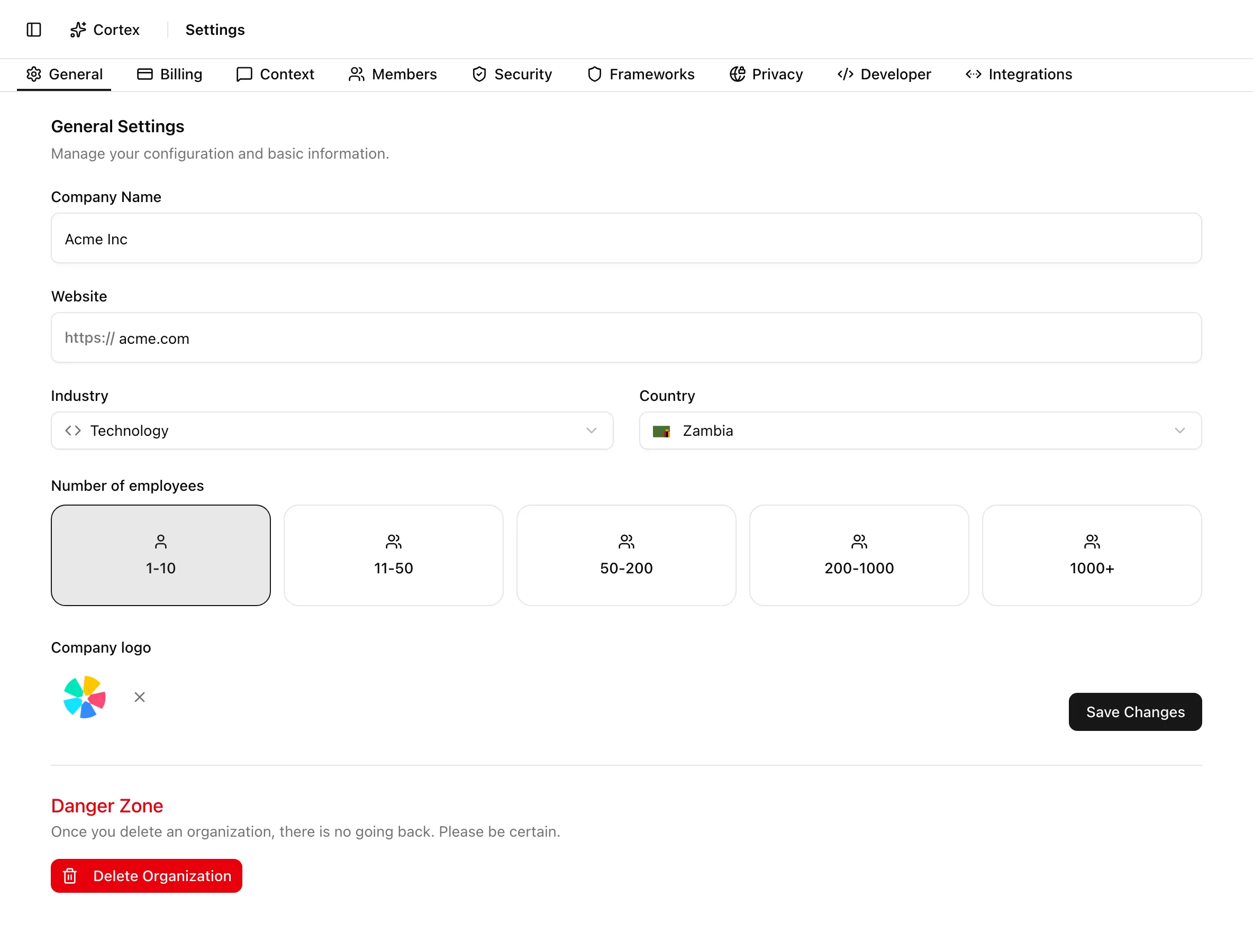
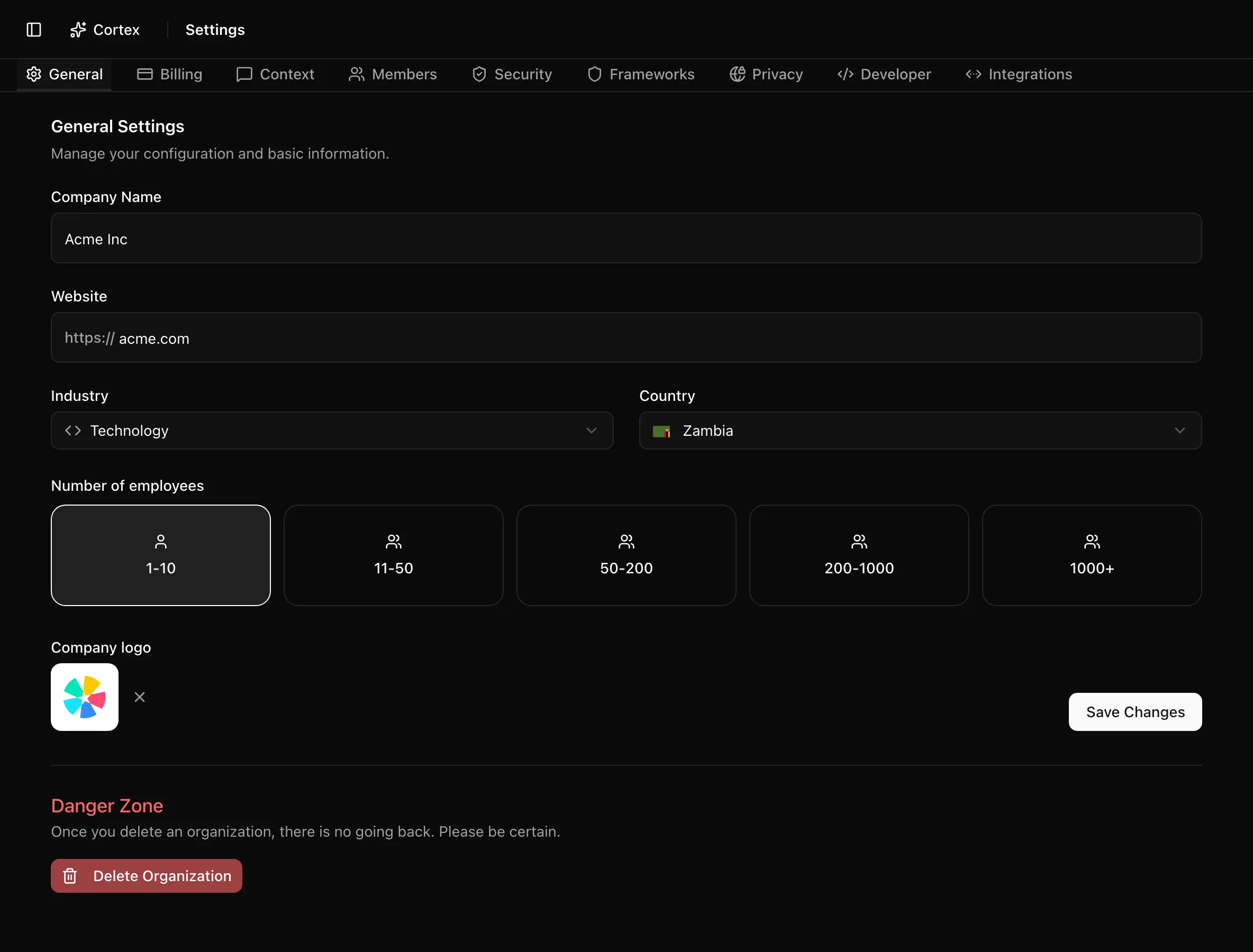
Key actions
Update the company profile
https:// prefix; if you paste a full URL, Noru strips the protocol, path, and trailing slash and stores https:// plus the domain.Saving also tells the organization switcher to refresh, so a renamed organization shows its new name without a reload.
Upload or replace the logo
To remove the logo, click the X on the preview. That also saves immediately.
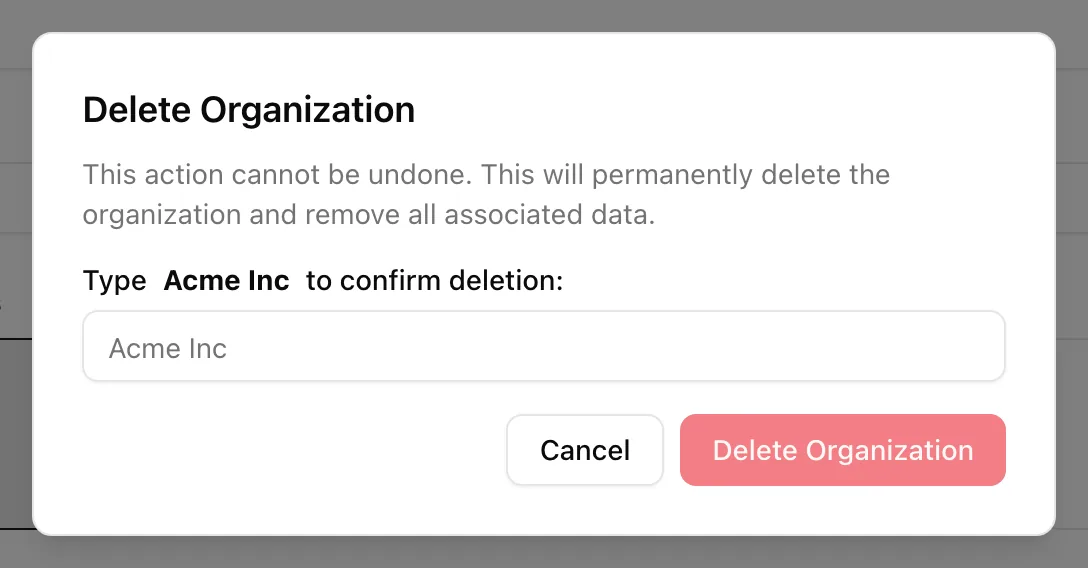
Delete the organization
Statuses and fields
| Field | Options | Notes |
|---|---|---|
| Company Name | Free text | Shown in the switcher and used in generated content |
| Website | Domain | Stored as https:// plus domain |
| Industry | Technology, Healthcare, Finance, Manufacturing, Retail, Education, Government, Non-profit, Other | Single select |
| Country | ISO country list with flags | Single select |
| Number of employees | 1-10, 11-50, 50-200, 200-1000, 1000+ | A band, not an exact count |
| Company logo | JPEG, PNG, GIF, WebP, SVG up to 5 MB | Saves independently of the form |
Tips and gotchas
Deletion is permanent
The dialog says it plainly: "This action cannot be undone. This will permanently delete the organization and remove all associated data." Export anything you need first.
Only the logo saves on its own. If you navigate away with unsaved edits to the other fields, they are lost.
What Noru does not do
Noru does not validate that the website belongs to you, and it does not infer industry or country from the domain. Deleting an organization does not end your agreement with Noru by itself; tell support@noru.tech when you are closing an organization.
Related
Last updated on