

Developer settings
API keys and MCP access for the organization.
What it is
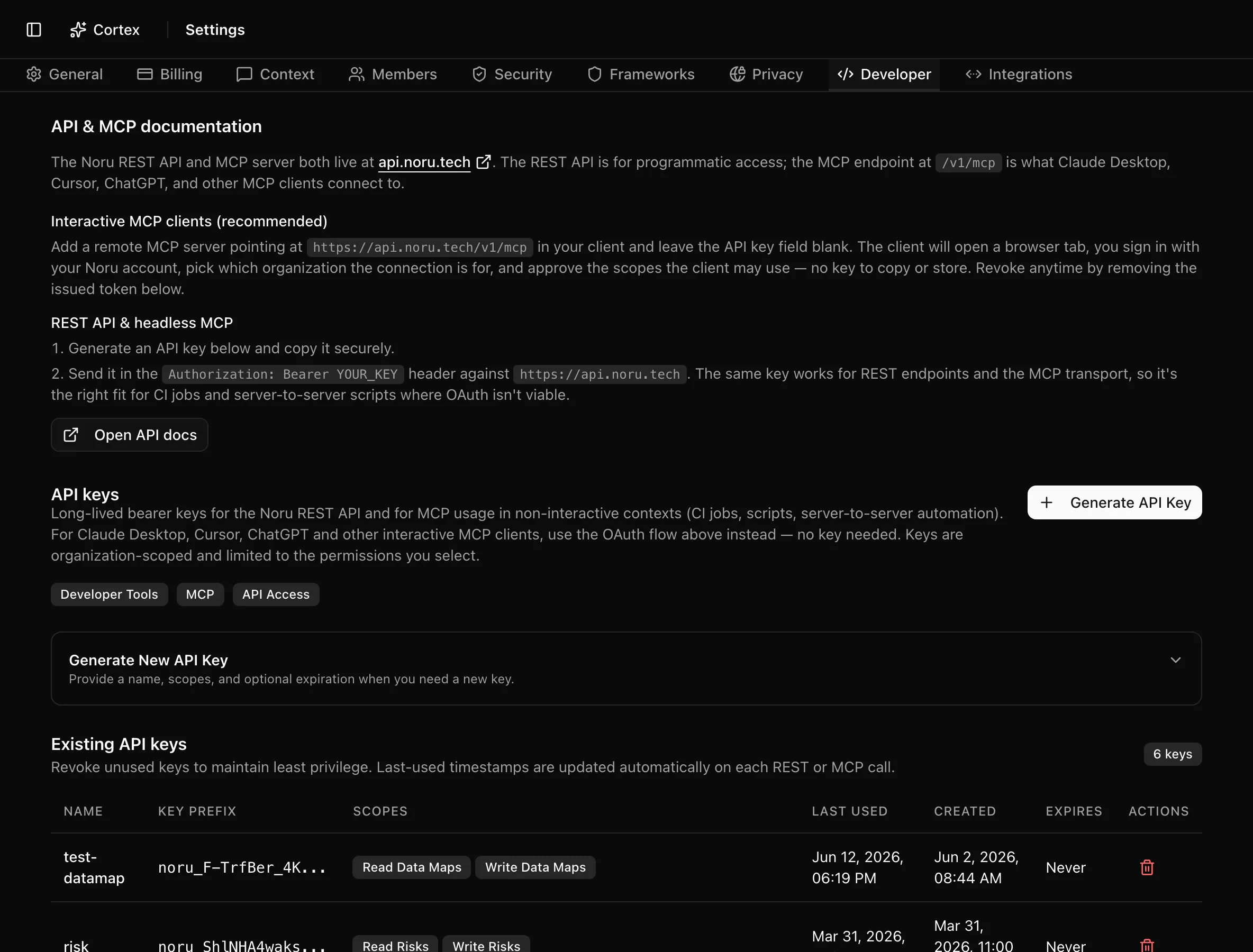
The Developer tab is where admins create and revoke API keys. A key authenticates REST calls and headless MCP clients against the organization. Interactive MCP clients such as Cursor and Claude Desktop do not need a key; they sign in with OAuth. The tab links to the full API documentation, and the Developers section of these docs covers everything beyond key management.
Where to find it
SettingsDeveloper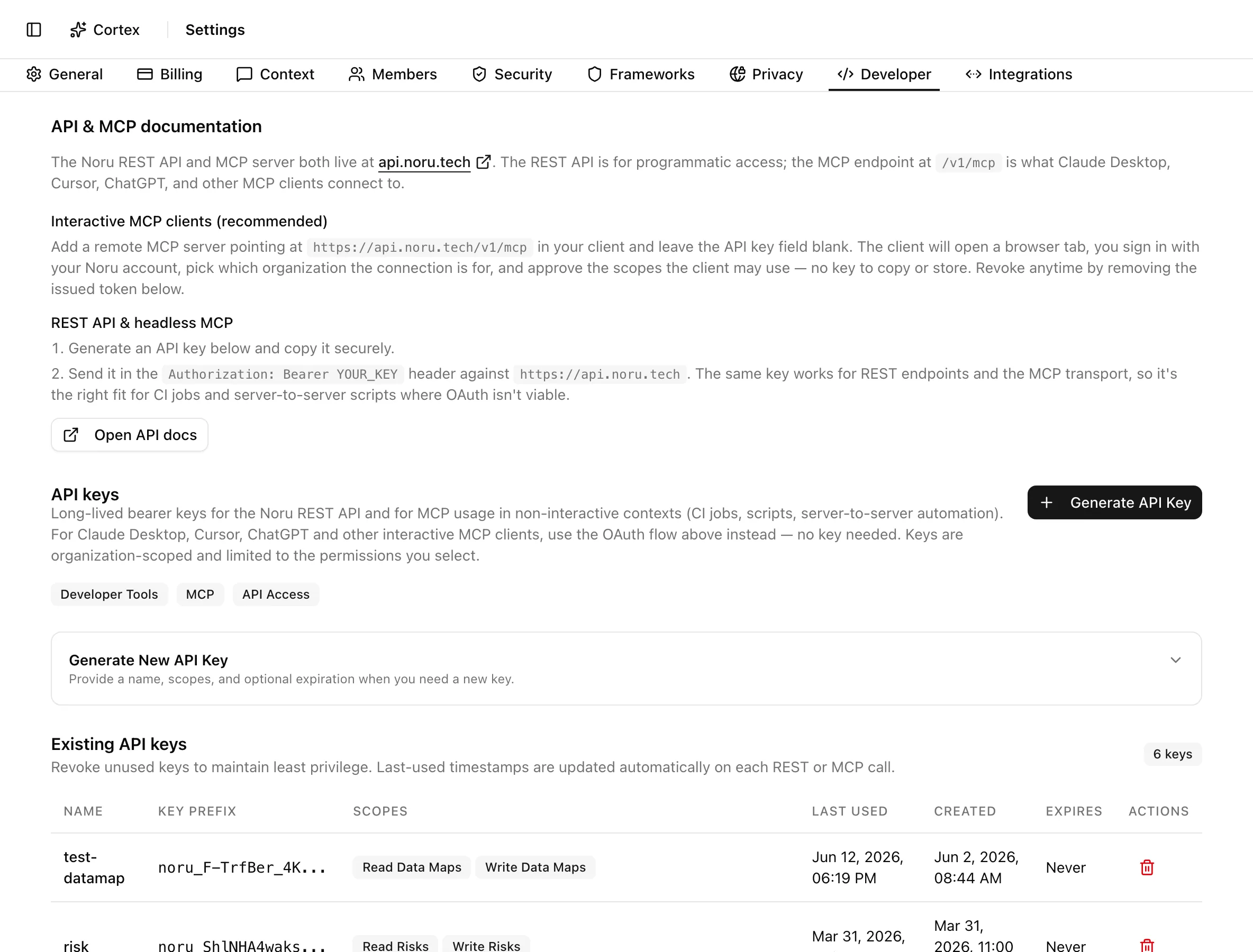
Key actions
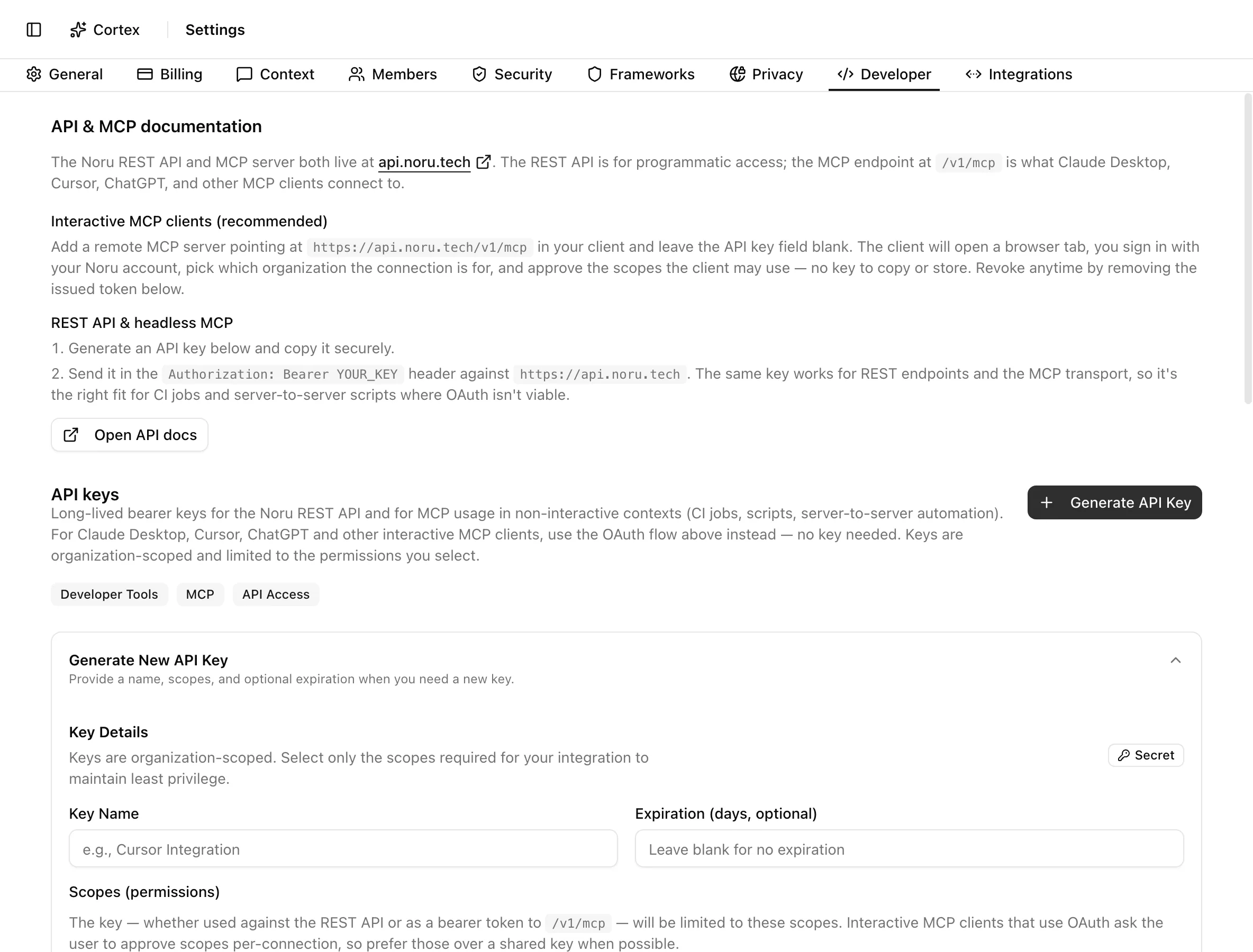
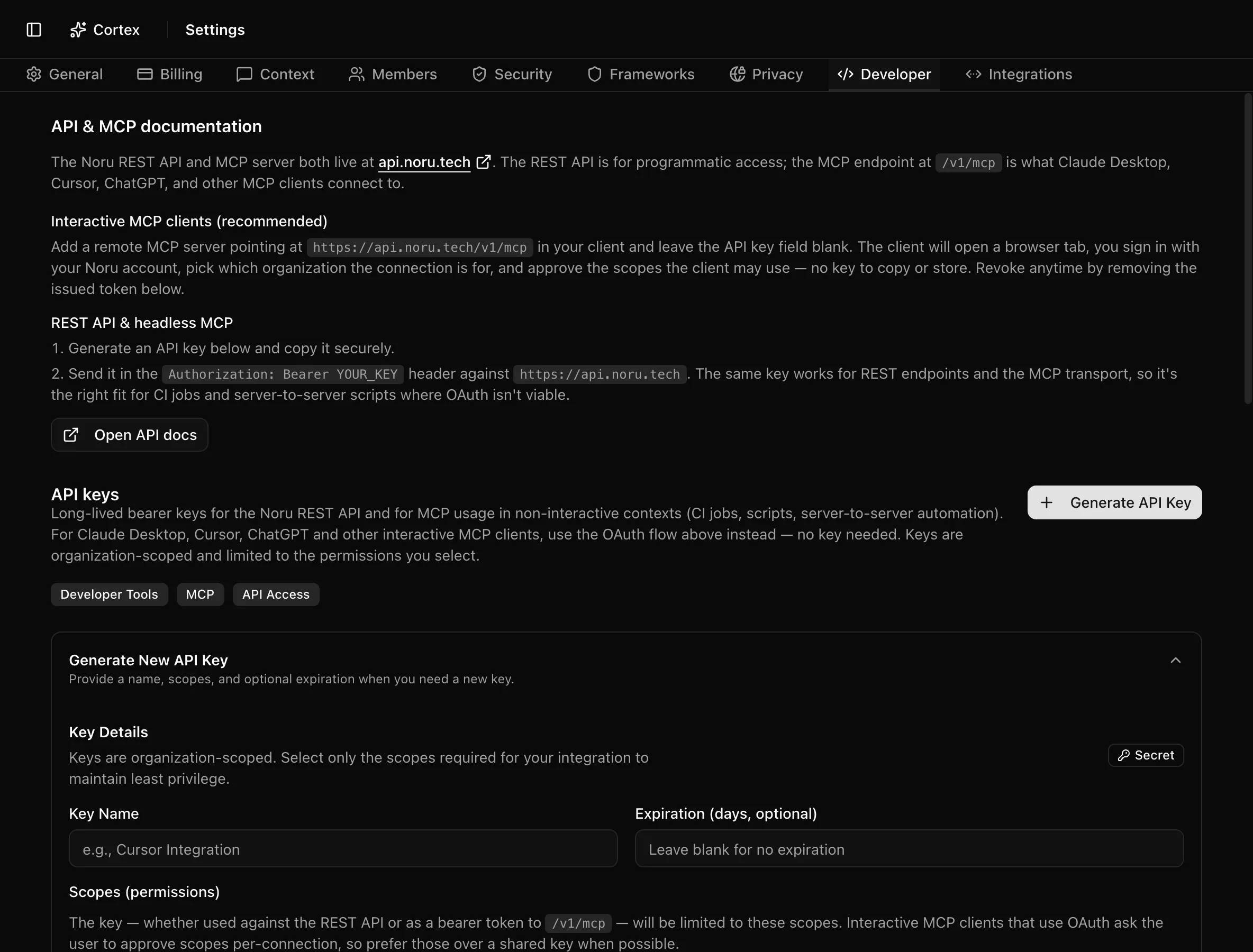
Generate an API key
Revoke a key
Click the trash icon on the row. The dialog Revoke API key names the key and warns: "Any REST or MCP client using this key will immediately lose access. OAuth-issued tokens are unaffected. This action cannot be undone." Click Revoke Key. The row stays in the table with a Revoked badge.
Statuses and fields
| Column | Meaning |
|---|---|
| Name | The label you gave the key |
| Key Prefix | The first characters, enough to match against a client config |
| Scopes | Granted permissions |
| Last Used | Updated automatically on each REST or MCP call; "Never" until then |
| Created | Creation time |
| Expires | Expiry date, or none |
| Actions | Revoke |
Tips and gotchas
The full key is shown once. If you lose it, revoke it and generate a new one; there is no way to display it again.
One key per client, named after the client. When something misbehaves the Last Used column tells you which integration is still calling, and you can revoke one without breaking the others.
Keys belong to the organization, not to you. Revoking your own membership does not revoke keys you created.
What Noru does not do
Noru does not rotate keys automatically, and it does not restrict a key to an IP range. A key with a write scope can change data exactly as an editor could through the UI.
Related
Last updated on