

Organization settings
The admin-only settings page and its tabs.
Organization settings is where admins configure the organization itself: its
profile, billing, frameworks, members, security requirements, API access,
chat integrations, webhooks and workflows. Everything on /settings applies to the whole organization,
not to your personal account, which lives at Your account.
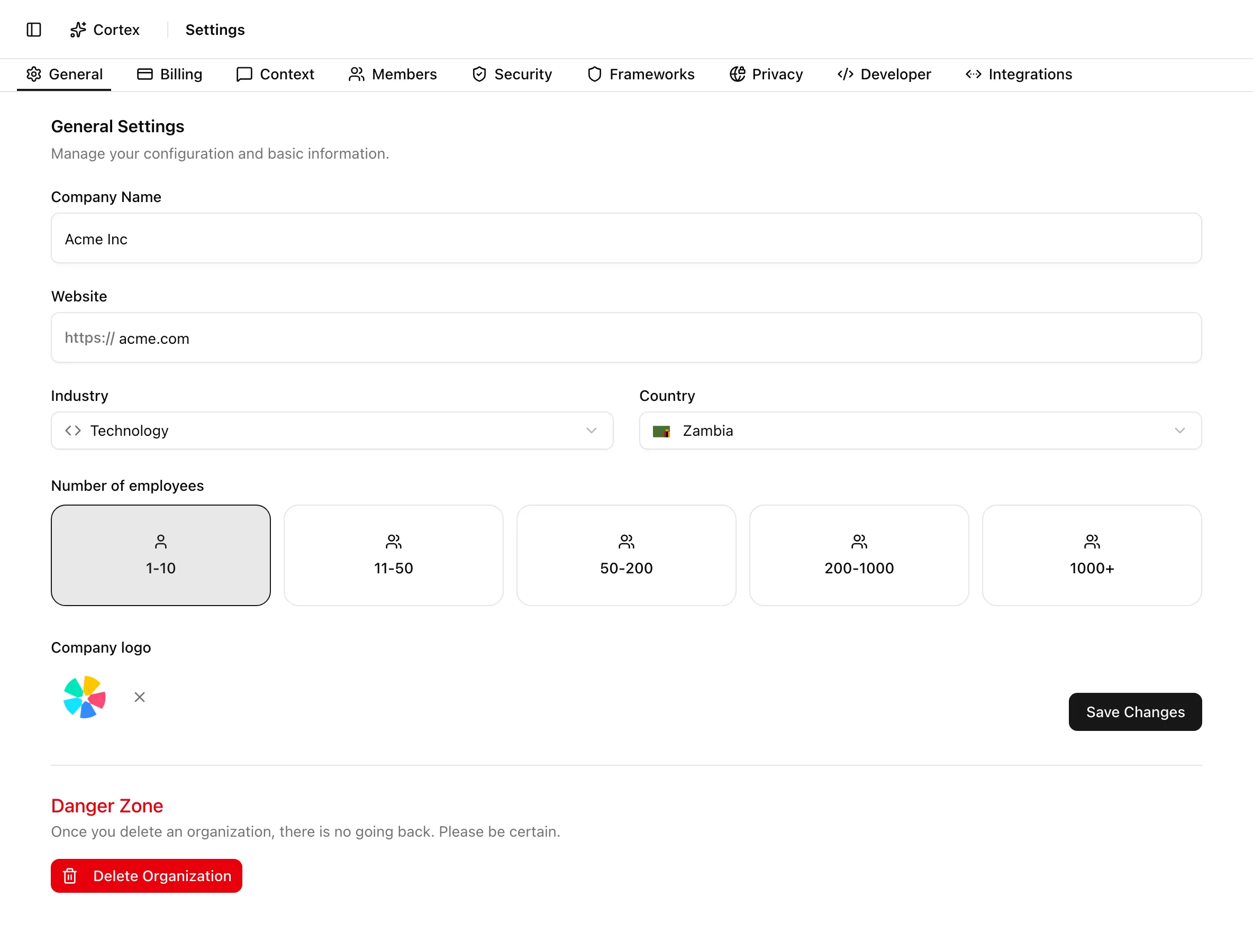
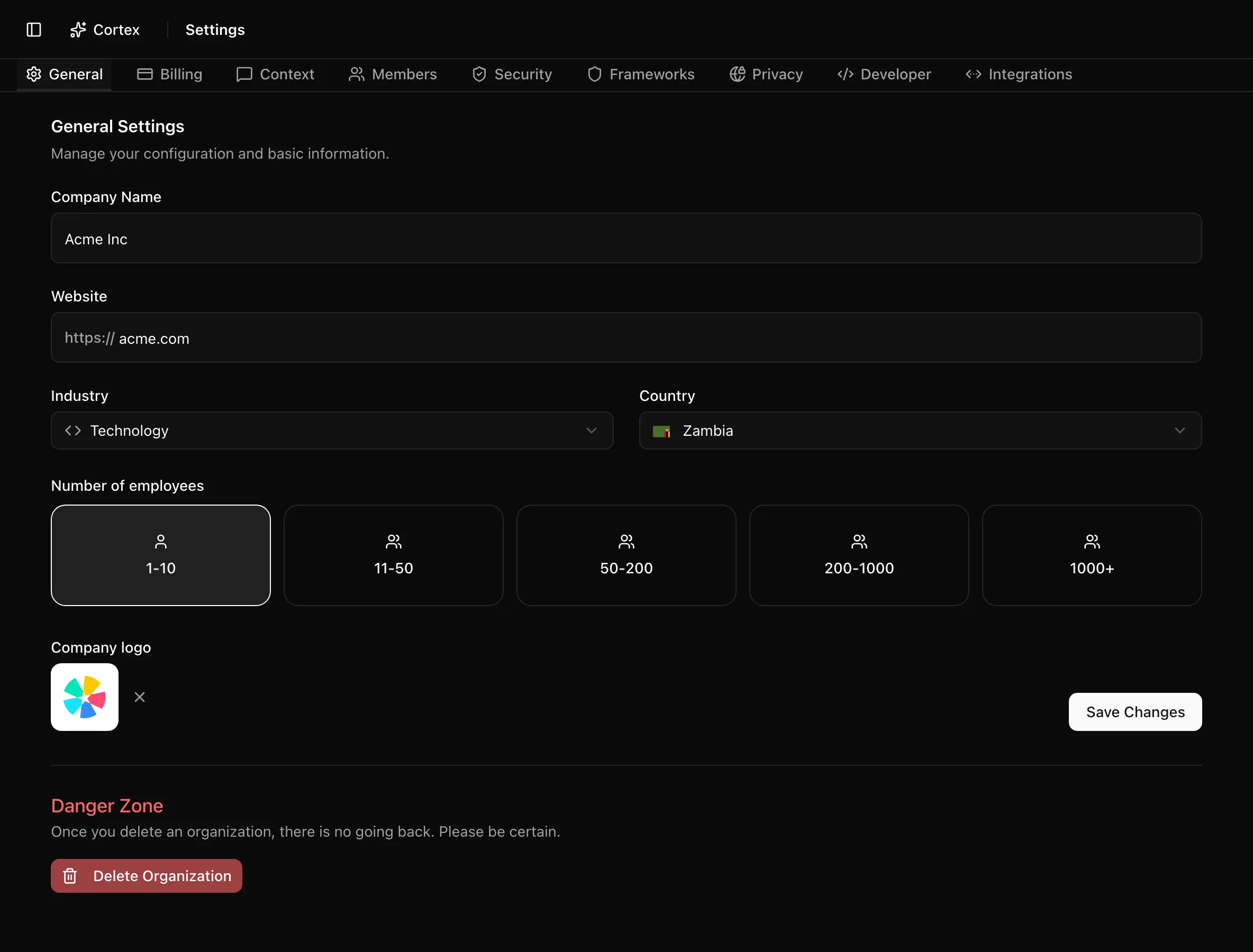
The page is one route with a tab bar. The active tab is kept in the URL as
?tab=, so you can link a colleague straight to a section. Only members with
the admin role can open it; editors and viewers who visit /settings are sent
back to the dashboard.
| Tab | URL | What it controls |
|---|---|---|
| General | /settings?tab=general | Company name, website, industry, country, size, logo, and organization deletion |
| Billing | /settings?tab=billing | Billing status and the billing portal |
| Context | /settings?tab=context | The structured company profile that Cortex and generated content rely on |
| Members | /settings?tab=members | Invitations, roles, removal, pending invitations |
| Security | /settings?tab=mfa | Require multi-factor authentication for every member |
| Frameworks | /settings?tab=frameworks | Which frameworks are in scope |
| Privacy | /settings?tab=privacy | Privacy program settings; shown only to organizations on the privacy segment |
| Developer | /settings?tab=developer | API keys for the REST API and MCP |
| Integrations | /settings?tab=integrations | Slack, Microsoft Teams, and pointers to the API and MCP endpoints |
| Webhooks | /settings?tab=webhooks | Endpoints Noru calls when records change, and the delivery log |
| Workflows | /settings/workflows | Automations that run steps when something happens; shown when workflows are turned on |
General settings
Company details, logo, and organization deletion.
Billing
Billing status, invoices, and payment details.
Organization context
Reusable background that Cortex and generated content rely on.
Members
Invite members, change roles, and remove access.
Security settings
Require multi-factor authentication for the organization.
Frameworks
Enable and disable the frameworks in scope.
Privacy settings
Jurisdictions, regulations, and privacy program defaults.
Developer settings
API keys and MCP access for the organization.
Integrations
Slack, Microsoft Teams, and the API and MCP endpoints.
Webhooks
Send signed events to your systems and read every delivery.
Workflows
Triggers, steps, runs and approvals.
Popular tasks
- Invite a member and pick a role
- Enable a framework and generate its policies
- Open the billing portal
- Require MFA for everyone
- Generate an API key for Cursor or Claude
- Connect Slack
- Add a webhook endpoint and send a test delivery
- Start a workflow from a template
- Fill in the company profile that Cortex uses
Settings versus account
Settings is per organization and admin-only. Your name, avatar, MFA setup, and email notification toggles are per user and live under Your account, which every role can open.
Related
Last updated on