

Integrations
Slack, Microsoft Teams, and the API and MCP endpoints.
What it is
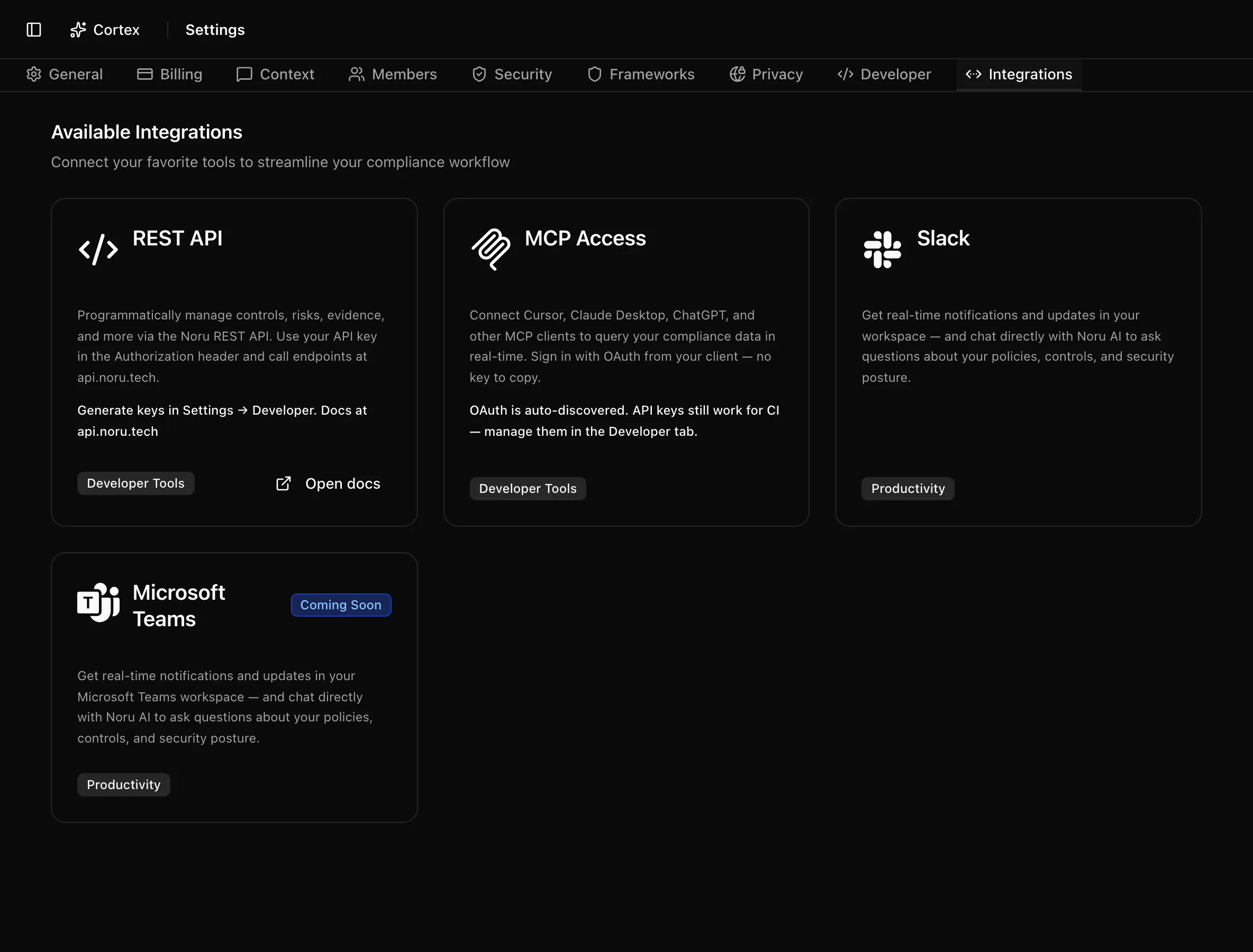
The Integrations tab is a small catalogue of ways to reach Noru from other tools: the REST API, MCP for AI clients, and a Slack app that answers questions in your workspace. These are outbound and conversational surfaces. They do not collect evidence; connectors that pull data from your systems live under Data sources.
Where to find it
SettingsIntegrations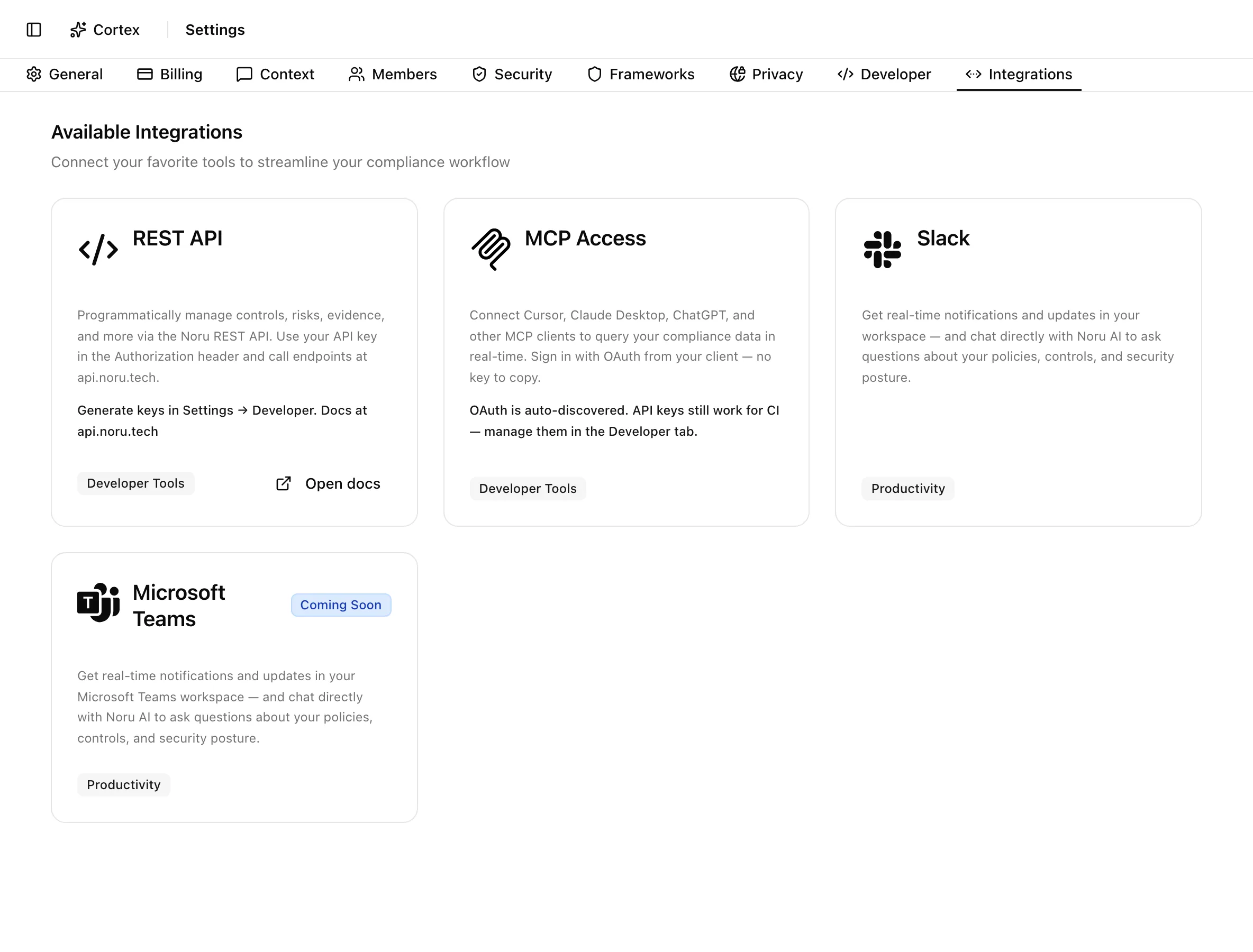
Key actions
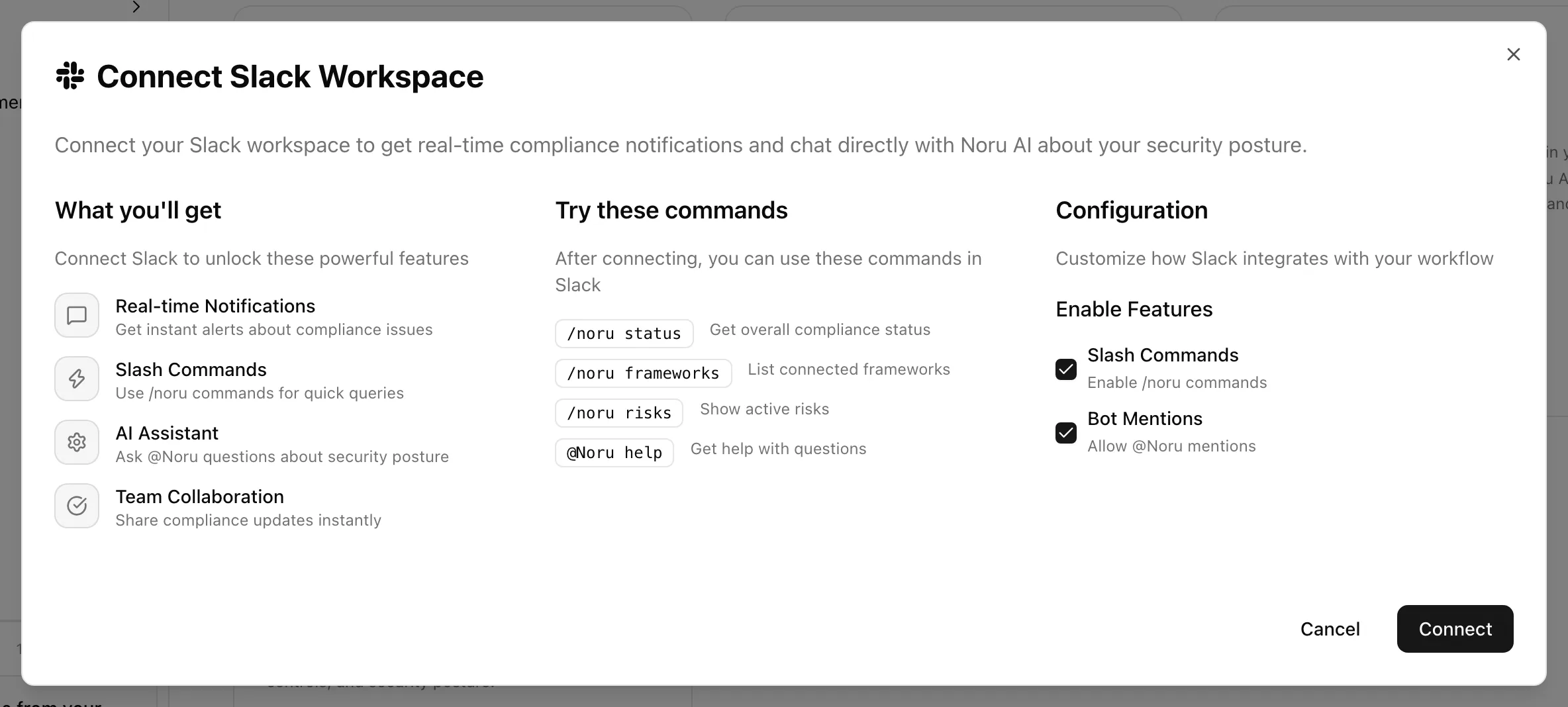
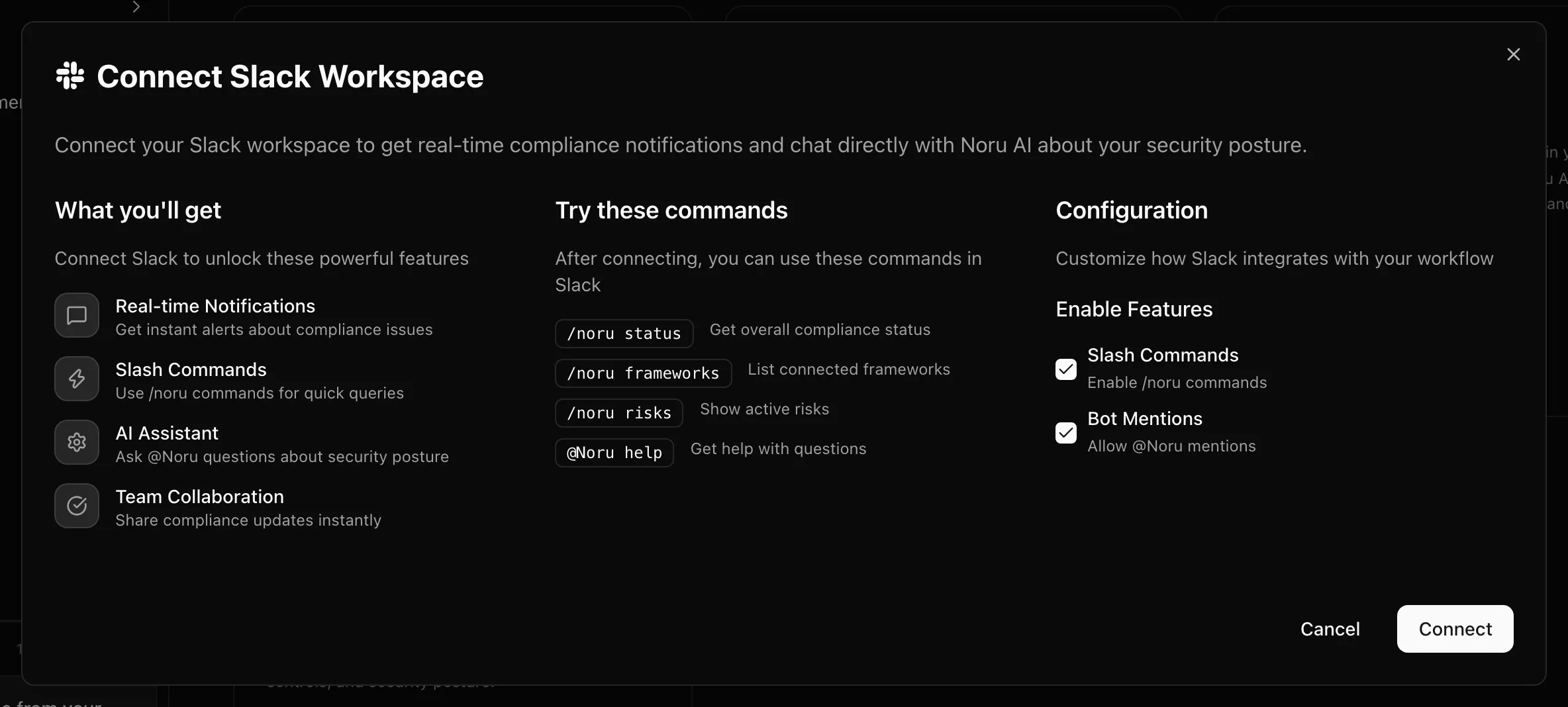
Connect Slack
Change or disconnect Slack
Click the Slack card again. The dialog is now Slack Configuration. Toggle Slash Commands or Bot Mentions and click Save Changes, or click Disconnect to remove the app from the workspace.
Use Slack
| Command | What it does |
|---|---|
/noru status | Get overall compliance status |
/noru frameworks | List connected frameworks |
/noru risks | Show active risks |
/noru help | List the commands |
@Noru followed by a question | Ask the assistant; it reads controls, frameworks, and risks to answer |
Open API and MCP details
The REST API card opens the API documentation at api.noru.tech. The
MCP Access card opens a dialog with two setups: "Option A: Sign in with
OAuth (recommended)" for interactive clients, and "Option B: Bearer API key
(CI & headless)" with a ready-to-paste mcpServers block. Go to Developer
Settings takes you to the Developer tab
to create a key.
Statuses and fields
| Card | Category | State |
|---|---|---|
| REST API | Developer Tools | Always available; needs an API key |
| MCP Access | Developer Tools | Always available; OAuth or API key |
| Slack | Productivity | Connected with team name, or not connected |
| Microsoft Teams | Productivity | Coming Soon; the card is not clickable |
Tips and gotchas
Slack permissions
The app requests app_mentions:read, channels:read, chat:write,
commands, groups:read, im:read, mpim:read, team:read, and
users:read. It reads messages only where it is mentioned or where a slash
command is used.
Slack answers are read-only summaries. Anyone in the workspace channel can see them, so connect the app to a channel whose audience matches who may see your risk register.
The authorization popup expires if it is left idle. If it sat open for a while, close it and click Connect again.
What Noru does not do
The Slack app does not create, edit, or approve anything in Noru; every command and mention is read-only. Slack is not a data source: connecting it collects no evidence about your Slack workspace. Microsoft Teams is not yet available.
Related
Last updated on