

Security settings
Require multi-factor authentication for the organization.
What it is
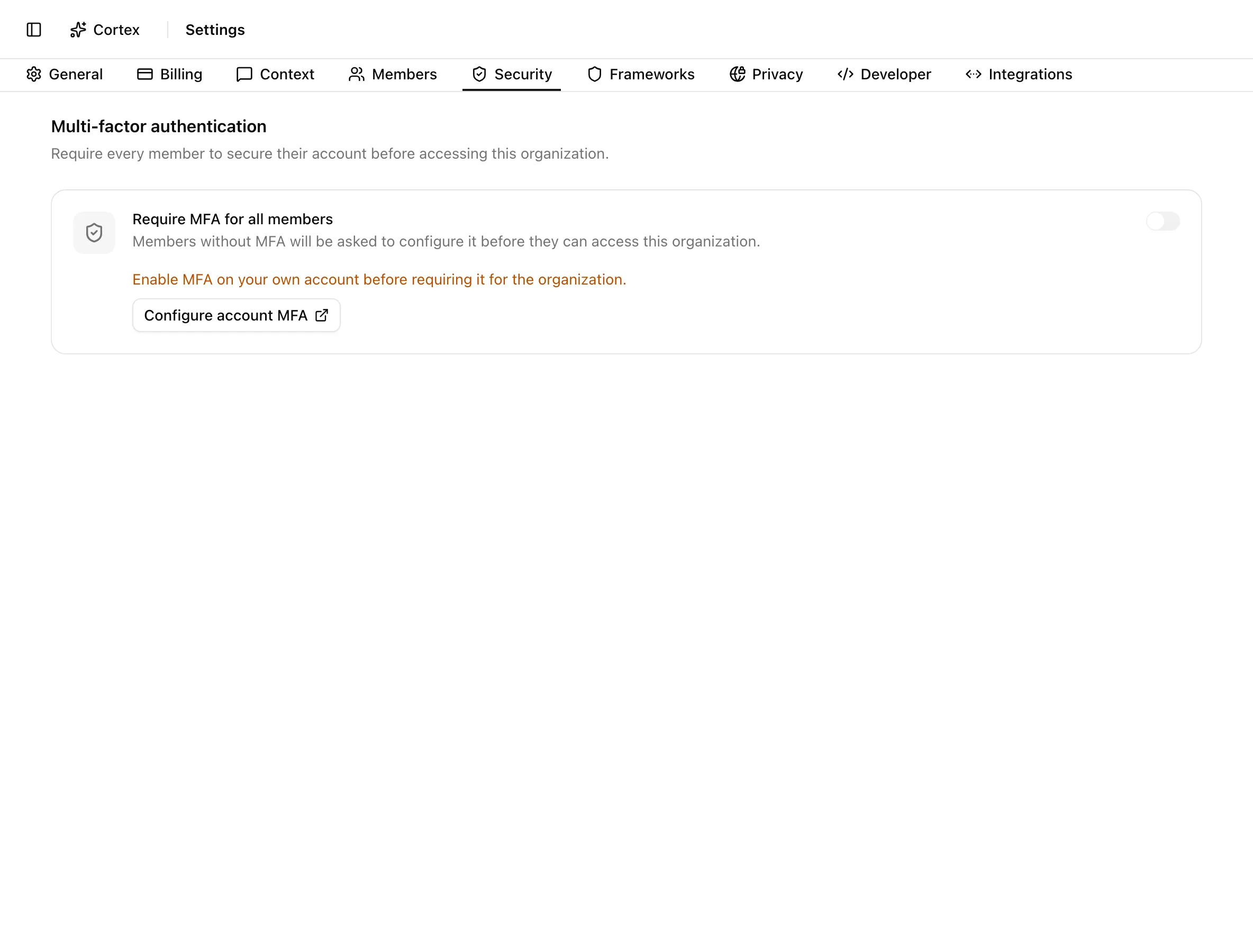
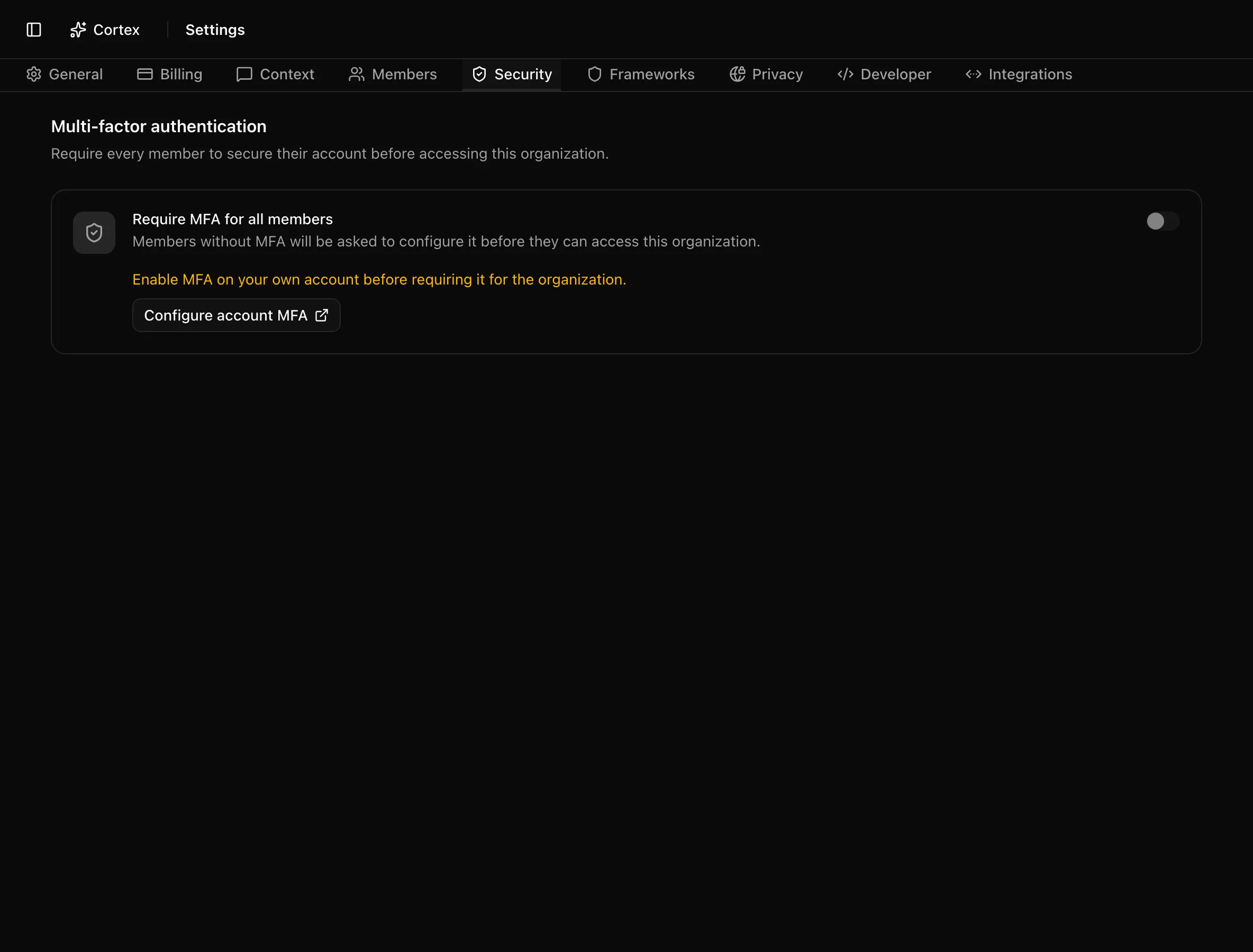
The Security tab has one control: whether every member must have multi-factor authentication on their Noru account before they can use the organization. When it is on, a member without MFA lands on a holding page that walks them through setting up an authenticator; they cannot reach any other page until it is done.
Where to find it
SettingsSecurityThe tab's URL value is mfa, so the direct link is /settings?tab=mfa.
Key actions
Require MFA for all members
/account/profile/security.Stop requiring MFA
Turn the switch off. The toast "MFA is no longer required for this organization" confirms it. Members who already set up MFA keep it; the requirement simply stops being checked.
What members see
A member without MFA is sent to /mfa-required. The page is titled
Multi-factor authentication required and says "This organization requires
MFA. Open Security below, configure an authenticator, then continue to Noru."
It embeds the account security profile so they can add an authenticator
without leaving the page. Once MFA is enabled, Continue to Noru takes them
to the dashboard.
Statuses and fields
| Setting | Off | On |
|---|---|---|
| Require MFA for all members | Members sign in with whatever factors they chose | Members without MFA are routed to /mfa-required until they add an authenticator |
Tips and gotchas
Tell people before you flip the switch. The holding page is clear, but a member who is mid-task will be interrupted on their next navigation.
The requirement is checked per organization. A member of two organizations where only one requires MFA is only blocked in that one.
Your own MFA is the gate
The switch cannot be turned on from an account without MFA. This prevents an admin from locking themselves out, so set up your authenticator first.
What Noru does not do
This setting covers signing in to Noru only. It does not enforce MFA in Google Workspace, Microsoft 365, GitHub, or any other connected system; those have their own settings, and Noru observes them through data-source syncs and personnel identity records rather than controlling them. Noru also does not choose the factor for people: any second factor the sign-in provider supports satisfies the requirement.
Related
- Your account for setting up your own MFA
- Under the hood: RBAC and security model
- Getting started: Sign in and accounts
Last updated on