

API keys
Create scoped, expiring API keys and use them as bearer tokens for REST and headless MCP access.
What it is
An API key is an organization-scoped bearer token that authenticates REST calls and headless MCP clients. Each key carries an explicit set of scopes, an optional expiry, and a name, and it acts as the admin who created it inside that one organization. Interactive MCP clients do not need a key; they sign in with OAuth instead. GitHub Actions and GitLab.com jobs do not need one either: the CI token exchange gives them a 15-minute token in exchange for their OIDC ID token.
Where to find it
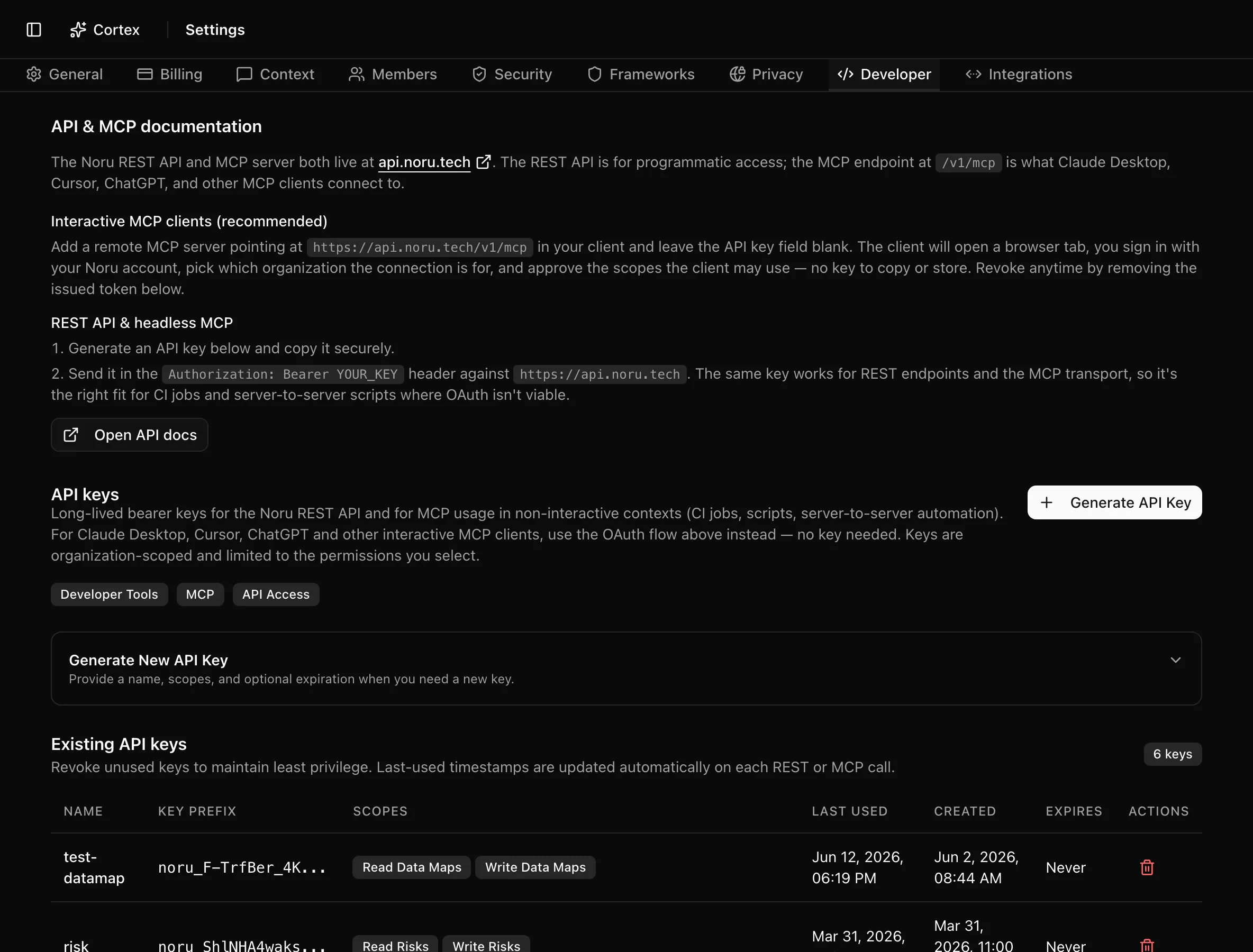
SettingsDeveloper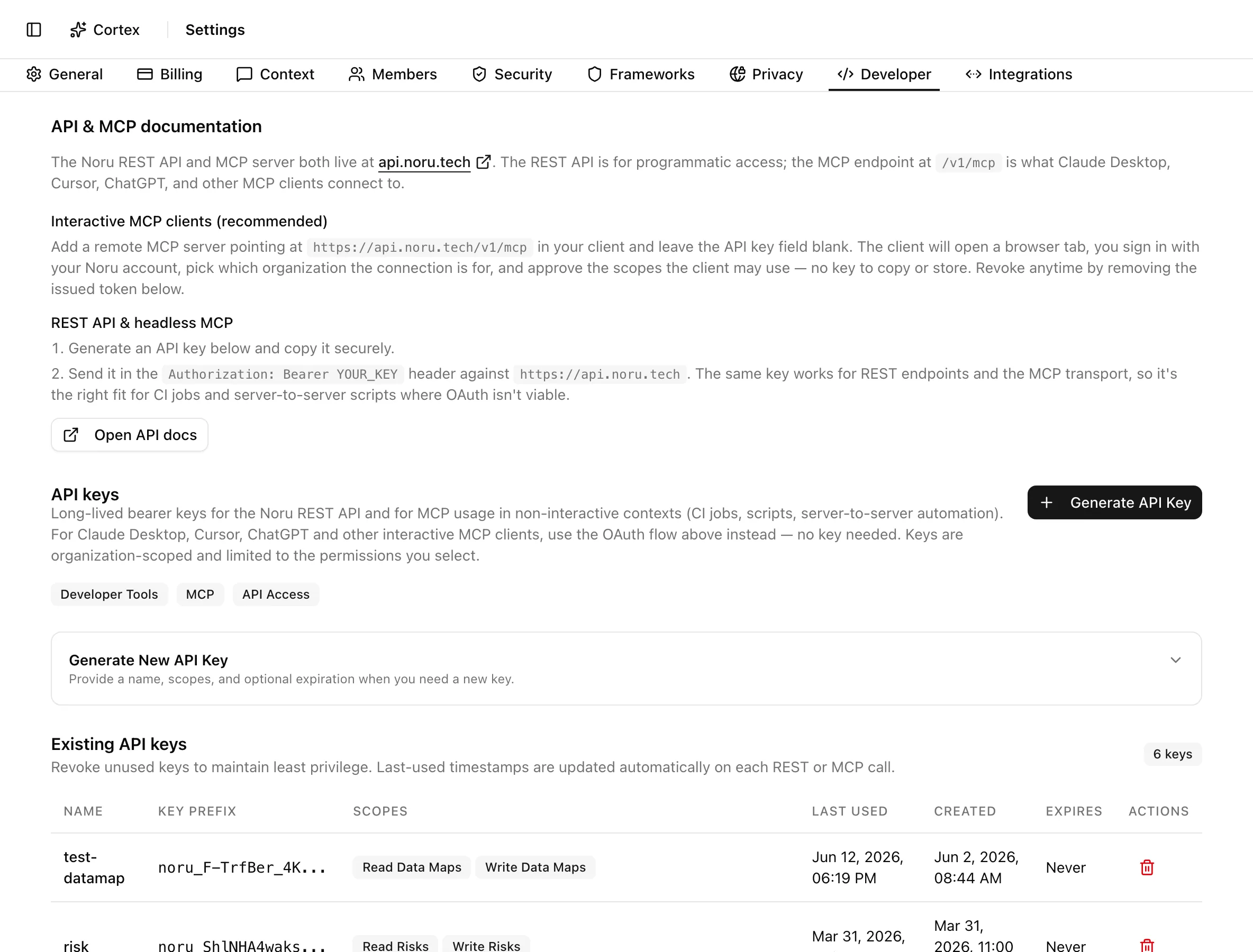
Who can create keys
The whole Settings page requires the settings.manage capability, which
only admins hold. Editors and viewers who open /settings are sent back to the
overview. See Roles and permissions.
Create a key
Use a key
Send the key as a bearer token on every request to https://api.noru.tech:
curl -s "https://api.noru.tech/v1/controls?limit=5" \
  -H "Authorization: Bearer noru_xxxxxxxxxxxxxxxxxxxxxxxxxxxxxxxx"
The same header works on the MCP endpoint, POST https://api.noru.tech/v1/mcp.
The MCP client setup guides show where each
client stores it.
A key is noru_ followed by 32 characters. The first 16 characters are the
Key Prefix shown in the table, so you can match a key in a client config to
its row without ever seeing the secret again.
Scopes
Scopes are granted per key and checked on every call. A key can hold any scope, because an admin creates it; an OAuth token is additionally capped by the role of the user who approved it (see Scopes and roles).
| Scope | Label in Settings | What it allows |
|---|---|---|
read:frameworks | Read Frameworks | Read compliance frameworks and their controls |
read:policies | Read Policies | Read your policies and policy logs |
read:controls | Read Controls | Read controls, statuses, and ownership |
read:risks | Read Risks | Read your risk register |
read:evidence | Read Evidence | Read evidence items and their mappings |
read:organization | Read Organization | Read basic organization details |
read:users | Read Users | Read user identities in your organization |
read:vendors | Read Vendors | Read your vendor inventory |
read:assets | Read Assets | Read your asset inventory |
read:personnel | Read Personnel | Read personnel directory entries |
read:datamaps | Read Data Maps | Read the privacy data map (systems, datasets, processing activities) |
read:internal-audits | Read Internal Audits | Read internal audits, tested controls, and findings |
read:external-audits | Read External Audits | Read external audits, their milestones, and findings |
read:tickets | Read Tickets | See whether task tracking is on and the tickets raised for findings and evidence |
write:policies | Write Policies | Create, draft, and update policies (writes are auditable) |
write:controls | Write Controls | Update control status and ownership (writes are auditable) |
write:compliance | Write Compliance | Create compliance plans and suggested tasks |
write:risks | Write Risks | Create, update, and link risks and security findings |
write:evidence | Write Evidence | Create, update, and link evidence (no file uploads) |
write:assets | Write Assets | Create, update, and delete assets |
write:vendors | Write Vendors | Create, update, and delete vendors |
write:personnel | Write Personnel | Create, update, and delete personnel directory entries |
write:datamaps | Write Data Maps | Push fideslang privacy manifests from CI (writes are auditable) |
write:ai-inventory | Write AI Inventory | Push AI system inventory manifests from CI (writes are auditable) |
write:internal-audits | Write Internal Audits | Create and manage internal audits and findings (writes are auditable) |
write:external-audits | Write External Audits | Move external audits through their workflow and mark milestones done |
write:tickets | Write Tickets | Create tickets in your task tracker (Linear or GitHub) for findings and evidence |
The Settings form offers exactly the scopes above; there is no "all permissions" shortcut.
Rotate, revoke, expire
| Event | What happens |
|---|---|
| You revoke a key | Click the trash icon on the row and confirm Revoke Key. Every REST or MCP client using it loses access immediately. The row stays in the table, greyed, with a Revoked badge. This cannot be undone. |
| A key expires | It stops validating at the expiry time. The row is removed from the table automatically some time later. |
| A key is used | Last Used is updated on every validated call, REST or MCP. |
| You want to rotate | Create the new key, move clients over, then revoke the old one. Noru does not rotate keys for you. |
Revoking a key does not touch OAuth tokens, and revoking OAuth access does not touch keys. They are separate credentials that reach the same API.
What Noru does not do
- It never shows the secret again. If you lose it, revoke the key and create a new one.
- It cannot scope a key narrower than the organization, and a key cannot reach a second organization.
- No IP allow-listing and no per-key rate limit: every credential gets the same 500 requests per 10 minutes.
- No automatic rotation and no expiry reminder.
Related
Last updated on