

Privacy assessments
Run DPIAs and data-protection assessments with linked risks, evidence, and outcomes.
What it is
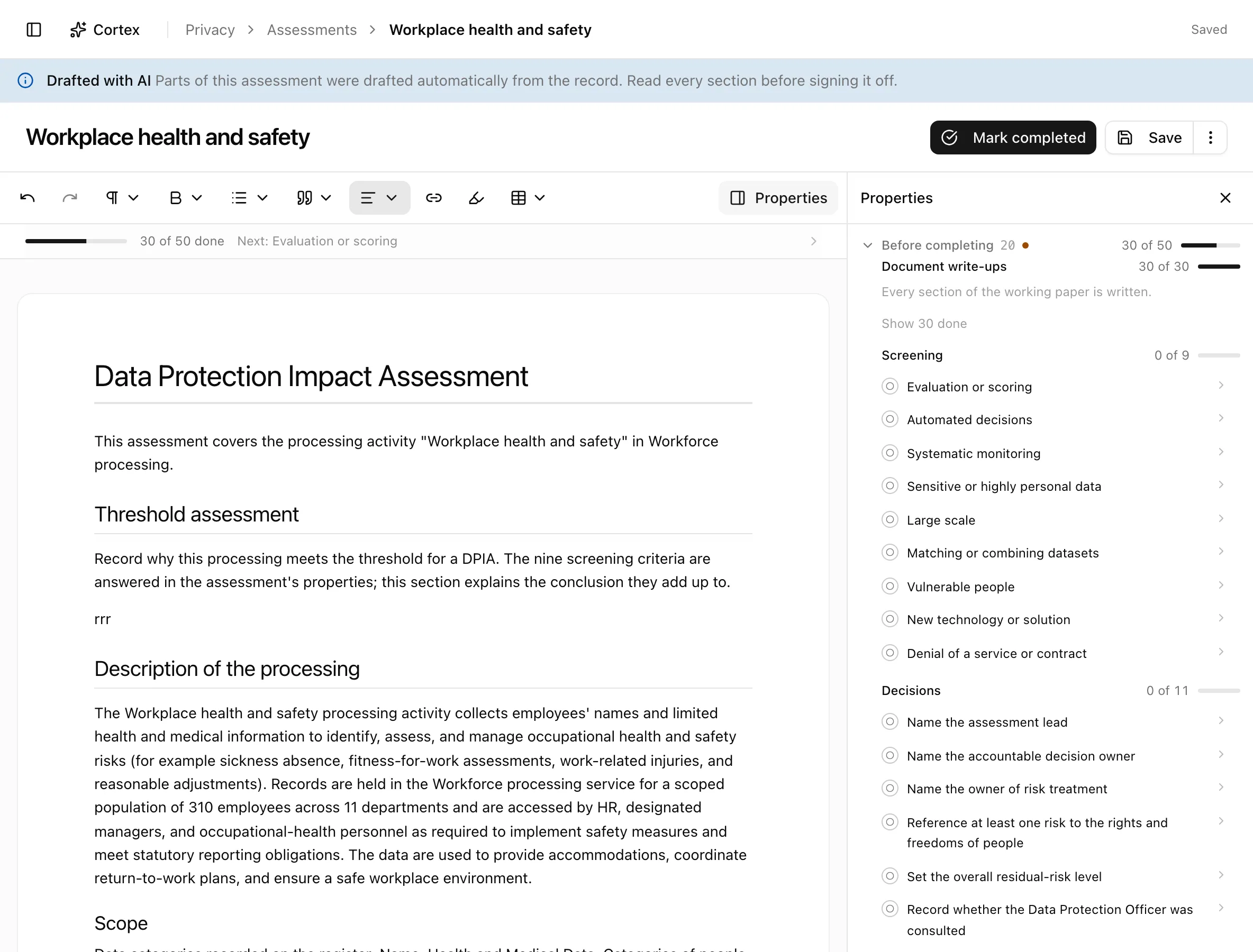
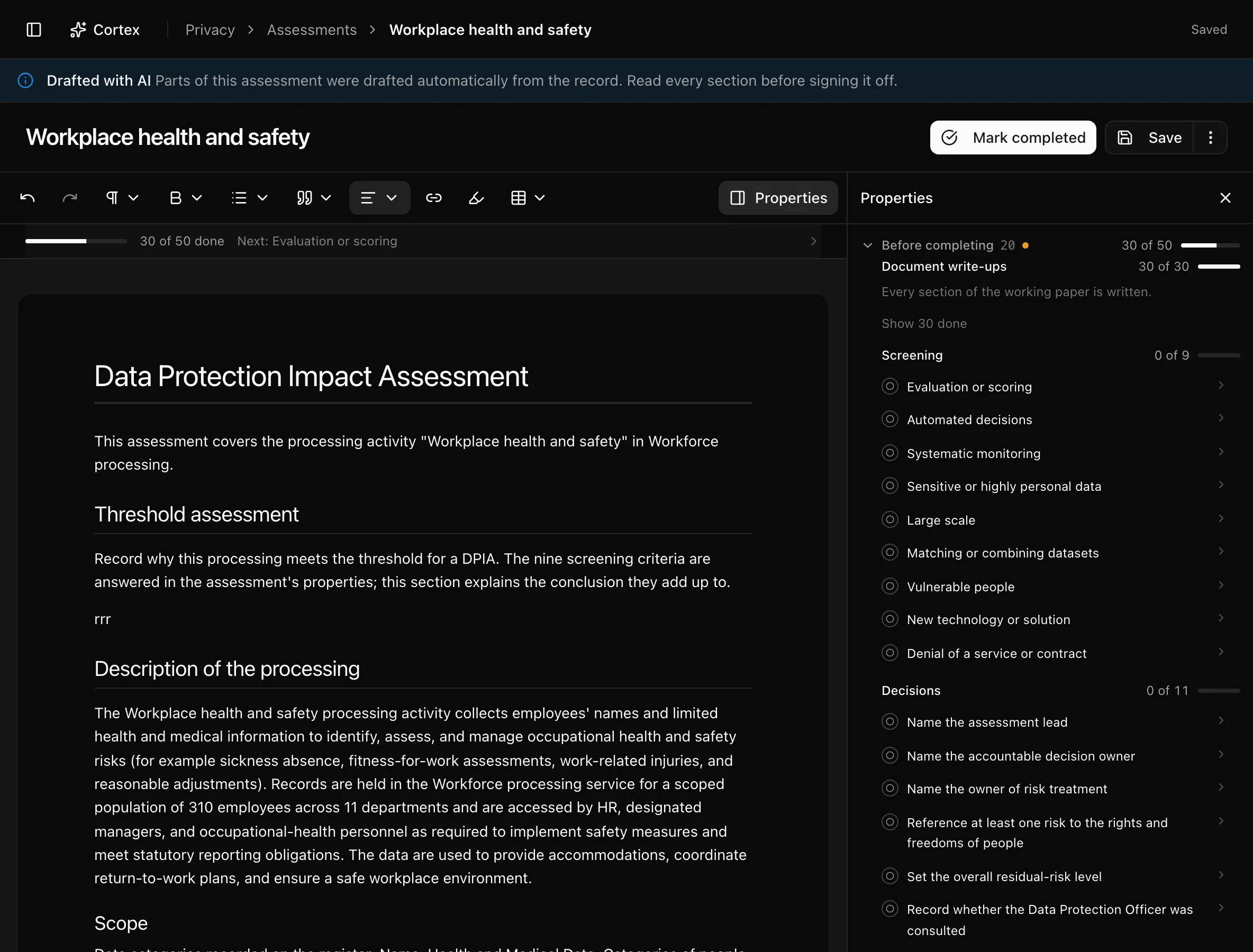
An assessment is a working paper attached to one record of processing: a document with prompts for a DPIA-style analysis, a rail of structured answers (screening criteria, decision, consultation, governance, review), and references to risks and evidence. Noru opens one automatically when observed processing turns sensitive, cross-border, or otherwise high risk, and a reviewer can open one manually against any record. The completed paper is exportable as PDF.
Where to find it
PrivacyAssessments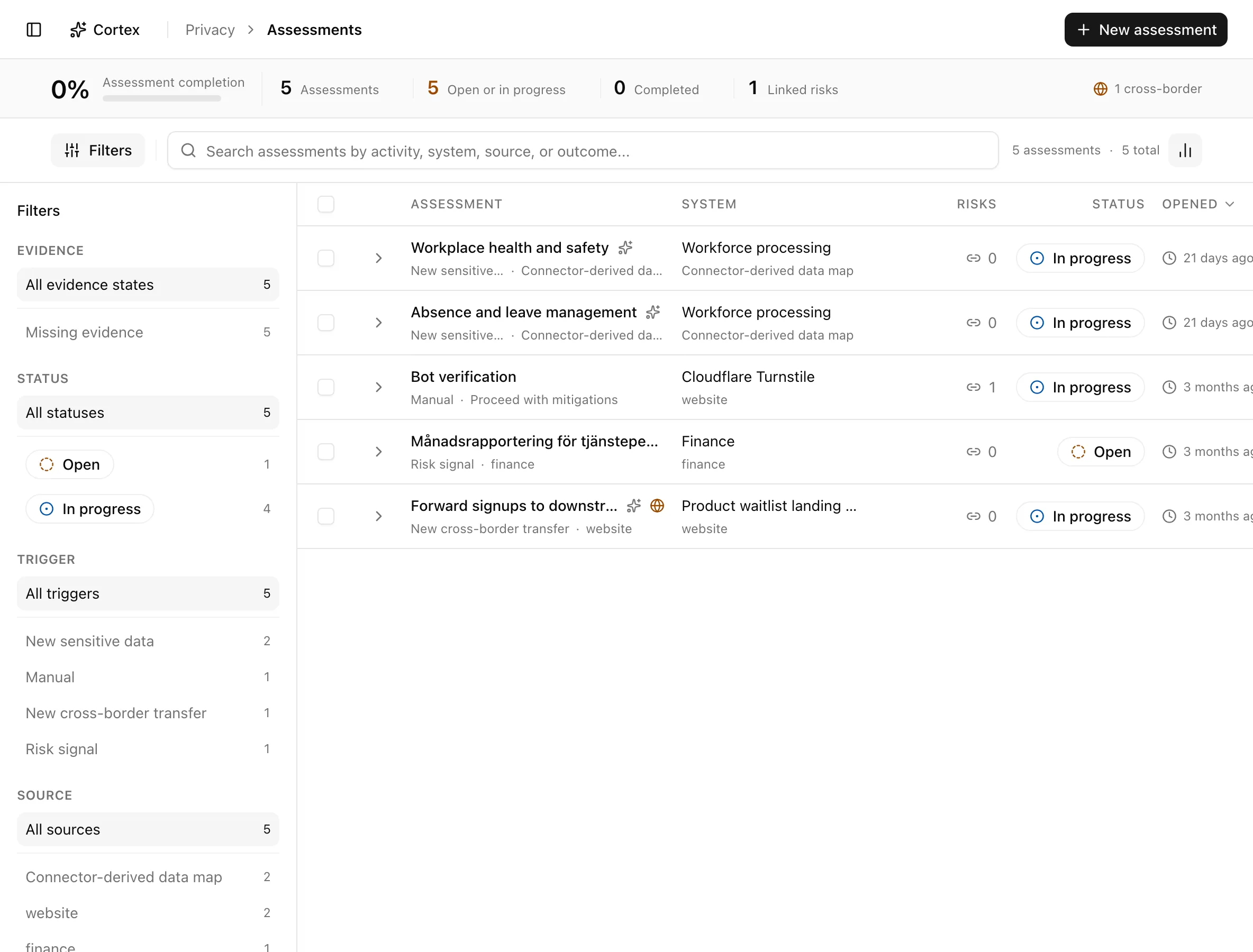
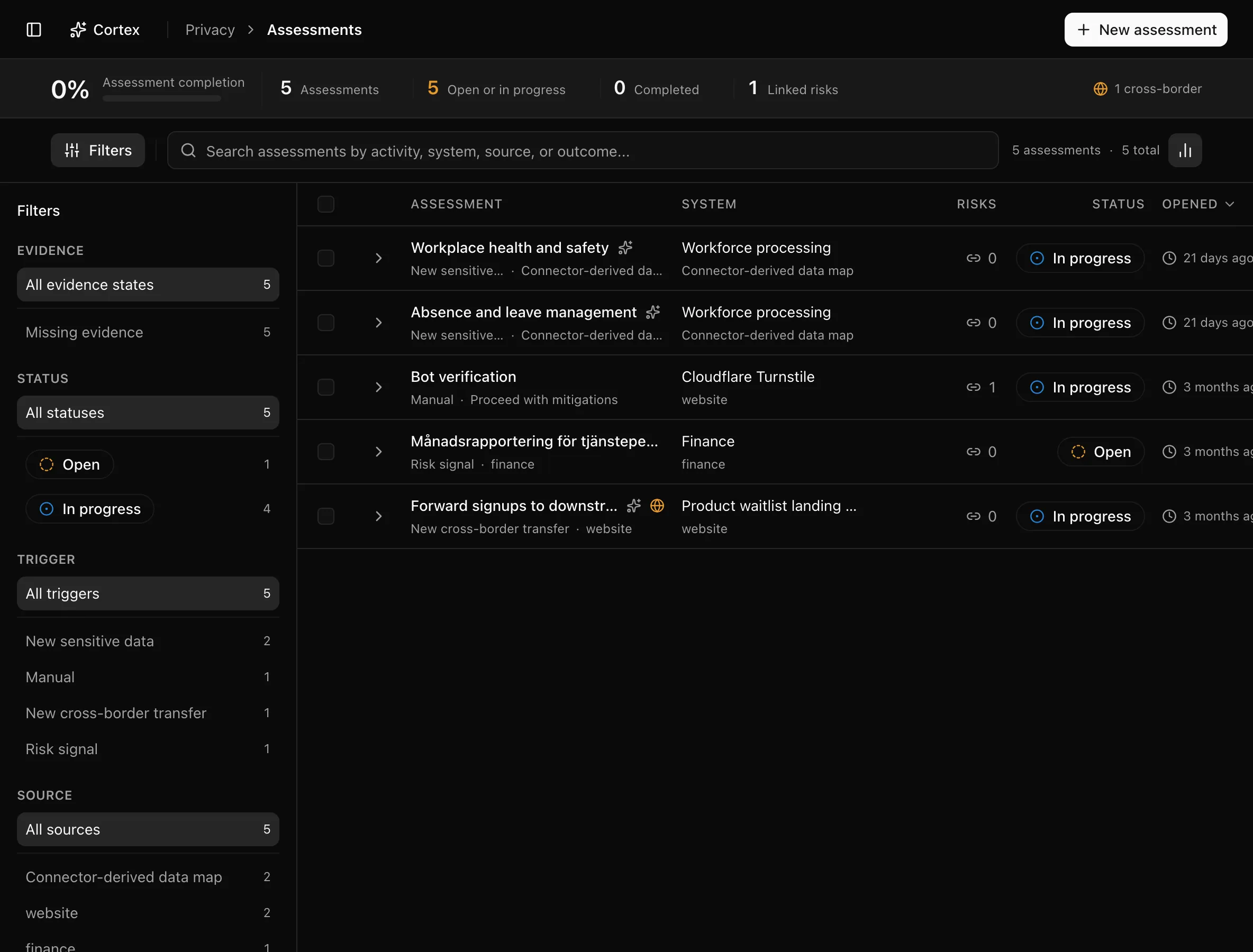
The insight strip counts Assessment completion, Assessments, Open or in progress, Completed, and Linked risks. The sidebar filters by Evidence (Missing evidence), Status (Open, In progress, Completed), Trigger (New sensitive data, New cross-border transfer, Risk signal, Manual), and Source. Columns are Assessment, System, Risks, Status, and Opened; expanding a row adds Trigger, Source, Completed, Outcome, Linked risks, and Open assessment. The empty state reads No assessments yet.
Key actions
Creating and editing need the editor or admin role.
Open an assessment manually
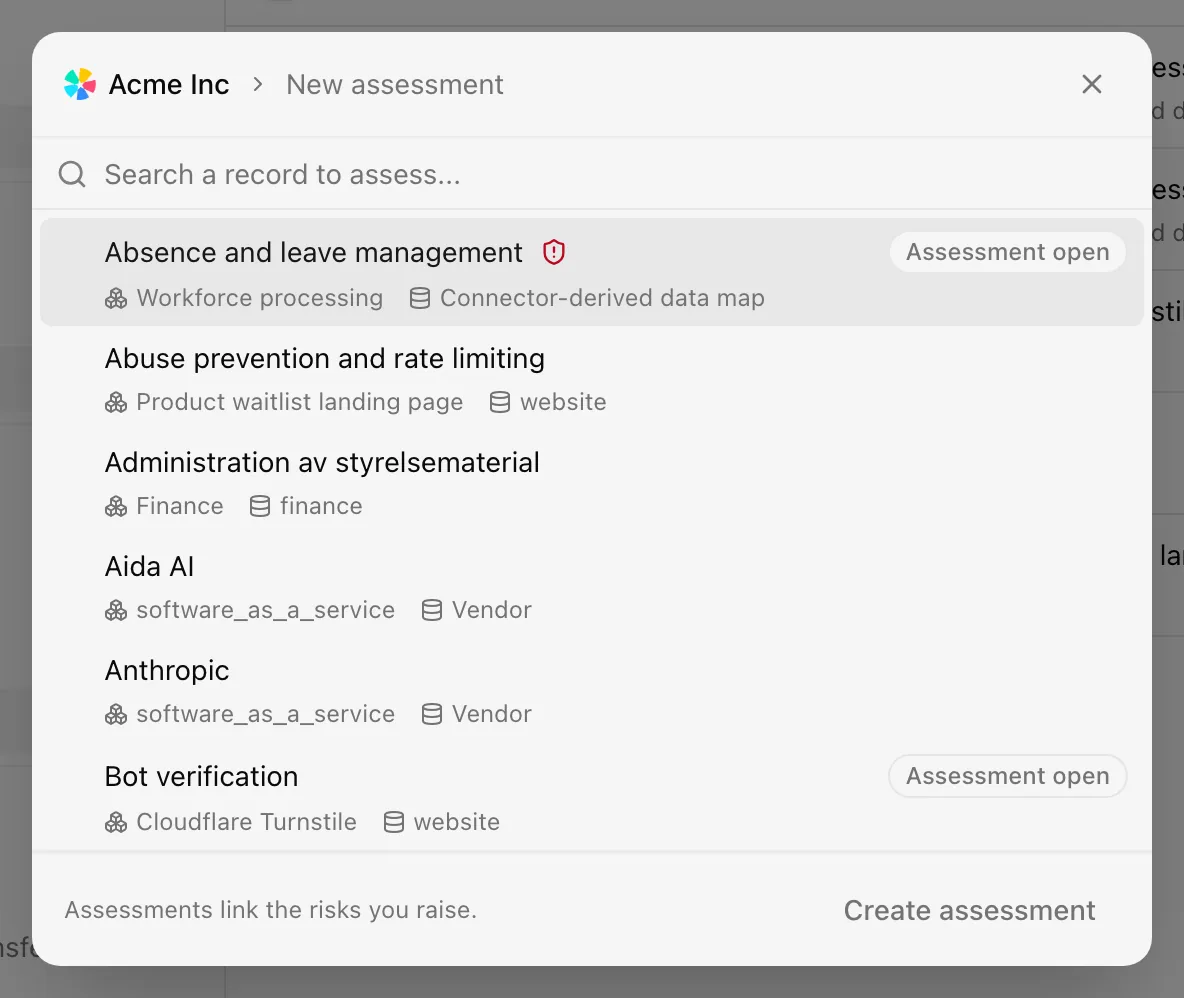
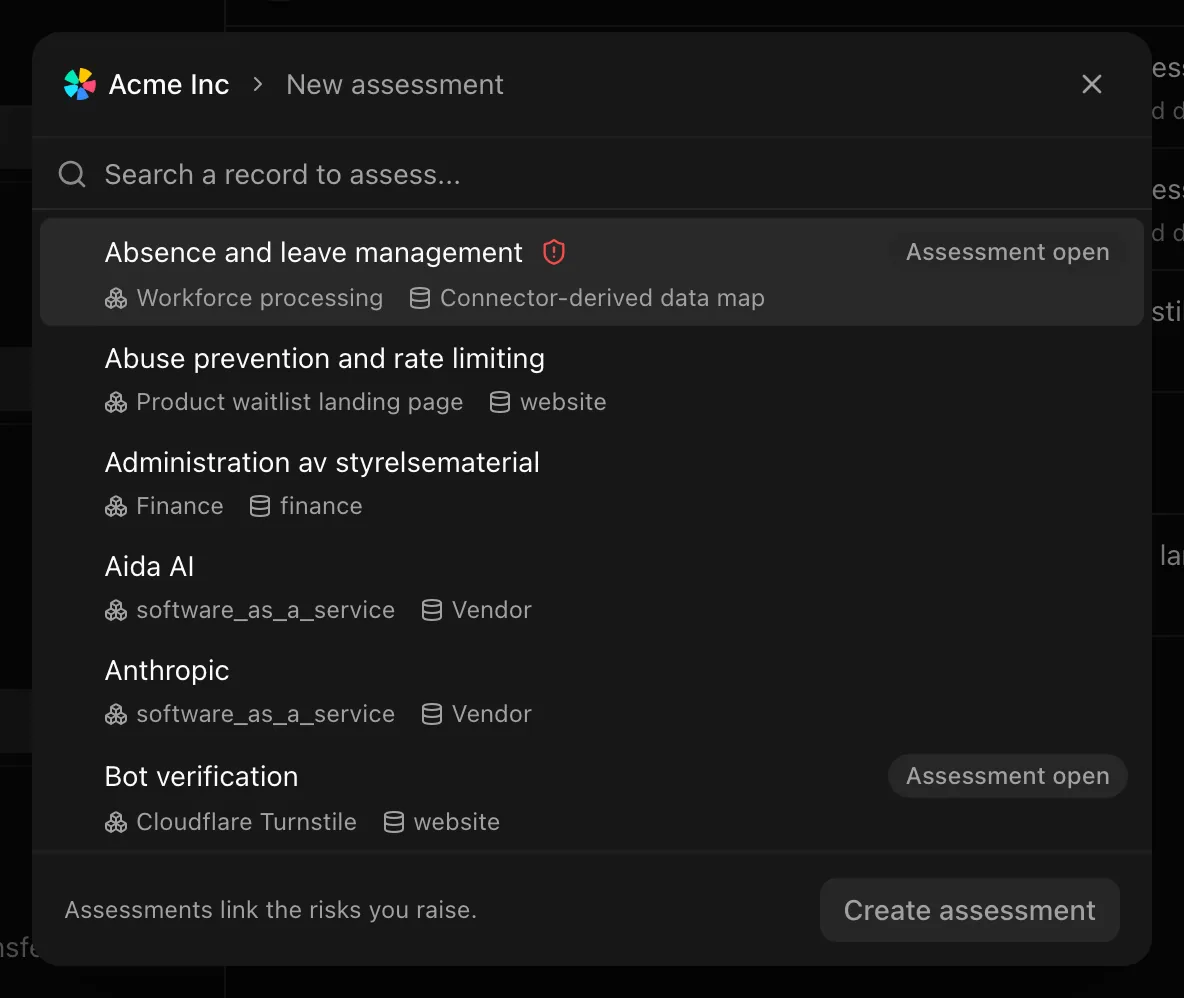
Write the working paper
The document has thirty prompts, from screening rationale through
description, scope, data flow, systems, recipients, lawful basis, necessity
and proportionality, purpose limitation, minimisation, accuracy, retention,
transparency, rights, processor and transfer safeguards, technical and
organisational safeguards, the risk decision, measure owners, residual risk,
DPO advice and response, data subject views, other stakeholders, prior
consultation, the overall assessment, and review triggers. Type / anywhere
and pick Risk to reference an entry from the risk register, or
Evidence to cite what supports a conclusion. References appear in the
rail under Referenced risks and Referenced evidence. The header shows
"Saving…" and "Saved" as you go.
Answer the rail
| Group | Fields |
|---|---|
| Screening | Nine criteria answered Yes, No, or Unsure: Evaluation or scoring, Automated decisions, Systematic monitoring, Sensitive or highly personal data, Large scale, Matching or combining datasets, Vulnerable people, New technology or solution, Denial of a service or contract |
| Decision | Conclusion (Proceed, Proceed with mitigations, Consult supervisory authority, Processing abandoned), Residual risk (Low to Very high), Prior consultation (Not required or Required), Status, Completed |
| Consultation | DPO (Consulted, Not consulted, No DPO appointed), Affected people (Consulted or Not consulted) |
| Governance | Assessment lead, Decision owner, Risk owner, Contributors |
| Review | Review owner, Next review |
| Processing facts | Data use, Data subjects, Transfer, read from the record |
Complete, export, or reopen
The action menu holds Mark completed, Download as PDF (.pdf), Delete assessment, and, once completed, Reopen assessment. The Before completing panel lists what is still missing under Screening, Decisions, and Document write-ups; all nine criteria must be assessed and unsaved edits must be saved first ("Save your changes before completing the assessment."). A completed assessment shows the Assessment completed badge; one drafted by AI shows Drafted with AI.
Statuses and fields
| Status | Meaning | Set by |
|---|---|---|
Openopen | Created, nothing answered yet. | A trigger or New assessment |
In progressin_progress | Answers or document text exist. | Saving |
Completedcompleted | Marked complete with the required answers in place. | Mark completed |
Triggers are New sensitive data, New cross-border transfer, Risk signal, and Manual. Outcome shows "Pending" until a conclusion is set.
Tips and gotchas
A record that Noru thinks needs one carries Assessment recommended in Records and on the data map. Automatic triggers are idempotent: a second push with the same signal does not open a second assessment.
Reference risks rather than describing them. A referenced risk keeps the assessment in step with the register when the risk's status changes.
What Noru does not do
A recommendation is a prompt, not a statutory determination; whether a DPIA is required is your decision, recorded in Assessment on the record and Conclusion here. Noru does not consult a supervisory authority, appoint a DPO, or judge whether your mitigations are adequate. The PDF is your working paper, not a certified document.
Related
Last updated on