

Data map
Ingest a Fideslang manifest, explore systems and datasets, and compare data map versions.
What it is
The data map is the observed picture of what your software processes: each system, the personal data it handles, and why. It is built either by Noru scanning repositories you connect on GitHub, or from Fideslang manifests your engineers upload as a file or send through the API from CI or their own machine. From that evidence Noru derives systems, datasets, processing activities, purposes, data categories, and data subjects, and it is the raw material for records of processing, regulation coverage, and transfer analysis. Legal fields are never derived here; they are confirmed on the record.
Where to find it
PrivacyData map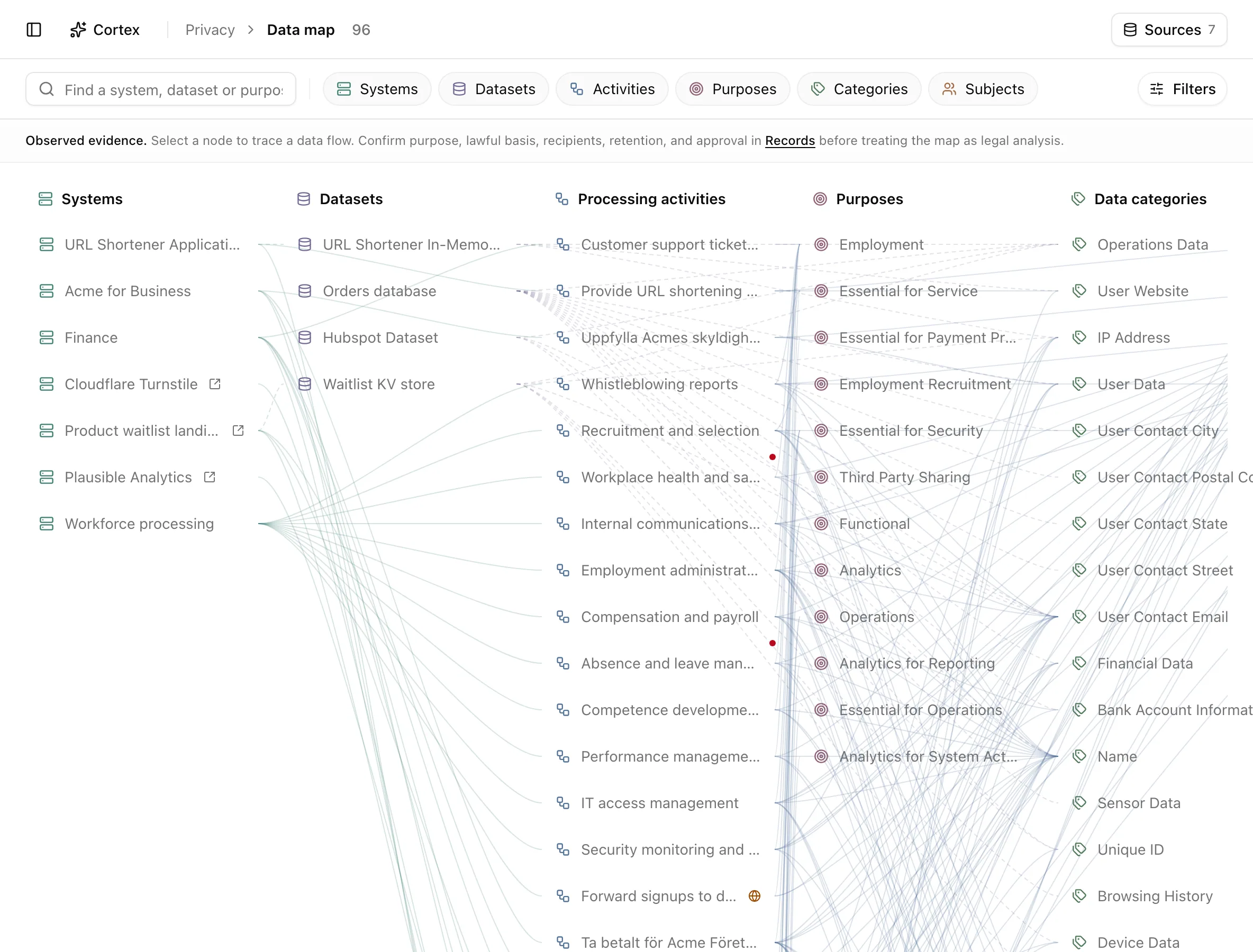
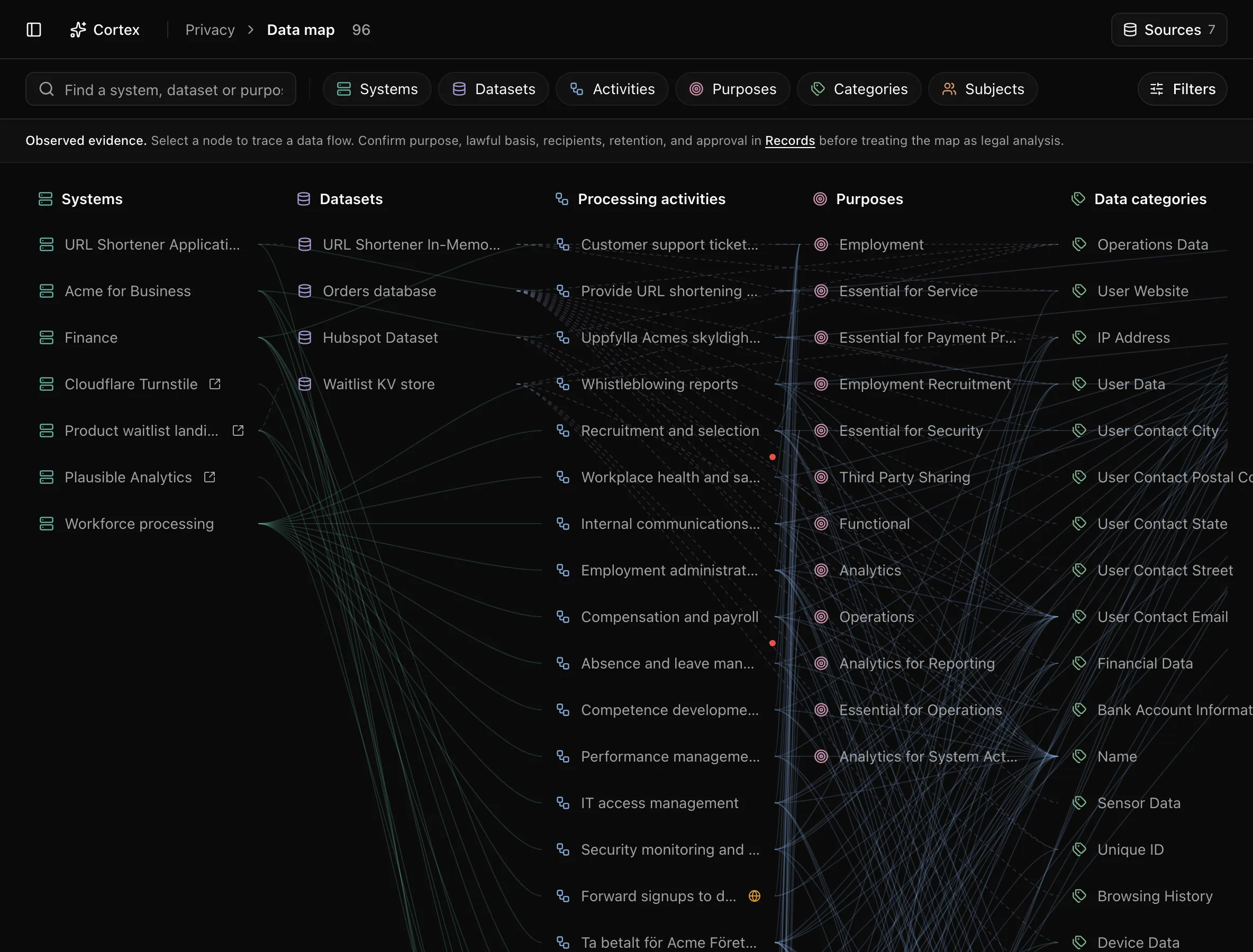
With nothing connected yet the page reads Nothing mapped yet and offers Add data source (editors) or a read-only note. Once a source has pushed, the header counts nodes and holds a Sources button.
The explorer has six columns, left to right: Systems, Data stores
(the Fideslang datasets a source declares), Processing activities,
Purposes, Data categories, Data subjects. Solid edges join system
to activity to purpose, category, and subject; dashed edges join system to data
store and data store to category. A red shield marks special category data, an
amber globe a cross-border transfer, and an arrow a third-party system; a key
in the corner of the canvas explains them. The
toolbar has a search box, one chip per column to hide or show it, a
Filters popover (Sensitive data only, Sale, sharing & transfers),
and Clear selection. Everything is in the URL: ?node=, ?q=,
?category=, ?sensitive=1, ?transfers=1.
Key actions
Add a source
Editors and admins click Sources, then Add source, and pick how the map gets its data.
Upload a data map
Review and import a YAML or JSON file using your Noru account, without an API key.
Connect GitHub
Noru scans the repositories you select, read-only. Offered when repository scanning is enabled for your organization.
Send via API
Publish a reviewed Fideslang manifest from GitLab CI, GitHub Actions, any other CI, or your machine with curl.
Bring your privacy data into Noru compares the options and walks through each one end to end.
Upload a new version
In Sources, click Upload new version beside an API-fed or uploaded source. Choose a file, review the changes, and click Import data map. Missing entries are archived; other sources are unaffected. GitHub-scanned and connector-managed sources cannot be updated through file upload.
Trace a data flow
Click any node. The bottom bar shows its label, column, badges (Special
category, Third party), and what it is connected to, grouped by column.
An activity also shows Legal basis, Retention, and the badges
Cross-border transfer, Sale / sharing, Targeted ads, Profiling,
and DPIA required or Assessment recommended. Edit in Records opens
the record drawer at /privacy/ropa?activity=[id].
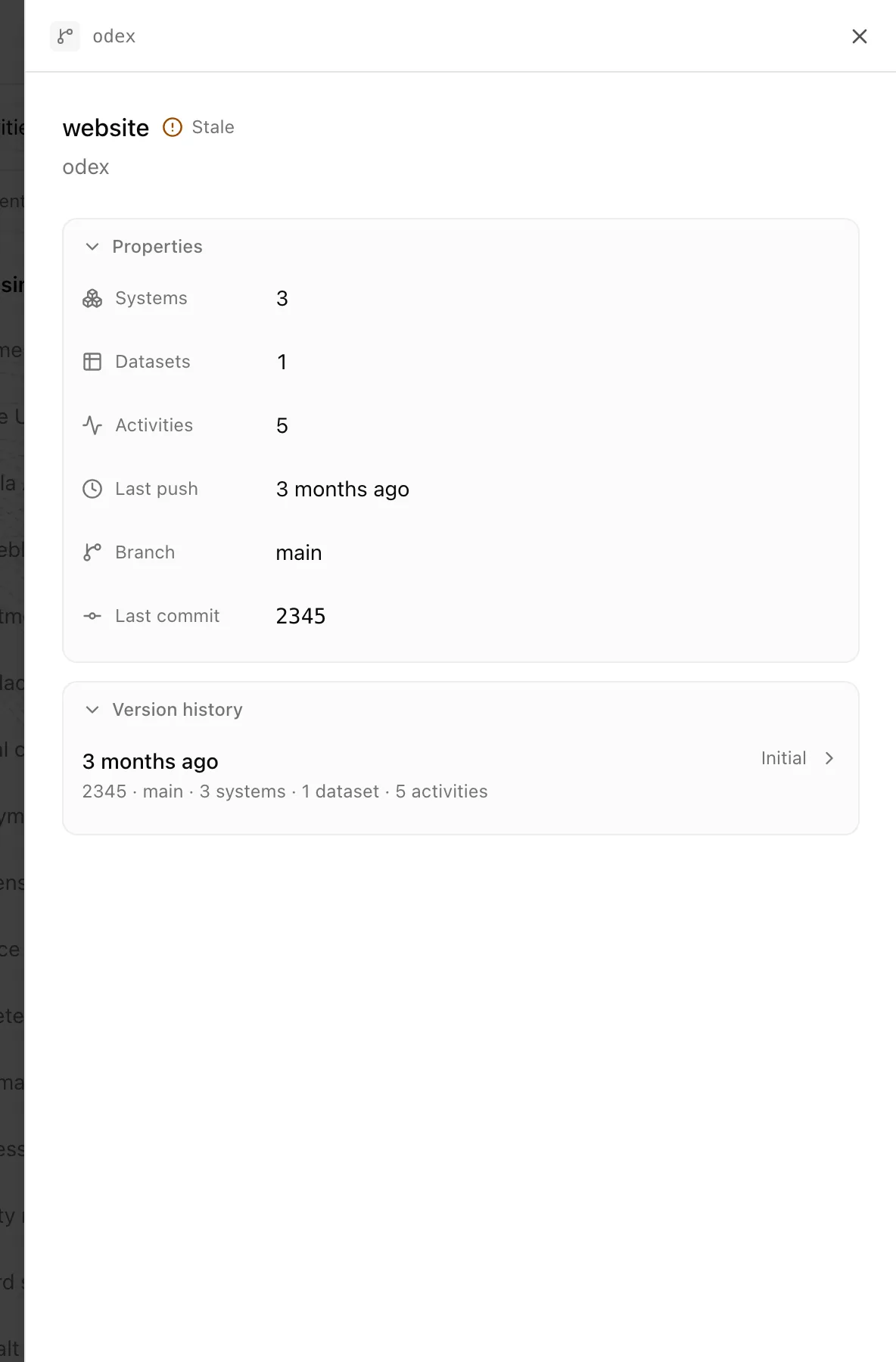
Inspect a source and its versions
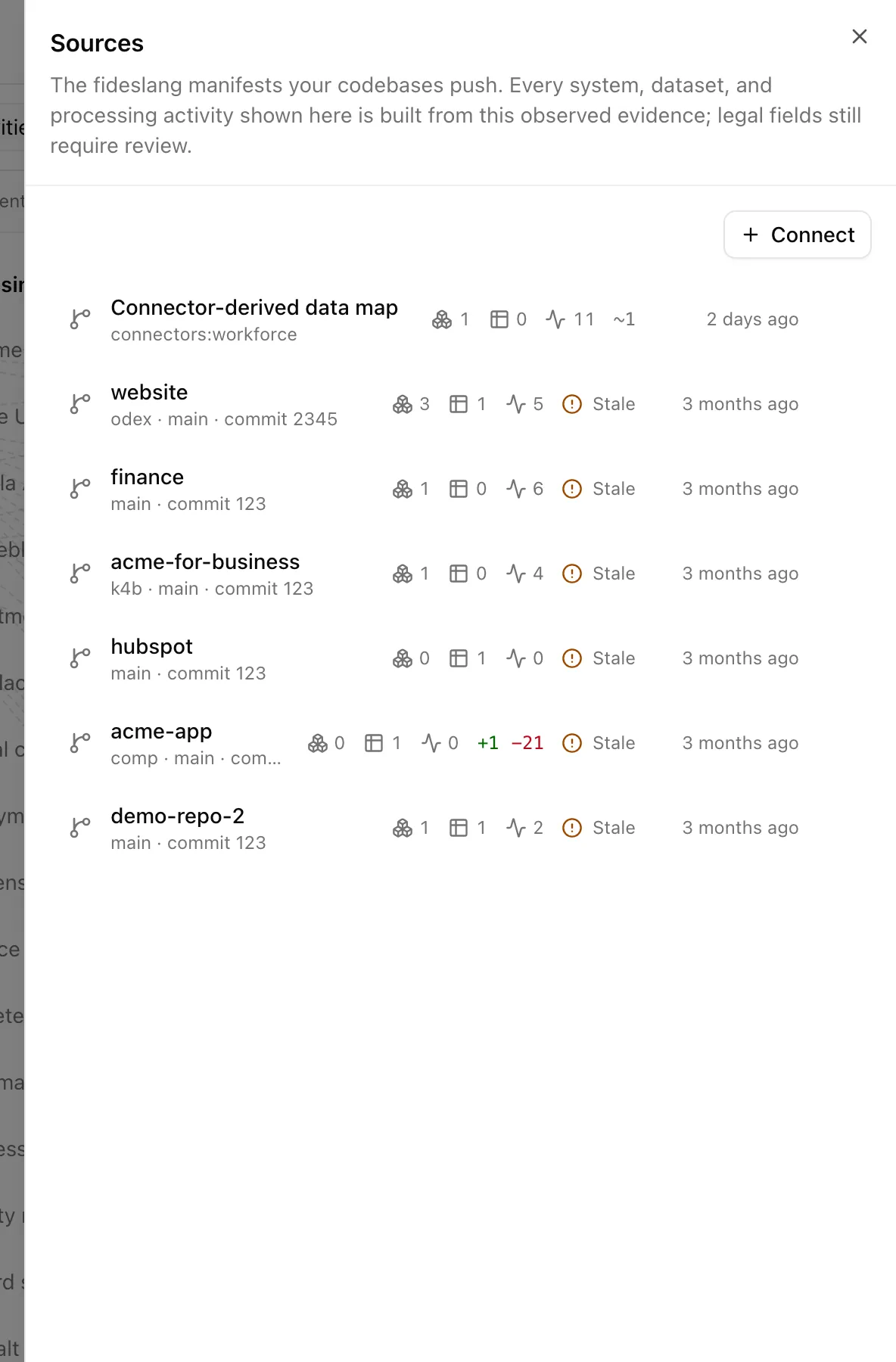
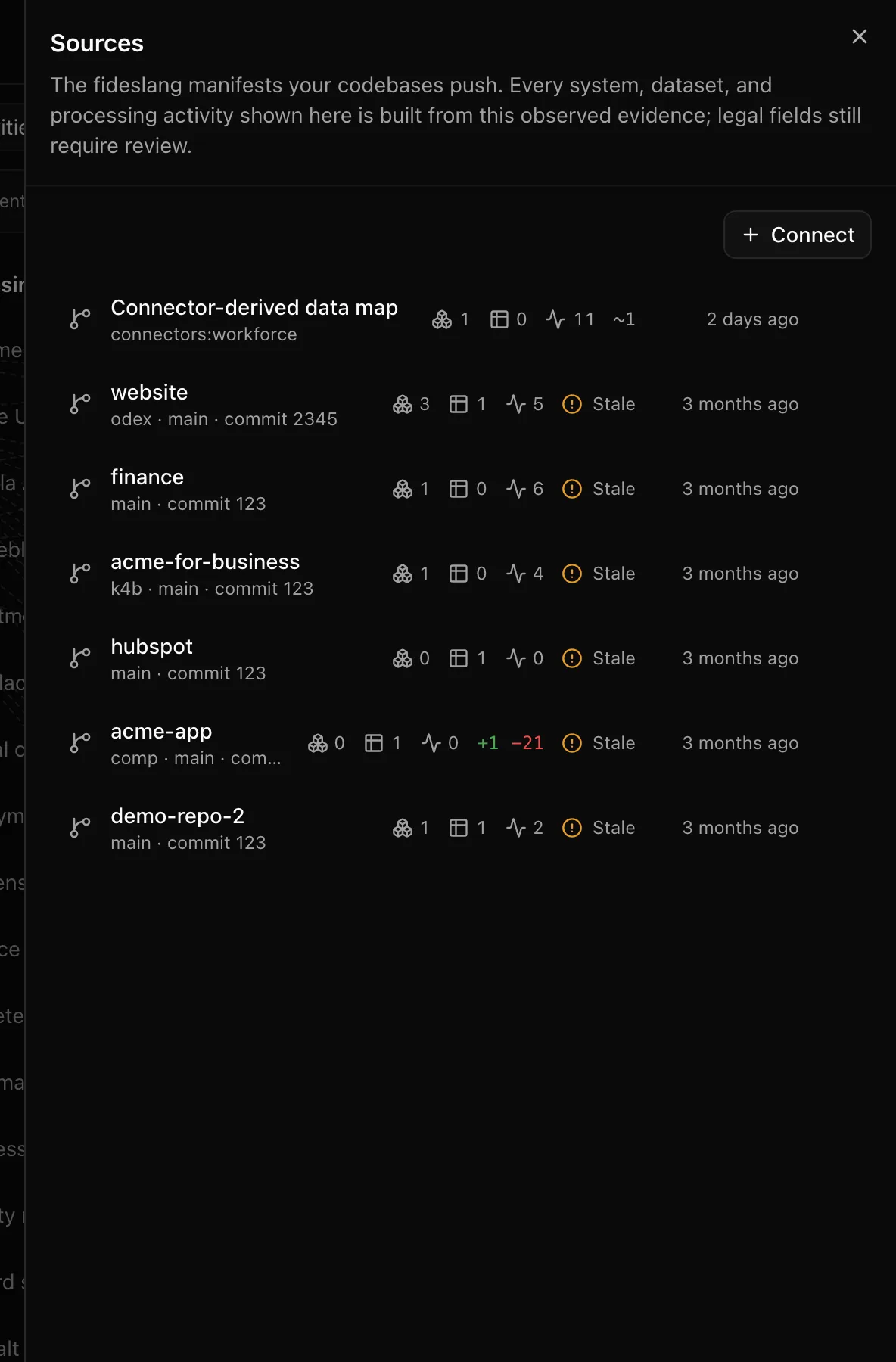
Delete a source
The trash icon on a source row opens "Delete this source?". Deleting removes the source, its version history, and every system, dataset, and processing activity built from it. Records that referenced those activities lose their observed facts.
Statuses and fields
| Element | Meaning |
|---|---|
| Freshness badge | How recently the source last pushed |
| Change chips | What the last push added, removed, or changed |
| "N taxonomy warnings" | Manifest entries that did not validate against the taxonomy; they are kept, not dropped |
| Special category | The category is Article 9 data |
| Third party | The system belongs to someone else |
What a push changes
Every push is checked against the previous checksum and ignored if identical; validated against the taxonomy, with problems stored as warnings; stored as an immutable version with a diff; materialised into systems, datasets, and activities; and reconciled so that items missing from the new manifest are soft-archived rather than deleted. Approved records whose facts changed become Changed after approval in the inbox.
Tips and gotchas
Push from the default branch only. Each push is a version, and feature branches will churn the diff and the inbox.
The context line on the page says it plainly: confirm purpose, lawful basis, recipients, retention, and approval in Records before treating the map as legal analysis.
What Noru does not do
The map shows what the evidence says and nothing more. A system left out of a manifest, or living in a repository you did not connect, is not on it. Neither scanning nor a manifest establishes lawful basis, retention, or recipients; confirm those in Records. When a manifest shrinks, the missing items are archived, not deleted.
Related
Last updated on