

incident.io
Connect incident.io: read-only API key setup, the incident, postmortem, follow-up, on-call and user metadata Noru reads, the controls it supports, and the incident content that stays in incident.io.
- Authentication
- API key
- Categories
- Security, Productivity
- Sync cadence
- Daily by default (hourly, weekly, or monthly on request)
- Requested access
View dataView all incident data (optional)
incident.io is where many teams declare, run and review incidents. Noru reads the metadata around that work (severities, statuses, timestamps, whether postmortems and follow-ups were done, who is on call, and who holds which role) to show that your incident response process exists and is used. It does not read what the incidents were about.
What Noru collects
| Object | What Noru keeps | What it feeds |
|---|---|---|
| Severities, statuses, incident types, incident roles | Names, rank, status category, whether a type is private-only, role type | Incident response configuration evidence |
| Incidents created in the last 12 months | Reference (for example INC-123), severity, status category, incident type, public or private, created and resolved times, your duration metrics, whether a debrief and postmortem exist | Incident register evidence: counts, time to resolve, open incidents, a sample of up to 25 references |
| Postmortems | Which incident it belongs to and its status (in progress, in review, completed) | Post-incident review evidence |
| Follow-ups created in the last 12 months | Which incident, status, priority rank, created and completed times, which issue tracker it is linked to | Follow-up action evidence |
| Users | Name, email, role, base role, custom role names, active or not, seat type | People directory, access reviews, user access evidence |
| On-call schedules and escalation paths (optional) | Whether each schedule has someone on call now, number of rotations and escalation levels | On-call coverage evidence |
| Workflows (optional) | State, trigger, whether it runs automatically and on private incidents | Incident response configuration evidence |
| Policies and policy findings (optional) | Policy type and status; open findings by type and due date | Postmortem, follow-up and on-call evidence |
User names are used only to match people in the People directory. Evidence lists owners and administrators by email; no other person appears in evidence.
What Noru does not collect
- Incident names, summaries, updates, timelines or Slack and call links.
- Custom field values on incidents.
- Postmortem titles, content or document links.
- Follow-up titles, descriptions, labels, assignees or issue links.
- Who is on call on each shift.
- Alerts, call transcripts, workload and pay data.
- Test and tutorial incidents.
- Private incidents, unless the key has View all incident data. Even then Noru keeps only the same metadata as for public incidents and reports them as a count.
- Noru never writes to incident.io.
Before you connect
- An incident.io API key, created by an incident.io owner or administrator under Settings → API keys.
- Give the key only read permissions:
- View data is required.
- View all incident data is optional. Without it, evidence covers public incidents only and says so.
- Read-only permissions for schedules, on-call, workflows, catalog, status pages and policies are optional and add on-call, workflow and policy evidence.
- Noru refuses a key that can create, edit or manage anything, or read call transcripts, notification methods, workload or pay data. Create a separate key for Noru rather than reusing one with broader access.
Connect
/data-sources and click Connect data source.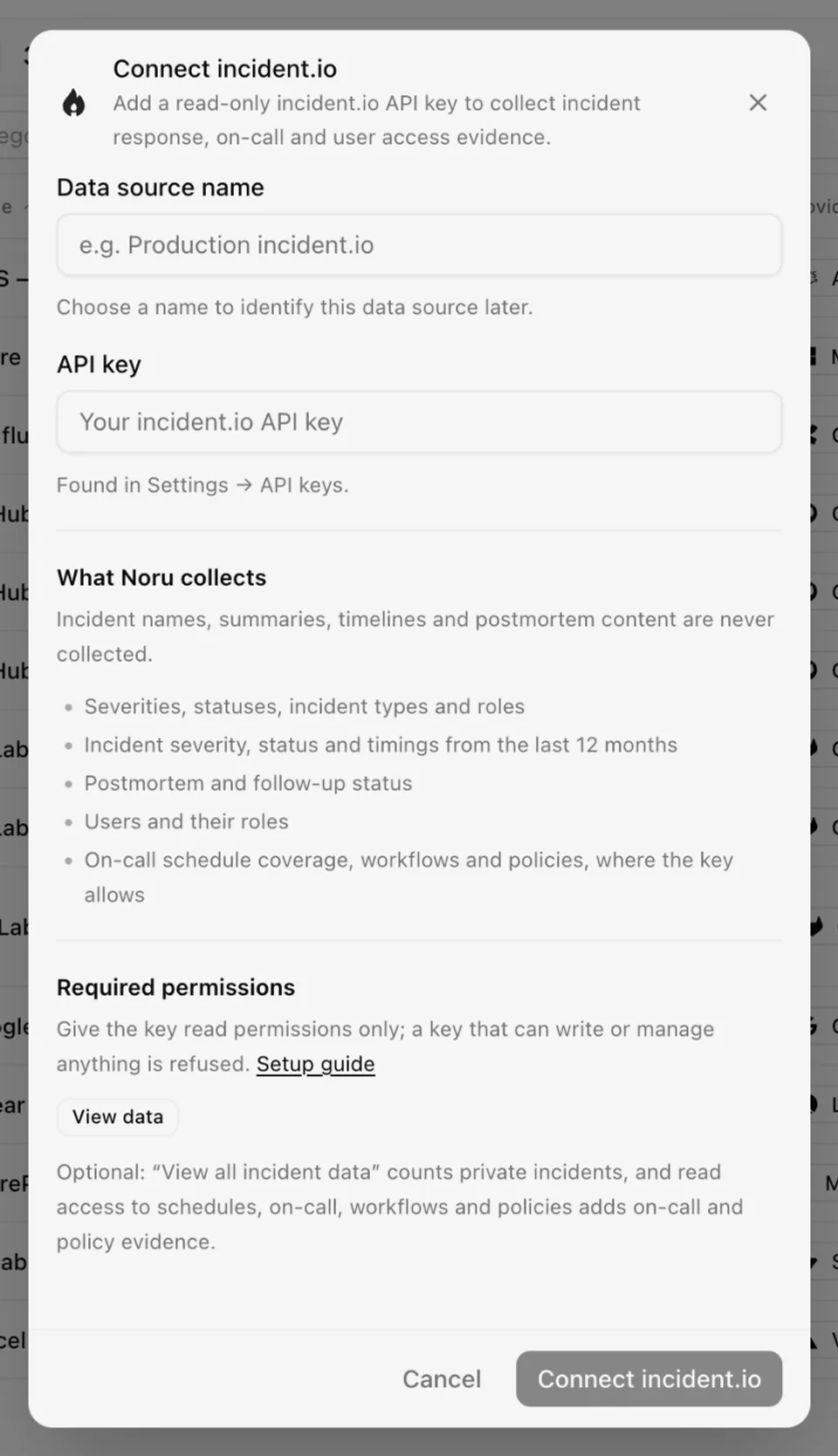
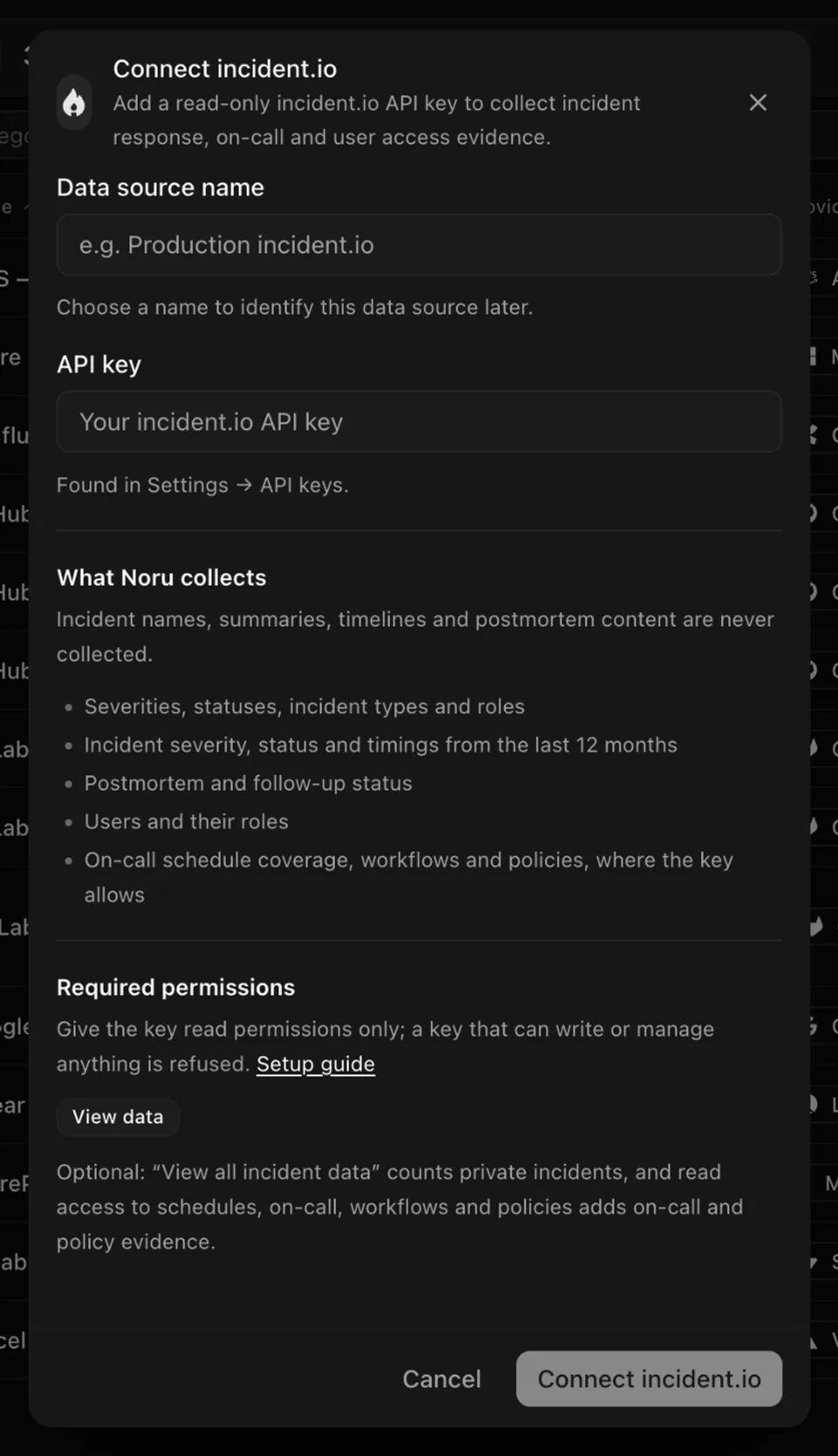
Choose your own Data source name. The example text is a placeholder, not a saved value. See Naming and using connection dialogs for naming, scrolling, and closing behavior.
Noru checks the key with incident.io before saving it. A rejected key, a key without View data, or a key with permissions Noru does not use is refused with a message saying which. The source syncs daily.
After connecting
-
Evidence rows: incident response configuration, incident register, post-incident reviews, follow-up actions, on-call coverage (when the key can read schedules or escalation paths), and user access.
-
Each row is mapped to the controls it supports:
Evidence Controls it supports Incident register Incident response (incidents prioritized and managed to resolution), incident handling, situational awareness, automated incident handling; system availability monitoring when your incident types include availability or outage types Incident response configuration Automated incident handling (active workflows), incident response team roles On-call coverage Automated incident handling (escalation paths), incident response team roles Post-incident reviews and follow-up actions Root cause analysis and lessons learned User access Unique identifiers, shared account restrictions A mapping is only made when the evidence shows something. For example, no root cause mapping is made while no closed incident has a postmortem.
-
People directory rows are created or matched for every incident.io user, and incident.io is offered as a system in access reviews. The role comes from each user's base role: Owner and Administrator count as Admin, Responder as User, Viewer as Read-only. A user whose base role Noru does not recognize is listed without a role, for the reviewer to set.
-
One asset for the incident.io workspace.
-
Findings when:
- a closed incident in one of your two highest severities has no postmortem,
- follow-ups are overdue or outstanding for more than 30 days,
- no on-call schedule has anyone on call,
- more than three users are owners or administrators,
- incidents have been open for more than 30 days.
What each evidence row shows
| Evidence | What it contains |
|---|---|
| Incident response configuration | Your severity levels in rank order, incident statuses, incident types and roles, whether an incident lead role exists, active workflows by trigger and how many run automatically, and enabled policies by type |
| Incident register | Incidents from the last 12 months counted by severity, status, type and month; how many are open and how many have been open for more than 30 days; median and 90th percentile time to resolve; your duration metrics; and the 25 most recent incidents by reference, with severity, status, type, created and resolved times and whether a postmortem exists |
| Post-incident reviews | How many closed incidents have a postmortem or a debrief; for closed incidents in your two highest severities, how many postmortems are completed, in review or missing; enabled postmortem policies and their open findings |
| Follow-up actions | Follow-ups by status, the completion rate, the median days to complete one, how many have been outstanding for more than 30 days, how many are linked to an issue tracker, and open follow-up policy findings |
| On-call coverage | How many schedules exist and how many have someone on call now, the number of rotations and escalation paths, and open schedule and on-call readiness policy findings |
| User access | Active users counted by role and base role, how many are inactive, and owners and administrators listed by email |
Rows say when they cover public incidents only, and when the key could not read part of the data. The on-call coverage row is left out when the key can read neither schedules nor escalation paths. Evidence refreshes on every sync.
What stays manual
incident.io cannot show your incident response plan, policy, its review history, or how you communicate with customers and regulators. Those stay manual evidence. Postmortem content is not read, so root cause analysis is shown as done, not as what was learned.
Permissions in detail
| Permission | Why Noru asks | What it could technically allow |
|---|---|---|
| View data (required) | Read incidents, severities, statuses, types, roles, users, postmortem and follow-up metadata | Read public incidents including their names, summaries and timelines. Noru does not keep those fields |
| View all incident data (optional) | Count private incidents | Read private incidents in full. Noru keeps only the same metadata as for public incidents |
| Read permissions for schedules, on-call, workflows, catalog, status pages, policies (optional) | On-call coverage, workflow and policy evidence | Read who is on call and workflow and policy configuration. Noru keeps counts and states |
The key is encrypted at rest with a key held by Noru before it is stored. Revoke it in incident.io under Settings → API keys to cut access immediately.
Troubleshooting
| Symptom | Cause and fix |
|---|---|
| "incident.io rejected the API key" when connecting | The key was mistyped, revoked or deleted. Create a new key and try again |
| "has permissions Noru does not use" | The key can write, manage or read sensitive content. Create a key with only the read permissions listed above |
| "missing the View data permission" | Edit the key in incident.io and enable View data |
| The source shows Disconnected | The key was revoked or its permissions changed after connecting. Reconnect with a new read-only key |
| Evidence says "public incidents only" | Expected without View all incident data. Add it to the key if you want private incidents counted |
| No on-call coverage evidence | The key cannot read schedules or escalation paths. Add the read permissions for schedules and on-call |
| Incidents older than 12 months are missing | Expected. Evidence covers the last 12 months |
Related
- How syncs run
- Permissions and security
- Troubleshooting data sources
- People directory
- Linear for issue tracking
- Datadog for security monitoring
Last updated on
HaileyHR
Connect HaileyHR: API-key setup, the employee and company data Noru reads, the schema profile that feeds the privacy data map, and what stays in Hailey.
JungleMap
Connect JungleMap (NanoLearning): credential setup, how activity plans become training campaigns, and which completion data Noru writes.