

Vendor detail
The seven vendor tabs: overview, risk, privacy, evidence, assessments, personnel, and activity.
What it is
The vendor detail page is the file on one third party. Seven tabs hold the basics, the risk narrative, the privacy and contract facts, the documents you and the AI have collected, the questionnaires you have sent, the people who have logged into the vendor through your identity provider, and the change history. The hero menu at the top carries the record-level actions: Merge vendors, Merged Vendors, Regenerate risks, and delete.
Where to find it
VendorsVendor Registerclick a vendor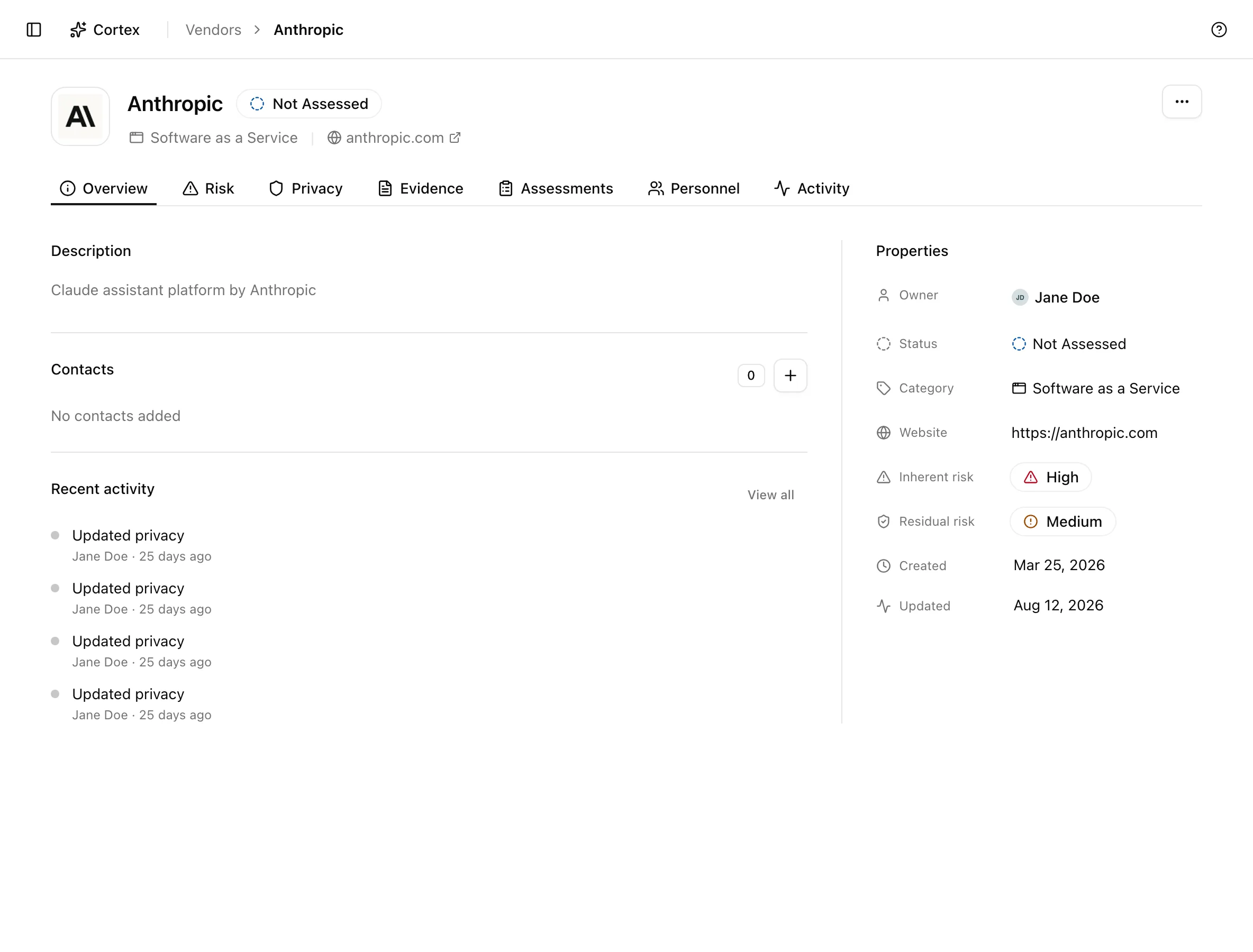
The tabs
Overview
| Field | What to enter |
|---|---|
| Owner | The member accountable for the relationship |
| Status | Not Assessed, In Progress, or Assessed |
| Category | The kind of service the vendor provides |
| Website | The vendor's main site; also where AI document gathering starts |
| Inherent risk, Residual risk | Read-only here; set on the Risk tab |
| Created, Updated | Read-only timestamps |
Below Properties sit Description, Contacts (Name, Email, Phone; add and remove), and Recent activity.
Risk
| Field | What to enter |
|---|---|
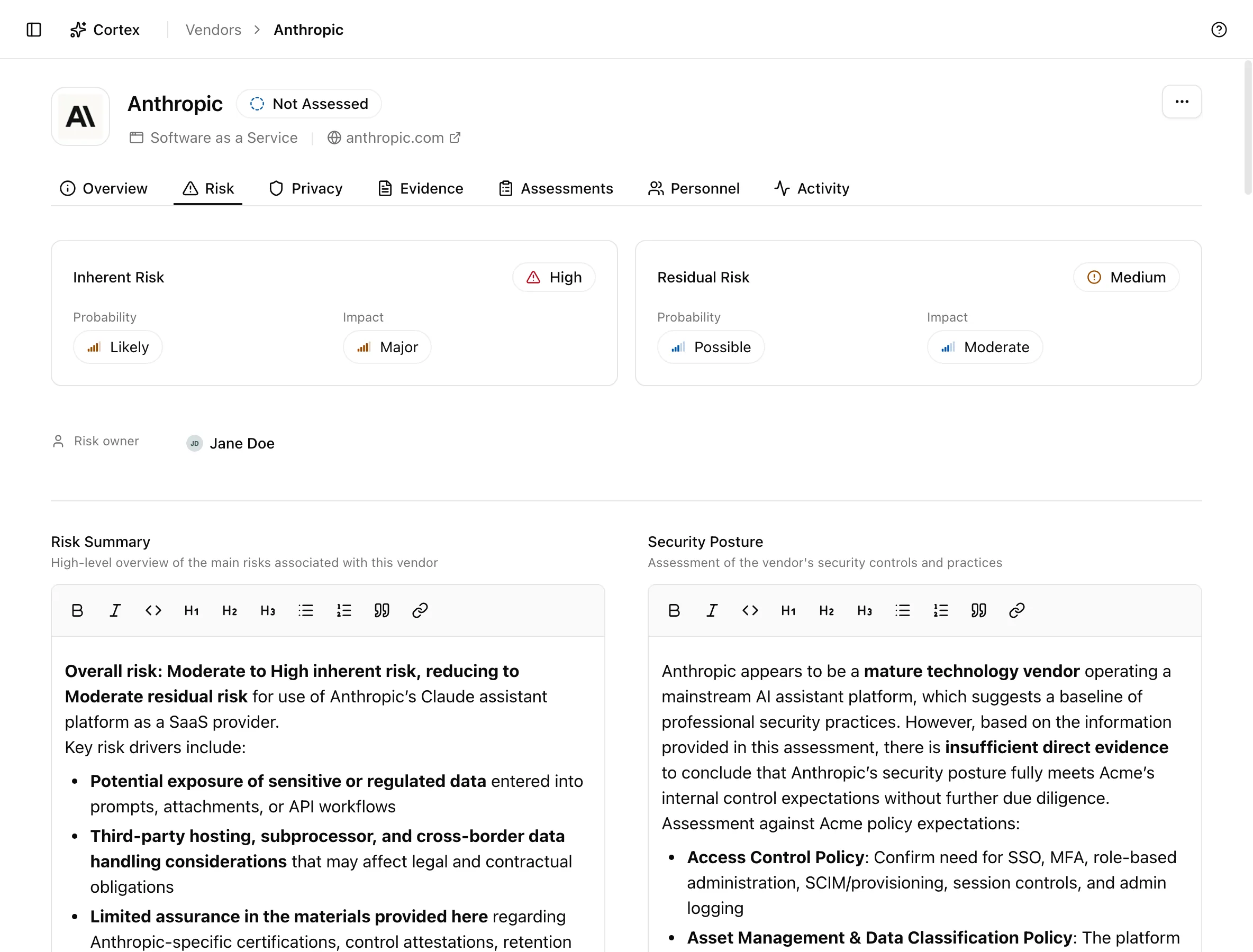
| Inherent Risk (Probability, Impact) | Your assessment before any mitigation |
| Residual Risk (Probability, Impact) | Your assessment after the controls and contract terms in place |
| Risk owner | Who signs off the assessment |
| Risk Summary | What could go wrong and why it matters |
| Security Posture | What the vendor's certifications, reports, and documents show |
| Compliance Status | Which frameworks and regulations the vendor claims and evidences |
| Risk Mitigation | Contract terms, controls, and monitoring you rely on |
| Monitoring Requirements | How often and how you re-check |
The five text fields are the ones the AI assessment drafts from gathered documents. Edit them freely, and expect a later Regenerate risks run to replace what it drafted.
Privacy
| Section | What to enter |
|---|---|
| Privacy role | Processing role: whether the vendor is a processor, controller, or joint controller for your data |
| Data processed | The data categories the vendor handles and the Legal basis |
| Data location and transfers | Countries where data is processed, grouped as EEA, Adequacy, Third country, or Legacy region |
| Agreements | NDA, DPA status (in place, pending, not required, not applicable), Retention ("e.g., 90 days, 2 years"), and notes |
Keep this tab current: it is the vendor-side record your privacy program reads when a processor question comes up.
Evidence
The table lists Evidence, Source, Type, and Uploaded. Sources are Assessment (files a vendor attached to a questionnaire answer), Manual upload, and AI-gathered documents. Upload evidence takes a title, description, and file. Rows can be downloaded or removed with Delete Evidence.
Assessments
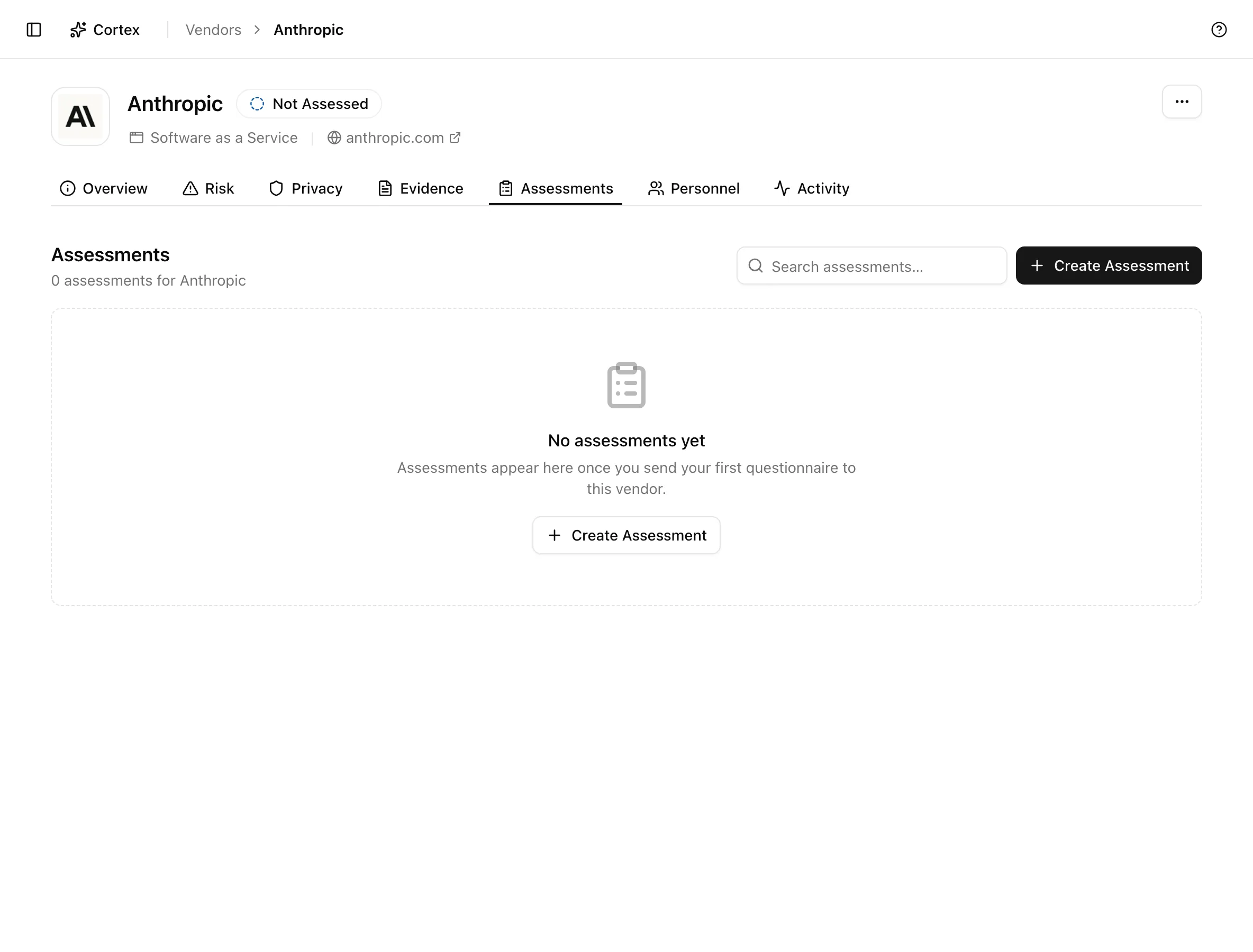
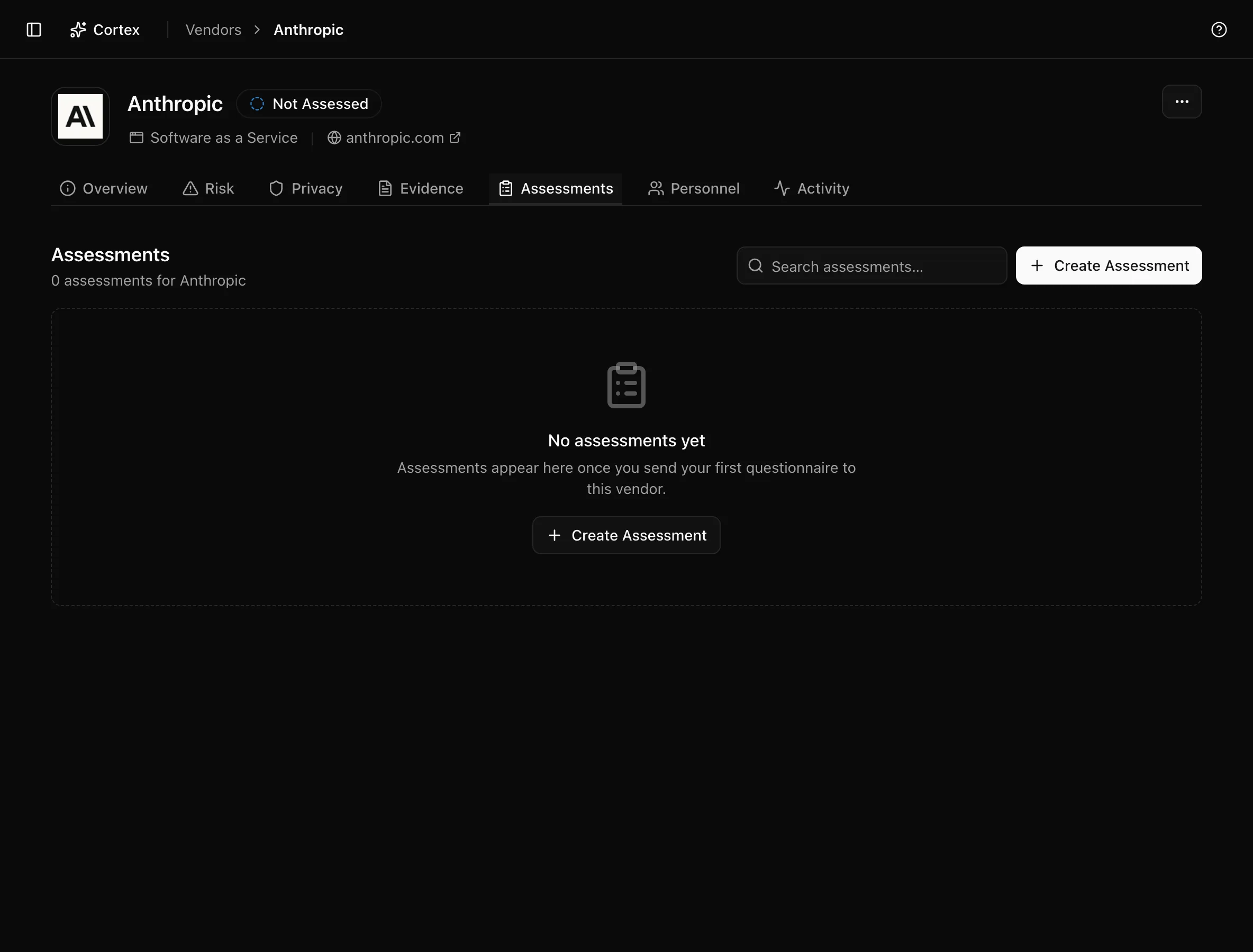
Columns: Assessment, Framework, Status, Progress, Due, Owner, Actions. Row actions are Review, Copy assessment link, Send reminder (needs at least one recipient), and Delete (Delete Assessment). The owner edits inline. The new-assessment button opens the assign dialog described in Vendor questionnaires. Until you send one it reads "No assessments yet".
Personnel
Lists the people whose identity-provider records show a login to this vendor's application, with their Sources and a status of Active, Inconsistent, Deleted, or Inactive. It comes from SSO observations and is useful for offboarding checks and for scoping the DPA.
Activity
Activity lists changes to the vendor record, who made them, and when.
Tips and gotchas
Fill Website and one contact before running Regenerate risks. The document gathering job starts from the website, and the questionnaire flow needs the contact.
Regenerate risks rewrites the narrative fields on the Risk tab. Copy anything hand-written that you want to keep before running it.
Viewers can open every tab but cannot edit, upload, send, or delete; buttons are hidden or disabled rather than failing.
What Noru does not do
The Personnel tab shows who has signed in, not who is contractually allowed to. Treat it as an observation to reconcile against your access list, not as approval. The AI-written risk fields are a draft from public documents and have not read your contract, your DPA, or the vendor's private audit reports. Noru does not score the vendor's questionnaire answers into the risk level; the two remain separate until you update Probability and Impact yourself.
Related
Last updated on