

Trust center requests
Review and fulfil requests for gated certificate files.
What it is
Requests is the queue of people who clicked Request certificate on your public trust page. A certificate file you attach to a framework in the builder is never linked directly; a visitor leaves a name and email, the request lands here, and someone on your team decides whether to send it. Approving emails the file to the requester; rejecting closes the request.
Where to find it
Trust CenterRequests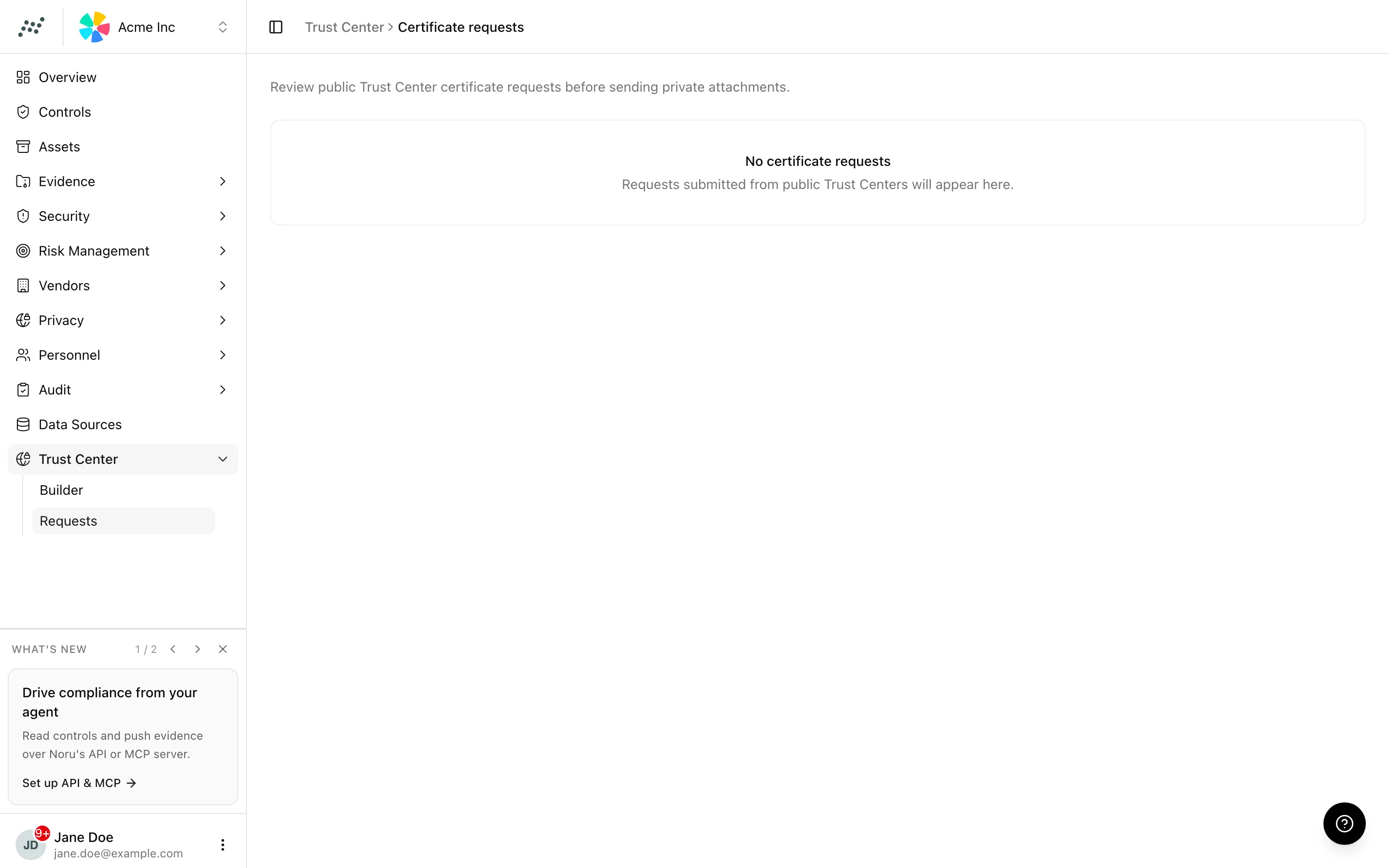
The table has five columns: Requester (name and email as entered), Certificate (the framework whose file was requested), Requested (when), Status, and Actions. With nothing in the queue the page reads No certificate requests.
Key actions
Approving and rejecting need the editor or admin role. Viewers can read the queue.
Approve a request
If two reviewers click at once, the second sees an error that the request has already been reviewed; only one email goes out.
Reject a request
Click Reject. The status changes and the toast reads "Request rejected". The requester is not notified; the public page told them only that the team would review the request.
Statuses and fields
| Status | Meaning | Set by |
|---|---|---|
Pendingpending | Submitted from the public page; no decision yet. | A visitor |
Approvedapproved | The certificate file was emailed to the requester. | You |
Rejectedrejected | Closed without sending. | You |
Tips and gotchas
Verify the requester before approving. The form on the public page asks only for a name and an email, so a request from a customer's domain and a request from a lookalike address look identical here. The certificate is a real document once it leaves.
Requests only exist for frameworks that have a Certificate file attached in the builder's Sections tab. If you want to gate a SOC 2 report but publish an ISO certificate openly, attach only the report.
What Noru does not do
Noru does not check the requester's identity, their company, or whether an NDA is in place; that is your process. It does not expire an approval or recall a sent file, and it does not let the requester download from a link: the file goes by email, once.
Related
Last updated on